Free trial
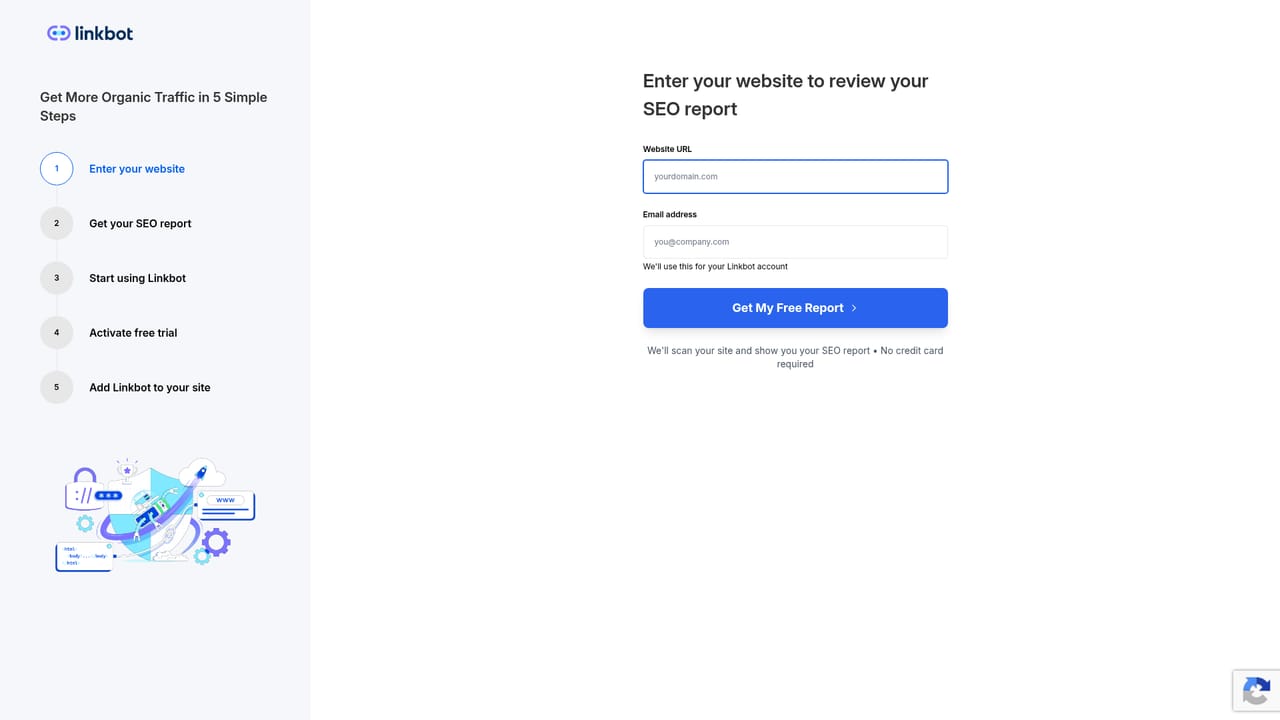
All paid plans include a 14-day free trial with no credit card required at signup. Annual plans carry a 30-day money-back guarantee, and the trial tool switches off without affecting your site if you stop.
Learn moreAutomated internal linking and faster indexing for organic search growth.

Linkbot automates internal linking and indexing: it extracts page keywords, suggests contextual links, boosts unindexed pages with links from top content, and reports on your linking score. Works with WordPress, Webflow, HubSpot, GTM, and any HTML site. Free report, paid plans from $19 per month.
Linkbot is an internal linking and indexing service built for site owners who want their pages discovered faster and connected more tightly. It scans your content, pulls out the keywords each page targets, and finds places where a link from one page to another would strengthen the relationship between related topics. A single snippet added to your site handles the linking layer, so individual pages do not need to be edited by hand. The company reports more than 675,000 links created across a base of over 14,000 websites. In practice, the workflow starts with a free report that scores your existing internal linking, shows how many pages carry internal links, how many are indexed, and how many are orphaned, then lists new linking opportunities. On a paid plan the system moves from reporting to action: it identifies unindexed pages from your sitemap, adds internal links from your highest traffic content to push them into Google's crawl, and creates dynamic snippets that point readers toward conversion pages. Search Console integration feeds indexing data back into the dashboard so you can see which pages moved after being boosted. Control is the main design choice here. Every suggested link can be approved or rejected before it goes live, pages can be excluded as link sources or targets, and specific keywords can be blocked outright. Agencies and multi-site owners can manage several properties from one dashboard, up to 50 on the top plan. The tool suits SEO teams, content marketers, and site owners on WordPress, Webflow, HubSpot, Ghost, Blogger, Google Tag Manager, or plain HTML. It is a focused addition to an existing SEO stack rather than a replacement for keyword research or technical auditing, and it works best for sites with a substantial archive of content that is under-linked.
All paid plans include a 14-day free trial with no credit card required at signup. Annual plans carry a 30-day money-back guarantee, and the trial tool switches off without affecting your site if you stop.
Learn moreFree tier: 1 property, up to 1,000 URLs, report only, no automated linking. Pro $19/month: 5 properties, 1,000 URLs each. Business $49/month: 10 properties, 10,000 URLs each, 5 team members. Agency $199/month: 50 properties, 50,000 URLs, priority support. Annual billing gives two months free.
Learn moreSupport runs seven days a week and is reachable through the Contact Us link in the site footer. Priority support is included on the Agency plan.
Learn moreThe snippet runs on WordPress, Webflow, HubSpot, Ghost, Blogger, Google Tag Manager, and any HTML site. Search Console integration is included on paid plans for indexing data.
Keyword extraction pulls 3 to 10 terms per page automatically. Contextual matching places links where keywords appear, and dynamic content links add conversion focused snippets to articles. The Priority Indexer finds sitemap pages missing from Google and links them from top content. Approval controls, page and keyword exclusions, and multi-site dashboards round out the suite.
 AI Angels400+ customizable AI girlfriends for NSFW chat, voice calls, and roleplay
 Candy AIExperience the future of companionship with AI friends who chat, role-play, and connect with you on a human level.
 ourdream.aiA vast AI roleplay platform with millions of characters for chat, images, video and voiceAI Angels400+ customizable AI girlfriends for NSFW chat, voice calls, and roleplayCandy AIExperience the future of companionship with AI friends who chat, role-play, and connect with you on a human level.ourdream.aiA vast AI roleplay platform with millions of characters for chat, images, video and voice


