Free trial
No formal trial period is described. New accounts receive 15 free comments after signing up, which functions as a limited free allowance rather than a timed trial.
Learn moreAI comment generation for WordPress blogs that need an active discussion section.
Own Living Comments? Verify ownership to get a dofollow link
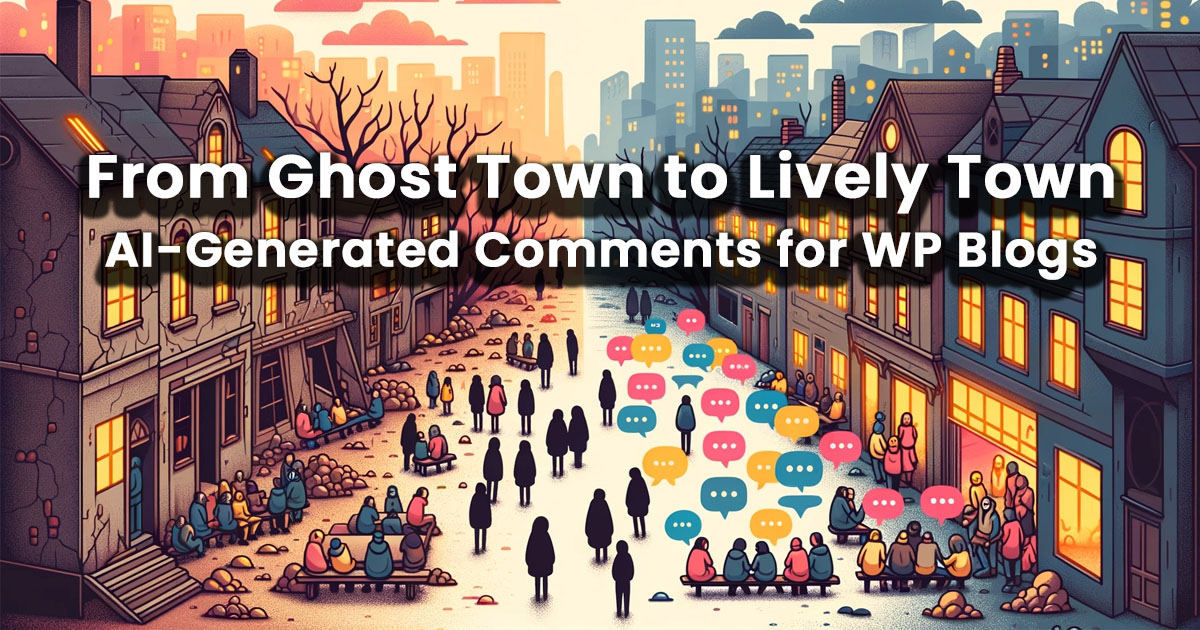
Living Comments is a WordPress plugin that generates AI comments and replies for blog posts, with over 40 tones, 35 languages and a stats dashboard tracking activity for the past week and all time.
Living Comments is a WordPress plugin that fills a blog's comment section with AI-written comments and replies. Instead of leaving a fresh post with an empty discussion area, site owners install the plugin and let it generate reader-style responses that match the article's topic and tone. The plugin supports more than 40 distinct tones, colour-coded into positive, neutral and negative groups so an editor can see at a glance what kind of voice each one produces, and it writes in 35 languages, covering the languages most common among WordPress publishers. The tool is aimed at bloggers, affiliate publishers and small editorial teams who want posts to look active without manually seeding discussion. It is also pitched at SEO-conscious site owners: the homepage frames comment activity as a way to unlock SEO value, on the familiar assumption that engaged pages signal relevance to search engines. Setup runs through the standard WordPress plugin installer, and the generated output lands in the native WordPress comment system, so existing themes and moderation tools keep working. In practice the workflow is a dashboard-first loop. A stats panel charts comments and replies generated over the past seven days hour by hour, alongside all-time totals, so publishers can see whether activity is steady or clustered around new posts. From there an editor picks a tone and a language and triggers generation against published content. The vendor positions the plugin as a fit for essentially any niche, listing news, finance, gaming, law, real estate and science among the verticals it covers. Compared with generic AI writing assistants, Living Comments is narrow by design: it does one job inside one platform. Bloggers who want full control over every reply, or who publish outside WordPress, will find it too constrained. Those running a WordPress site with a quiet comment area and a tolerance for synthetic discussion are the natural audience.
No formal trial period is described. New accounts receive 15 free comments after signing up, which functions as a limited free allowance rather than a timed trial.
Learn moreThe homepage does not list plans or prices. It promotes a free install of the plugin from the vendor site and a welcome bonus of 15 free comments after signing up, without stating what paid tiers cost.
Learn moreBuilt as a WordPress plugin installed through the standard plugin workflow. The homepage does not describe integrations with other platforms or analytics tools.
Generates AI comments and replies inside the native WordPress comment system, with over 40 tones arranged into positive, neutral and negative colour groups and support for 35 languages. A metrics panel charts comments and replies for the past seven days by hour plus all-time totals. The vendor lists coverage across a wide range of blog niches including news, technology, finance, gaming, law and real estate.
 AI Angels400+ customizable AI girlfriends for NSFW chat, voice calls, and roleplay
 Candy AIExperience the future of companionship with AI friends who chat, role-play, and connect with you on a human level.
 ourdream.aiA vast AI roleplay platform with millions of characters for chat, images, video and voiceAI Angels400+ customizable AI girlfriends for NSFW chat, voice calls, and roleplayCandy AIExperience the future of companionship with AI friends who chat, role-play, and connect with you on a human level.ourdream.aiA vast AI roleplay platform with millions of characters for chat, images, video and voice


