Free trial
No formal trial is described. Core tools, diagnosis and free repair work without signup, so the product can be evaluated at no cost before buying credits.
Learn moreDiagnose and repair broken STL, OBJ and GLB meshes free in your browser
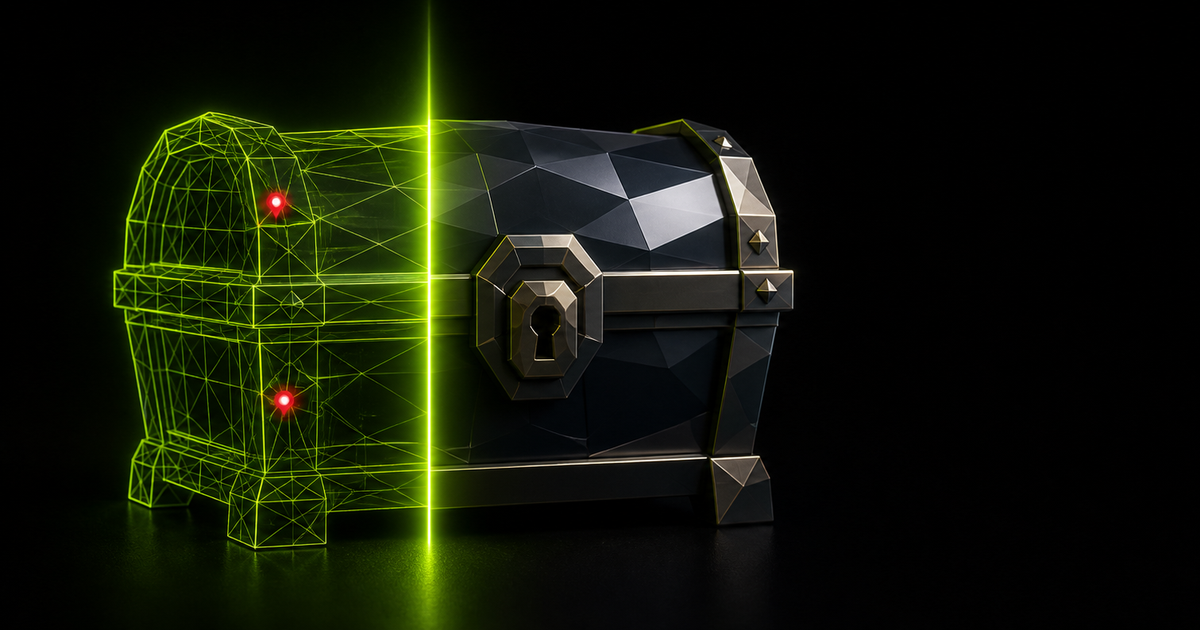
MeshRefinery is an online tool. A browser based 3D model repair tool that diagnoses and fixes broken STL, OBJ, GLB, glTF and 3MF files locally, producing watertight meshes a slicer will accept. Free diagnosis, free geometry repair, paid deep repair with color transfer, and an optional image to 3D generator.
MeshRefinery is a browser based repair shop for 3D files. AI generators and photogrammetry scans often produce meshes that look fine on screen but fail a slicer check on the inside: open edges, non-manifold geometry, floating shells and degenerate faces. The tool parses a file locally, reports exactly what is wrong, and rebuilds the geometry watertight so printing software accepts it. Accepted formats are STL, OBJ, GLB, glTF and 3MF, and diagnosis costs nothing with no account required. The workflow is deliberately short. A file is dropped into the page and parsed instantly with WebAssembly inside the browser tab, so the model is never uploaded to a server. A diagnosis report appears in under a second, listing open edges, loose shells and other defects, or confirming the mesh is already clean. The user can then repair or convert with one click and download the result. Five sample models generated by the site's own image to 3D tool illustrate the scale of the problem, each showing tens of thousands of open edges reduced to zero after repair. Two repair tiers exist. Free repair rebuilds geometry and produces a watertight but grey result. Deep repair, priced at 20 credits, also transfers approximate surface color from self-contained GLB files into vertex colors. Conversion between STL, OBJ, GLB, glTF and 3MF runs locally as well, including color preserving GLB to 3MF. A separate image to 3D generator at 30 credits covers users who would rather create a model from a photo than fix an existing file. The audience is 3D printing hobbyists, makers, small studios and print farms dealing with output from Meshy, Tripo, Hunyuan or any other generator, plus anyone who needs format conversion without uploading client files. Paid tiers (Starter, Pro and Studio) bundle credits for deep repair and generation with commercial use rights. Compared with repair features buried inside slicers or full 3D suites, MeshRefinery is narrower but faster to reach and cheaper to try, since the diagnosis step is always free.
No formal trial is described. Core tools, diagnosis and free repair work without signup, so the product can be evaluated at no cost before buying credits.
Learn moreDiagnosis and basic repair are free. Credits cover deep repair (20) and image to 3D (30). Subscription tiers billed monthly or annually with 20 percent annual savings: Starter $9.90 per month ($7.92 annual) for 1,800 credits per year, Pro $19.90 ($15.92) for 4,800, Studio $49.90 ($39.92) for 18,000. All tiers include commercial use.
Learn moreEmail support is included on all paid tiers, with priority email support on Pro and Studio. A FAQ and contact email are available on the site.
Watertight repair that fills small holes and removes floating debris, instant diagnosis of open edges and non-manifold geometry, local conversion between STL, OBJ, GLB, glTF and 3MF, a live 3D preview, and an image to 3D generator. Processing runs as WebAssembly in the browser tab with no account needed.
 AI Angels400+ customizable AI girlfriends for NSFW chat, voice calls, and roleplay
 Candy AIExperience the future of companionship with AI friends who chat, role-play, and connect with you on a human level.
 ourdream.aiA vast AI roleplay platform with millions of characters for chat, images, video and voiceAI Angels400+ customizable AI girlfriends for NSFW chat, voice calls, and roleplayCandy AIExperience the future of companionship with AI friends who chat, role-play, and connect with you on a human level.ourdream.aiA vast AI roleplay platform with millions of characters for chat, images, video and voice