Free trial
A free account with limited access is available; the latest listed models require a paid plan. The site also points to a separate free trial entry point.
Learn moreFive frontier chat models, one $20 monthly workspace

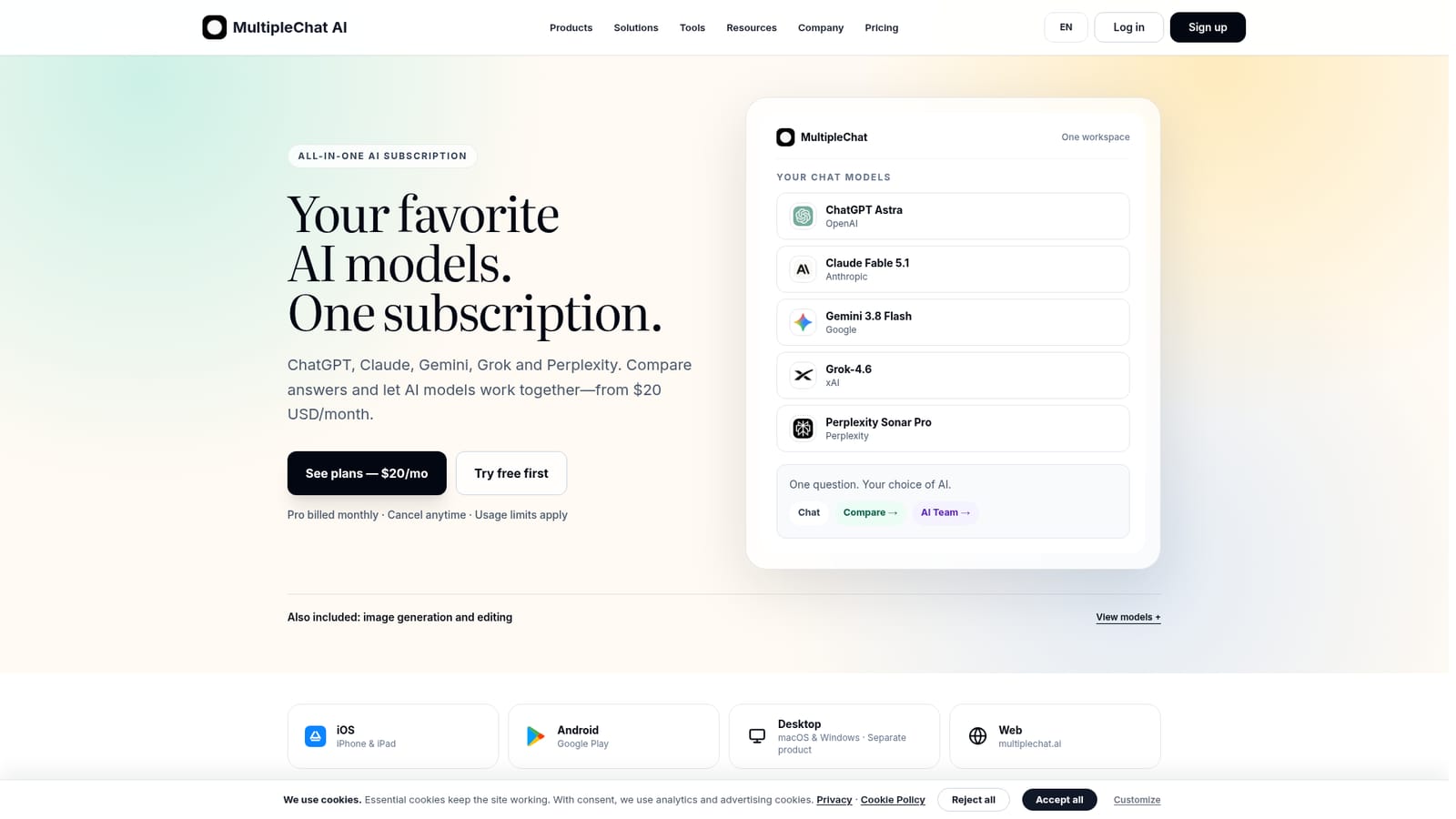
MultipleChat is an AI chat bot tool. A multi-model chat subscription that bundles ChatGPT, Claude, Gemini, Grok and Perplexity for $20 per month, with side-by-side answer comparison, cross-model review modes and guided document, slide, spreadsheet and image Studios.
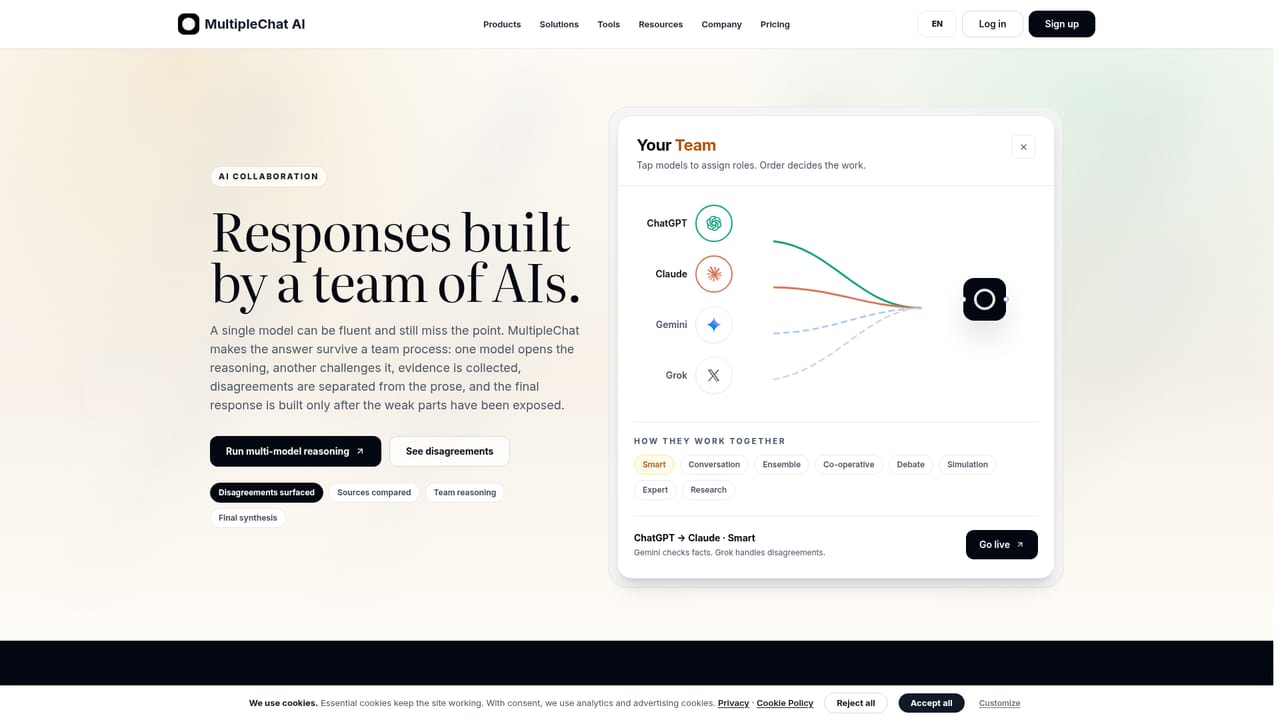
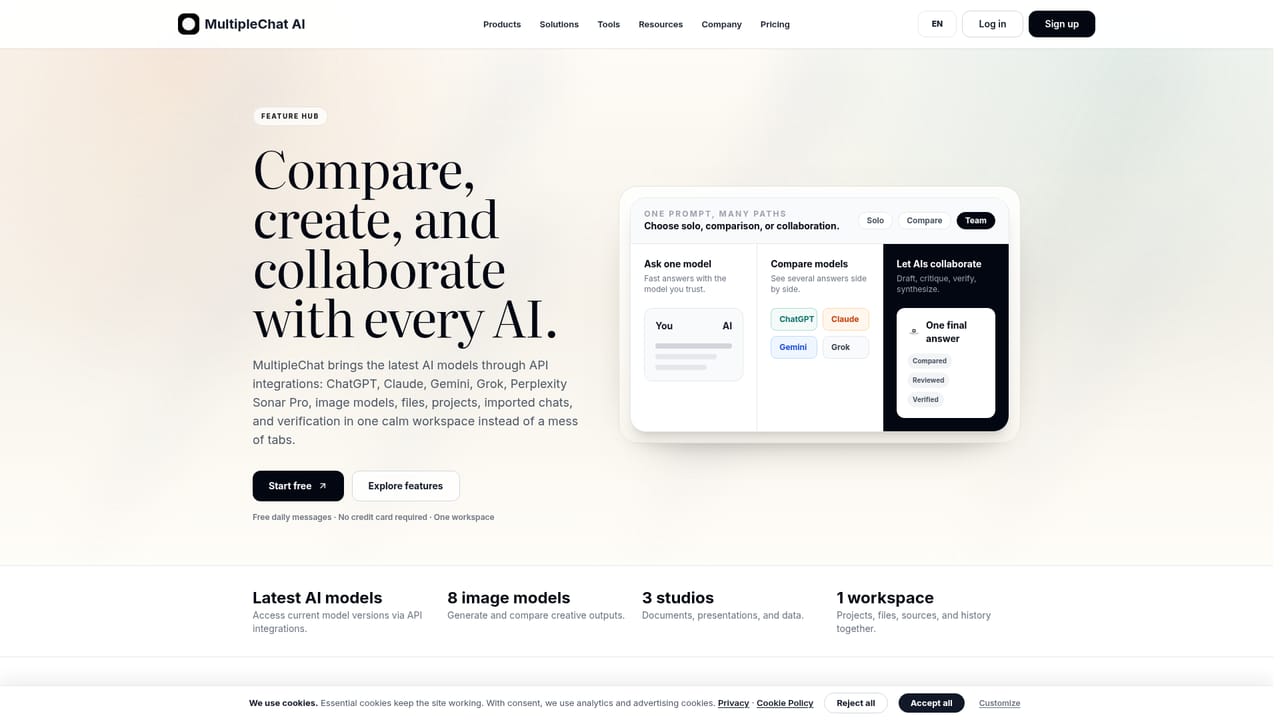
MultipleChat is a subscription workspace that puts ChatGPT, Claude, Gemini, Grok and Perplexity behind a single login and a single bill. Instead of paying each provider separately, users get access to the latest models the company lists in its catalog and switch between them from one model selector. The pitch is model choice: one prompt can be sent to up to four models at once, with answers laid out side by side so the differences in tone, structure and reasoning are visible rather than guessed at. The feature that separates it from a simple model switcher is AI Team, a coordination mode. Pick two or more models and a collaboration pattern, then MultipleChat runs the exchange: Smart has one model draft and another review, Debate pits a position against a challenge, Research sends models to search independently and then synthesizes findings with citations. Further modes cover conversation, ensemble answers, co-operative revision, scenario simulation, expert expansion and humanizing text. A transcript view shows the draft, the pushback and the revised answer, which is useful for spotting assumptions that need checking. Around the chat core sit four Studios (documents, presentations, spreadsheets and images) for guided file creation, Projects that hold files and instructions across chats, and optional AI sandboxes where one provider answers while another executes code. Mobile apps for iOS and Android are available, and a separate desktop product is sold as a one-time purchase with your own API keys. The service suits analysts, writers, consultants and small teams who already juggle several AI tabs and want comparison and review built in. Against a single provider subscription, the trade-off is explicit: lower usage allowances for the same money, and no access to provider-only features such as coding agents, live voice or Claude Artifacts.
A free account with limited access is available; the latest listed models require a paid plan. The site also points to a separate free trial entry point.
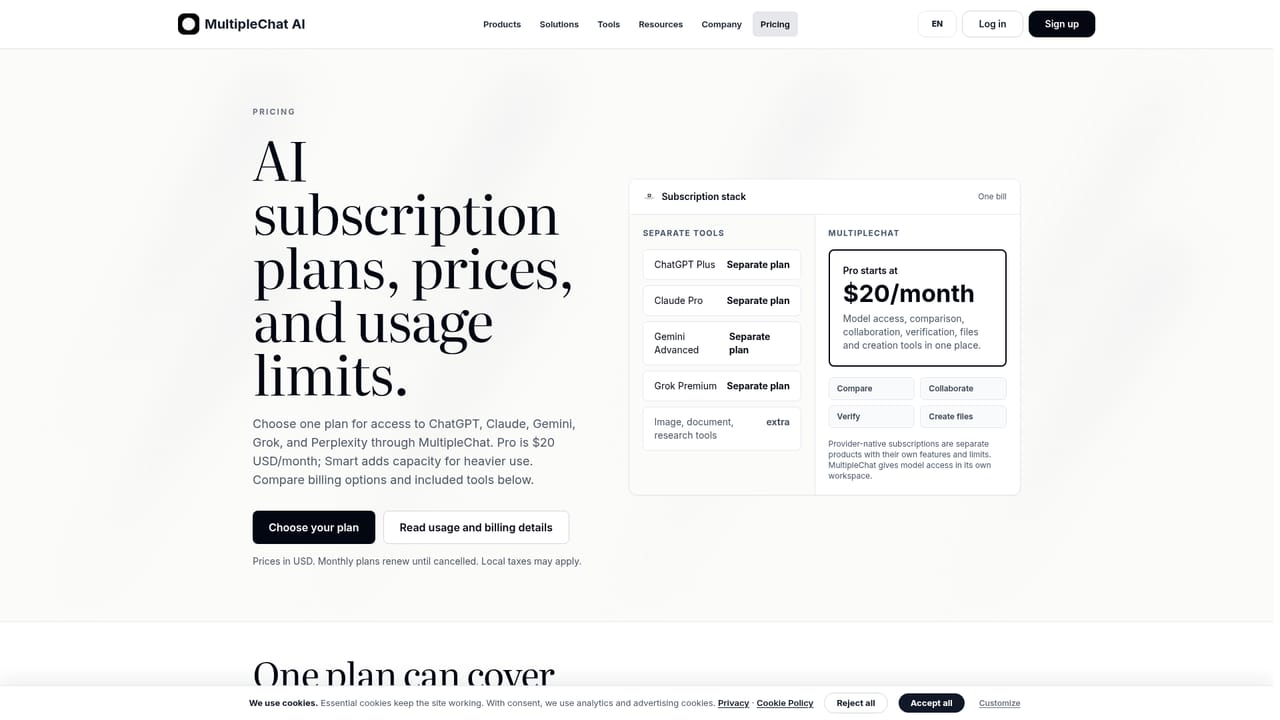
Learn morePro costs $20 USD per month, billed monthly and cancellable at any time. A Smart tier is listed at $90 USD per month. Taxes may apply and usage limits apply. MultipleChat does not include the providers' own paid subscriptions.
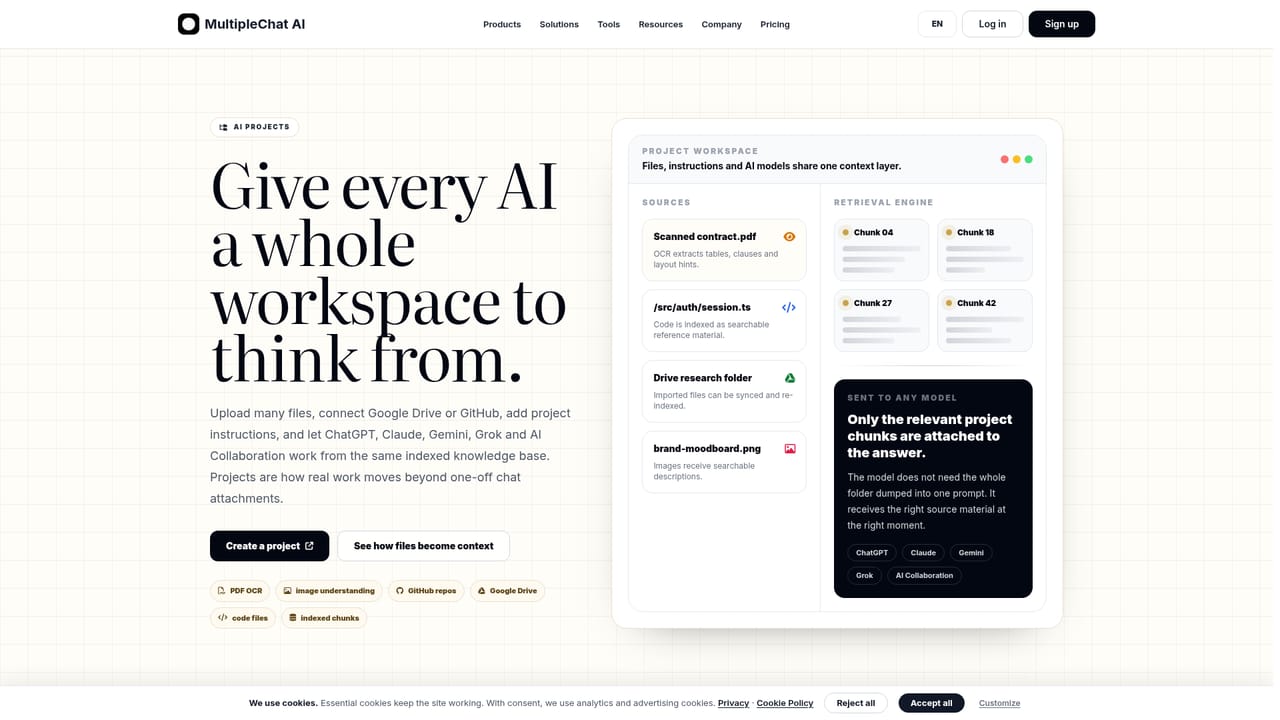
Learn moreProjects can import documents, sheets and slides from Google Drive and code from GitHub. Web search and Perplexity Sonar Pro supply current, cited answers, and a desktop app connects through your own provider API keys.
Learn moreChat with five model families in one workspace, compare up to four answers per prompt, and run AI Team modes (Smart, Debate, Research, Conversation, Ensemble, Co-operative, Simulation, Expert, Humanize). Projects hold files and instructions, four Studios cover documents, decks, spreadsheets and images, and sandboxes let one model execute code for another.
Learn more AI Angels400+ customizable AI girlfriends for NSFW chat, voice calls, and roleplay
 Candy AIExperience the future of companionship with AI friends who chat, role-play, and connect with you on a human level.
 ourdream.aiA vast AI roleplay platform with millions of characters for chat, images, video and voiceAI Angels400+ customizable AI girlfriends for NSFW chat, voice calls, and roleplayCandy AIExperience the future of companionship with AI friends who chat, role-play, and connect with you on a human level.ourdream.aiA vast AI roleplay platform with millions of characters for chat, images, video and voice










