MyHeritage Deep Nostalgia

Turn old family portraits into short moving clips

Beginner
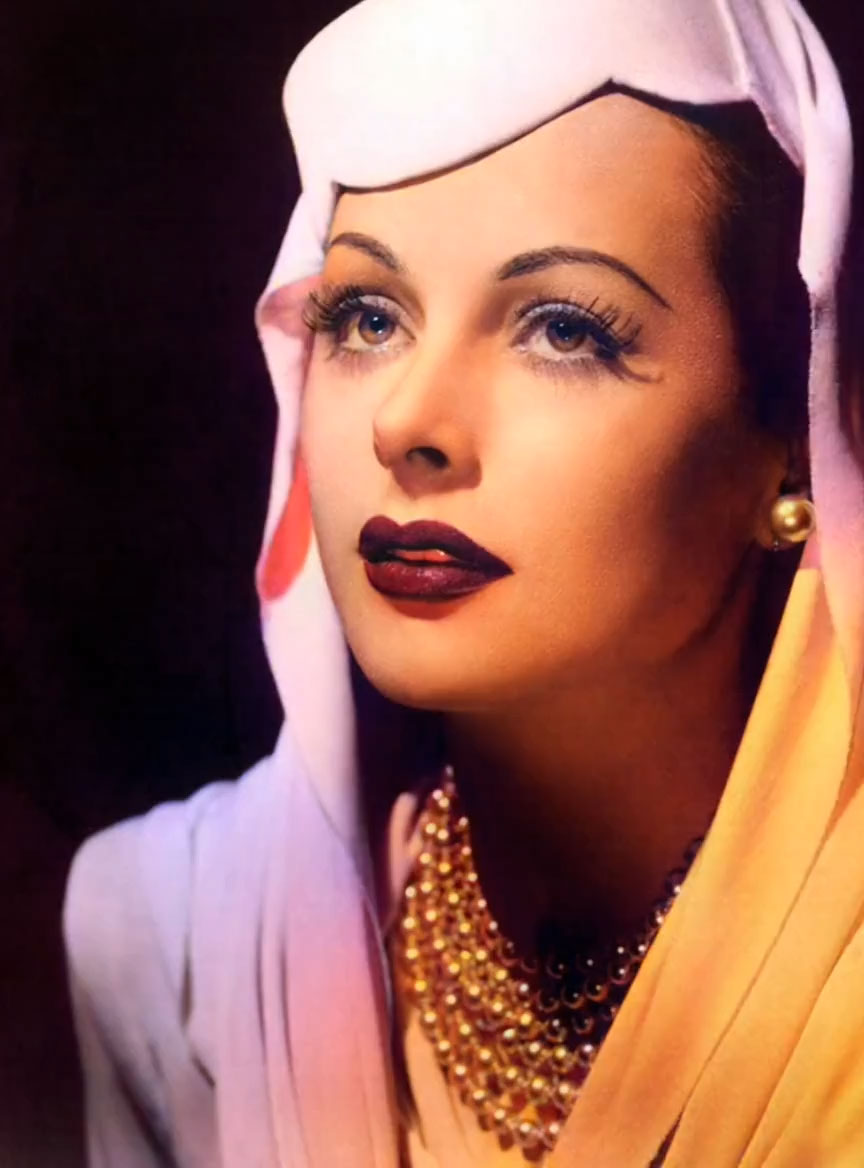
Screenshot of MyHeritage Deep Nostalgia, Turn old family portraits into short moving clips

What is MyHeritage Deep Nostalgia?

MyHeritage Deep Nostalgia is an animate face tool that turns old family portraits into short moving clips. MyHeritage Deep Nostalgia animates faces in still photographs, producing short videos where ancestors blink, smile and turn their heads. The effect runs on technology licensed from D-ID and works with color and black and white images.

Deep Nostalgia is a photo animation feature built by MyHeritage, a genealogy platform with roots in family history research. Upload a still portrait and the service returns a short video in which the face blinks, smiles and turns its head. The animation is licensed from D-ID, a company that specializes in video reenactment through deep learning, and MyHeritage integrated that engine into its own photo tools. The company counts more than 119 million animations generated so far. The mechanics are simpler than the output suggests. MyHeritage prepared a set of drivers, each one a fixed video sequence of movements and gestures. The system maps a chosen driver onto the face in your photo and produces a brief clip that can be shared with friends and family. Because the library of drivers is predefined, the gestures repeat across users rather than being generated fresh for each photo. The results work on both color and black and white pictures, which makes the tool relevant for scanned family albums and archival portraits. The audience is fairly broad: genealogists working through old family collections, people who inherited boxes of prints and want a lightweight way to bring them into a shareable format, and social media users chasing the novelty of seeing a great-grandparent move. Media outlets and creative projects have also used it for attention-grabbing visuals. It sits alongside MyHeritage photo enhancement and colorization features, so it is most useful to someone already inside that ecosystem rather than as a standalone animation studio. Alternatives include dedicated face animation services and general image-to-video generators, which offer more control over motion but require more setup and technical comfort. One practical detail matters for anyone testing it: a free registration is required, and photos uploaded without completing sign-up are deleted automatically to protect privacy. The site frames Deep Nostalgia as a viral sensation, and the experience reflects that framing. It is a quick, single-purpose effect rather than a production tool, and the quality depends heavily on the source portrait.

How do you use MyHeritage Deep Nostalgia?

  1. 1Open the Deep Nostalgia page
    Go to the Deep Nostalgia page on the MyHeritage site. The animation uploader sits at the top of the page, above the gallery of sample animations.
  2. 2Upload a portrait
    Use the upload button or drag a photo onto the designated area. Choose a clear, front-facing picture of the person you want to animate.
  3. 3Complete the free registration
    MyHeritage requires a free account before it keeps your upload. Photos submitted without finishing sign-up are removed automatically for privacy reasons.
  4. 4Let the system apply a driver
    The service maps one of its prepared motion drivers onto the face and renders a short video. Do not close the page while the animation is processing.
  5. 5Review and share the clip
    Watch the finished animation, then share it with friends and family. Animations you create are kept in your MyHeritage account for later access.

Pros and cons

Pros

  • Produces a shareable animated clip from a single still portrait with no manual editingAI
  • Handles both color and black and white photographs, useful for scanned family albumsAI
  • Runs inside MyHeritage, so animations sit next to existing photo enhancement and colorization toolsAI
  • Registration is free, which makes the effect cheap to test on a few picturesAI
  • More than 119 million animations generated, a sign of a stable and widely used pipelineAI

Cons

  • Movements come from a fixed set of prebuilt drivers, so gestures repeat and rarely feel specific to the personAI
  • The output is a short novelty clip, not a controllable animation tool with parameters or custom motionAI
  • Requires a MyHeritage account, and uploads are deleted if registration is not completedAI
  • Locked inside one genealogy platform, so there is no export workflow into other editing toolsAI
  • Results depend on portrait quality and framing, and odd angles or low resolution can produce unconvincing motionAI

How much does MyHeritage Deep Nostalgia cost?

Features

Deep Nostalgia animates faces in still photographs by applying one of several prebuilt motion drivers, each a fixed video sequence of gestures. Users upload a photo, the system maps a driver onto the face, and a short video is produced. Color and black and white photos are supported, and the tool sits alongside MyHeritage photo enhancement and colorization features.

Frequently asked questions about MyHeritage Deep Nostalgia

  • How do you use MyHeritage Deep Nostalgia?
    The walkthrough on this page covers 5 steps: 1. Open the Deep Nostalgia page 2. Upload a portrait 3. Complete the free registration 4. Let the system apply a driver 5. Review and share the clip.
  • What platforms does MyHeritage Deep Nostalgia support?
    MyHeritage Deep Nostalgia is available on Web App.
  • What are the limitations of MyHeritage Deep Nostalgia?
    Movements come from a fixed set of prebuilt drivers, so gestures repeat and rarely feel specific to the person. The output is a short novelty clip, not a controllable animation tool with parameters or custom motion. Requires a MyHeritage account, and uploads are deleted if registration is not completed.

Status

StatusActive
Views0
Outbound clicks0
Added10/21/2026

Platforms

Web App

Pricing

Freemium