MyPicNow

Studio-quality AI headshots that keep your exact likeness

Beginner
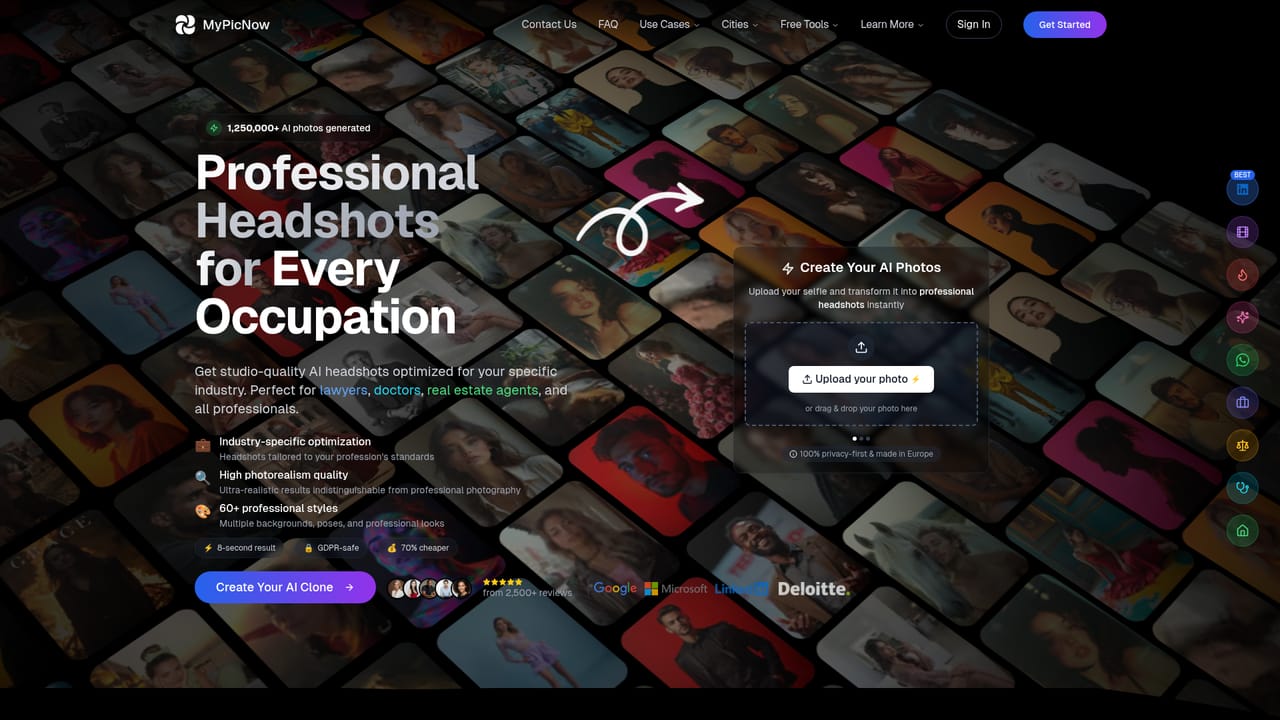
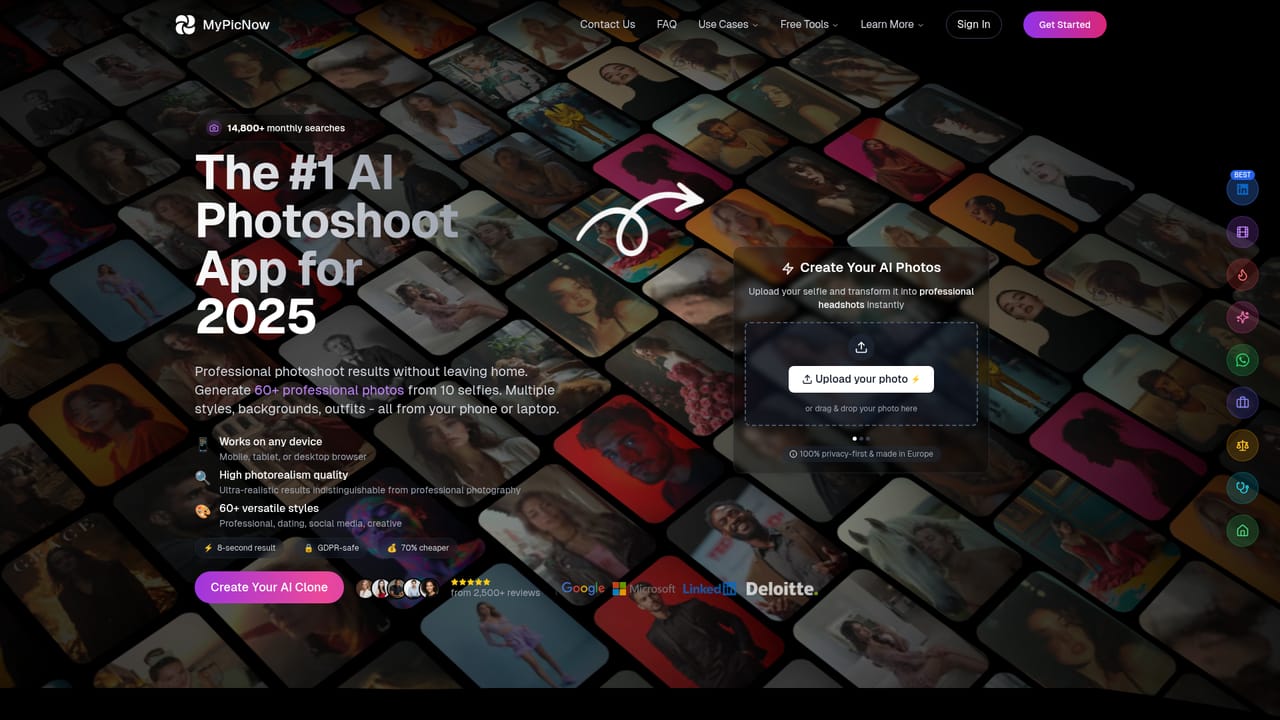
Screenshot of MyPicNow, Studio-quality AI headshots that keep your exact likeness

What is MyPicNow?

MyPicNow is an AI influencers tool. AI headshot generator that trains a personal model from uploaded selfies and produces 4K portraits in 60+ styles, from LinkedIn and executive photos to dating app sets for Tinder, Bumble and Hinge.

MyPicNow is an AI headshot generator built around one promise: portraits that still look like the person who uploaded the source photos. The workflow starts with a batch of selfies and casual shots in varied lighting, outfits and angles. From that set the system trains a personal model (roughly half an hour on average), and from then on single images render in about ten seconds, with an option to queue four at a time. Output is pitched at 4K resolution, which covers both screen use and print. Style range is the product's main differentiator. The catalogue lists more than 60 looks, and the site organises them around concrete destinations rather than abstract aesthetics: LinkedIn and executive portraits, lawyer, doctor and real estate agent headshots, actor and dancer portfolios, dating app sets for Tinder, Bumble and Hinge, plus WhatsApp and Instagram profile pictures. Buyers who already know which platform the photo is for can skip the experimentation and start from a preset tuned for that context. Practically, MyPicNow sits between a traditional photographer and a generic image generator. It is cheaper than a studio session and far faster, and unlike a text-to-image tool it tries to preserve facial features rather than invent a face. Source quality does the heavy lifting, so the upload guidance matters: avoid sunglasses, hats, group shots and cropped faces, and note that HEIC files must be converted to JPG first. Minor artifacts still appear sometimes, which is why an editor is included for manual fixes. Rights and privacy are handled more explicitly than in most tools of this type. Users keep full ownership of generated images for personal or commercial use, uploaded photos are not used to train the core models without permission, and deletion purges files from servers within 30 days. It suits job seekers, freelancers, creators and dating app users, while anyone wanting a true no-cost trial will need to look elsewhere.

How do you use MyPicNow?

  1. 1Pick the use case that matches your photo
    Start from the page for your destination, such as professional headshots or dating profile photos, to see the styles and framing used for that context.
    MyPicNow — Pick the use case that matches your photo
  2. 2Review the style catalogue
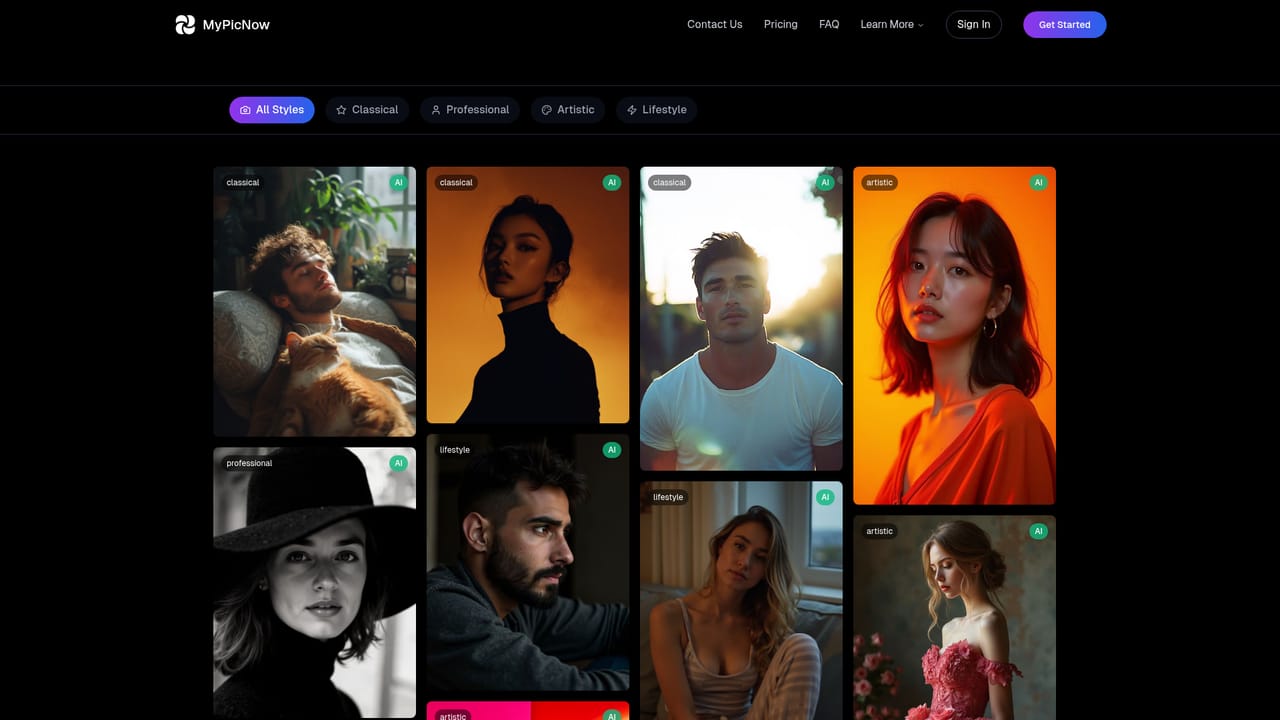
    Browse the available photo styles to shortlist the looks you want before spending any generations.
    MyPicNow — Review the style catalogue
  3. 3Choose a plan and open the app
    Select Individual, Creator or Premium depending on monthly generation volume, then create an account to reach the upload screen.
    MyPicNow — Choose a plan and open the app
  4. 4Upload a varied photo set
    Submit JPG, PNG, WebP or AVIF files only, mixing close-ups and full body shots across outfits, angles and expressions. Leave out group photos, sunglasses, hats and cropped faces.
  5. 5Wait for model training
    Training typically takes around 30 minutes. The model is built once and reused for every later generation.
  6. 6Generate and refine your headshots
    Produce images one at a time or in batches of four, then open the editor to correct any artifacts before downloading.

Pros and cons

Pros

  • Likeness preservation is the core design goal, with a custom pipeline tuned for facial feature retentionAI
  • 60+ styles mapped to real use cases such as lawyer, doctor, actor and real estate headshotsAI
  • Fast turnaround: about 30 minutes to train a model and roughly 10 seconds per generated photoAI
  • Full ownership of generated images for personal or commercial use, with encryption and 30 day deletionAI
  • Generation batches of up to four images plus a built-in editor for fixing minor artifactsAI

Cons

  • No free version or free trial, and refunds are not offered once a subscription is activatedAI
  • Monthly generation limits of 50 on the entry plan are low for anyone beyond occasional useAI
  • HEIC files are unsupported, so iPhone users must convert photos to JPG before uploadingAI
  • Results depend heavily on source photo quality, and distorted features or odd details do occur sometimesAI
  • Dating and social presets are marketing-heavy categories where output quality varies by input photo setAI

How much does MyPicNow cost?

Pricing

Three monthly subscriptions: Individual at $19.99 with 50 generations, Creator at $39.99 with 1,000 generations, and Premium at $99.99 with 3,000 generations plus priority processing and dedicated support. Annual billing carries a discount. Payments run through Stripe, and refunds are not issued after activation, though cancellation is available at any time.

Learn more

Support

Premium subscribers get dedicated support. Account, billing and data deletion requests are handled through account settings, with Stripe managing the billing portal.

Features

Personal AI model trained from your own photos, photorealistic output at 4K resolution, more than 60 photo styles, generation of up to four images per batch, an editor for fixing artifacts, and platform-specific presets for LinkedIn, Tinder, Bumble, Hinge, WhatsApp, Instagram, actors, lawyers, doctors, real estate agents and executives.

Learn more

Frequently asked questions about MyPicNow

  • How much does MyPicNow cost?
    Three monthly subscriptions: Individual at $19.99 with 50 generations, Creator at $39.99 with 1,000 generations, and Premium at $99.99 with 3,000 generations plus priority processing and dedicated support. Annual billing carries a discount. Payments run through Stripe, and refunds are not issued after activation, though cancellation is available at any time.
  • How do you use MyPicNow?
    The walkthrough on this page covers 6 steps: 1. Pick the use case that matches your photo 2. Review the style catalogue 3. Choose a plan and open the app 4. Upload a varied photo set 5. Wait for model training 6. Generate and refine your headshots.
  • What platforms does MyPicNow support?
    MyPicNow is available on Web App.
  • What are the limitations of MyPicNow?
    No free version or free trial, and refunds are not offered once a subscription is activated. Monthly generation limits of 50 on the entry plan are low for anyone beyond occasional use. HEIC files are unsupported, so iPhone users must convert photos to JPG before uploading.

Status

StatusActive
Views0
Outbound clicks0
Added10/21/2026

Platforms

Web App

Pricing

SubscriptionPaid