Pricing
The homepage shows a separate subscribe link, indicating a paid subscription model, but it does not list specific plans, tiers, or prices.
Learn moreUnfiltered NSFW AI chat with customizable characters, voice replies, and instant images.

Nextpart AI is an unrestricted NSFW chat platform where users converse with customizable AI characters through text, voice, and generated images, backed by a large library of character niches and tags.
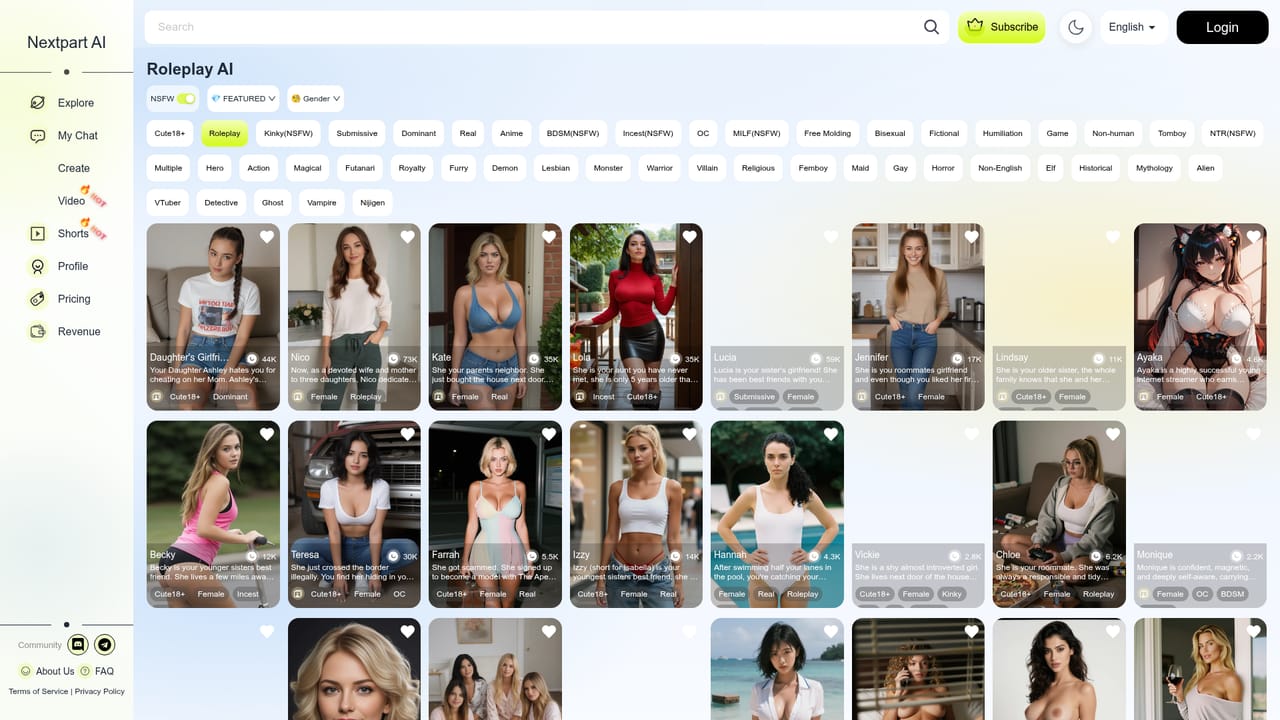
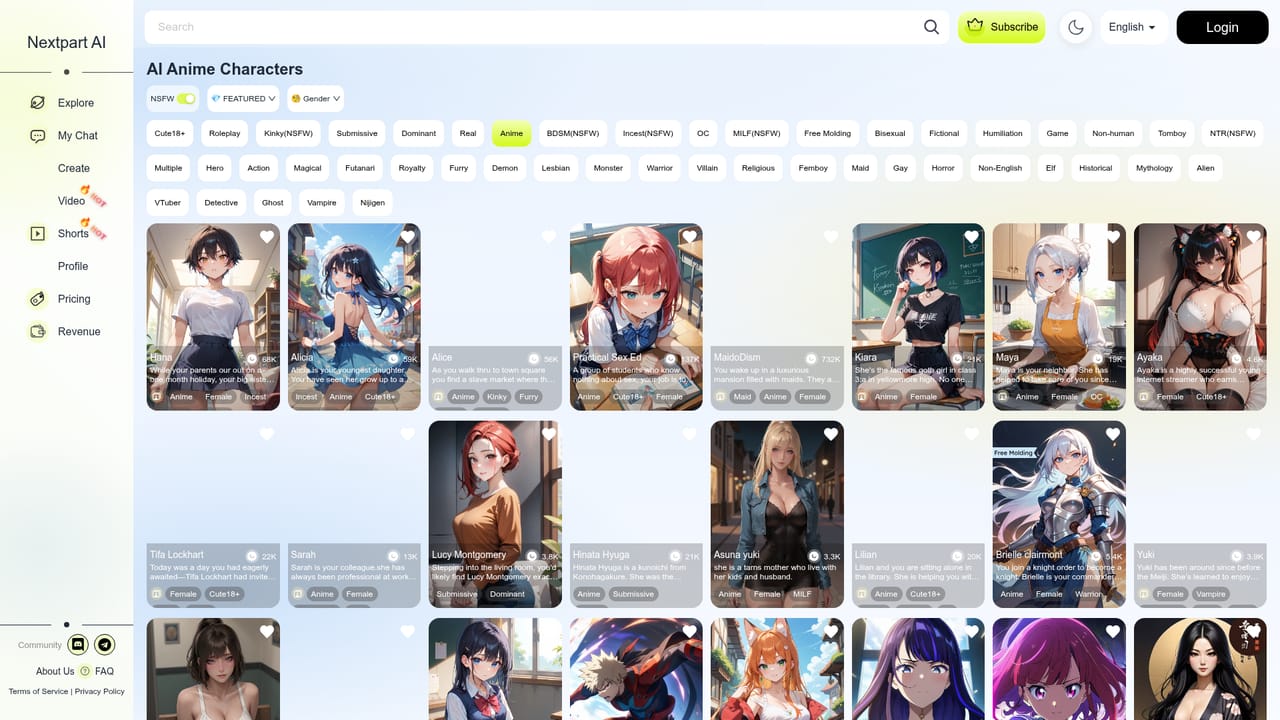
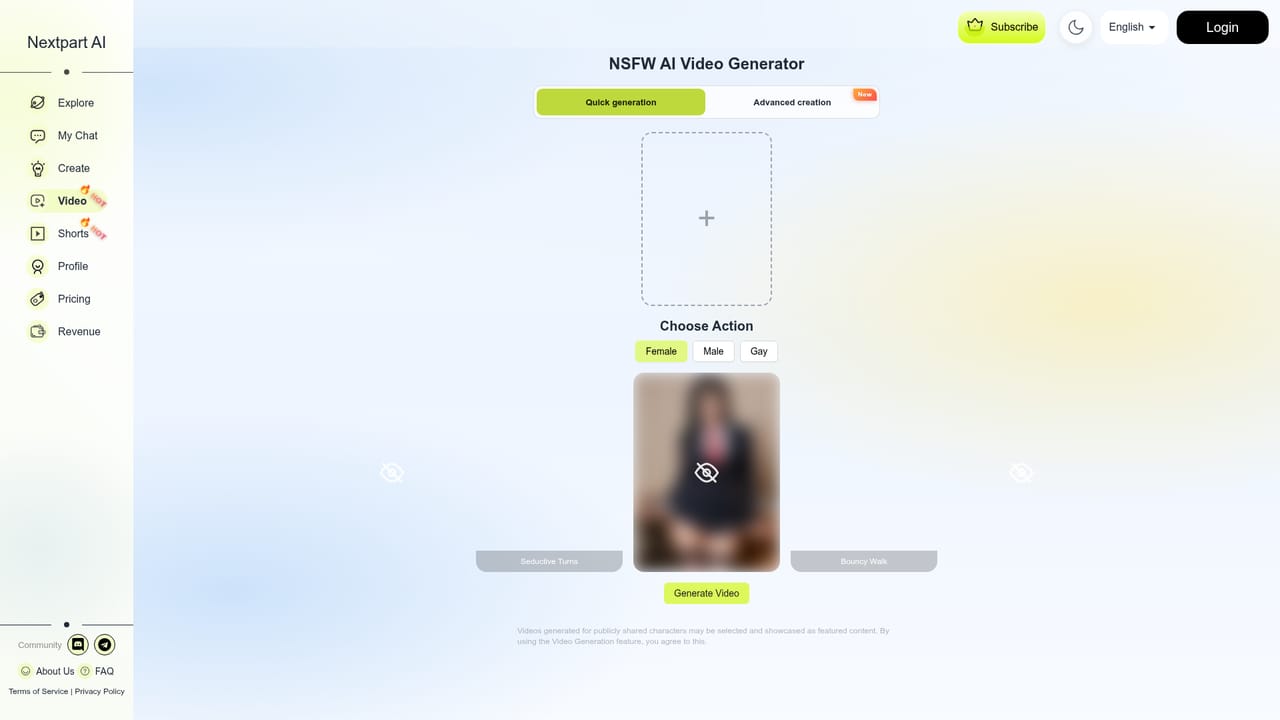
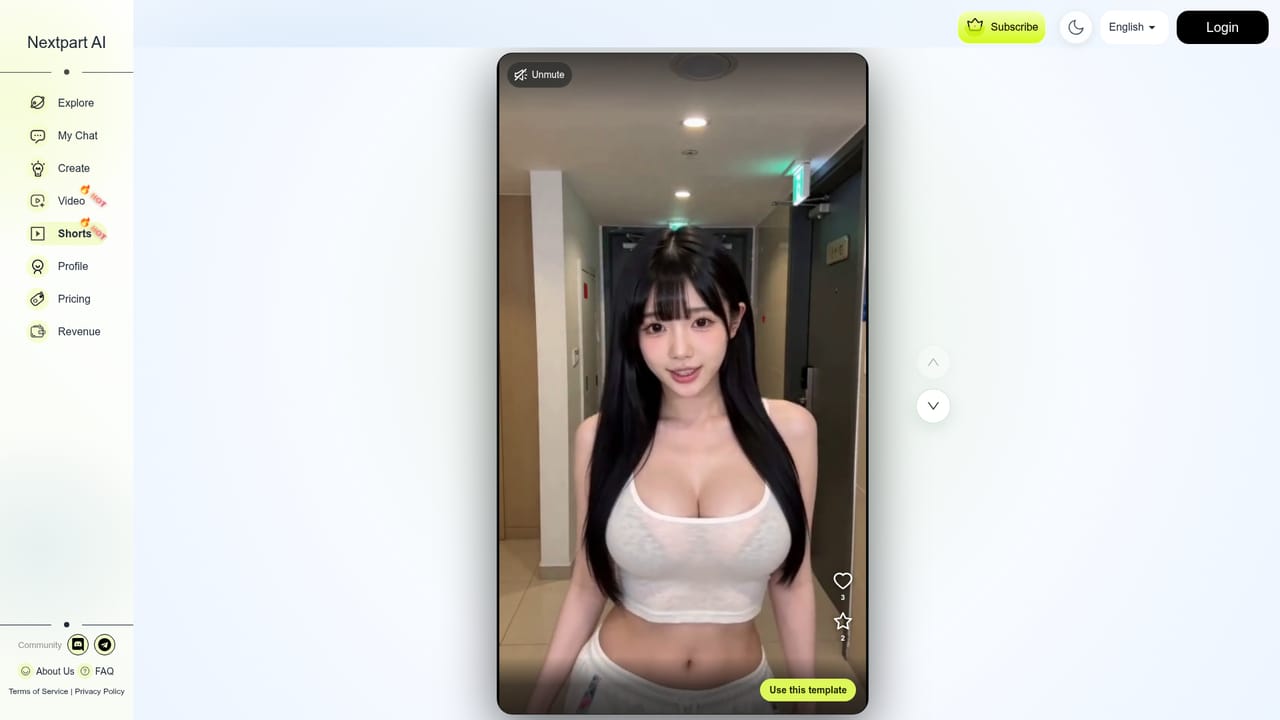
Nextpart AI is an adult oriented chat platform built around uncensored conversations with AI characters. Users can shape a character's appearance and personality, then interact through text, voice responses, and generated images without the content filters found on mainstream chatbot services. The platform also includes a video generator and a shorts feature for turning a chosen image into short animated clips. The service targets adults looking for unrestricted roleplay, companionship, or erotic fiction rather than general purpose assistance. Its tag library spans a wide range of niches, including anime, MILF, BDSM, incest, furry, femboy, monster, and many other character archetypes, as well as tone based tags like dominant, submissive, and humiliation. This breadth suggests the audience is anyone seeking a specific fantasy or character type rather than a single narrow use case, and the presence of non-English chat tags points to an international user base. In practice, a visitor browses tag categories or featured characters, selects or builds a character, and opens a chat session that can include spoken responses and on demand image generation. Account creation and a subscription appear to gate deeper or continued use, based on the separate login and subscribe links in the site navigation, though the homepage does not spell out what is free versus paid. The video and shorts tools sit alongside the chat experience, letting a user attach visuals to a character beyond static images. Within the broader NSFW AI chat and AI girlfriend category, Nextpart AI positions itself on the size of its character tag catalog and the absence of content restrictions rather than on a single flagship feature. The homepage itself references comparisons with competing products, indicating the space is crowded and that differentiation largely comes down to character variety, realism, and how unrestricted the conversations are allowed to be.
The homepage shows a separate subscribe link, indicating a paid subscription model, but it does not list specific plans, tiers, or prices.
Learn moreUnrestricted NSFW AI chat with customizable character appearance and personality, voice synthesis, instant image generation, multilingual conversation support, plus a video generator and shorts tool for character based clips.
 AI Angels400+ customizable AI girlfriends for NSFW chat, voice calls, and roleplay
 Candy AIExperience the future of companionship with AI friends who chat, role-play, and connect with you on a human level.
 ourdream.aiA vast AI roleplay platform with millions of characters for chat, images, video and voiceAI Angels400+ customizable AI girlfriends for NSFW chat, voice calls, and roleplayCandy AIExperience the future of companionship with AI friends who chat, role-play, and connect with you on a human level.ourdream.aiA vast AI roleplay platform with millions of characters for chat, images, video and voice


