Free trial
A 14-day free trial with full access to meal planning, the generator, the recipes database and the client portal. It can be cancelled at any point during the trial.
Learn moreMacro-driven meal plan generator for dietitians, nutritionists and coaches

NutriAdmin is a PDF maker tool. Meal planning software for nutrition professionals. Enter calories and a macro split, pick diet, allergies, cuisine and prep time, and the generator drafts a full week of meals in about 60 seconds.
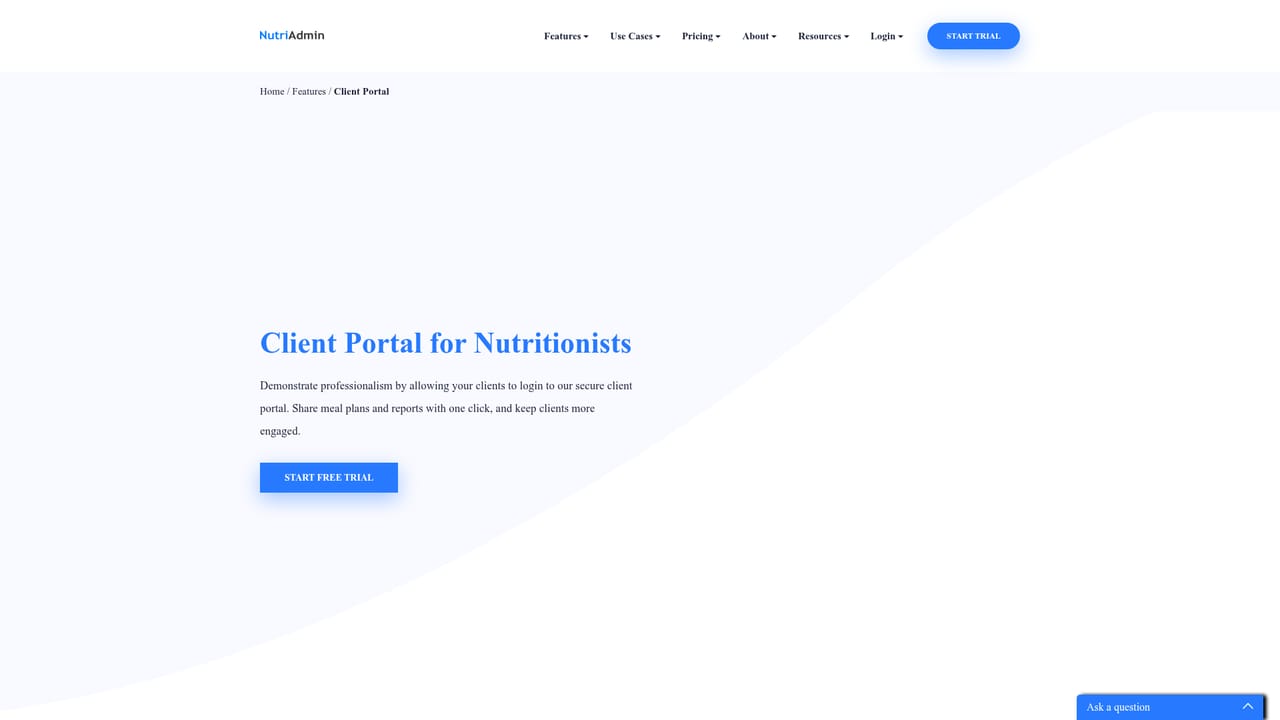
NutriAdmin is a nutrition practice platform whose meal planning module turns calorie and macro targets into a complete week of meals in roughly 60 seconds. A practitioner enters daily energy, the carbohydrate, protein and fat split, meal types, maximum prep time, diet protocol and excluded ingredients, and the generator returns a full plan with recipes, a shopping list and nutrition analysis attached. The company says the generator covers more than 40 diet protocols and 18 cuisines. Plans start from that automated draft but are meant to be edited, so the generator works as a first pass rather than a finished deliverable. The day-by-day editor is where most of the real work happens. Calories, macros and fiber recalculate as foods are added, so a practitioner can see immediately whether a day lands on target. Users can pull recipes from the built-in database, add their own recipes, generate recipes with AI, or enter custom foods, and compare items side by side while adjusting portions. Nutrient totals are checked against recommended daily targets with flags when an intake reads low or high, and food data comes from USDA, AUSNUT, UK and branded databases. BMR, BMI and related client metrics sit in the same workflow. Delivery is handled inside the same product. A plan can be exported as a PDF carrying the practice logo, colors and formatting, complete with recipes, shopping list and nutrition breakdown, or posted to the client portal where clients log in, view meals and fill in questionnaires. Multi-practitioner clinics can share recipes and templates so every clinician sends consistent branded output. The audience is nutrition professionals rather than consumers: registered dietitians in clinical or private practice, nutritionists, health coaches and personal trainers who sell macro-based plans alongside training packages. Against dedicated plan builders such as That Clean Life and Nutrium, NutriAdmin positions meal planning as a core function with published pricing rather than a module bolted onto a broader practice system. Capterra shows a 4.7 rating from more than 120 nutrition professionals.
A 14-day free trial with full access to meal planning, the generator, the recipes database and the client portal. It can be cancelled at any point during the trial.
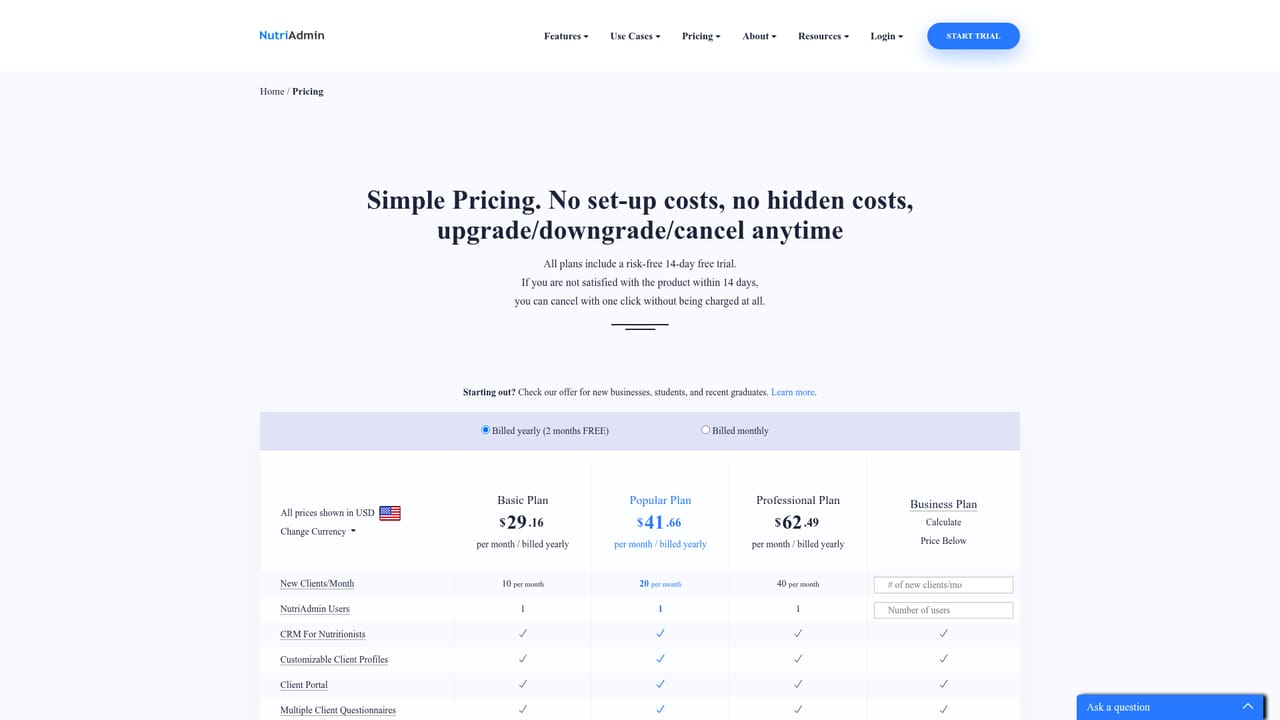
Learn morePaid subscription. The comparison table on the meal planning page lists NutriAdmin from $24.99 per month, against That Clean Life from $30 per month and Nutrium by quote only. Full plan tiers are on the pricing page.
Learn moreSupport is handled through a contact form on the site, with replies usually within 24 hours, plus a self-serve FAQs and docs section. Reviews on Capterra single out fast, helpful replies.
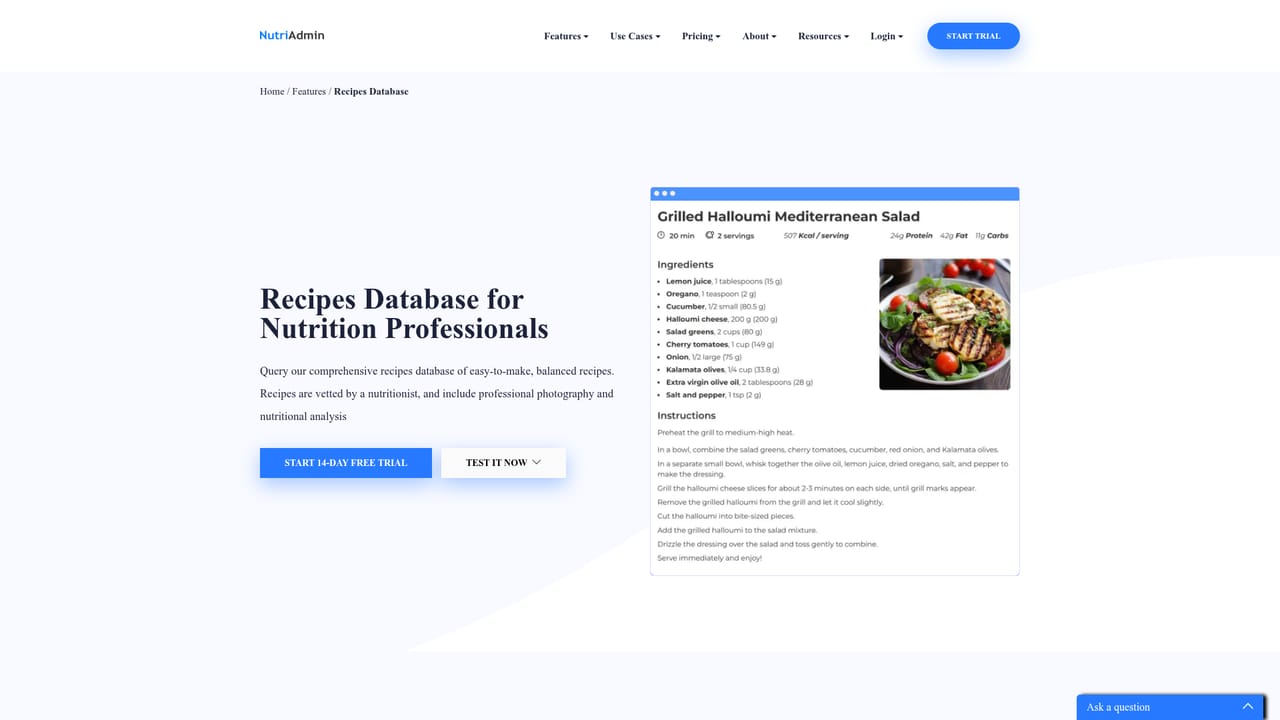
Learn moreMacro-based meal plan generator (full week in about 60 seconds), 40+ diets and 18 cuisines, allergen and ingredient exclusions, prep time filters. Day-by-day editor with live macro and fiber totals, custom foods and recipes, AI recipe generation, RD-vetted recipes with photos. Macro and micronutrient analysis with DRI flags, USDA, AUSNUT, UK and branded food databases, BMR and BMI metrics. Automatic shopping list, branded PDF export and client portal delivery.
Learn more AI Angels400+ customizable AI girlfriends for NSFW chat, voice calls, and roleplay
 Candy AIExperience the future of companionship with AI friends who chat, role-play, and connect with you on a human level.
 ourdream.aiA vast AI roleplay platform with millions of characters for chat, images, video and voiceAI Angels400+ customizable AI girlfriends for NSFW chat, voice calls, and roleplayCandy AIExperience the future of companionship with AI friends who chat, role-play, and connect with you on a human level.ourdream.aiA vast AI roleplay platform with millions of characters for chat, images, video and voice