Free trial
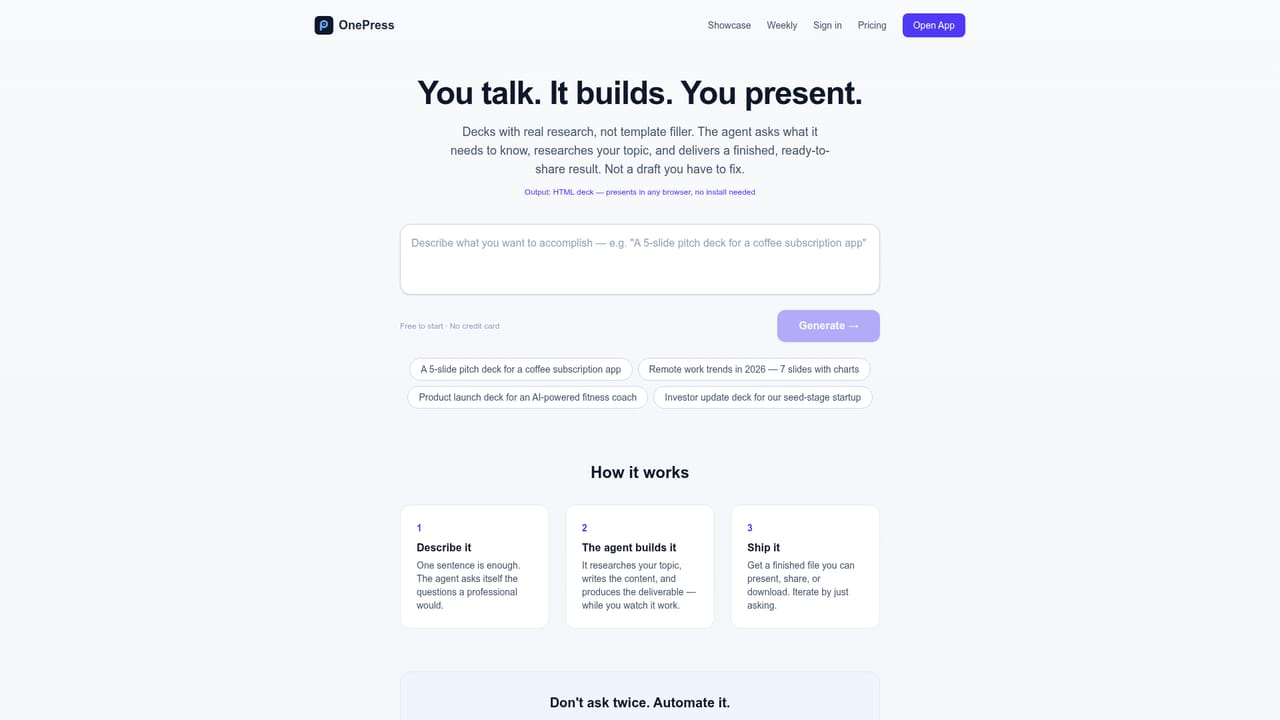
Free to start with no credit card required. Decks can be built and reviewed for free, with a small OnePress badge, before deciding what to export.
Learn moreOne AI agent that turns your business data into decks, podcasts and videos

OnePress is an AI work agent that keeps your business context across research, analysis and output, producing decks, sites, podcasts and narrated videos with original imagery, sourced claims and chat-based revisions.
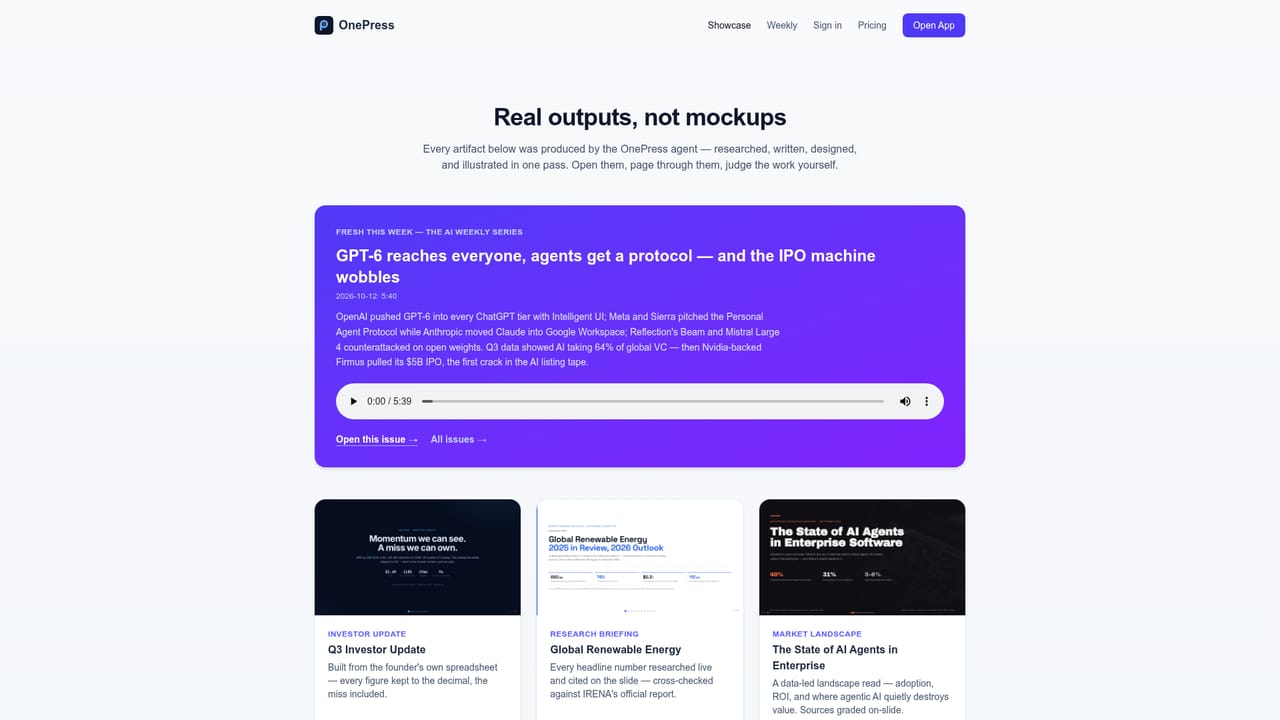
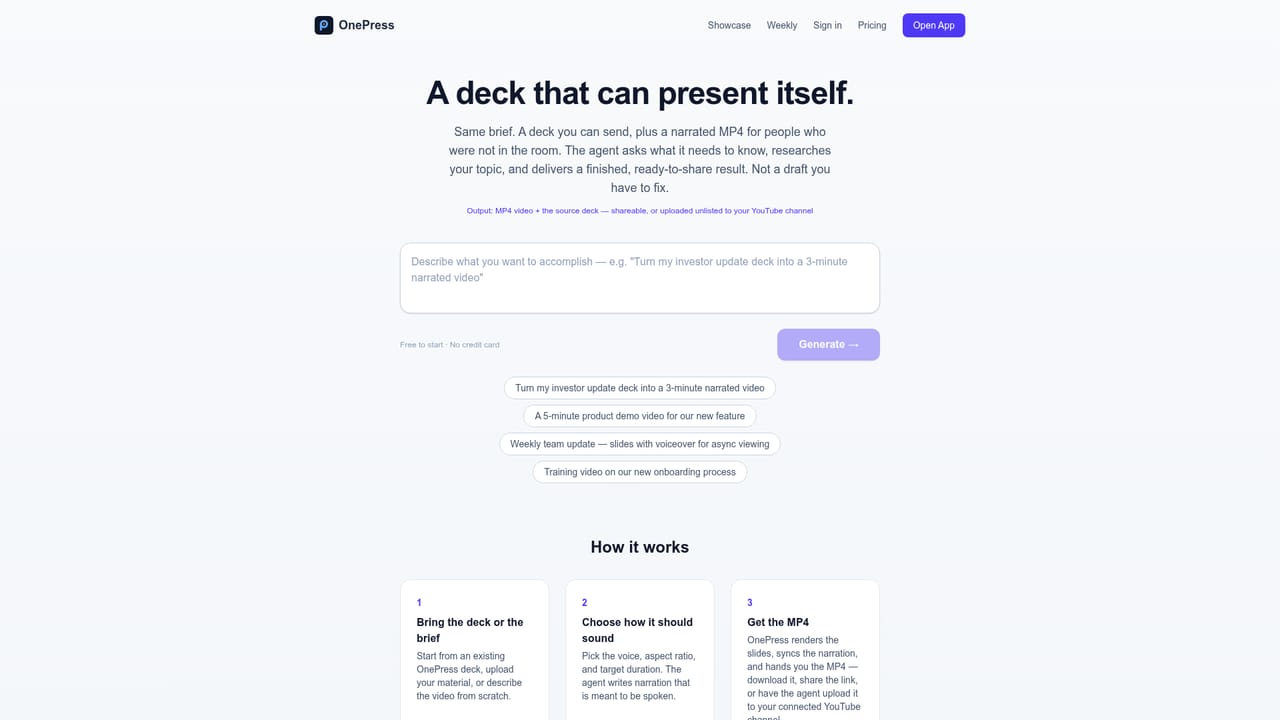
OnePress is an AI work agent built around a single idea: one assistant that remembers your business context and uses it across many kinds of output. A user can talk through a problem, ask for research, work through a set of metrics, and then have the same agent produce a slide deck, a website, a scripted podcast episode, or a narrated video. Generated visuals are original and share a consistent style, which replaces the stock-photo placeholders common in template-based tools. The core workflow is deck building. A plain-English brief goes in, and the agent may ask a quick question about audience or data scope before it builds. The result is a reviewable deck that can be browsed slide by slide, opened full-screen and inspected, including charts. Changes happen through chat, so a single slide can be switched to a bar chart or given a darker background while the rest stays untouched. Uploaded spreadsheets, PDFs and notes are treated as source material, and supplied figures are charted from that data rather than rewritten. When outside research is needed, claims keep their sources attached so they can be checked. A Deck Plus option turns a deck into a narrated MP4 with voiceover and timing. The agent can also be reached outside the browser: by forwarding a task to a personal email address, by messaging a Telegram or Discord bot, by syncing workspace folders into an Obsidian vault over WebDAV, through shared team workspaces, or via a REST API and MCP server so scripts and other agents can delegate work to it. Pricing is built around reviewing before paying. Free decks carry a small badge, a one-off Deck Pass removes it from a single deck, and a monthly Pro plan suits regular use. OnePress suits founders, analysts and small teams who want finished, data-faithful presentations and media from one conversation. It sits between slide generators and general chat assistants, trading the breadth of a full design suite for continuity of context and sourcing.
Free to start with no credit card required. Decks can be built and reviewed for free, with a small OnePress badge, before deciding what to export.
Learn moreFree tier builds decks with a small badge. A Deck Pass costs $2.99 and removes the badge from one deck with no subscription, covering later edits. Pro costs $9 per month for regular use with more credits and no badge.
Learn moreThe homepage points to how-it-works guides for email, Telegram, Obsidian sync, teams, the API and slide videos. It does not describe a dedicated support channel.
Works through email forwarding, Telegram and Discord bots, Obsidian sync over WebDAV, shared team workspaces, a REST API and an MCP server. Narrated decks can be uploaded to YouTube for review.
Learn moreChat-driven deck building, slide-level revisions, uploaded data as source of truth, cited research, charts, original AI imagery, podcasts, narrated videos, market research, documents exportable to PDF, and shared team workspaces.
Learn more


