Free trial
The homepage does not describe a free trial; preview scope depends on the document and the account quota, and previews that require credits show the cost before continuing.
Learn moreAI document translation that keeps PDF, Word and EPUB layouts intact
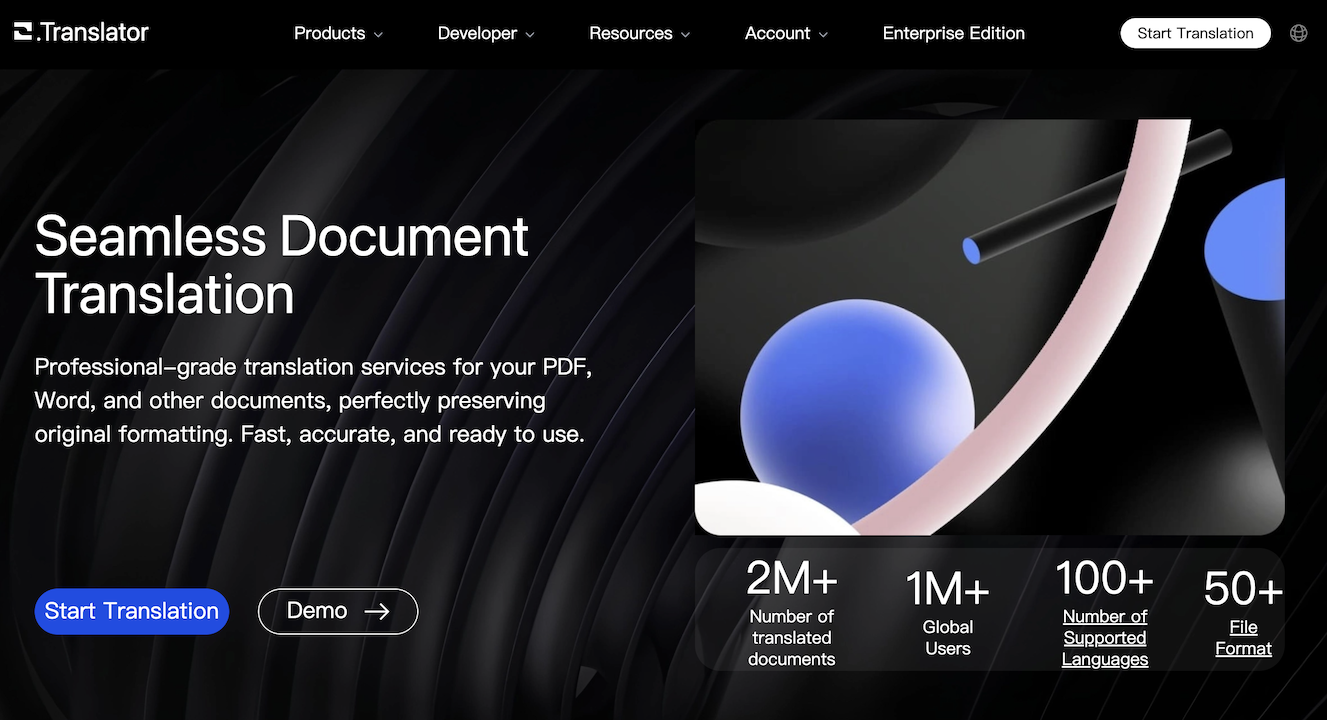
O.Translator translates PDF, Word, PowerPoint, Excel and EPUB files between 100+ languages while preserving headings, tables and images. Upload, review a partial preview and quote, then pay in credits to translate the full document. Glossaries, online editing and shared team projects round it out.
O.Translator is a browser based document translation service built around one promise: the translated file should look like the original. Rather than pasting text into a translation box and rebuilding the layout afterwards, users upload a document and receive a translated version with headings, tables and images held in place across supported formats. The format list covers PDF, Word, PowerPoint, Excel, EPUB and more, with individual files accepted up to 1GB. The service works across more than 100 languages and reports over 4 million documents translated for roughly 2 million users. The workflow is deliberately staged. After uploading a file and choosing a target language and translation mode, users see a partial preview of the translation alongside a layout check, then a quote for the full job. Only after confirming does the system translate the whole document, which can be downloaded once complete. Pricing runs on credits calculated from tokens, document analysis fees and the chosen mode, with OCR and higher tier models able to shift the cost. Scanned PDFs and images are handled through OCR, and an enhanced recognition option exists for pages that the standard pass struggles with. Beyond raw translation, the platform adds light localisation tooling. A glossary keeps brand names and specialist terms consistent, the output can be edited online, and projects and glossaries can be shared so a team reviews documents in a common context. Self-directed translators, academic researchers, legal and marketing teams working across languages, and publishers handling EPUB titles are the obvious audience. Against general purpose translators such as Google Translate, the pitch is format fidelity rather than raw speed. The trade off is that the service is credit metered and document centric, so short snippets and quick lookups are better served elsewhere. It also depends on third party AI providers for processing, and retention is limited: unpaid documents are deleted 15 days after task creation, paid ones after 30.
The homepage does not describe a free trial; preview scope depends on the document and the account quota, and previews that require credits show the cost before continuing.
Learn moreTranslation is billed in credits, calculated from tokens, document analysis fees and the selected mode; OCR and higher level models can change the cost. A quote is shown on the task page before the full job is confirmed, and any preview credit cost is displayed there too. Specific credit prices are not stated on the homepage.
Learn moreHelp content lives in the blog and FAQ, covering previews, pricing and file handling; documents are processed partly by a selected third party AI provider, and the privacy policy covers processing and retention. No dedicated help centre is listed.
Learn moreLayout preserving translation for PDF, Word, PowerPoint, Excel, EPUB and other formats up to 1GB, across 100+ languages. Partial preview and up front quotes, standard and higher level translation models, OCR for scanned PDFs and images with enhanced recognition, glossaries for brand and specialist terms, online post editing, and shared projects and glossaries for teams.
Learn more AI Angels400+ customizable AI girlfriends for NSFW chat, voice calls, and roleplay
 Candy AIExperience the future of companionship with AI friends who chat, role-play, and connect with you on a human level.
 ourdream.aiA vast AI roleplay platform with millions of characters for chat, images, video and voiceAI Angels400+ customizable AI girlfriends for NSFW chat, voice calls, and roleplayCandy AIExperience the future of companionship with AI friends who chat, role-play, and connect with you on a human level.ourdream.aiA vast AI roleplay platform with millions of characters for chat, images, video and voice