Free trial
A free analysis entry point is offered on the homepage, with a limit of one search attempt per IP every 24 hours. No time-based trial of the paid tiers is described.
Learn moreFrom rough concept to patent draft, 3D design and go-to-market plan

PatentDraw is a generate concepts tool. PatentDrawAI is an invention platform that moves a concept through prior art research, patent claim drafting, 3D product design and a market plan, aimed at hardware inventors and innovation teams.
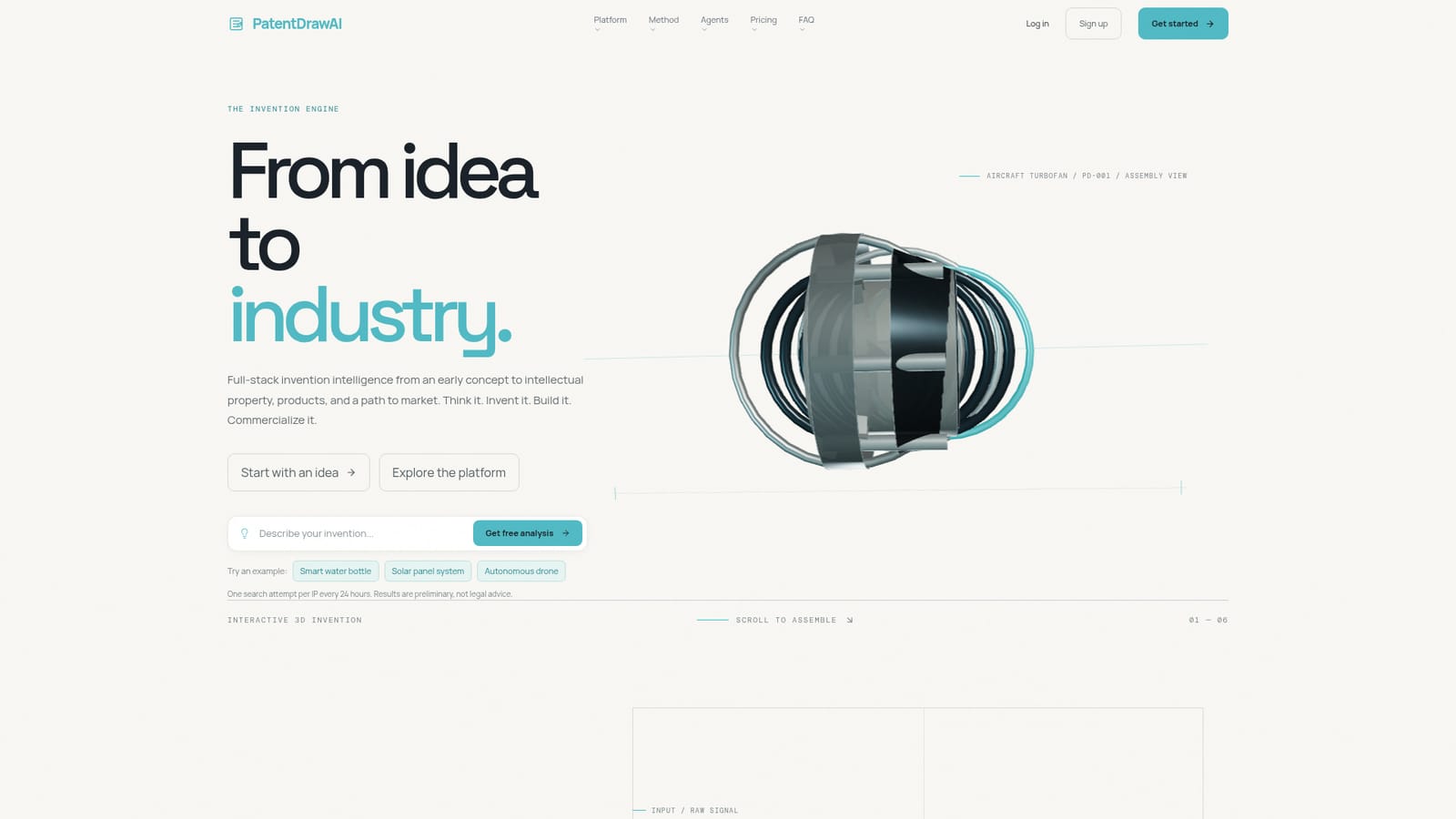
PatentDrawAI presents itself as an invention engine rather than a single-purpose drawing tool. The platform takes a rough concept, whether that is a sentence, a sketch or a loose thought, and pushes it through connected stages: prior art research, intellectual property documentation, 3D product design, engineering detail and a market route. The company frames the value as replacing a chain of disconnected stops (patent databases, an attorney, a CAD designer, an engineer, market research) with one pipeline built around a shared model of the invention. The system is organized around six specialized agents covering prior art, patent, market, design, engineering and CAD. The prior art agent maps existing knowledge so the open space around an idea becomes visible, while the patent agent identifies novel elements and drafts claims and descriptions. On the build side, the output is a designed object with exploded views and production logic, and the market side produces a focused path to validation and manufacturing. PatentDrawAI states plainly that it is not legal advice and that generated claims should be reviewed by a qualified patent professional before filing. The stated specialty is mechanical, industrial and consumer product inventions, particularly physical systems, geometries and manufacturing assemblies. The homepage offers sample scenarios such as a smart water bottle, a solar panel system and an autonomous drone, which suggests the intended user is an individual inventor or entrepreneur with a hardware concept rather than someone working in software or biotech. R&D managers and academic researchers are also named among the roles the plan finder accounts for. Compared with standalone AI image or CAD assistants, PatentDrawAI bundles the documentation and whitespace research that usually sits before any drawing gets made, which is useful for people who do not yet know what to file. The tradeoff is breadth: teams that only need clean technical figures may find the surrounding IP and market layers heavier than necessary.
A free analysis entry point is offered on the homepage, with a limit of one search attempt per IP every 24 hours. No time-based trial of the paid tiers is described.
Learn moreThe site lists flexible tiers, from single-invention passes for individual creators to enterprise volume plans for innovation teams, but publishes no prices. A Find Your Plan tool asks four questions about role and workflow and recommends a tier.
Learn moreCancellation requests are handled through account settings or by email at info@patentdrawai.com. No documentation portal, live chat or phone channel is listed on the homepage.
Six agents (prior art, patent, market, design, engineering, CAD) work from one shared model of the invention. Outputs include a Patent DNA record of what is new versus known, drafted claims and descriptions, 3D designed objects with exploded views and production logic, and a route to validation and manufacturing.
 AI Angels400+ customizable AI girlfriends for NSFW chat, voice calls, and roleplay
 Candy AIExperience the future of companionship with AI friends who chat, role-play, and connect with you on a human level.
 ourdream.aiA vast AI roleplay platform with millions of characters for chat, images, video and voiceAI Angels400+ customizable AI girlfriends for NSFW chat, voice calls, and roleplayCandy AIExperience the future of companionship with AI friends who chat, role-play, and connect with you on a human level.ourdream.aiA vast AI roleplay platform with millions of characters for chat, images, video and voice





