PDF GPT

Source code for a private, chat-with-your-PDF web app on Streamlit

Intermediate
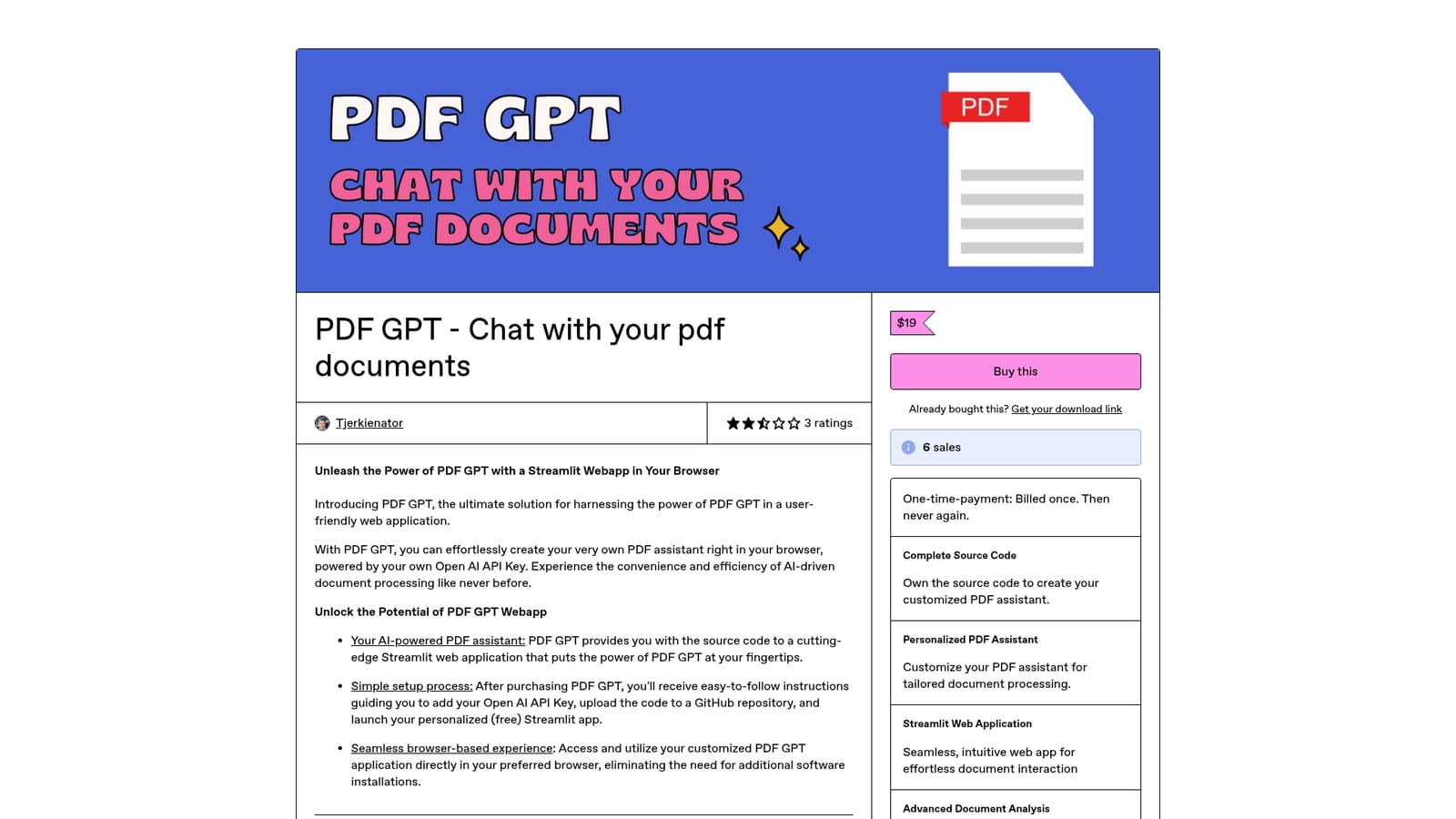
Screenshot of PDF GPT, Source code for a private, chat-with-your-PDF web app on Streamlit

What is PDF GPT?

PDF GPT is an AI chat bot tool. A one-time source code purchase that gives you a Streamlit web app for chatting with PDFs, powered by your own OpenAI API key and deployed through your own GitHub repository. No vendor hosting and no subscription, but you handle the setup yourself.

PDF GPT is a source code package, not a hosted service. A single purchase on Gumroad delivers the code for a Streamlit web application that lets you question your own PDF documents in the browser, using your own OpenAI API key for the language model work. There is no account to manage on a vendor platform and no monthly subscription tied to the tool itself; the ongoing cost is whatever your OpenAI usage adds up to. The app is launched on Streamlit's free hosting, so the practical expenses are API calls and nothing else. Setup is deliberately manual. You add your API key, push the code to a GitHub repository, and deploy the Streamlit app from that repository. The seller notes that minimal familiarity with git and GitHub is required, and the README file carries the launch instructions. Once running, the assistant accepts PDF uploads and answers questions about the contents, which suits researchers working through long papers, legal professionals checking dense documents, or analysts pulling figures out of reports. Because the code is yours, you can adjust prompts, change the interface, or narrow the assistant to a specific document type. The ownership angle is the main differentiator against hosted document chat tools. Your documents pass through your own deployment and your own API key, and you keep version control through GitHub. The tradeoff is that nothing is maintained for you: model upgrades, dependency fixes, and hosting changes are your responsibility, and a broken deployment means debugging the code yourself. Anyone expecting a sign-up-and-upload product should look elsewhere. Anyone comfortable with a small amount of deployment work gets a cheap, private, and fully editable document assistant. The Gumroad page shows a modest sales count and mixed ratings, so read the reviews before buying.

How do you use PDF GPT?

  1. 1Purchase and download the source code
    Buy PDF GPT on the Gumroad listing and download the package, which includes the application code and a README file.
    PDF GPT — Purchase and download the source code
  2. 2Add your OpenAI API key
    Follow the README to insert your own OpenAI API key so the app can call the language model for document questions.
  3. 3Push the code to GitHub
    Create a repository and upload the project files so the app can be deployed and versioned from your own account.
  4. 4Launch the Streamlit app
    Connect the repository to Streamlit and start the app, which runs free on Streamlit's hosting.
  5. 5Upload a PDF and start asking questions
    Open the running app in your browser, load a document, and query it to extract answers and insights.

Pros and cons

Pros

  • One-time payment, with no vendor subscription for the app itselfAI
  • Full source code ownership allows deep customization of prompts and interfaceAI
  • Documents stay in your own deployment and use your own API keyAI
  • Runs in the browser through free Streamlit hostingAI
  • GitHub hosting gives version control and easy collaboration on changesAI

Cons

  • Not a ready-to-use product: requires git and GitHub knowledge to deployAI
  • No official support channel beyond the README instructionsAI
  • Ongoing OpenAI API usage is billed separately by OpenAIAI
  • Hosting and dependency maintenance fall entirely on the buyerAI
  • Mixed ratings on the Gumroad page, including several one-star reviewsAI

How much does PDF GPT cost?

Pricing

A one-time payment of $19 on Gumroad buys the source code outright; there is no recurring fee from the seller. The buyer separately covers OpenAI API usage and can use free Streamlit hosting, so running costs vary with how much the assistant is used.

Learn more

Support

Support is limited to the README file included with the code and the instructions on the Gumroad listing. No dedicated help centre or direct support channel is described.

Integrations

The app depends on an OpenAI API key for its language model calls, is hosted on Streamlit, and is deployed and versioned through GitHub.

Features

The package contains the source code for a Streamlit web app that accepts PDF uploads and answers questions about them using your own OpenAI API key. It includes setup instructions covering the API key, GitHub upload, and Streamlit launch, plus customization for document processing needs and a browser-based interface with no extra software installs.

Frequently asked questions about PDF GPT

  • How much does PDF GPT cost?
    A one-time payment of $19 on Gumroad buys the source code outright; there is no recurring fee from the seller. The buyer separately covers OpenAI API usage and can use free Streamlit hosting, so running costs vary with how much the assistant is used.
  • How do you use PDF GPT?
    The walkthrough on this page covers 5 steps: 1. Purchase and download the source code 2. Add your OpenAI API key 3. Push the code to GitHub 4. Launch the Streamlit app 5. Upload a PDF and start asking questions.
  • What platforms does PDF GPT support?
    PDF GPT is available on Web App.
  • What does PDF GPT integrate with?
    The app depends on an OpenAI API key for its language model calls, is hosted on Streamlit, and is deployed and versioned through GitHub.
  • What are the limitations of PDF GPT?
    Not a ready-to-use product: requires git and GitHub knowledge to deploy. No official support channel beyond the README instructions. Ongoing OpenAI API usage is billed separately by OpenAI.

Status

StatusActive
Views0
Outbound clicks0
Added10/21/2026

Platforms

Web App

Pricing

Paid




