Free trial
The homepage states that creating an account is completely free and instant, which grants access to the editor and templates. It does not describe a time-limited trial or which features are gated.
Learn moreBrowser-based design suite for non-designers who need market-ready visuals fast

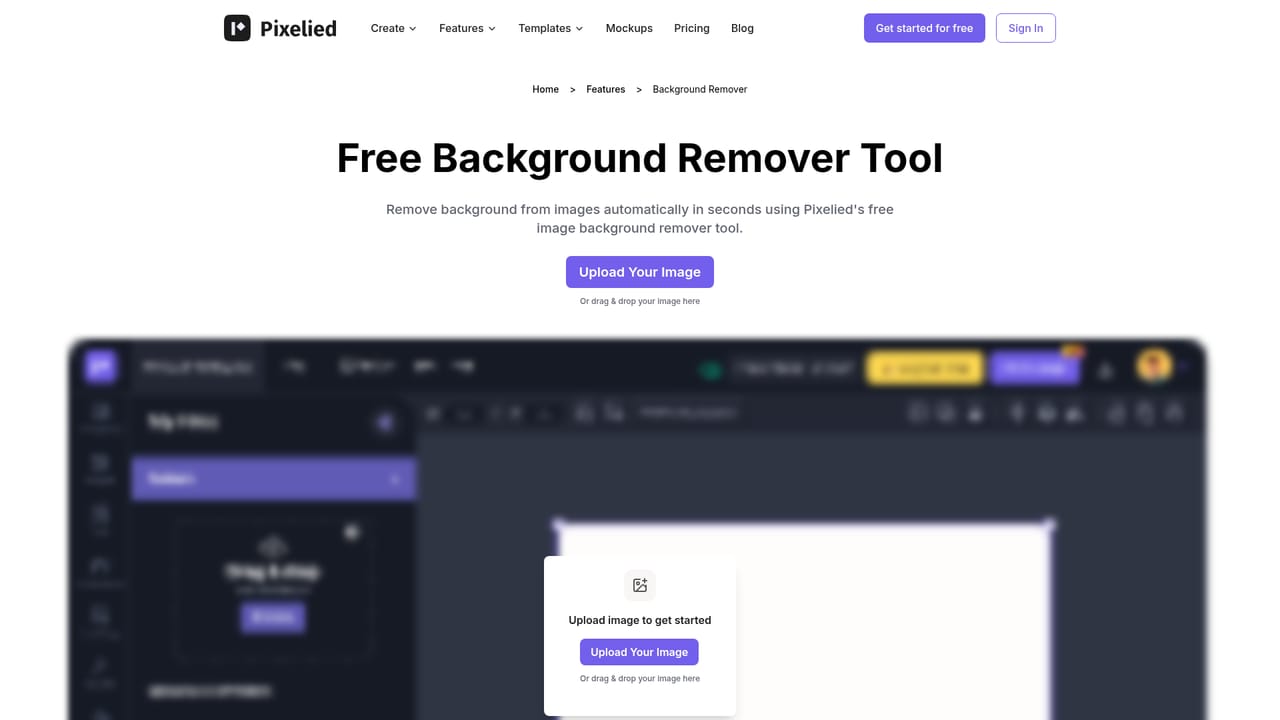
Pixelied is a background remover tool. Template-first online editor for social graphics, ads and product images, with one-click background removal, mockups, millions of stock photos and brand workspaces for teams.
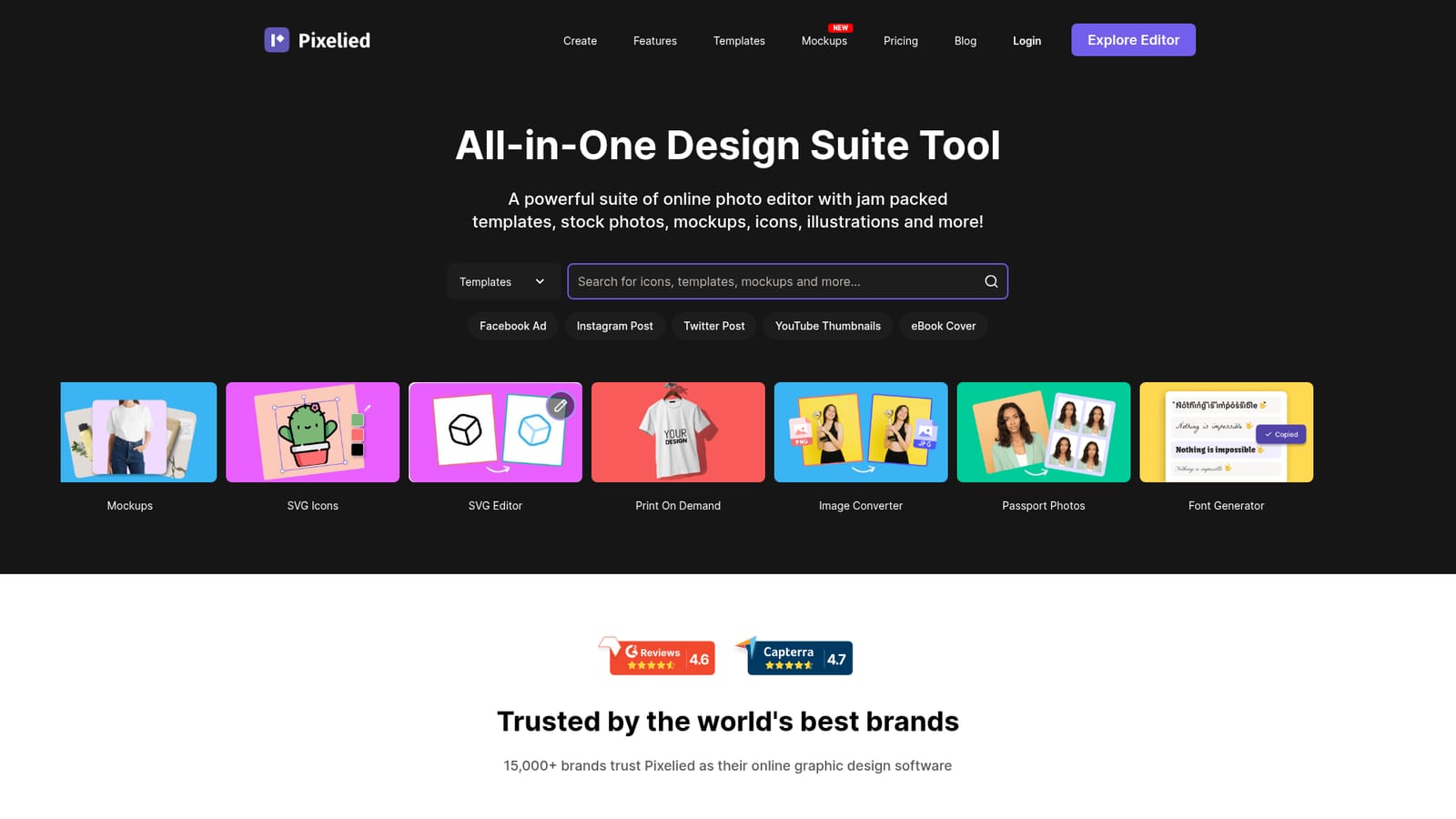
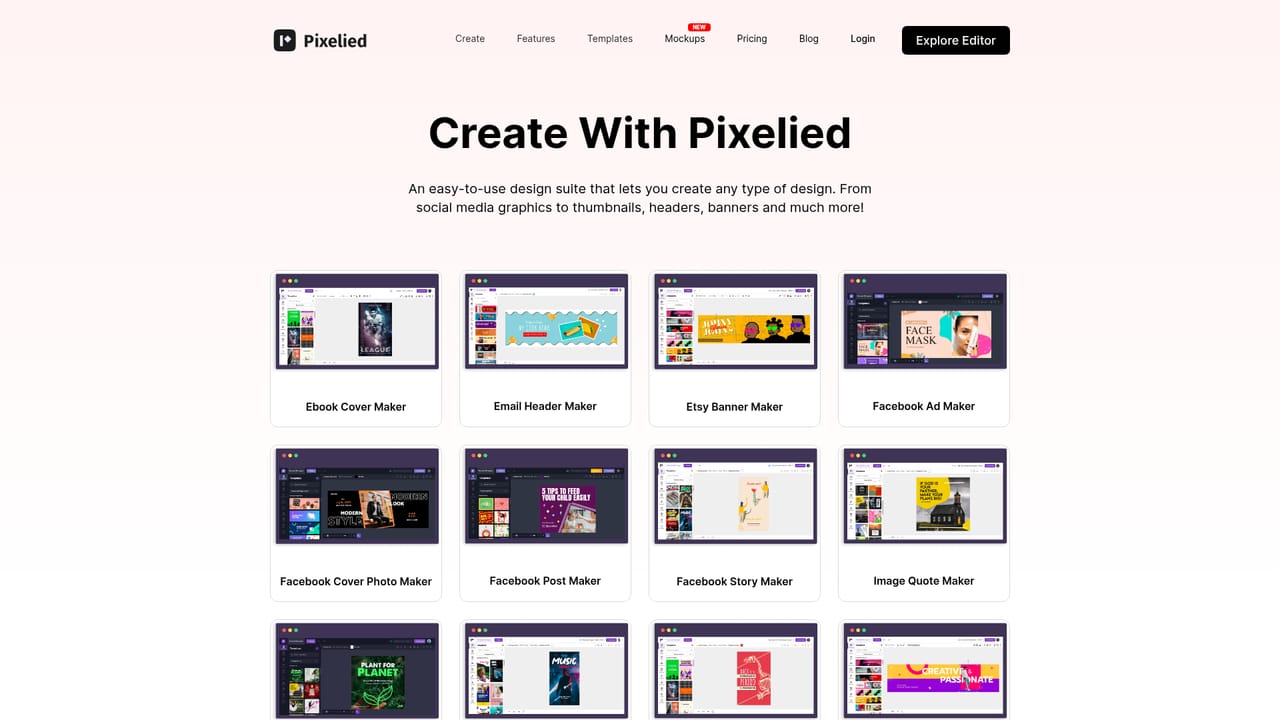
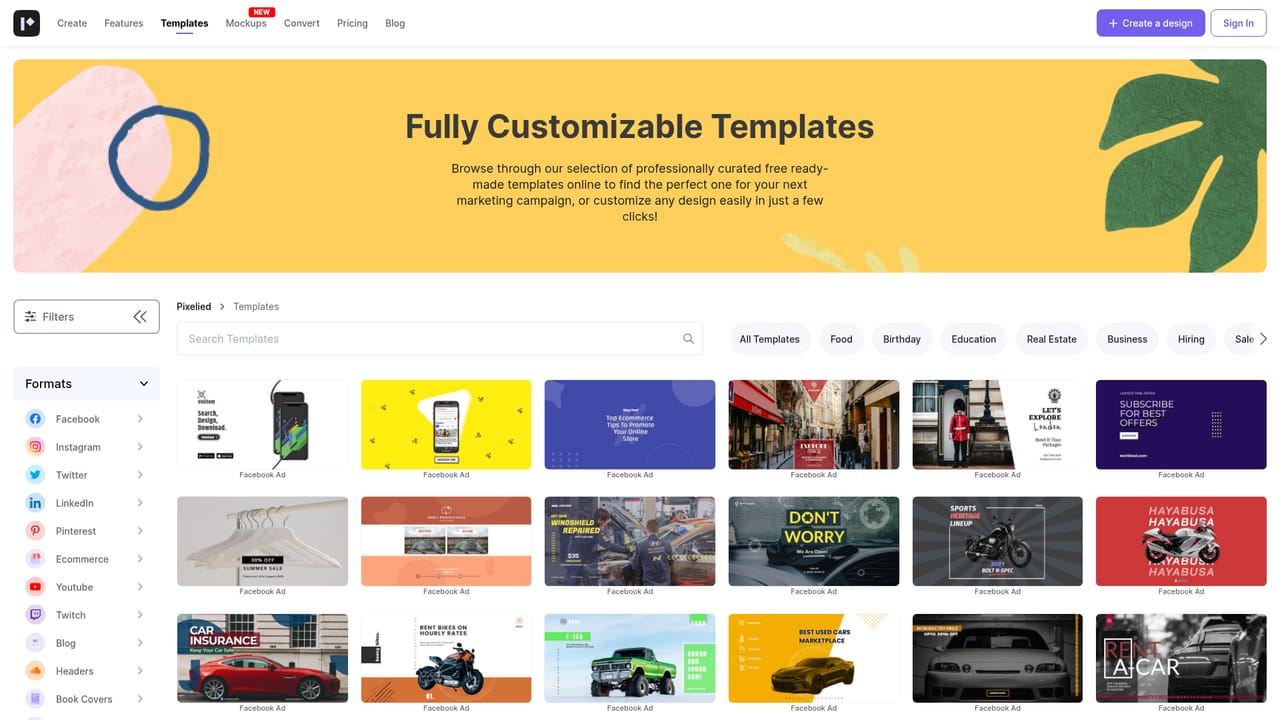
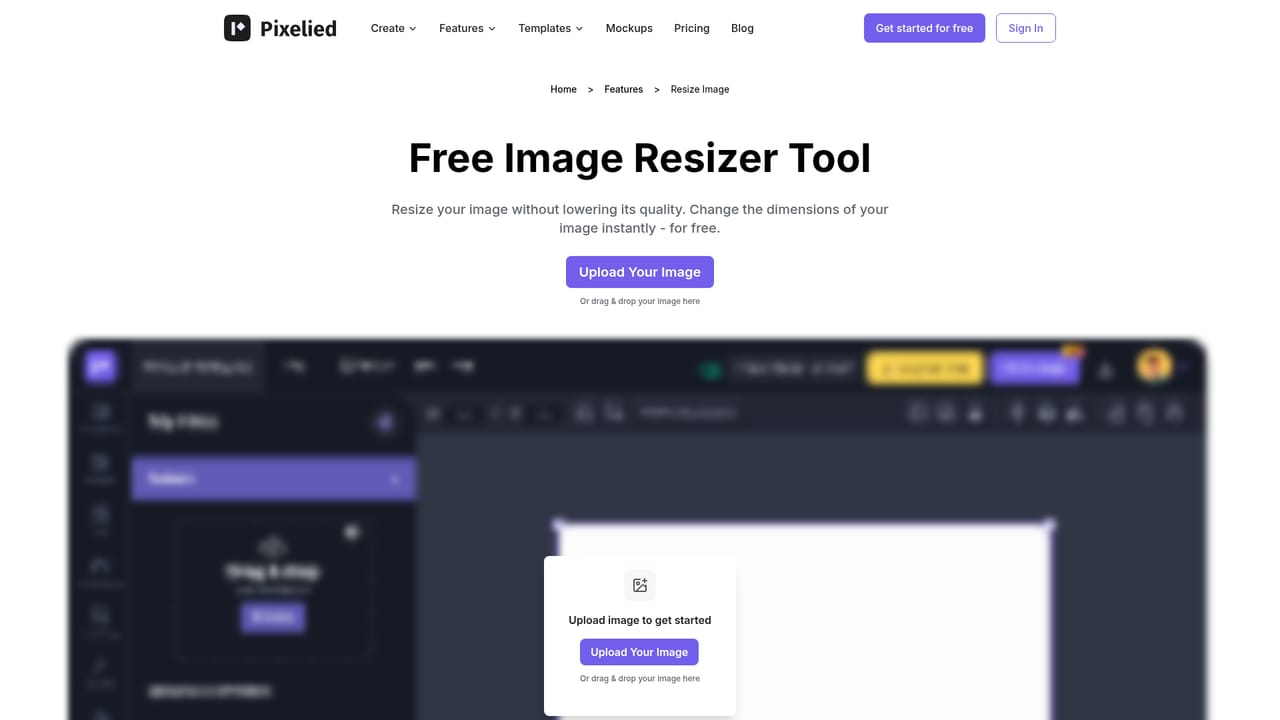
Pixelied is a browser-based graphic design and photo editing suite aimed at people who need publishable visuals without opening a professional design package. The homepage positions it squarely at non-designers, and the toolset backs that up: a template library covering social posts, stories, ads, thumbnails, banners and blog headers, alongside 4+ million royalty-free stock photos, thousands of SVG icons and a set of hand-drawn illustrations whose colors can be recolored inside the editor. In practice a session starts either from a blank canvas or from a preset format such as an Instagram post or a YouTube thumbnail. From there the editor handles the usual compositing work (layers with opacity and locking, grouping, alignment, borders, shadows, flip and duplicate) plus photo-specific operations like crop, rotate, mirror and merge. Two features carry most of the weight for e-commerce and marketing users: one-click background removal for transparent product or people cutouts, and product mockups that place a design into a realistic scene without a separate mockup tool. Vector files exported from Photoshop or Illustrator can be uploaded and edited, and an image converter handles format swaps. The workflow is built around reuse. Resize tools convert one design into the preset dimensions for each channel, and workspaces keep colors, files and settings separated per brand or project, with team members invited to specific workspaces. That places Pixelied in the same bracket as Canva and similar template-first editors rather than in the Adobe tier: it trades deep creative control for speed and a low learning curve. Teams producing high volumes of social and ad creative, small marketing departments and print-on-demand sellers are the clearest fit. Anyone needing precise typographic control, advanced vector authoring or heavy batch automation should look elsewhere.
The homepage states that creating an account is completely free and instant, which grants access to the editor and templates. It does not describe a time-limited trial or which features are gated.
Learn moreTemplate library across social, ad, streaming and email formats; 4+ million stock photos; thousands of SVG icons; 700+ hand-drawn illustrations with editable colors; one-click background removal; product mockups; vector upload and SVG editing; photo effects and filters; crop, rotate, flip, mirror, merge and watermark; image converter; passport photos; font generator; brand workspaces with member invites.
Learn more AI Angels400+ customizable AI girlfriends for NSFW chat, voice calls, and roleplay
 Candy AIExperience the future of companionship with AI friends who chat, role-play, and connect with you on a human level.
 ourdream.aiA vast AI roleplay platform with millions of characters for chat, images, video and voiceAI Angels400+ customizable AI girlfriends for NSFW chat, voice calls, and roleplayCandy AIExperience the future of companionship with AI friends who chat, role-play, and connect with you on a human level.ourdream.aiA vast AI roleplay platform with millions of characters for chat, images, video and voice