Free trial
New accounts get 5 free credits with no card required, covering both Regular and HD generation. The trial behaves as a permanent free tier rather than a time-limited trial.
Learn moreTurn PDFs and YouTube videos into two-person conversational podcasts.

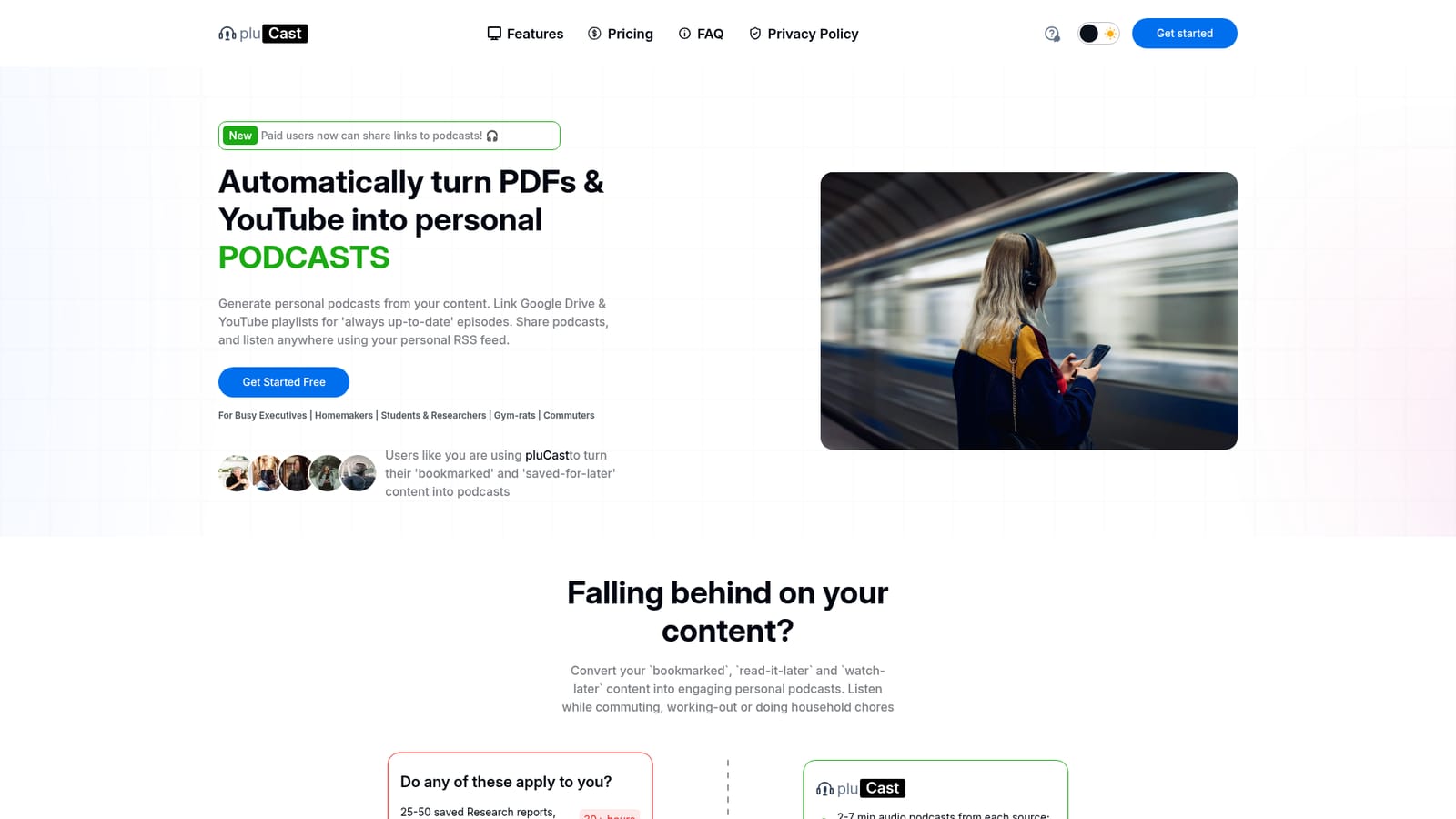
pluCast is an AI narration tool that turns PDFs and YouTube videos into two-person conversational podcasts. pluCast turns PDFs and YouTube videos into short two-person conversational podcasts, with manual uploads or automatic generation from connected Google Drive folders and YouTube playlists.
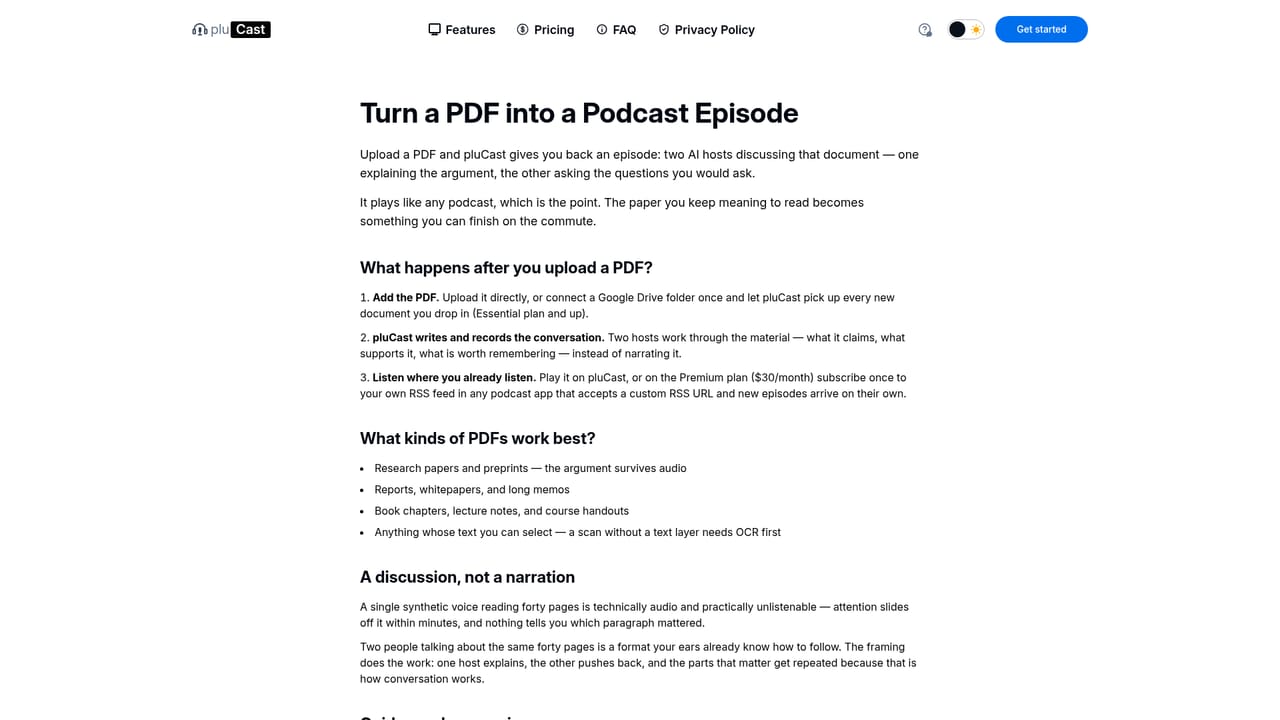
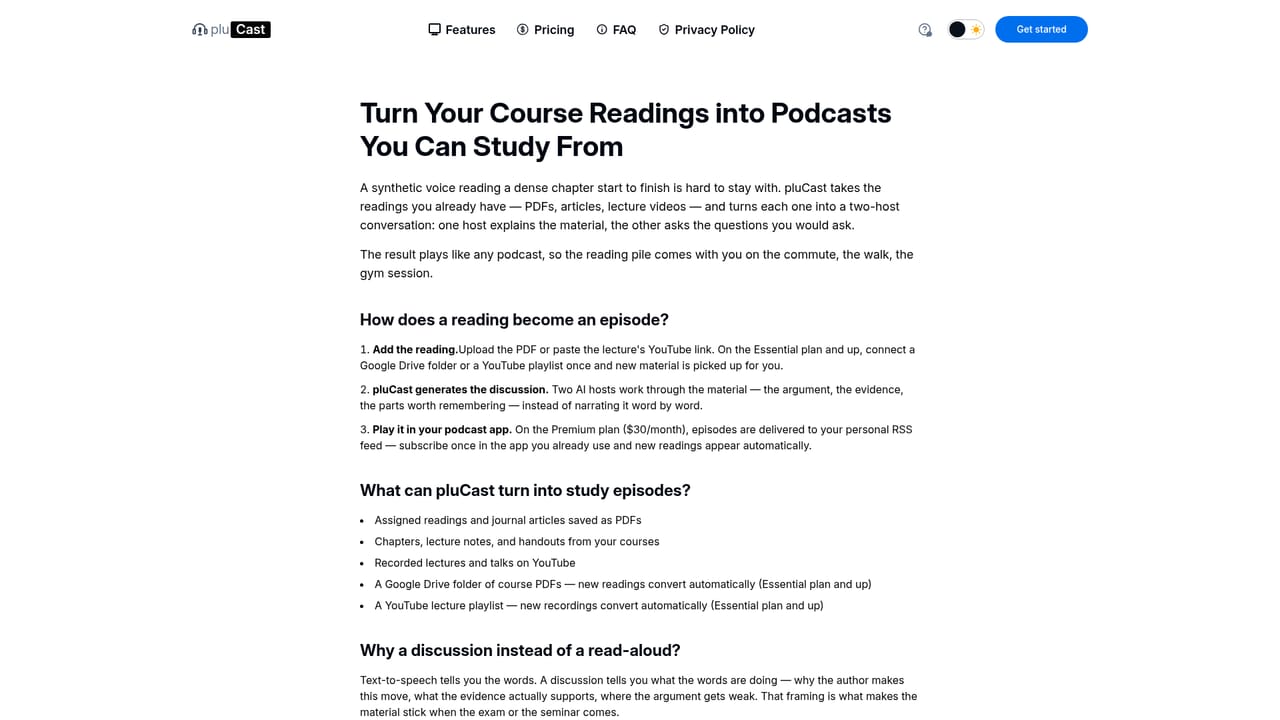
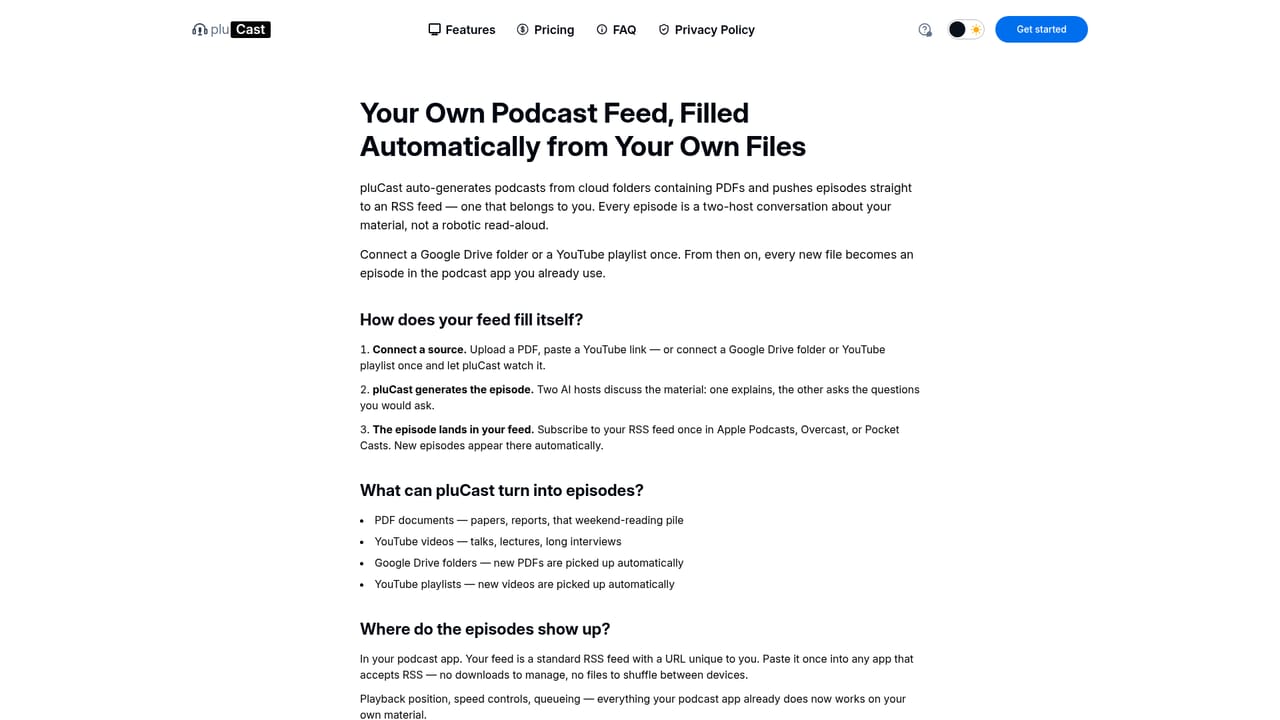
pluCast is a podcast generator that converts documents and videos into short audio episodes. Users upload PDF files or paste YouTube links, and the platform produces a two-person conversation in which one host explains the source material while the other asks clarifying questions. Episodes run roughly 2 to 7 minutes, including for dense 20 to 30 page reports. The stated rationale is that a dialogue format, modeled on a podcast interview, holds attention better than a straight narration and supports comprehension and recall when the listener is doing something else. The tool is aimed at people with a backlog of read-later and watch-later material and limited screen time: executives with stacks of weekend reading, students working through optional course readings, commuters, parents on the school run, and anyone whose job keeps them on their feet. Beyond one-off uploads, paid plans can monitor a connected Google Drive folder or YouTube playlist so new PDFs and videos are picked up automatically and turned into episodes without manual work. This makes it closer to an automated feed than a single-shot converter, though the same content can still be submitted by hand. Distribution is where pluCast separates itself from simpler document-to-audio tools. Free users listen inside the web app. Paid tiers add MP3 downloads and shareable episode links that recipients can open without an account. Premium adds a personal RSS feed, which makes the whole library subscribable in Apple Podcasts, Overcast and similar apps, and allows publishing so episodes become discoverable to a wider audience. New episodes land on the feed automatically once it is configured. Audio is offered in Regular and HD quality, with HD using enhanced voice processing for richer pacing and intonation while keeping the same conversational content and transcript. Processing speed, storage retention and concurrent generations scale with the plan. It sits in the same space as PDF-to-podcast converters and AI audio overview tools, and it is a sensible pick for anyone who wants a persistent, automatable feed rather than a one-off MP3. The main caveats are that source support currently stops at PDFs and YouTube, with audio input and general web URLs described as in progress, and that the most useful features (automation, downloads, RSS publishing) sit behind paid plans.
New accounts get 5 free credits with no card required, covering both Regular and HD generation. The trial behaves as a permanent free tier rather than a time-limited trial.
Learn moreFree tier: 5 starter credits, Regular processing, 30-day retention, 1 concurrent generation, 50 saved podcasts. Essential at $10/month: 30 credits, priority processing, 6-month retention, 3 concurrent generations, 100 saved podcasts. Premium at $30/month: 125 credits, immediate processing, 1-year retention, 5 concurrent generations, 200 saved podcasts. Credit top-ups are sold on every plan.
Learn moreSupport is handled by email at support@plucast.com, and a FAQ on the homepage covers sourcing, audio quality, privacy and sharing. There is no live chat or phone channel mentioned.
Google Drive folders and YouTube playlists can be linked on paid plans for automatic episode generation. Premium's personal RSS feed connects the library to podcast apps such as Apple Podcasts and Overcast. Payments run through Stripe.
Converts PDFs and YouTube links into 2 to 7 minute two-person conversational episodes in Regular or HD audio. Paid plans add automated generation from Google Drive folders and YouTube playlists, MP3 downloads, and shareable episode links. Premium adds a personal RSS feed for listening in podcast apps and for publishing. Processing speed, retention (30 days to 1 year), concurrent generations (1 to 5) and saved podcast limits (50 to 200) scale by tier, with credit top-ups available on all plans.
 AI Angels400+ customizable AI girlfriends for NSFW chat, voice calls, and roleplay
 Candy AIExperience the future of companionship with AI friends who chat, role-play, and connect with you on a human level.
 ourdream.aiA vast AI roleplay platform with millions of characters for chat, images, video and voiceAI Angels400+ customizable AI girlfriends for NSFW chat, voice calls, and roleplayCandy AIExperience the future of companionship with AI friends who chat, role-play, and connect with you on a human level.ourdream.aiA vast AI roleplay platform with millions of characters for chat, images, video and voice





