Free trial
Free to use without an account, with a higher daily limit after signing in. No separate trial period is described.
Learn moreTurn plain English into LinkedIn buzzwords, or decode a post back to what it means.
Own Polytranslator? Verify ownership to get a dofollow link

Polytranslator is a formal language conversion tool that turns plain English into LinkedIn buzzwords, or decode a post back to what it means. A free bidirectional translator that rewrites plain English into LinkedIn's corporate jargon, or decodes buzzword-heavy posts back into what they actually say.
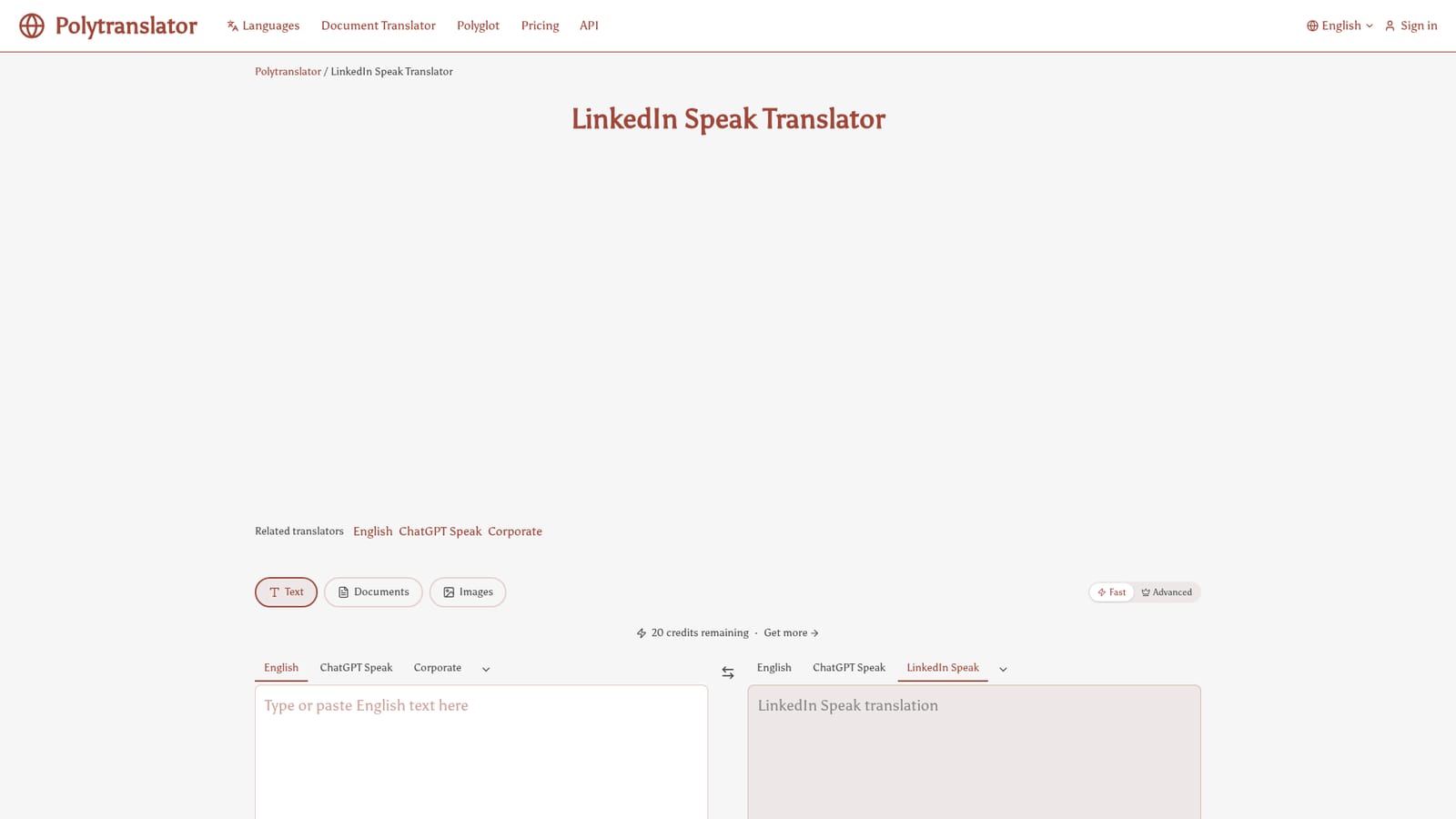
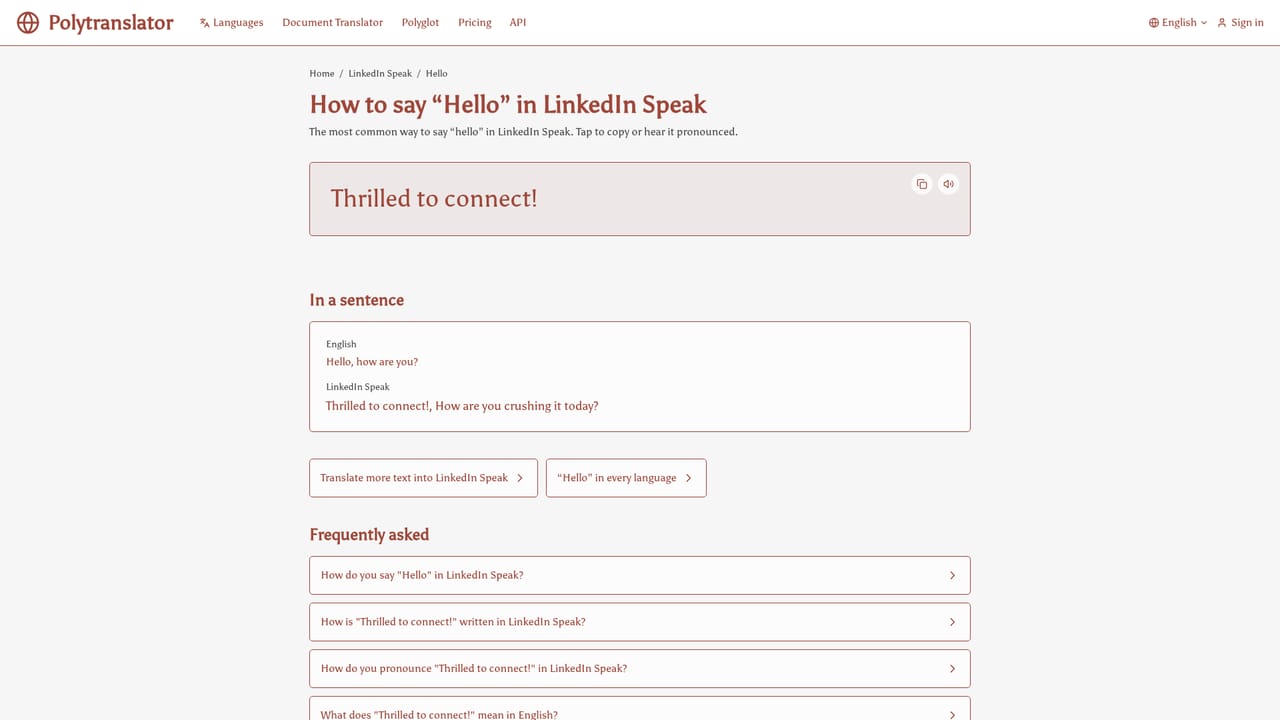
Polytranslator's LinkedIn Speak tool is a bidirectional translator for the corporate register that dominates professional networking feeds. One direction converts ordinary sentences into the polished, jargon-heavy phrasing associated with thought-leadership posts: "let's circle back," "synergize," "move the needle," "leverage our core competencies," plus the obligatory emoji and hashtag garnish. The other direction takes an existing post and renders it back into plain English, exposing how much substance sits behind the inspirational framing. The workflow is a single text box with a 500 character limit and a Ctrl+Enter shortcut for translation. Source and target languages sit in dropdowns: LinkedIn Speak on one side, English, ChatGPT Speak or Corporate on the other, with hundreds of other languages available. Two engine modes are offered. Fast handles everyday text and major languages; Advanced is aimed at rare and low-resource languages and consumes Pro credits. A credit counter is visible in the interface, with a free allowance and an upgrade path. Beyond the translator itself, Polytranslator maintains a phrasebook of common expressions mapped into LinkedIn Speak, from greetings and thank-yous to "where is the bathroom," each rewritten in the platform's earnest, hashtag-friendly voice. There is also a companion Brainrot page for readers who want the satirical counterpoint. The tool is built for recruiters, social media managers, job seekers, and anyone who needs to write in the dialect without fully submitting to it, or to read it without taking it at face value. It occupies a narrow niche. General translation services treat LinkedIn Speak as ordinary English because it is ordinary English, just dressed up. Polytranslator is one of the few tools that treats the register itself as a target language, which makes it more of a decoder and a parody engine than a serious localization product.
Free to use without an account, with a higher daily limit after signing in. No separate trial period is described.
Learn moreThe LinkedIn Speak translator is described as completely free and instant with no signup required, and signing in raises the daily limit. A credit balance is shown in the interface (20 credits remaining in the captured view) with a Get more option, and Advanced mode is marked as a Pro feature requiring more credits.
Learn moreA feedback option is available in the translator interface, but the homepage does not describe a help centre, documentation or direct support channels.
Bidirectional translation between LinkedIn Speak and English, Corporate, ChatGPT Speak and hundreds of other languages. Fast and Advanced engine modes, a 500 character input limit, Ctrl+Enter shortcut, credit counter, share and feedback options, plus a phrasebook covering greetings, thanks and other everyday expressions in LinkedIn style.
 AI Angels400+ customizable AI girlfriends for NSFW chat, voice calls, and roleplay
 Candy AIExperience the future of companionship with AI friends who chat, role-play, and connect with you on a human level.
 ourdream.aiA vast AI roleplay platform with millions of characters for chat, images, video and voiceAI Angels400+ customizable AI girlfriends for NSFW chat, voice calls, and roleplayCandy AIExperience the future of companionship with AI friends who chat, role-play, and connect with you on a human level.ourdream.aiA vast AI roleplay platform with millions of characters for chat, images, video and voice


