Free trial
The translator is free to use without an account. The wider Postel platform offers a 7-day trial that can be cancelled at any time according to the page.
Learn moreDecode emoji strings into plain text, or turn your words into emojis

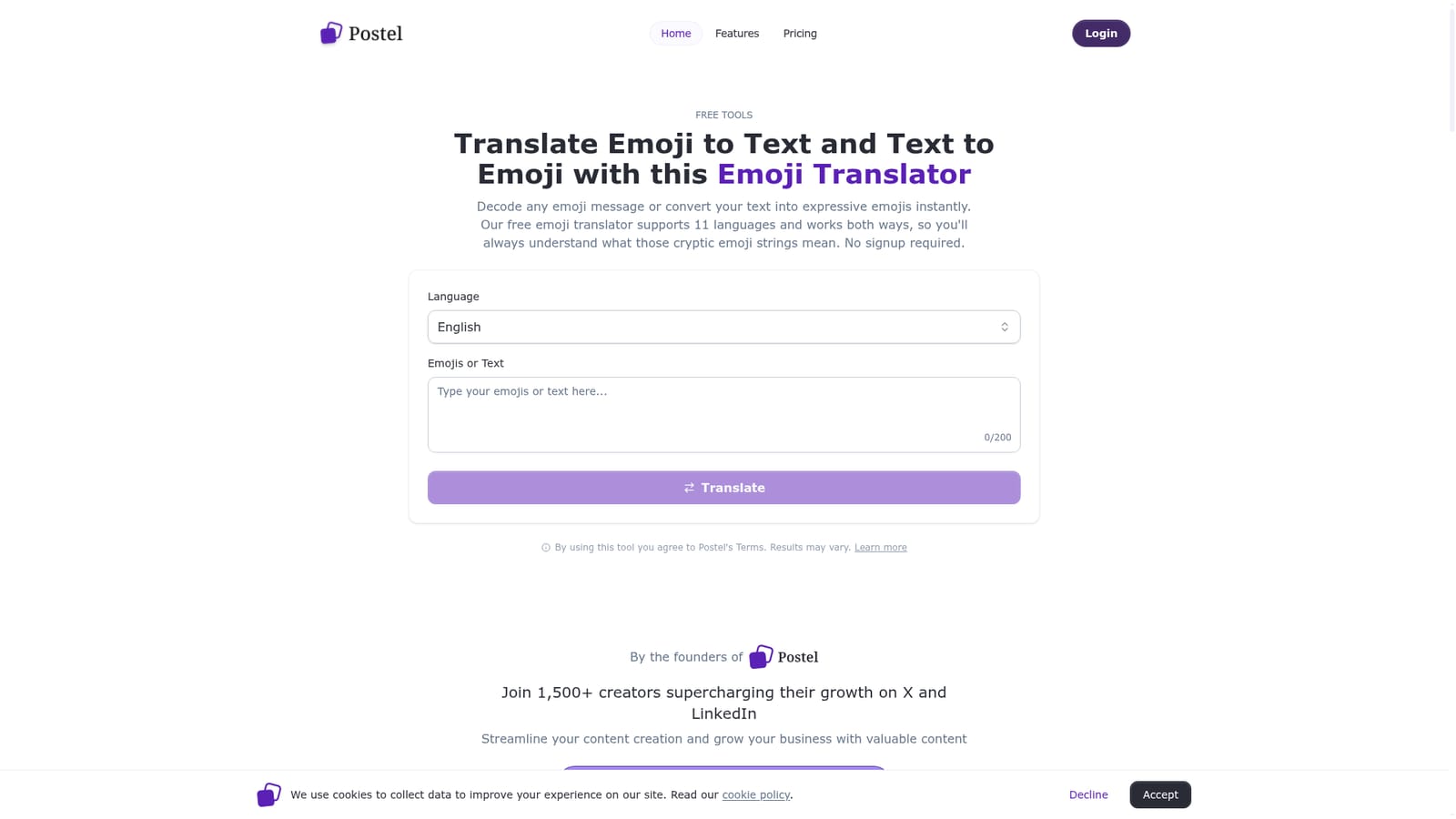
Postel is an emoji translation tool. A free, no-signup translator that decodes emoji strings into readable text or converts text into emoji messages, with support for 11 languages, an automatic direction swap and an optional skin tone setting.
Postel's Emoji Translator is a free browser based utility that works in two directions. Paste an emoji string and it returns a readable sentence; type a sentence and it returns an emoji version of the same idea. The page states that it supports 11 languages (English, Spanish, French, Italian, German, Portuguese, Dutch, Russian, Japanese, Chinese and Korean), so the decoded output or the source text can be in any of those. No account is needed to use it. The tool is pitched at people who receive emoji messages they cannot parse: friends sending emoji-only replies, group chats that drift into symbol shorthand, or social posts built around emoji sequences. The reverse mode suits anyone writing captions, messages or short social copy who wants a quick emoji rendering of a phrase. Because the direction is detected automatically, the workflow is short: pick a language, optionally set a skin tone for people and hand emojis, enter content up to 200 characters, translate, then copy the result or use the swap button to run it back the other way. Accuracy is the open question. The site frames the decoder as AI powered and says it handles single emojis, sequences and longer emoji stories with context, and it offers illustrative mappings such as a running figure with a gust of wind becoming "running fast". Those are reasonable examples, but emoji meaning is context dependent and the page itself notes that results may vary. Treat the output as an interpretation rather than a definitive reading, especially for long strings assembled by someone with a private in-joke. Postel's broader product is a content creation and scheduling platform for X and LinkedIn, with an AI post writer and scheduling tools, and the translator sits alongside it as a free entry point. Compared with dictionary style emoji lookups, which map one symbol at a time, this tool attempts whole-message interpretation, which is the more useful approach for decoding a real message but the harder one to get right.
The translator is free to use without an account. The wider Postel platform offers a 7-day trial that can be cancelled at any time according to the page.
Learn moreThe emoji translator itself is described as free with no signup. Postel's broader platform is sold as a subscription with a 7-day trial, though no price figures appear on this page.
Learn moreSupport is limited to a frequently asked questions section on the translator page. No dedicated help centre or contact channel is listed for the free tool.
Two-way translation between emoji and text, 11 supported languages, automatic direction detection, a copy control, a swap button for translating back, and an optional skin tone setting for people and hand emojis when generating output. Input is limited to 200 characters.
 AI Angels400+ customizable AI girlfriends for NSFW chat, voice calls, and roleplay
 Candy AIExperience the future of companionship with AI friends who chat, role-play, and connect with you on a human level.
 ourdream.aiA vast AI roleplay platform with millions of characters for chat, images, video and voiceAI Angels400+ customizable AI girlfriends for NSFW chat, voice calls, and roleplayCandy AIExperience the future of companionship with AI friends who chat, role-play, and connect with you on a human level.ourdream.aiA vast AI roleplay platform with millions of characters for chat, images, video and voice


