Pricing
The homepage describes PowerBrain AI Chat as a free AI app with an ad-free experience. No paid tiers, subscription prices or usage limits are stated on the page.
Learn moreFree AI chat and answer engine for iPhone and Android
Own PowerBrain AI Chat? Verify ownership to get a dofollow link
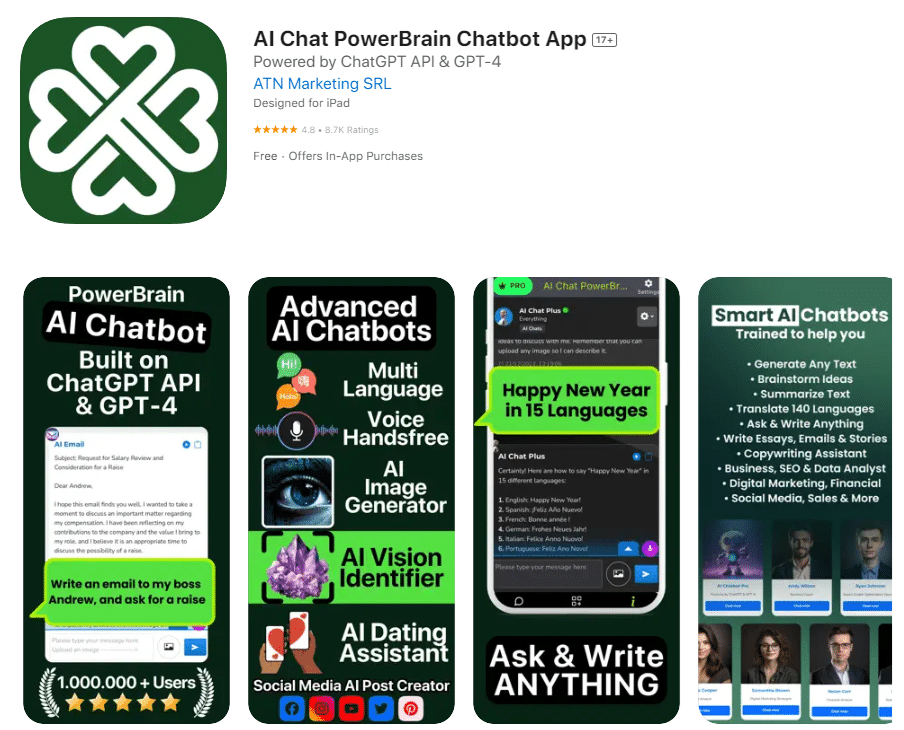
PowerBrain AI Chat is a free mobile AI assistant for iOS and Android that answers natural language questions, analyzes images and documents, and offers premade personas plus writing and proofreading helpers. It runs on GPT-4o-mini per the homepage and is positioned as an ad-free alternative chat app with cross-device sync.
PowerBrain AI Chat is a mobile-first AI assistant built around a simple question-and-answer loop. Users type a query in natural language into a search bar, and the app returns what the site describes as instant, accurate and factual answers, with follow-up questions available to drill deeper into a topic. The app runs on GPT-4o-mini according to the homepage and is built with a multimodal focus: text and images are both processed, so you can bring a picture or a document into the conversation rather than typing everything out. Beyond the plain chatbot, the product bundles a set of personalities and task helpers. The homepage lists an AI Comedian, an AI Debate partner, an AI Fortune Teller, a Poem Generator, a Song Recommender, a Storyteller, a Proofreader, a Relationship Coach, a Travel Guide and a Math AI, alongside an AI writer aimed at emails, articles and copywriting for marketing or social media. There is also image generation referenced on the page (DALL-E 3 and Stable Diffusion are named in the visuals) and a screenshot workflow that captures analyzed documents or created images. Chat history persists so you can resume a thread, and account sync keeps sessions available across devices. The tool suits casual users who want a general assistant on a phone, plus writers, students and small marketing teams looking for brainstorming, proofreading and draft generation in one place. It is free to use and the page stresses a completely ad-free experience. On iOS it competes directly with the official ChatGPT app and with other general chat assistants, and its differentiation is breadth of premade personas and helper modes rather than a single deep workflow. The site also runs an editorial blog covering AI chat topics, which doubles as a discovery channel for the app. Practical caveats are worth noting. The homepage markets an enormous feature list but says little about model limits, message caps, or data handling, and the writing around accuracy claims is promotional rather than documented. Users who need verifiable sourcing or enterprise controls should expect to look elsewhere or test carefully.
The homepage describes PowerBrain AI Chat as a free AI app with an ad-free experience. No paid tiers, subscription prices or usage limits are stated on the page.
Learn moreThe homepage mentions integration with Google Drive for keeping digital needs in one place. No other named integrations are listed.
Natural language question answering, multimodal input covering text and images, follow-up questions, persistent chat history, cross-device sync, premade AI personalities and helper modes (proofreader, travel guide, math helper, storyteller), an AI writer for emails and articles, and image generation tools referenced as DALL-E 3 and Stable Diffusion.
Learn more AI Angels400+ customizable AI girlfriends for NSFW chat, voice calls, and roleplay
 Candy AIExperience the future of companionship with AI friends who chat, role-play, and connect with you on a human level.
 ourdream.aiA vast AI roleplay platform with millions of characters for chat, images, video and voiceAI Angels400+ customizable AI girlfriends for NSFW chat, voice calls, and roleplayCandy AIExperience the future of companionship with AI friends who chat, role-play, and connect with you on a human level.ourdream.aiA vast AI roleplay platform with millions of characters for chat, images, video and voice










