Free trial
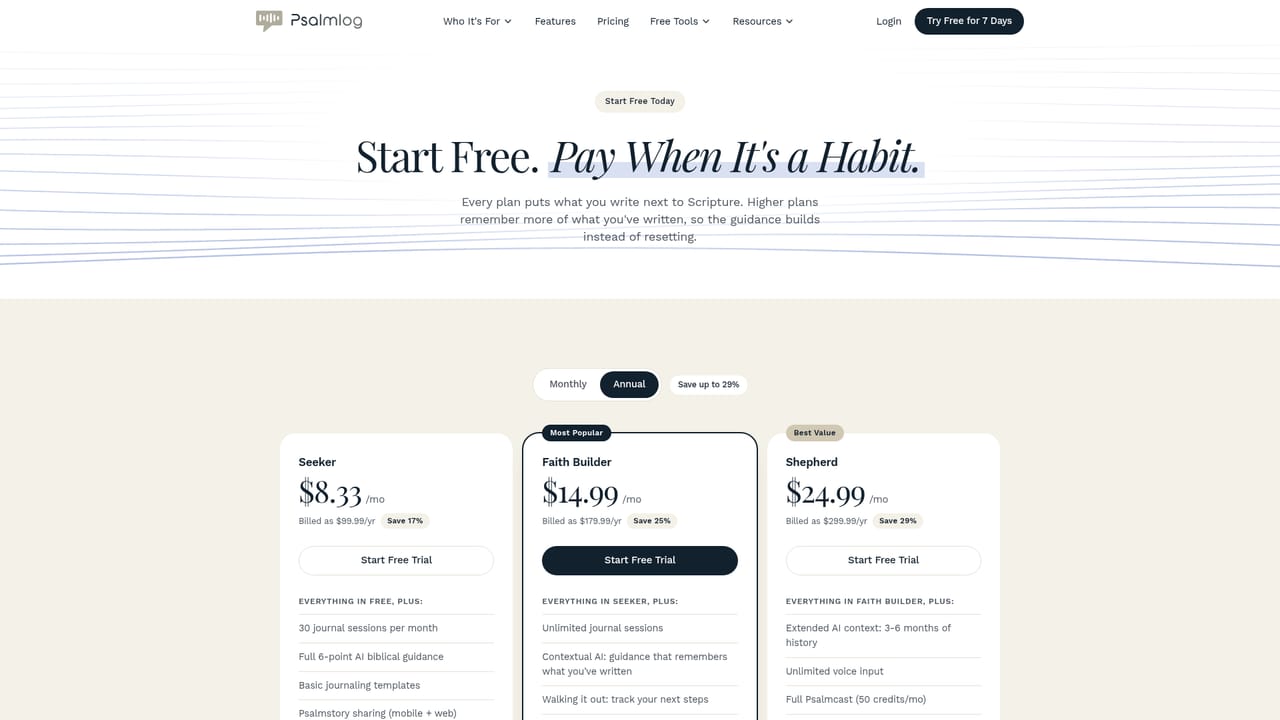
A 7 day free trial is offered, and three free entries are available with no card required. Web and mobile access are both included.
Learn moreA journaling app that answers your honest entries with Scripture and one next step

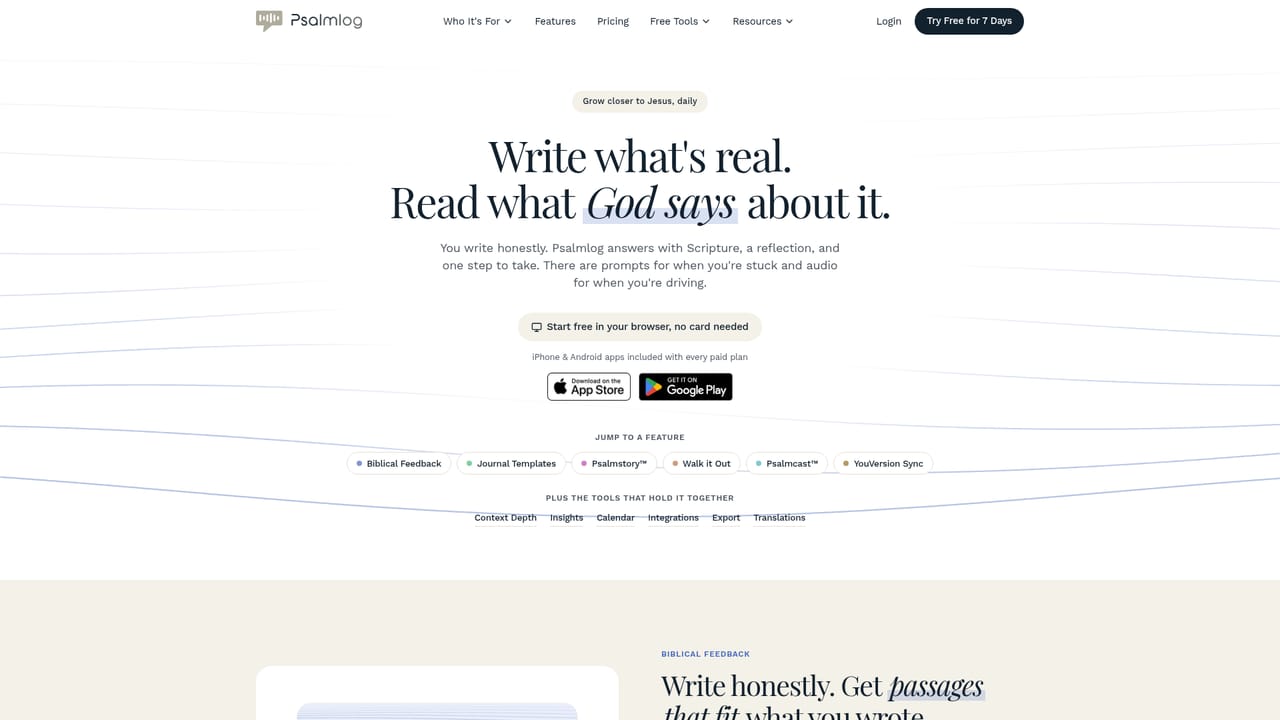
Psalmlog is a companion tool. A Christian journaling app that pairs honest written or spoken entries with fitting Scripture, a reflection and one actionable next step, backed by YouVersion sync, guided templates and a dashboard tracking themes and moods over time.
Psalmlog is a devotional and journaling app built around a single loop: write down what you are actually facing, read a passage of Scripture that speaks to it, then take one concrete step before the next day. Entries can be typed or spoken, and a starter prompt library covers the blank page problem for people who freeze when asked what is on their mind. Each entry returns a six part response: biblical themes and key moods, a personal summary of what was written, a key takeaway, a Scripture connection with chapter and verse and an explanation of why it fits, a next step, and a short word of encouragement. The practice layer is what separates it from a generic chat tool. Next steps land in a Walk it Out list where they become trackable actions with reminders and Google Calendar export, and a monthly insights dashboard shows which emotions, themes and passages recur across the weeks. Psalmlog also keeps a running summary of past entries, so responses can reference earlier writing, with the memory window widening by plan (roughly 30 days on Faith Builder, three to six months on Shepherd). Highlights sync both ways with YouVersion, and any verse can be sent into the journal with a Reflect on this action. It suits believers who already read the Bible but find that Sunday insight fades by midweek, and it is equally usable by people early in the faith who want guidance rather than a commentary. Twenty plus situation templates (anxiety, grief, forgiveness, parenting) lower the entry barrier, and Psalmcast narrates the guidance in a natural voice for commutes, though it never reads back the raw entry. Among faith apps, most competitors split into two camps: reading plans and devotionals written for a general audience, or open ended AI chat that has no memory of your walk. Psalmlog sits between them, trading breadth of content for personalization tied to what you wrote. Three free entries and a seven day trial let you test whether the feedback loop fits before paying.
A 7 day free trial is offered, and three free entries are available with no card required. Web and mobile access are both included.
Learn moreFree to start with three entries and no card, plus a 7 day trial. Paid tiers are named Seeker, Faith Builder and Shepherd, and they differ mainly in how much entry history the app remembers (current entry, 30 days, or 3 to 6 months). Exact prices are not shown in the homepage content.
Learn moreYouVersion is the named integration, with two way highlight sync, sign in with YouVersion, and a Reflect on this action on passages. Google Calendar accepts Walk it Out steps.
Six part feedback on every entry (themes and moods, personal summary, key takeaway, Scripture connection with chapter and verse, next step, encouragement), text or voice input, 20 plus situation templates, Walk it Out action tracking with reminders and Google Calendar, YouVersion highlight sync and Verse of the Day, Psalmcast voice narration of guidance, a monthly insights dashboard, and a rolling memory of past entries that grows by plan.
Learn more AI Angels400+ customizable AI girlfriends for NSFW chat, voice calls, and roleplay
 Candy AIExperience the future of companionship with AI friends who chat, role-play, and connect with you on a human level.
 ourdream.aiA vast AI roleplay platform with millions of characters for chat, images, video and voiceAI Angels400+ customizable AI girlfriends for NSFW chat, voice calls, and roleplayCandy AIExperience the future of companionship with AI friends who chat, role-play, and connect with you on a human level.ourdream.aiA vast AI roleplay platform with millions of characters for chat, images, video and voice


