Free trial
New customers get a 14-day free trial of the Lite plan. The Free plan needs no credit card, and the trial is cancelled through the plan settings.
Learn moreGoogle Search Console data for every site you own, in one free dashboard

QuickSEO is a traffic generator tool. A free, read-only Google Search Console dashboard that puts every website you manage on one board, with per-site analytics, weekly technical audits and a paid tier for full opportunity lists, index monitoring and alerts.
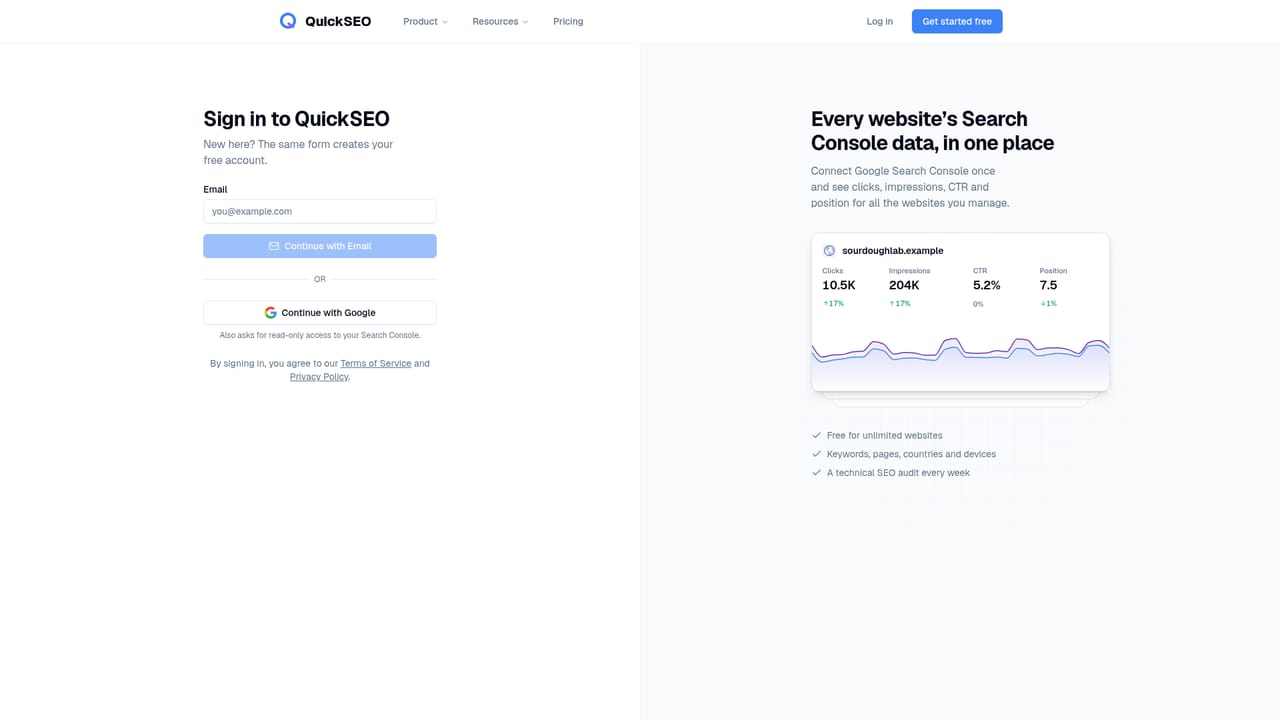
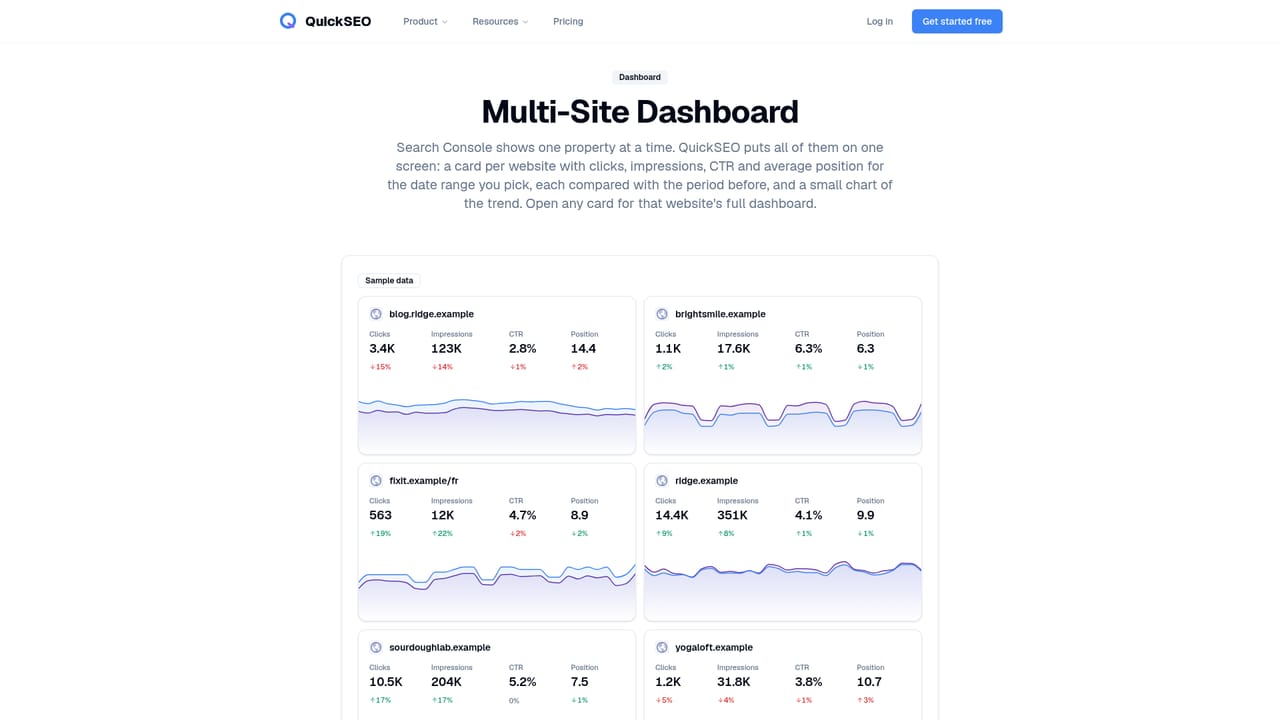
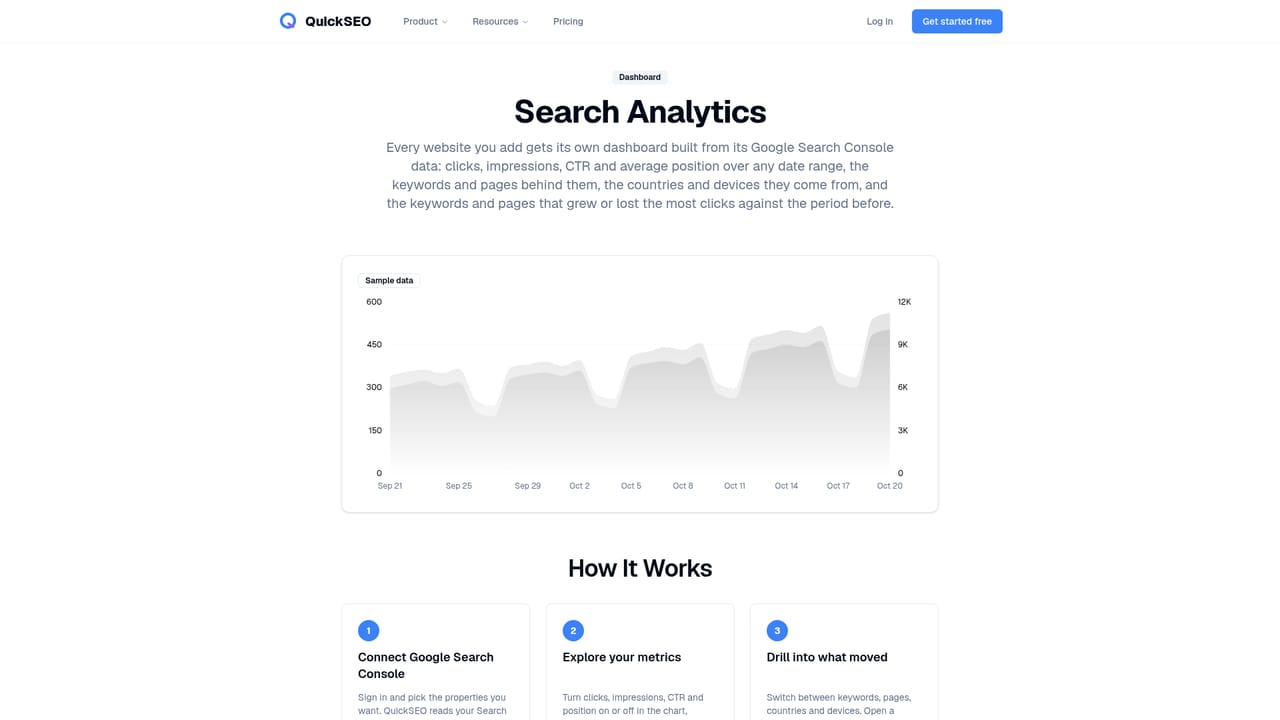
QuickSEO is a read-only layer on top of Google Search Console. Instead of logging into Search Console property by property, you connect your Google account once and get a single board showing clicks, impressions, CTR and average position for every site you own or manage. Each site gets a card with its headline numbers set against the period before, so a 15 percent slide on one blog is visible next to a 9 percent gain on a shop without opening two browser tabs. The connection is read-only, so the tool never writes to your Search Console account. The dashboard side is generous for a free product. Per site you get a full performance view over any date range, the queries and pages behind the traffic, growing and decaying keywords and pages, country and device breakdowns, and a branded versus non-branded split. A technical SEO audit runs weekly, scoring each site on crawlability, indexation, on-page and structured data issues and ranking the findings by severity. Google ranking updates are shaded on the charts, with a verdict on whether a given site moved more than its normal week. The paid Lite tier is where the tool stops reporting and starts prioritising. Free users see the top three opportunities per site, which are pages worth fixing with a reason, one suggested action and an estimated click gain (low CTR pages, striking distance keywords, decaying content). Lite unlocks the complete list, adds before and after measurement on each opportunity marked done, monitors index status through Google's URL Inspection tool, sends alerts on ranking updates and unusual traffic drops, groups pages by URL pattern, and exposes an MCP server so an agent such as Claude or ChatGPT can query the data. The natural comparison is with Search Console itself and with heavier SEO suites. QuickSEO does less than a full rank tracker or keyword research platform, and it deliberately works only from Google's own numbers rather than modelled estimates. It suits freelancers, agencies and small in-house teams juggling several properties who want a clear weekly read and a short fix list, not a full SEO workstation.
New customers get a 14-day free trial of the Lite plan. The Free plan needs no credit card, and the trial is cancelled through the plan settings.
Learn moreFree plan at $0 per month covers unlimited websites with the full Search Console dashboard, keywords and pages, country and device breakdowns, growing and decaying terms, branded split, weekly technical audit, update tracker and top three opportunities per site. Lite costs $39 per month and adds all opportunities with before/after tracking, index monitoring, alerts, page groups and MCP access.
Learn moreA frequently asked questions section on the homepage covers setup, data storage, AI agent access and account deletion. No live chat, phone or email support channel is described.
Connects to Google Search Console with read-only OAuth access, and on the paid plan exposes an MCP server that works with Claude, ChatGPT, Cursor, Codex and any other MCP-compatible client.
Learn moreMulti-site dashboard with period comparisons, per-site search analytics over any date range, keywords and pages with growing and decaying views, country and device filters, branded versus non-branded split, prioritised opportunities with estimated click gains, Google update shading and verdicts, a weekly technical SEO audit with an SEO health score, page groups by URL pattern, index monitoring, traffic-drop alerts and an MCP server for AI agents.
Learn more AI Angels400+ customizable AI girlfriends for NSFW chat, voice calls, and roleplay
 Candy AIExperience the future of companionship with AI friends who chat, role-play, and connect with you on a human level.
 ourdream.aiA vast AI roleplay platform with millions of characters for chat, images, video and voiceAI Angels400+ customizable AI girlfriends for NSFW chat, voice calls, and roleplayCandy AIExperience the future of companionship with AI friends who chat, role-play, and connect with you on a human level.ourdream.aiA vast AI roleplay platform with millions of characters for chat, images, video and voice


