Free trial
14 days with 25 credits and no credit card required. The trial unlocks all nine AEO tools and unlimited projects so the full workflow can be tested before paying.
Learn moreAEO toolkit for getting your brand cited in AI answers
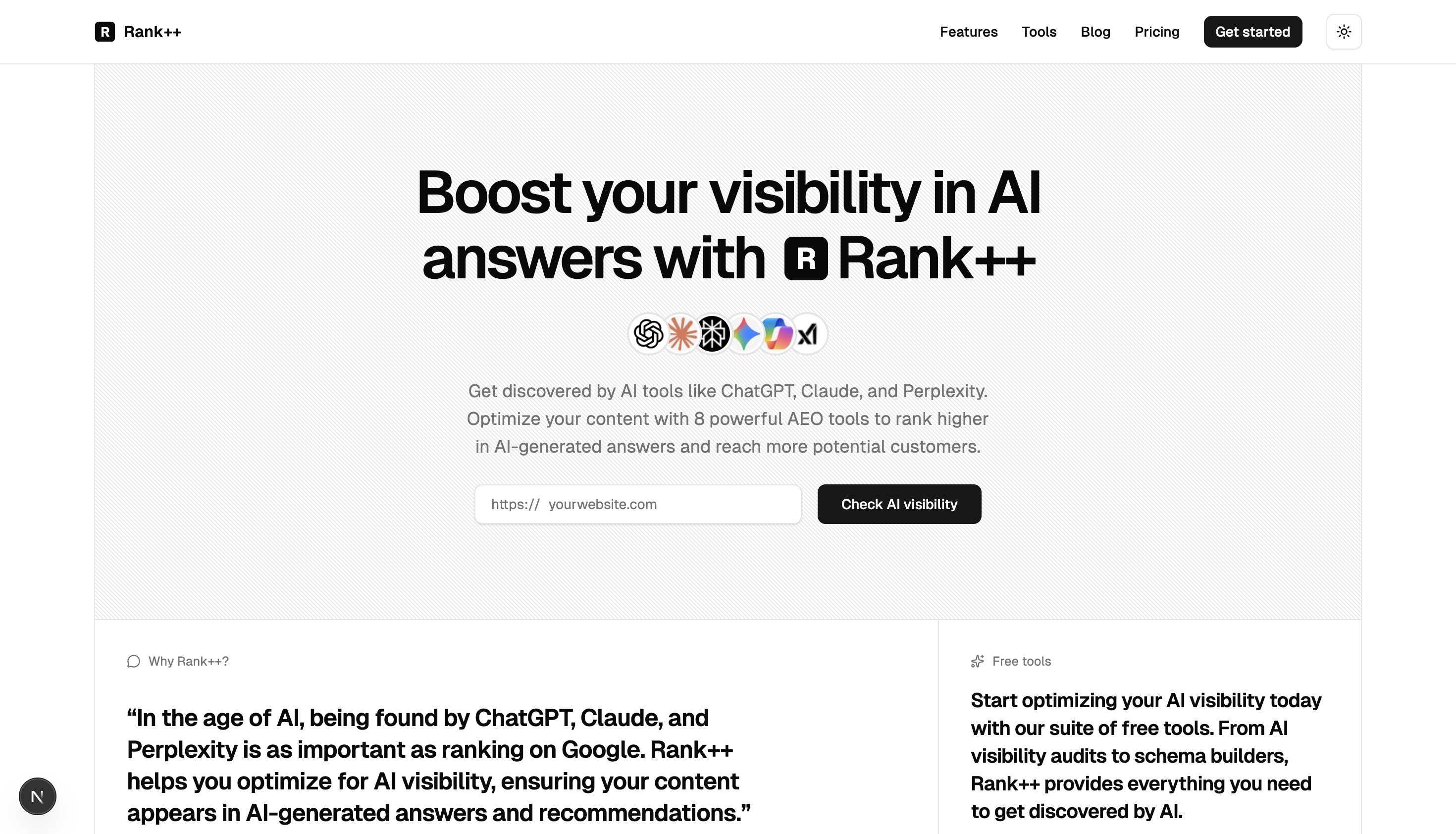
Rank++ is an AI directories tool. Rank++ bundles nine AEO tools for improving how ChatGPT, Claude, Perplexity and similar assistants describe and cite a brand, covering audits, entity graphs, schema generation, content scoring, prompt testing, citations, indexing and directory submissions on a credit based plan.
Rank++ is a toolkit for AI engine optimization (AEO), the practice of shaping how AI assistants such as ChatGPT, Claude, Perplexity, Gemini, Copilot and Grok describe and recommend a brand. Instead of chasing search rankings, it targets the answers those models generate, aiming to correct outdated or inaccurate responses and to earn citations where potential customers are already asking questions. The suite is organized around nine tools that share one credit pool. A Website Audit scores current AI visibility and returns recommendations. The AI Entity Graph and Schema Builder produce JSON-LD structured data, with the schema tool reading a sitemap and generating markup page by page, so sites with hundreds of URLs can be covered without hand writing code. Content Optimizer returns E-E-A-T scores, entity suggestions and extracted facts. Prompt Lab probes how each model responds to questions about a brand, while Citation Builder exports citations in five formats (JSON-LD, HTML, Markdown, plain text, metadata). Index Now pushes URLs to search engines through the IndexNow protocol, Directories handles submission to authoritative listings, KP Engine turns keywords into prompts, and Insights tracks where a brand is cited week by week. Rank++ is aimed squarely at indie hackers, founders, solopreneurs and small marketing teams who need AI visibility work done without a technical SEO specialist. Each action costs roughly one credit, so usage is metered rather than tied to seats or projects, and the workflow stays the same whether one site or many are managed. It sits between classic SEO platforms and newer answer engine trackers. It is narrower than an enterprise SEO suite and lighter than agency consulting, but it bundles audit, structured data, testing and directory submission in one place. Buyers who already run a full SEO stack should treat it as a complement for the AI layer rather than a replacement.
14 days with 25 credits and no credit card required. The trial unlocks all nine AEO tools and unlimited projects so the full workflow can be tested before paying.
Learn moreA 14 day trial costs $0 and includes 25 credits. The Monthly plan is $49 per month for 200 credits, all nine AEO tools, unlimited projects, weekly insights updates and priority support. Most tools consume 1 credit per use; credits reset monthly and do not roll over.
Learn morePriority support is listed on the paid Monthly plan. The founder is reachable by email and on X and LinkedIn, and the site answers common questions in an FAQ.
Nine tools cover Website Audit, AI Entity Graph, Schema Builder, Content Optimizer with E-E-A-T scoring, Prompt Lab for testing model responses, KP Engine for keyword to prompt conversion, Citation Builder with five export formats, Index Now submission and directory listings. Weekly Insights track where a brand is cited across ChatGPT, Claude and Perplexity.
Learn more AI Angels400+ customizable AI girlfriends for NSFW chat, voice calls, and roleplay
 Candy AIExperience the future of companionship with AI friends who chat, role-play, and connect with you on a human level.
 ourdream.aiA vast AI roleplay platform with millions of characters for chat, images, video and voiceAI Angels400+ customizable AI girlfriends for NSFW chat, voice calls, and roleplayCandy AIExperience the future of companionship with AI friends who chat, role-play, and connect with you on a human level.ourdream.aiA vast AI roleplay platform with millions of characters for chat, images, video and voice


