Support
The site carries a help widget with AI assistance and a secure ticket form for general, billing, technical, feature request and bug categories, plus email and optional SMS updates on tickets. Onboarding is described as guided.
Review requests, QR codes and private feedback for local businesses

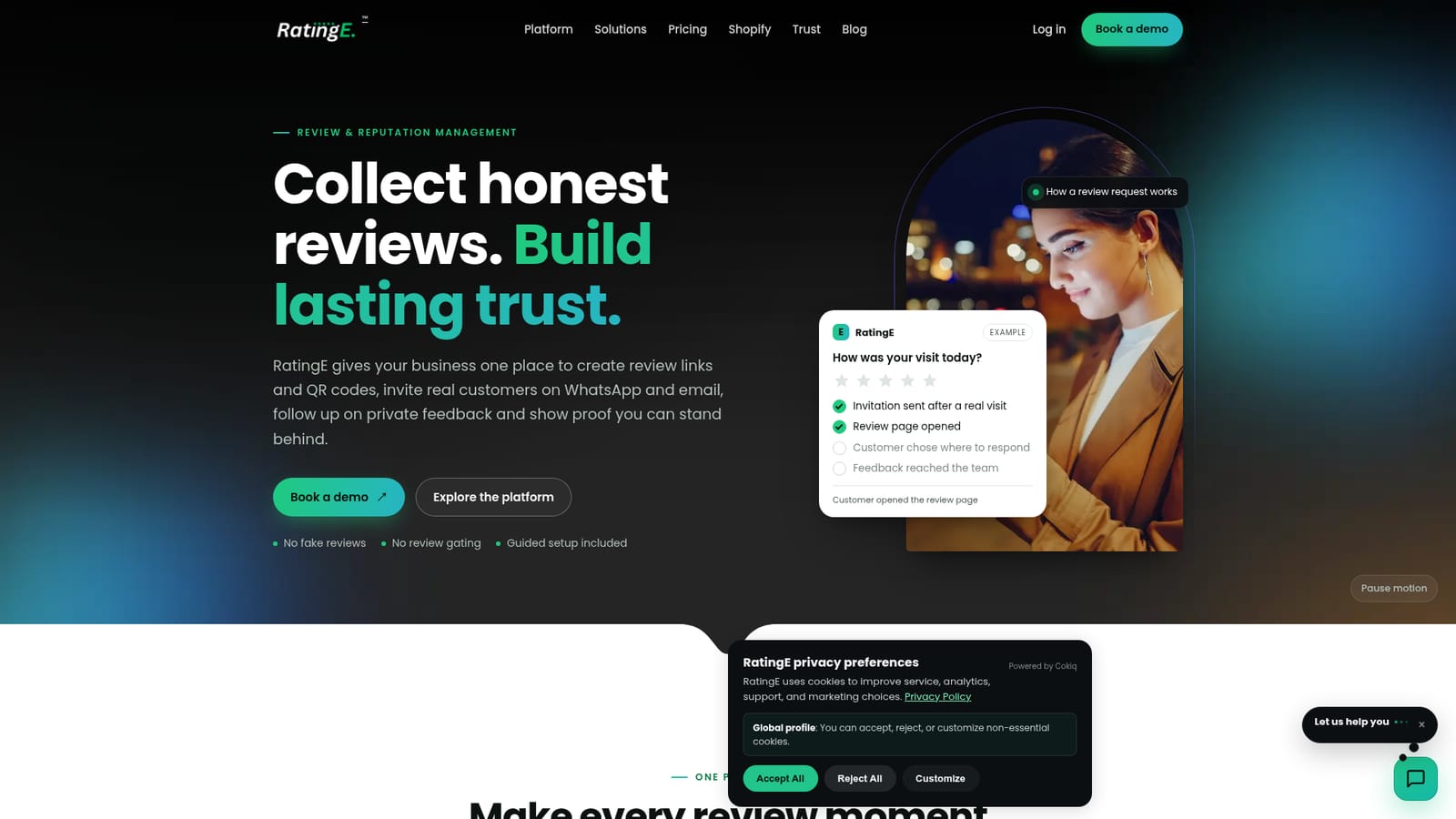
RatingE manages the review journey for local businesses: shareable review links and QR codes, WhatsApp and email requests you approve before sending, a private feedback inbox for the owner and website widgets that display approved proof. It refuses review gating, incentives and guaranteed ratings, and some integrations are still on the roadmap.
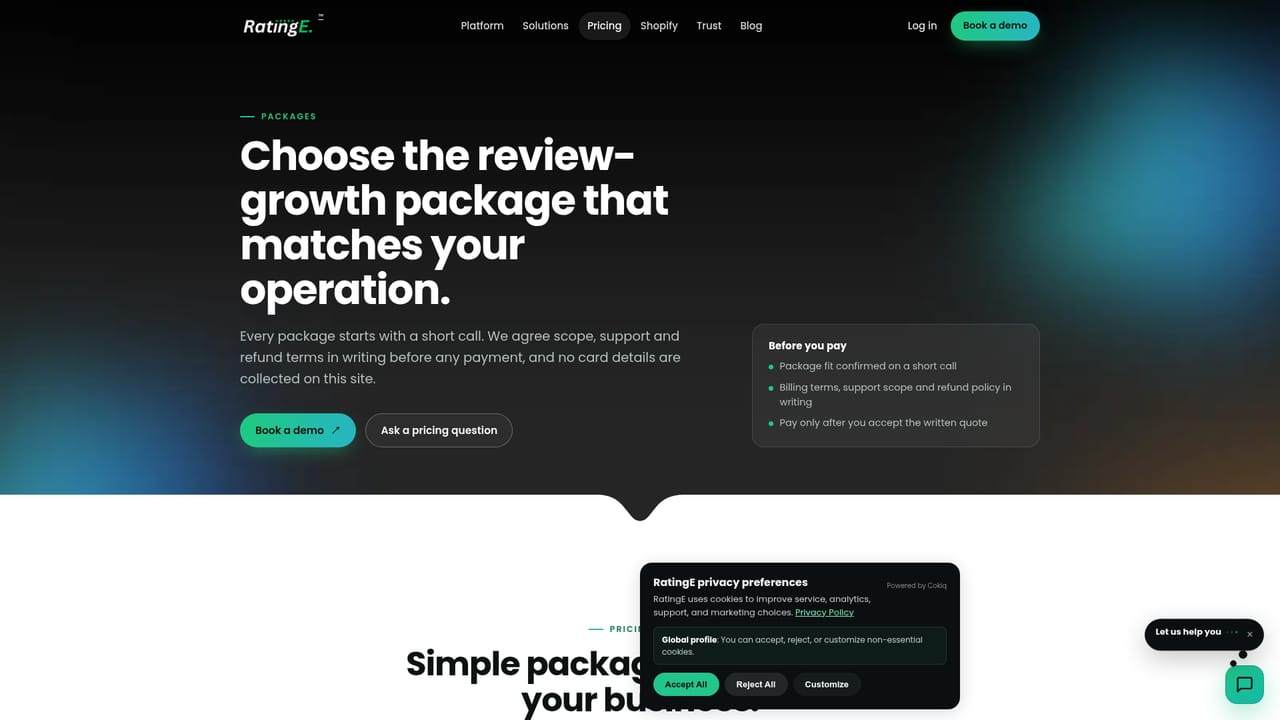
RatingE is review and reputation management software aimed at businesses where trust drives the next enquiry: clinics, restaurants, salons, local service firms and agencies running multiple locations. The core idea is simple. A customer who has just had a real visit, order or appointment gets invited to a single review page the business controls, and from there chooses whether to post publicly or send private feedback straight to the owner. RatingE states plainly that the public option is never hidden, and that it does not use review gating, incentives or invented proof. The workspace holds the pieces a team needs to run that loop. Review links and QR codes can be placed at a counter, on a table, on a bill or at reception, and every code points to the same destination. WhatsApp and email request messages are drafted inside RatingE but stay in a review queue until someone approves them, so nothing reaches a customer by accident. Private concerns land in an owner-facing inbox for follow-up, and first-party widgets let the business publish recent, approved proof on its own website. A public profile at go.ratinge.com gives each location a focused page. The setup is guided rather than self-serve only: RatingE maps locations, review destinations and staff hand-offs during onboarding. The homepage labels each capability by status, and some of the most requested items (Shopify, Google profile sync, a white-label agency workspace) are still listed as coming soon, so buyers should check what is live before committing. Live chat and a ticket desk sit on the site, with AI assistance for basic questions. Against broader reputation suites, RatingE is deliberately narrow. It does not promise rankings, ratings or review volume, and it leans on the honesty of the request flow rather than on automated outreach at scale. Teams that want a repeatable, compliant process across branches will find the fit; teams shopping for aggressive review growth will not.
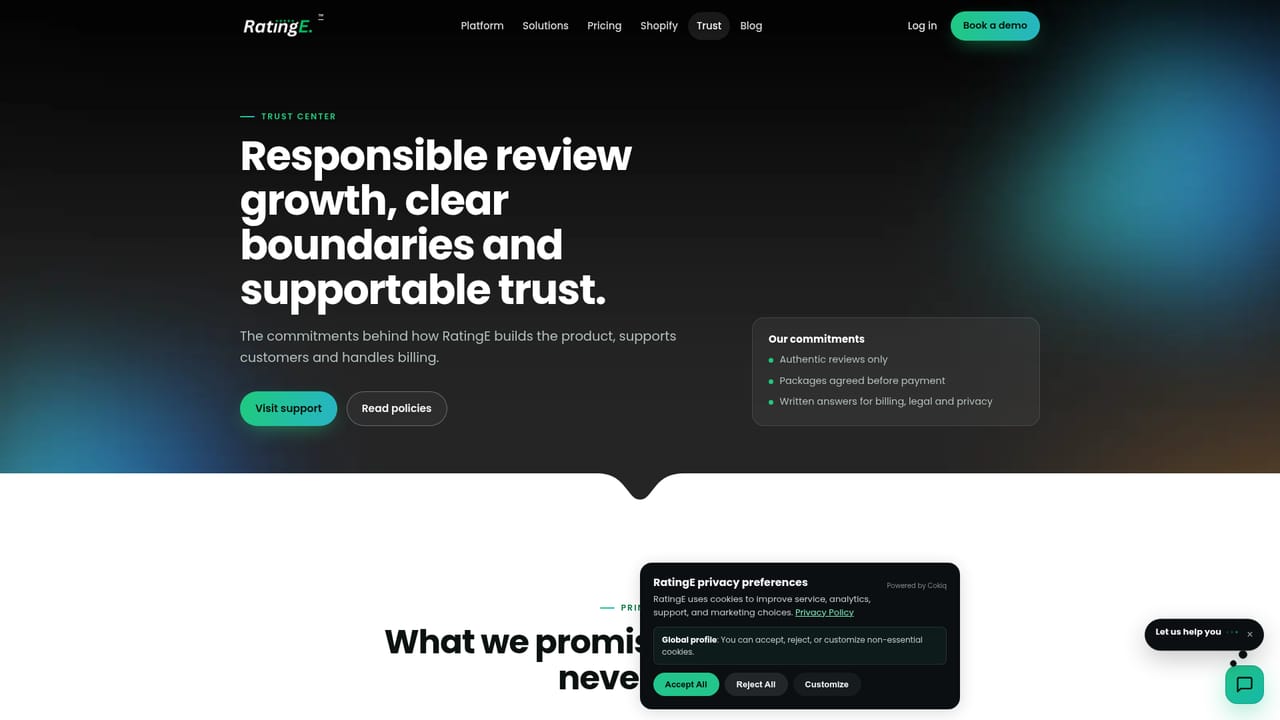
The site carries a help widget with AI assistance and a secure ticket form for general, billing, technical, feature request and bug categories, plus email and optional SMS updates on tickets. Onboarding is described as guided.
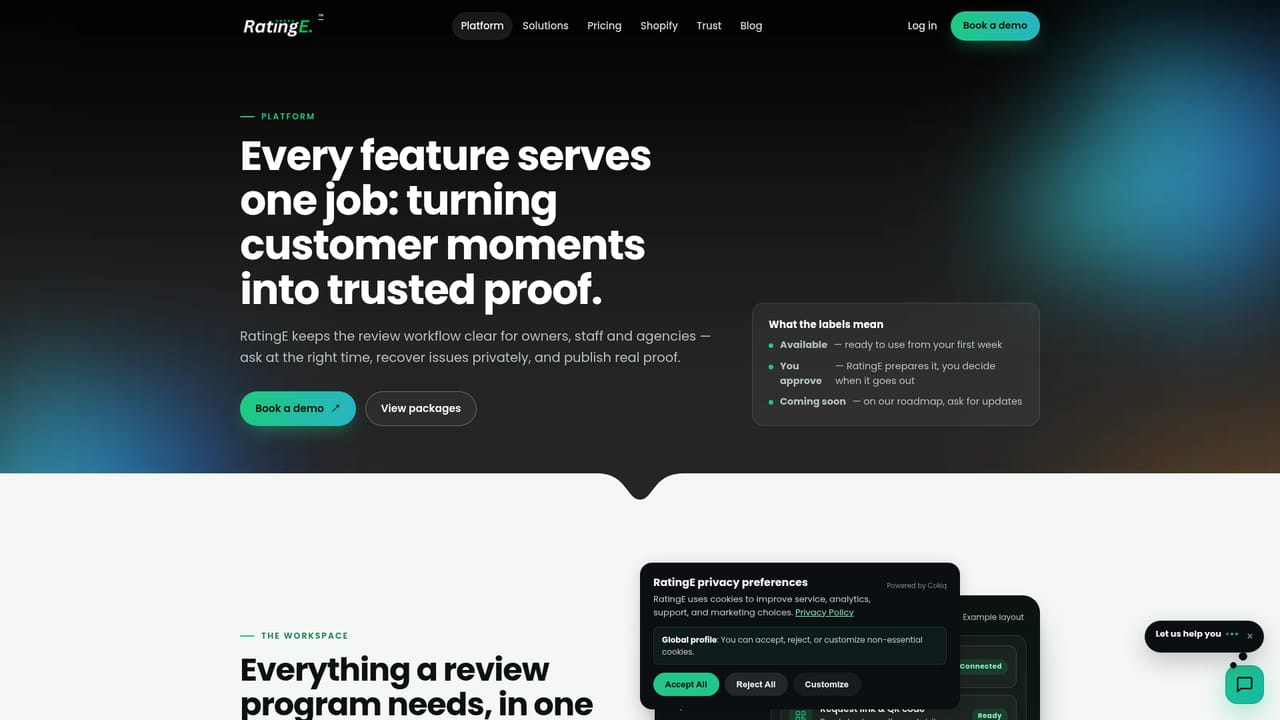
Available now: business-controlled review links, scannable QR codes, public review profiles at go.ratinge.com, a private feedback inbox, website review widgets and multi-location reporting views. Approval-gated: WhatsApp requests, email follow-ups, AI-assisted reply drafts and review-to-social proof cards. On the roadmap: a Shopify app, Google profile sync and an agency white-label workspace.
Learn more AI Angels400+ customizable AI girlfriends for NSFW chat, voice calls, and roleplay
 Candy AIExperience the future of companionship with AI friends who chat, role-play, and connect with you on a human level.
 ourdream.aiA vast AI roleplay platform with millions of characters for chat, images, video and voiceAI Angels400+ customizable AI girlfriends for NSFW chat, voice calls, and roleplayCandy AIExperience the future of companionship with AI friends who chat, role-play, and connect with you on a human level.ourdream.aiA vast AI roleplay platform with millions of characters for chat, images, video and voice