Free trial
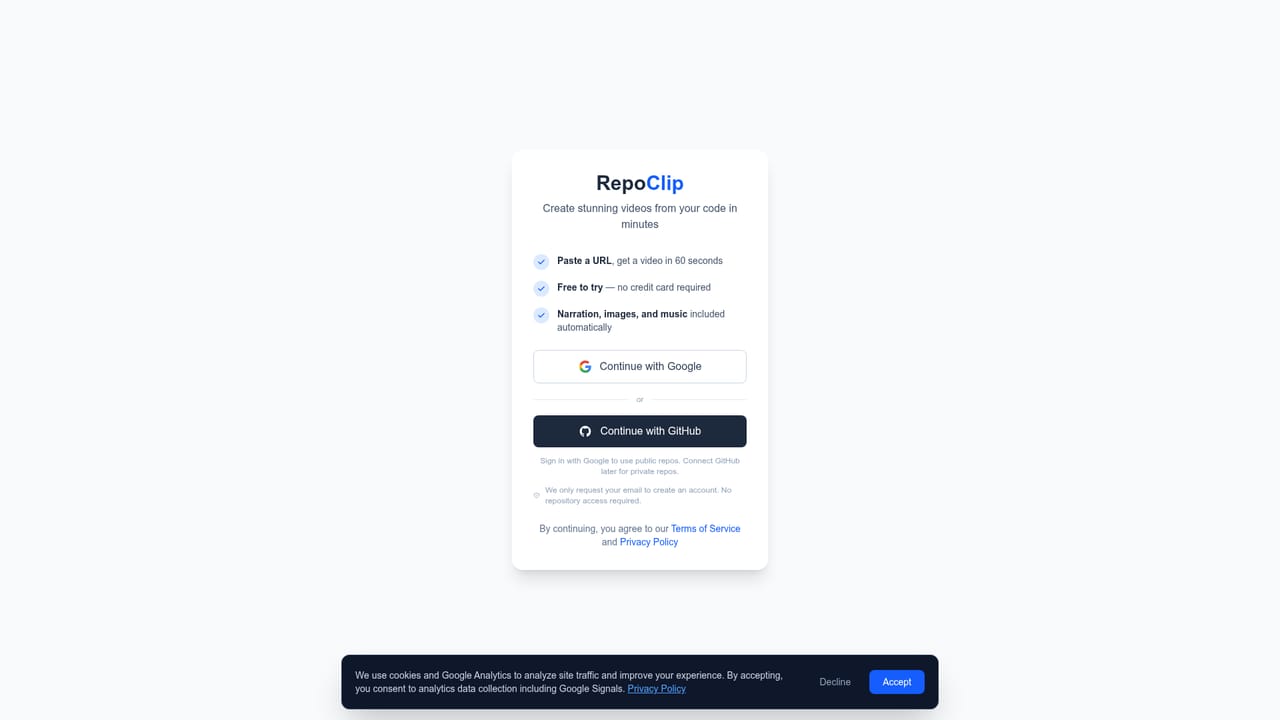
The first video is free and no credit card is required at signup. No expiry period or feature limits for that free video are stated on the homepage.
Learn moreTurn a GitHub repository into a narrated demo video without editing skills.

RepoClip is an AI narration tool that turns a GitHub repository into a narrated demo video without editing skills. RepoClip reads a GitHub repository and produces a narrated demo video with AI generated visuals and preset voices, aimed at developers who want launch or pitch clips without editing work.
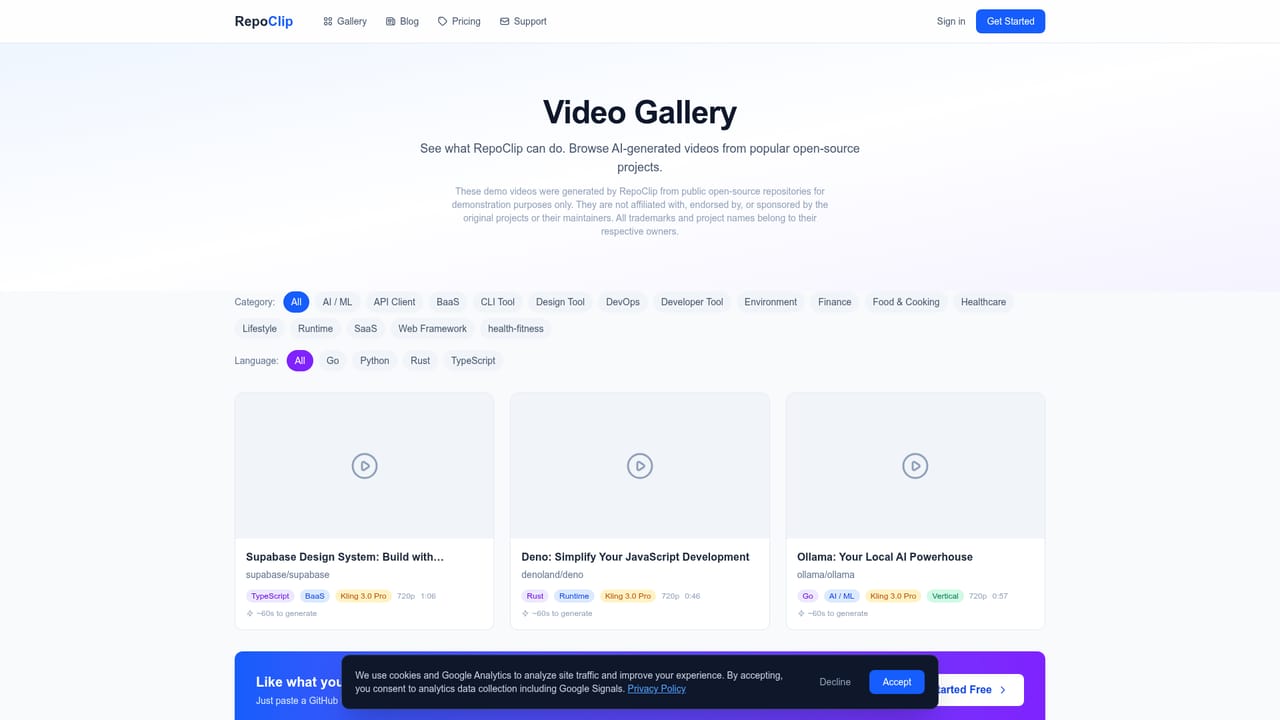
RepoClip is a web tool that converts a GitHub repository into a narrated product demo video. The intended user is a developer, maintainer or founder who needs to explain a codebase on video but has no editing background and no budget for a production freelancer. The workflow is deliberately short: paste a public repo URL, let the platform read the code, and download a finished clip with generated visuals, voiceover and music. The analysis step runs on Gemini 2.5 Flash, which inspects the repository structure and features to draft a script. Visuals come from two pipelines: still scene backgrounds from Nano Banana 2, and cinematic clips with animated camera motion from Kling 3.0 Pro on paid plans (LTX-2.3 is also listed among the models). Narration uses OpenAI text to speech with a fixed set of preset synthetic voices. RepoClip states plainly that it does not offer voice cloning and that users cannot upload custom voice models. Users can pass custom instructions to steer narration tone, visual style, voice choice and which parts of the product the video emphasises. Generation tends to finish within minutes, and private repositories are supported once a GitHub account is connected; public repos need no GitHub login at all. The output suits launch announcements, feature walkthroughs, investor decks, social clips for X, LinkedIn and YouTube, and open source promotion aimed at attracting contributors. For teams that ship often, a public API and an official GitHub Action let video creation run inside a CI pipeline, for example on every release. Among alternatives, RepoClip is narrower than general AI video generators, which take text prompts rather than source code. Its closest comparison is hiring an editor or screen recording manually, and it competes on turnaround and price rather than on fine creative control. Anyone needing frame level editing, branded templates or a human voice will still need a separate tool.
The first video is free and no credit card is required at signup. No expiry period or feature limits for that free video are stated on the homepage.
Learn morePlan tiers exist on a separate pricing page; the homepage only states that the first video is free, requires no credit card, and that Pro plans unlock Kling 3.0 Pro cinematic clips. It also claims $500+ saved per video versus hiring a freelancer, without listing subscription prices.
Learn moreAn FAQ on the homepage covers code safety, supported languages, timing and customisation, and API documentation is published separately. No dedicated help centre or contact channel is described.
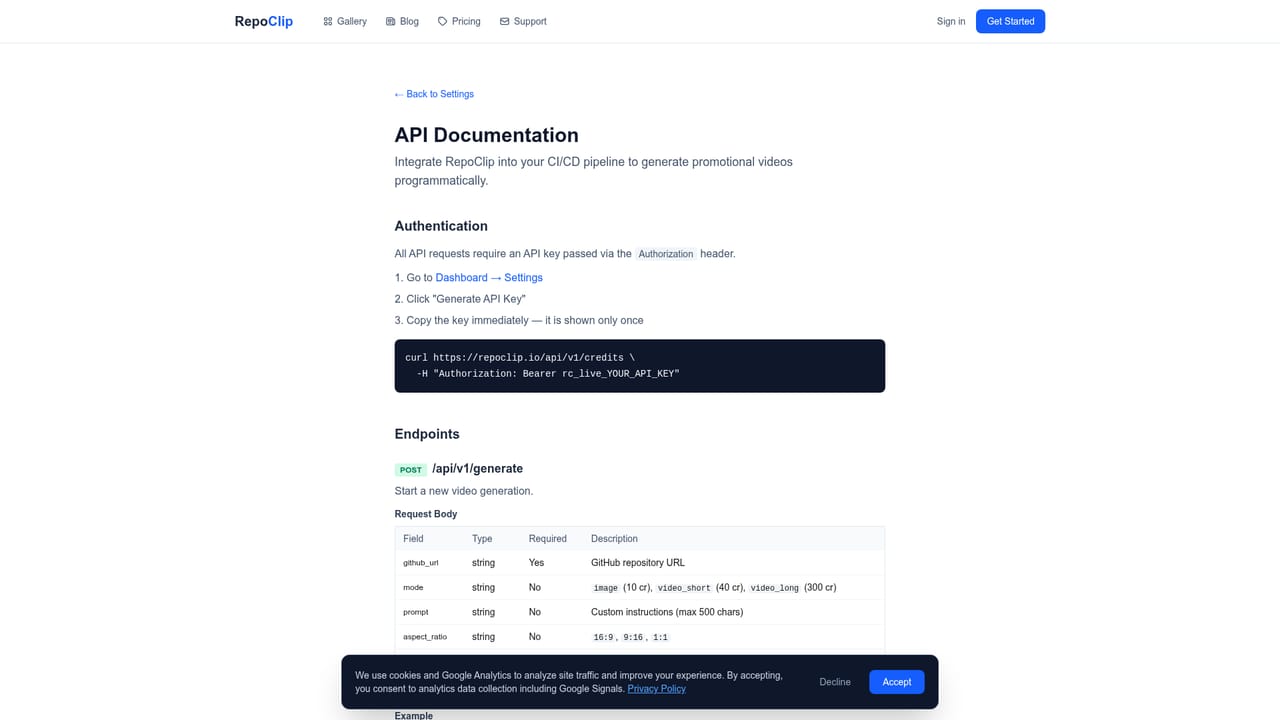
A public API and an official GitHub Action (repoclip/generate-video) allow video generation from a CI/CD pipeline, such as on every release. Private repositories require connecting a GitHub account.
Learn moreAI code analysis with Gemini 2.5 Flash, script writing, still scene images from Nano Banana 2, cinematic clips with Kling 3.0 Pro on Pro plans, professional narration from OpenAI preset voices, private repo access through a GitHub connection, custom instructions for tone and style, and download of the finished video with music.
Learn more AI Angels400+ customizable AI girlfriends for NSFW chat, voice calls, and roleplay
 Candy AIExperience the future of companionship with AI friends who chat, role-play, and connect with you on a human level.
 ourdream.aiA vast AI roleplay platform with millions of characters for chat, images, video and voiceAI Angels400+ customizable AI girlfriends for NSFW chat, voice calls, and roleplayCandy AIExperience the future of companionship with AI friends who chat, role-play, and connect with you on a human level.ourdream.aiA vast AI roleplay platform with millions of characters for chat, images, video and voice





