Free trial
The homepage offers a Get Started for Free entry point, but the scope and duration of the free offering are not detailed on the homepage.
Learn moreAI agents that resolve support tickets across email, chat, voice and WhatsApp.
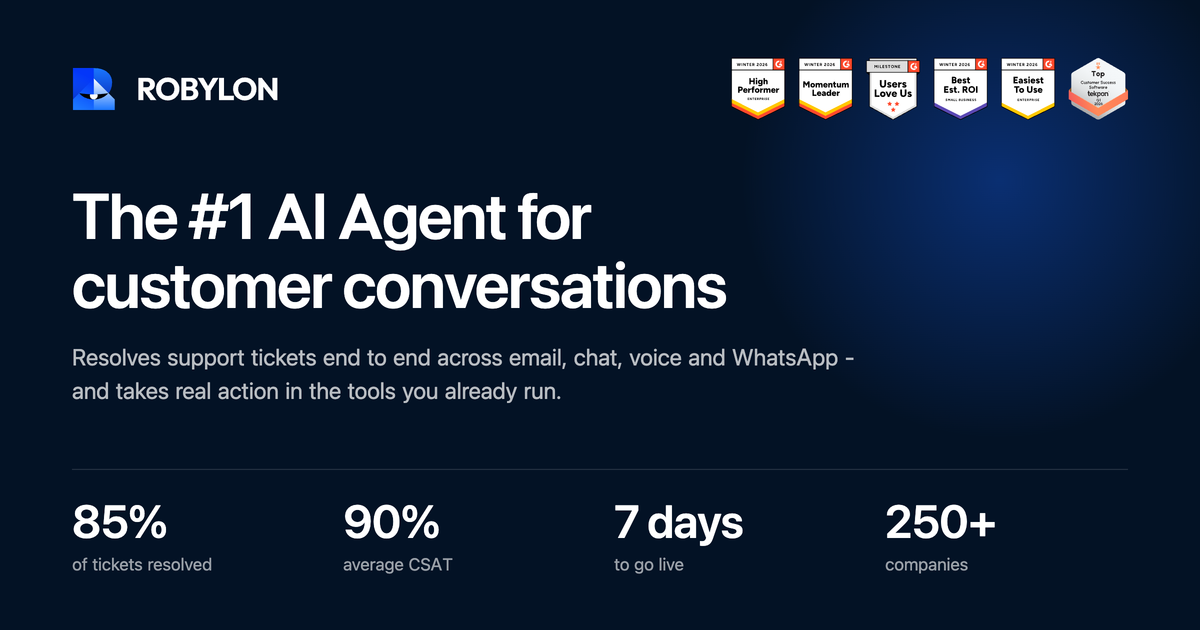
Robylon AI is an AI tool. Robylon deploys AI agents that resolve support and sales conversations across email, chat, voice and WhatsApp, reading order, billing and stock systems and taking actions like exchanges, refunds and bookings rather than just replying.
Robylon is a customer support platform built around AI agents that do more than draft replies. The agents connect to the systems where answers actually live (order records, billing status, stock levels) and then complete the action: process an exchange, apply a credit, reissue an invoice, or hand a customer to a person with the investigation already done. Robylon states that its agents resolve 85% of support tickets without human involvement and that deployments go live in seven days. The product spans four workflows. Support and service is the entry point: email, chat, voice and WhatsApp conversations are answered from one knowledge base, with the same agent picking up wherever a customer starts. Sales lets the agent qualify, recommend from the catalogue, build a cart and take payment inside the conversation. Operational follow-up covers scheduled outbound work such as overdue instalments, renewal reminders and confirmations. Lead qualification turns ad clicks into conversations that book meetings directly into a calendar. In practice a team connects its helpdesk, CRM and commerce tools, loads product and policy knowledge, and defines the actions the agent is allowed to take. The agent then handles routine requests end to end and escalates only decisions that need a person. Robylon sits alongside helpdesk vendors as an action layer rather than a replacement: it works inside Zendesk, Freshworks, Intercom, Salesforce and similar stacks, and works standalone for teams without one. With 250+ companies listed as customers, it targets support and operations teams that want measurable containment rather than another chatbot.
The homepage offers a Get Started for Free entry point, but the scope and duration of the free offering are not detailed on the homepage.
Learn moreA dedicated support page is listed on the site, but the homepage does not describe support channels, response times or service level commitments.
Learn moreConnects with helpdesks (Zendesk, Freshworks, Intercom), CRMs (Salesforce, HubSpot, Zoho, Microsoft Dynamics, Oracle), commerce platforms (Shopify, WooCommerce, BigCommerce) and telephony providers (Twilio, Amazon Connect, Aircall, Exotel, Ozonetel, Knowlarity).
Learn moreAI agents handle support, sales, operational follow-up and lead qualification across email, chat, voice, WhatsApp, Instagram, Facebook, Telegram and Google Business. They read connected systems, take actions such as exchanges, refunds, payments and bookings, and hand off to humans with context. A shared knowledge base and action set apply across channels.
 AI Angels400+ customizable AI girlfriends for NSFW chat, voice calls, and roleplay
 Candy AIExperience the future of companionship with AI friends who chat, role-play, and connect with you on a human level.
 ourdream.aiA vast AI roleplay platform with millions of characters for chat, images, video and voiceAI Angels400+ customizable AI girlfriends for NSFW chat, voice calls, and roleplayCandy AIExperience the future of companionship with AI friends who chat, role-play, and connect with you on a human level.ourdream.aiA vast AI roleplay platform with millions of characters for chat, images, video and voice


