Free trial
No trial is needed: the site says the tools are free and usable without login or a credit card, so there is no time limited evaluation period to track.
Learn moreFree AI copywriting tools for short video scripts and social posts.

Scrip AI is a free, no login web tool that bundles over 100 small AI writers, including dedicated generators for Instagram Reel, TikTok and YouTube Shorts scripts plus hooks, captions, hashtags and SEO copy. It suits solo creators and social teams who want a quick first draft rather than a full content platform.
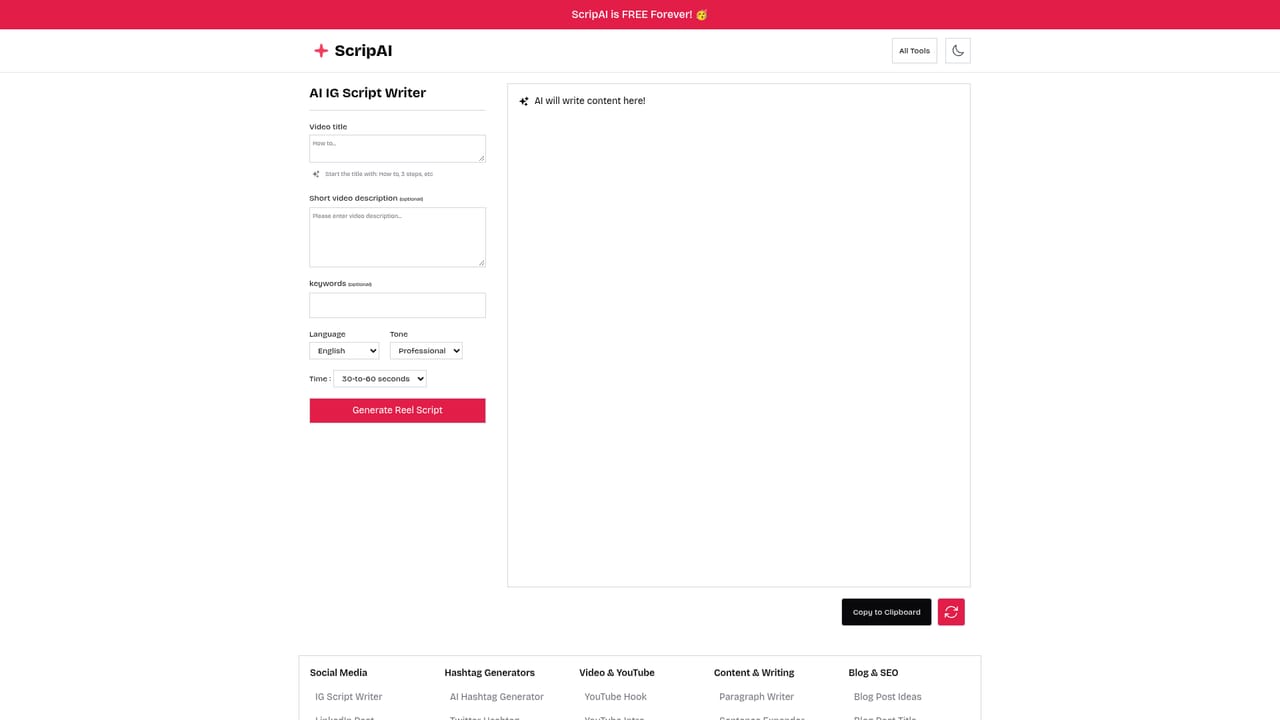
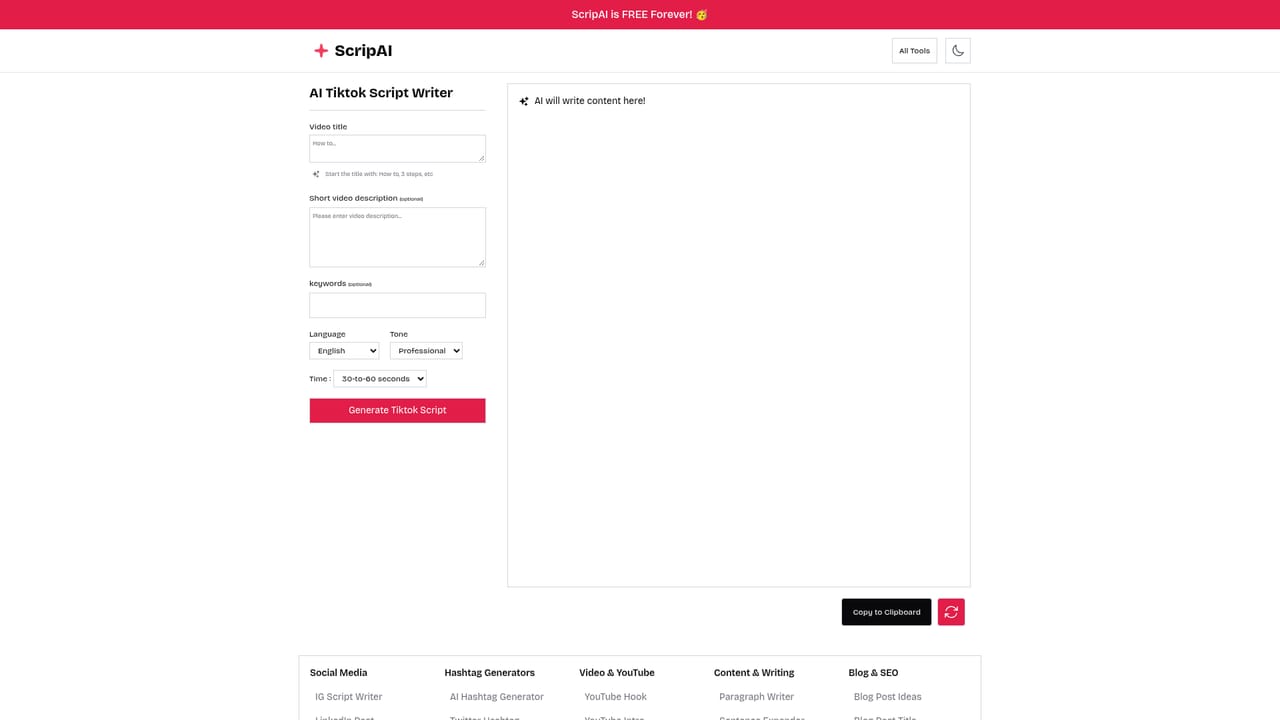
Scrip AI is a browser based collection of small, single purpose AI writers aimed at people who publish a lot of short form content. Its headline use cases are video scripts: a 30 second Instagram Reel script writer, a TikTok script writer, a YouTube Shorts script writer, and a general short script tool. Around those sit roughly a hundred sibling generators covering hooks, captions, hashtags, YouTube tags, SEO titles and descriptions, blog outlines, cold emails and name ideas. The design philosophy is deliberately narrow. Instead of a chat window where you build prompts yourself, each task has its own page with a short form: you state the topic or product, pick an option or two, and the tool returns a draft script or caption. That suits solo creators, social media managers and small marketing teams who want a first draft in seconds without learning prompt craft. The short video script pages are the strongest fit for the directory's video script category, since they target a specific runtime and platform rather than general prose. The most distinctive claim is access: the site advertises itself as free forever, with no login and no credit card required to start writing. That is unusual among copywriting tools, most of which gate usage behind a trial or a seat licence and position themselves as broader assistants. Scrip AI is narrower and lighter. It will not manage a content calendar, edit footage or hold a long conversation about brand voice; it produces text for one small job at a time, and quality varies by template. Expect to treat output as raw material. Generated scripts and captions need fact checking, trimming to the actual runtime and rewriting in your own voice before publishing. The breadth of the tool list is also a warning: with over a hundred generators, some are clearly more polished than others, and there is no visible team workspace, brand kit or export pipeline behind them. It is a fast drafting utility, not a content operations platform.
No trial is needed: the site says the tools are free and usable without login or a credit card, so there is no time limited evaluation period to track.
Learn moreThe homepage states Scrip AI is free forever and positions it as a free alternative to paid copywriting tools, with no credit card required and no login required. No paid tiers, usage limits or subscription prices are listed on the page.
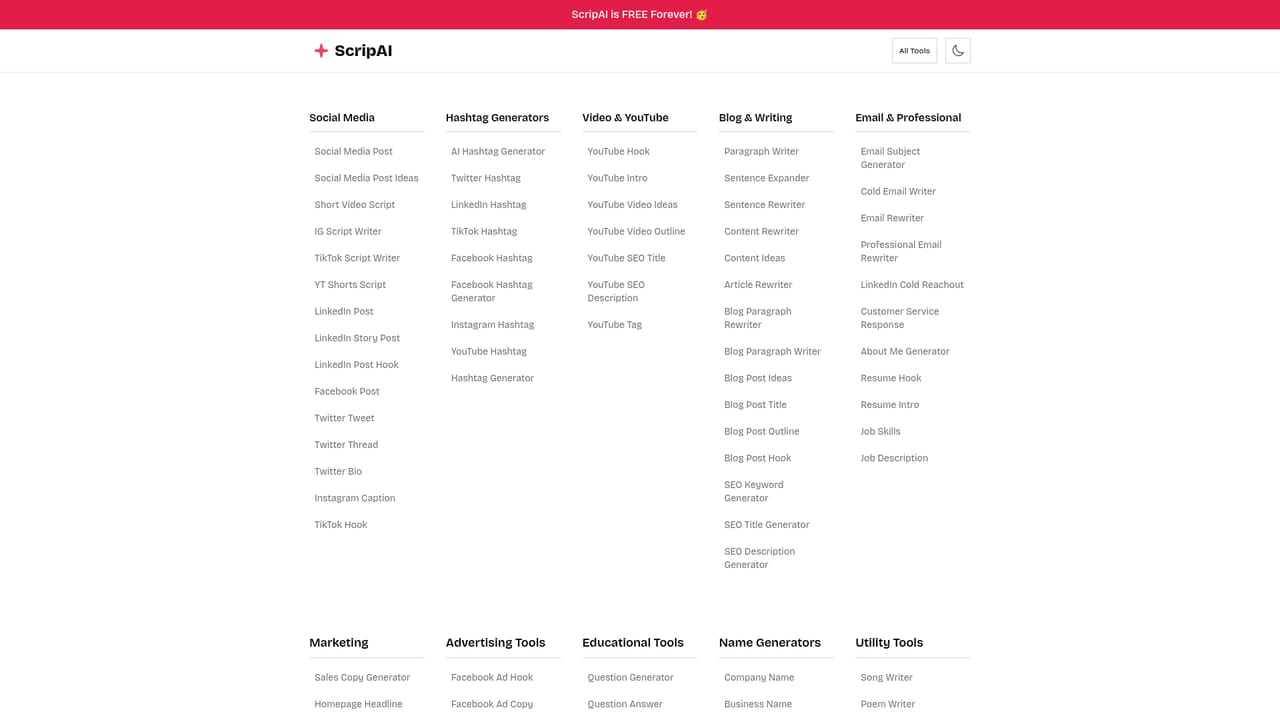
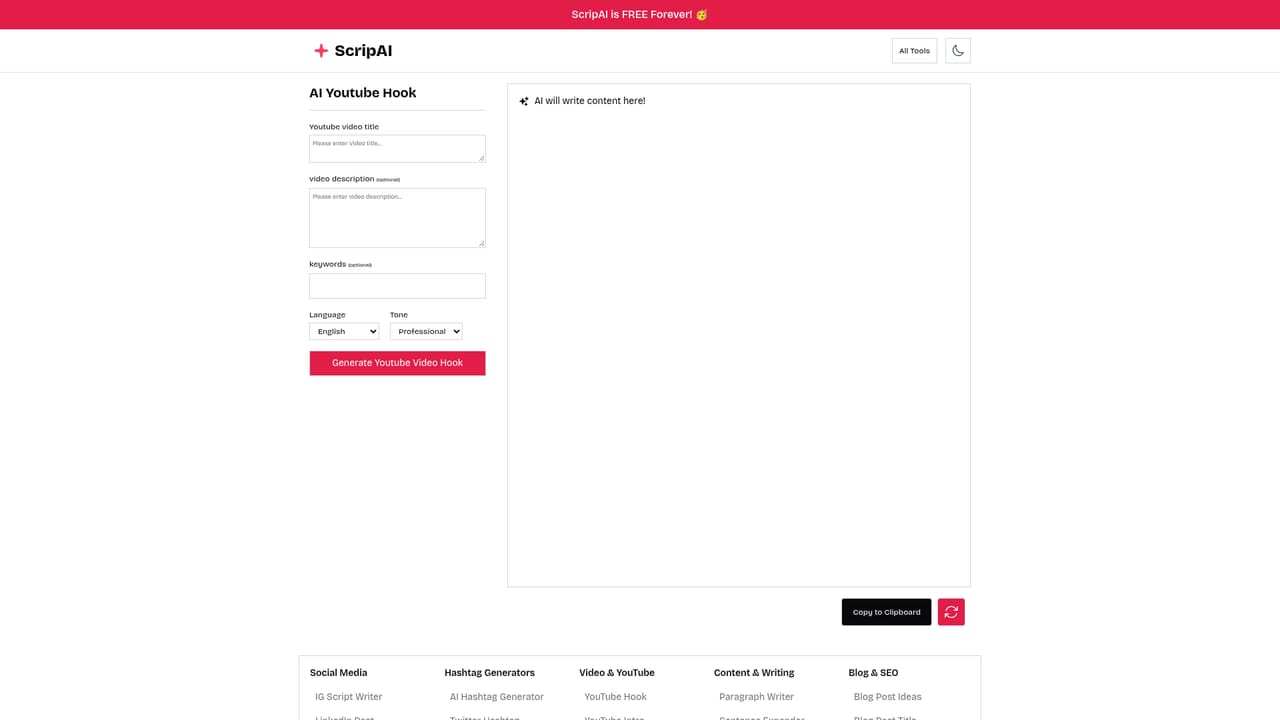
Learn moreOver 100 single task AI writers. Video scripting covers Instagram Reels, TikTok and YouTube Shorts plus hooks, intros, outlines, tags and SEO titles. Social tools cover posts, captions, threads and hashtags per platform. Also includes blog ideas, outlines and rewriters, email subject and cold email writers, sales copy, CTA and product copy, SEO keywords and a large set of name generators.
Learn more AI Angels400+ customizable AI girlfriends for NSFW chat, voice calls, and roleplay
 Candy AIExperience the future of companionship with AI friends who chat, role-play, and connect with you on a human level.
 ourdream.aiA vast AI roleplay platform with millions of characters for chat, images, video and voiceAI Angels400+ customizable AI girlfriends for NSFW chat, voice calls, and roleplayCandy AIExperience the future of companionship with AI friends who chat, role-play, and connect with you on a human level.ourdream.aiA vast AI roleplay platform with millions of characters for chat, images, video and voice