Free trial
New accounts get 20 one-time trial credits valid for 30 days with no card required, covering about 2 minutes of Standard separation. Advanced Overlap is excluded until a purchase is completed.
Learn moreSplit one recording into a separate, time-aligned WAV track for each voice.

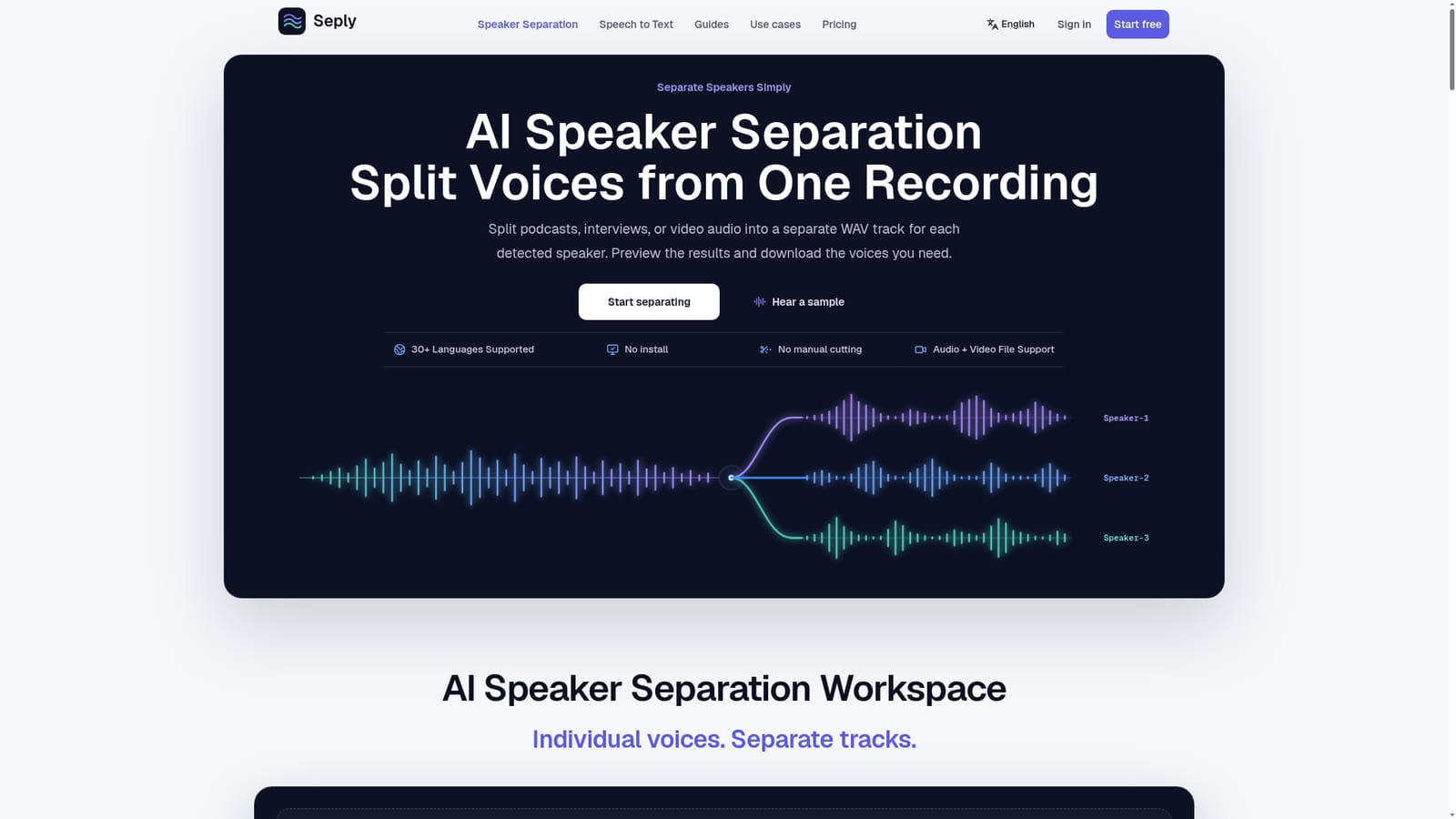
Seply is an audio editing tool. Seply separates a single mixed conversation into one time-aligned WAV per detected speaker, with automatic or manual speaker counts, a Standard mode and an Advanced Overlap mode for crosstalk. Audio and video uploads are accepted and results are previewed before download.
Seply is a browser based speaker separation service. You upload a mixed conversation (a podcast, an interview, a panel, a meeting) and the tool returns a distinct audio track for every voice it detects. The tracks are time aligned, meaning each file begins at the same point as the original recording, so a dialogue edit stays in sync when the stems are dropped into a DAW or a video editor. Speaker count can be detected automatically or set by hand when you already know how many people are on the tape. The workflow is deliberately narrow. There is a Standard mode for ordinary turn taking conversations and an Advanced Overlap mode aimed at crosstalk and simultaneous speech, which costs considerably more credits and only unlocks after a purchase. Supported input covers common audio formats plus video containers, and an uploaded video contributes only its original audio track without re-encoding. Output is WAV only: no edited or dubbed video is produced, so the video workflow means pulling the voices out and muting the original mix in your editor. Seply draws a clear line between separation and diarization. Diarization tells you who spoke when and belongs with transcription; separation gives you actual editable files. That distinction is the honest core of the product's positioning, and the tool is candid that results degrade with noise, echo, similar sounding voices and heavy overlap, where traces of the other speaker can survive in a track. It is also built for speech rather than music, so splitting singers from a song is out of scope. Pricing runs on credits. Standard separation uses 10 credits per started minute with a 10 credit minimum, and the estimate is shown before processing. Credits arrive through monthly or annual plans, or through one time packs that stay valid for 12 months. Free trial credits expire after 30 days. Original media and finished tracks are held privately for 30 days. It suits podcast and interview editors more than music producers.
New accounts get 20 one-time trial credits valid for 30 days with no card required, covering about 2 minutes of Standard separation. Advanced Overlap is excluded until a purchase is completed.
Learn moreFree trial: 20 one-time credits, valid 30 days, no card. Monthly plans: Starter $12 (200 credits), Creator $29 (600), Studio $65 (1,500); annual billing cuts about 17%. One-time packs: 200 credits $16, 600 credits $39, 1,500 credits $89, valid 12 months. Standard separation is 10 credits per started minute (10 minimum); Advanced Overlap 60 per minute (60 minimum).
Learn moreAutomatic or manual speaker detection, an independent time-aligned WAV track per speaker, and both audio and video uploads (up to 1 GB) with no manual cutting. A Standard mode handles ordinary conversation while Advanced Overlap targets interruptions and simultaneous speech. Results can be previewed against the original mix before download, processing is private, tracks remain accessible for 30 days, and speech to text with speaker labels and timestamps is available on the same credit system.
 AI Angels400+ customizable AI girlfriends for NSFW chat, voice calls, and roleplay
 Candy AIExperience the future of companionship with AI friends who chat, role-play, and connect with you on a human level.
 ourdream.aiA vast AI roleplay platform with millions of characters for chat, images, video and voiceAI Angels400+ customizable AI girlfriends for NSFW chat, voice calls, and roleplayCandy AIExperience the future of companionship with AI friends who chat, role-play, and connect with you on a human level.ourdream.aiA vast AI roleplay platform with millions of characters for chat, images, video and voice




