Free trial
The Free plan includes one trial scan that runs the full analysis, with no credit card required to start.
Learn moreAI skin analysis and personalized routines built around your own products.
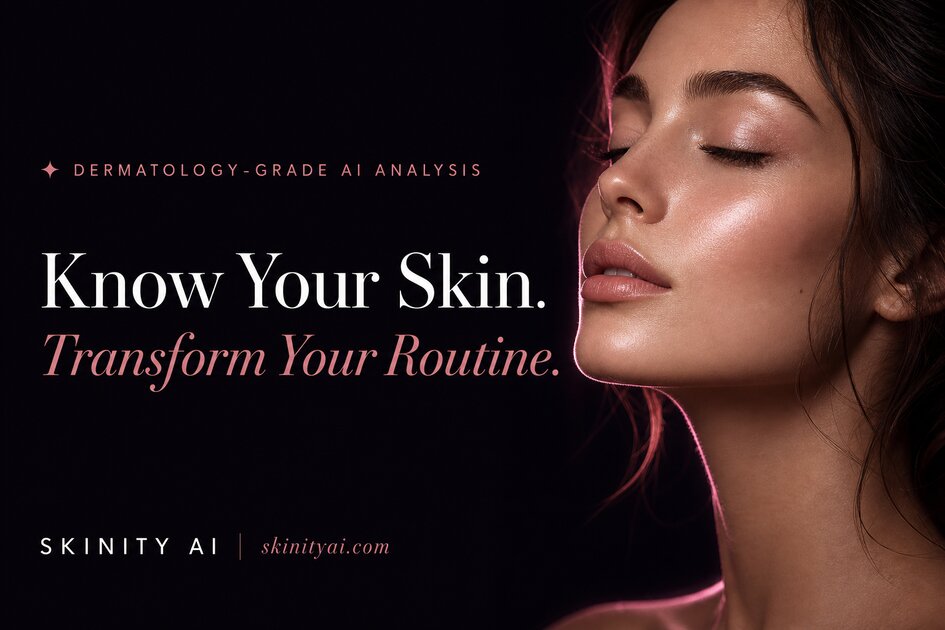
Skinity analyzes a selfie for visible skin concerns, checks the products already on your shelf for fit and ingredient conflicts, and builds a personalized AM/PM routine around what you own, with missing steps flagged.
Skinity is a web-based skincare assistant that reads your skin from a selfie and then works with the products you already own. A scan runs in under five seconds and returns a skin type plus a list of visible concerns, each with a severity level, a confidence figure and the facial zones where it was observed. The analysis covers cosmetic signals such as dehydration, congested pores, uneven tone, fine lines and oiliness. It does not diagnose medical conditions, and the company states plainly that no accuracy rate has been published. The part that separates Skinity from a standard face-scan app is My Shelf. You photograph or scan each product you own, one at a time, and the tool identifies the product and its ingredients, then rates how well it fits your current skin needs. From there, ingredient conflict detection flags pairings that work against each other, with retinol and AHA on the same night given as the flagship example. The output is a morning and evening routine that keeps most of your existing shelf in place and marks the missing steps, such as a sunscreen or a retinoid, rather than rebuilding your routine from scratch. Routines follow a K-beauty structure and recommendations lean on products sourced from Olive Young, with a discount code offered to Pro subscribers. Progress tracking compares scans side by side, and a skin diary logs sleep, stress and diet so you can look for patterns behind the scores. Pro users can export a three page PDF report. Photos are encrypted and accessed through signed links that expire after fifteen minutes, and the whole account can be deleted from settings. The tool suits people with a shelf full of half used products who want to know what to layer and when, and anyone curious about K-beauty who wants a starting order of use. It is less useful for clinical skin concerns, and because it is tuned to K-beauty retail, shoppers outside that market may find the product suggestions harder to act on.
The Free plan includes one trial scan that runs the full analysis, with no credit card required to start.
Learn moreFree covers one trial scan and up to 3 products in My Shelf. Pro is $9.99 per month and adds full analysis, advanced product compatibility, AM/PM routines, smart recommendations, scan history, My Shelf with AI product detection, watermark-free PDF reports and priority support, with 10 analyses per billing period. No credit card is required to start.
Learn moreSupport runs through a contact email listed in the FAQ, and Pro subscribers receive priority support. Users can rate the app and leave feedback from their profile page.
Product recommendations are sourced from Olive Young, and the Pro plan includes the SKINITY37 discount code for that retailer. No other integrations are listed on the homepage.
AI skin scan for visible concerns such as acne, hyperpigmentation, fine lines and pores; My Shelf product intelligence with fit ratings; ingredient conflict detection; personalized AM/PM K-beauty routines; progress tracking with side-by-side comparisons; skin diary for sleep, stress and diet; curated Olive Young picks with a discount code; wishlist and price drop alerts; PDF reports on Pro.
 AI Angels400+ customizable AI girlfriends for NSFW chat, voice calls, and roleplay
 Candy AIExperience the future of companionship with AI friends who chat, role-play, and connect with you on a human level.
 ourdream.aiA vast AI roleplay platform with millions of characters for chat, images, video and voiceAI Angels400+ customizable AI girlfriends for NSFW chat, voice calls, and roleplayCandy AIExperience the future of companionship with AI friends who chat, role-play, and connect with you on a human level.ourdream.aiA vast AI roleplay platform with millions of characters for chat, images, video and voice