Free trial
A 3-day free trial is offered; the homepage also includes a free site analysis that needs no account and returns keyword data in about 30 seconds.
Learn moreAutonomous SEO agents that research, write, publish and maintain your blog

Skribra is an agent-driven SEO content platform that researches keywords, plans topic clusters, writes and publishes articles to your CMS, then refreshes them using Search Console data. Aimed at SaaS founders, ecommerce stores and agencies that want daily publishing without a writing team.
Skribra is an SEO content system built around autonomous agents rather than a single article generator. You point it at your site, and it pulls over 2,000 real keywords from DataForSEO, scores each opportunity by search volume and difficulty, and lays out a rolling 30-day content calendar. The strategy layer maps topic clusters and search intents onto that calendar, filters out keywords that would cannibalize your existing pages, and avoids duplicate titles across the plan. From there the writing pipeline runs a documented 10-stage process. It checks who currently ranks for a target query, drafts a piece of roughly 1,700 to 3,300 words in your configured tone, cites sources pulled from the live web at write time, and adds images. A separate research pass handles competitive pages, studying each competitor once and reusing that work across the four queries buyers tend to search: you versus them, alternatives, their pricing, and their reviews. Publishing goes to WordPress, Shopify, Webflow, Notion, or a custom webhook, and the article is pushed to index via IndexNow rather than waiting on a crawl. After publication, five named agents (Hook, Scout, Weaver, Keeper, and others) monitor Search Console data over a 28-day window and act on it: rewriting titles, refreshing slipping posts, adding internal links from older articles, and updating the least recent piece. The tool suits small SaaS and ecommerce teams, solo founders, and agencies that want a steady publishing cadence without hiring writers. It competes with per-article AI writers and managed content services, though its focus is the ongoing maintenance loop rather than one-off drafts. Setup is described as two steps taking about 20 minutes, and a 3-day free trial is offered.
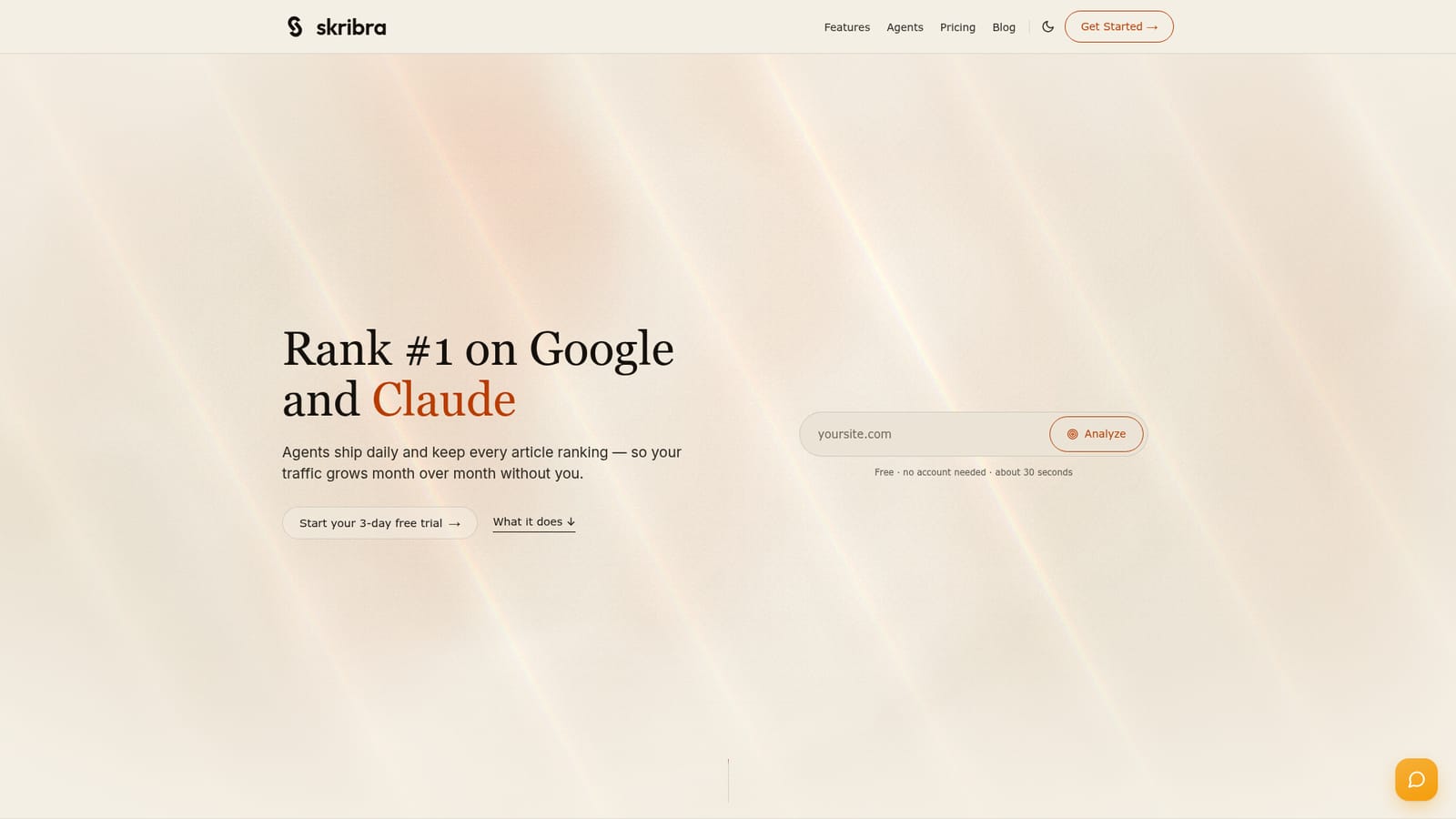
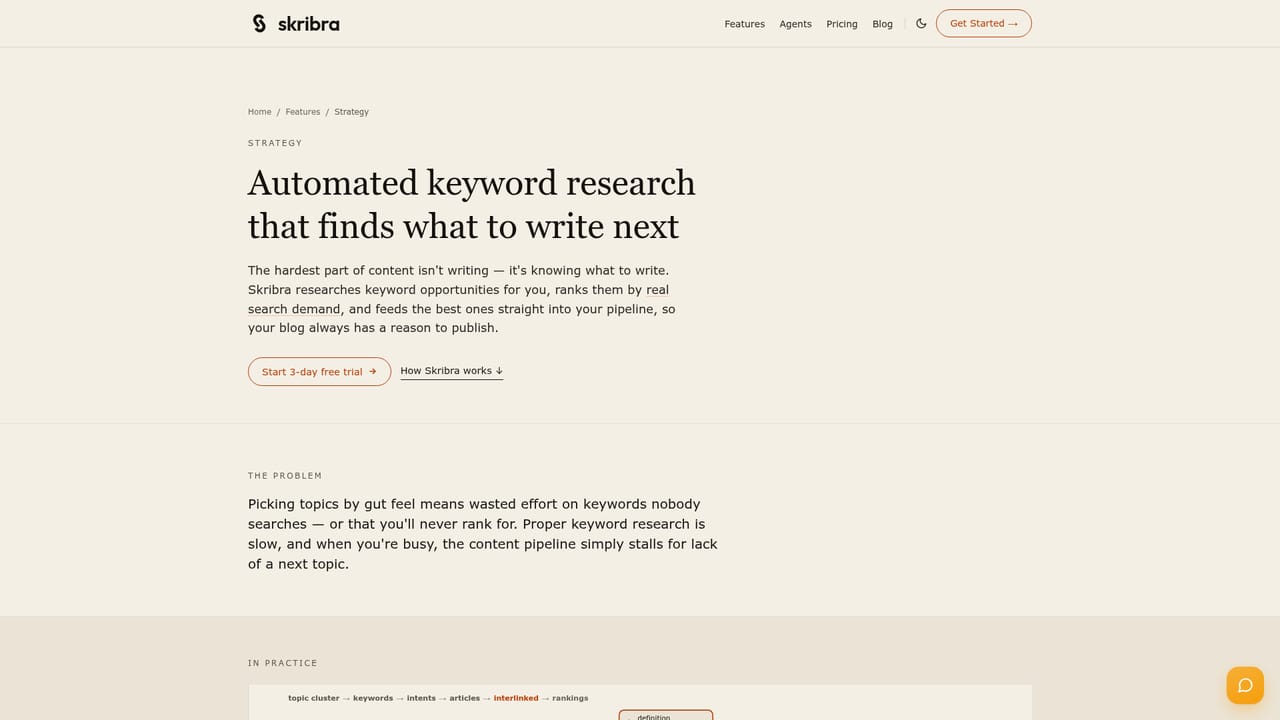
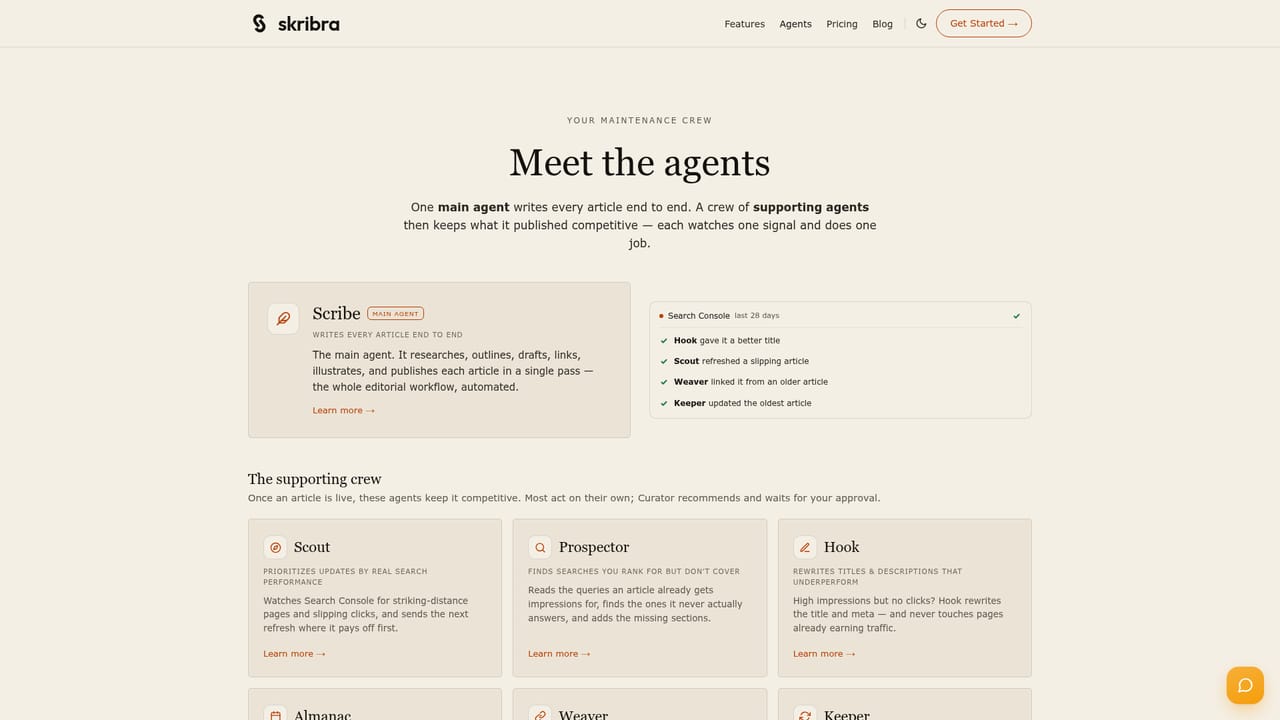
A 3-day free trial is offered; the homepage also includes a free site analysis that needs no account and returns keyword data in about 30 seconds.
Learn moreHomepage states pricing starts at $19/mo, with a 3-day free trial and no account needed for the initial site analysis. Detailed plan tiers and per-article limits are not shown on the homepage.
Learn morePublishes to WordPress, Shopify, Webflow, Notion and custom webhooks. DataForSEO powers keyword research. IndexNow handles indexing after publication.
Learn moreKeyword research from DataForSEO with volume and difficulty scoring, topic cluster planning, competitor comparison content, a 10-stage article pipeline producing 1,700 to 3,300 word drafts with citations and images, publishing to five destinations, IndexNow indexing, and five maintenance agents that act on Search Console data.
Learn more AI Angels400+ customizable AI girlfriends for NSFW chat, voice calls, and roleplay
 Candy AIExperience the future of companionship with AI friends who chat, role-play, and connect with you on a human level.
 ourdream.aiA vast AI roleplay platform with millions of characters for chat, images, video and voiceAI Angels400+ customizable AI girlfriends for NSFW chat, voice calls, and roleplayCandy AIExperience the future of companionship with AI friends who chat, role-play, and connect with you on a human level.ourdream.aiA vast AI roleplay platform with millions of characters for chat, images, video and voice