Free trial
The homepage offers a Try for Free button leading to sign-in, but it does not describe limits or duration.
Learn morePowerPoint AI agent that builds on-brand slides in your own templates
Own Slidely AI (backed by YC)? Verify ownership to get a dofollow link
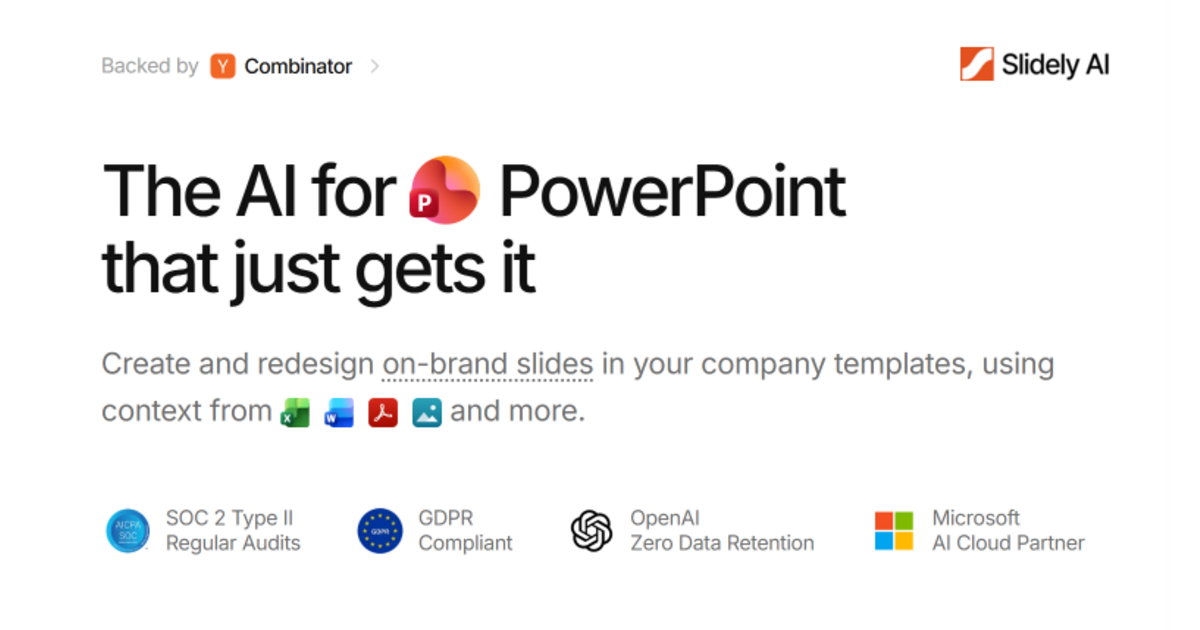
Slidely AI (backed by YC) is a beautify slides tool. Slidely AI is a PowerPoint-focused AI agent that creates and redesigns slides in a company's own templates, using context from Excel, Word, PDF and image files. A PowerPoint add-in is available, and the vendor cites SOC 2 Type II and GDPR compliance.
Slidely AI is an AI assistant built specifically for PowerPoint. It generates new slides and redesigns existing ones while staying inside a company's own templates, so the output looks like it came from the brand team rather than from a generic slide generator. A PowerPoint add-in is available, which keeps the work inside the application most professionals already use. The workflow starts with a template. A user uploads a PowerPoint file, and Slidely extracts the design system from it, then pairs that with content drawn from the material the user supplies. Source context can come from Excel sheets, Word documents, PDFs, images and other files, which lets the agent turn raw reports and data into presentation-ready slides. An AI agent then assembles on-brand slides from those pieces, and the same process can be pointed at an existing deck to improve its layout and consistency. The audience is professionals who produce decks regularly: consultants, finance and sales teams, and people in large organisations where brand compliance matters. The homepage lists enterprise and professional-services names among its customers and links case studies, and it highlights security credentials including SOC 2 Type II audits, GDPR compliance, OpenAI zero data retention and a Microsoft AI Cloud Partner status. A trust centre is linked for details, and a demo can be booked alongside the free sign-up. Slidely also publishes benchmark results under the name PPTBench, where it reports its agent ranking first against Claude, Copilot and ChatGPT on both time per deck and a slide quality score. These figures come from the vendor, so they are best treated as a starting point for a hands-on trial. Among alternatives, general chat assistants can draft slide content, and design-first presentation tools offer their own templates, but Slidely's distinguishing choice is working from the customer's existing PowerPoint template and files instead of replacing them. Additional pages cover a roadmap, a changelog and an MCP integration page.
The homepage offers a Try for Free button leading to sign-in, but it does not describe limits or duration.
Learn moreA demo can be booked, and a trust centre, roadmap and changelog are published. The homepage does not describe support channels or response times.
Learn moreOffers a PowerPoint add-in and accepts Excel, Word, PDF and image files as context. An MCP page is listed on the site, but the homepage gives no detail on it.
Learn moreExtracts a design system from an uploaded PowerPoint template, generates on-brand slides with an AI agent, redesigns existing slides, and uses Excel, Word, PDF and image files as context. Includes a PowerPoint add-in and published PPTBench benchmark results.
 AI Angels400+ customizable AI girlfriends for NSFW chat, voice calls, and roleplay
 Candy AIExperience the future of companionship with AI friends who chat, role-play, and connect with you on a human level.
 ourdream.aiA vast AI roleplay platform with millions of characters for chat, images, video and voiceAI Angels400+ customizable AI girlfriends for NSFW chat, voice calls, and roleplayCandy AIExperience the future of companionship with AI friends who chat, role-play, and connect with you on a human level.ourdream.aiA vast AI roleplay platform with millions of characters for chat, images, video and voice


