Free trial
A start free trial option appears in the site navigation, but the homepage does not specify its length or which paid features it covers.
Learn more26,000+ book summaries, free to read, with audio in 40 languages

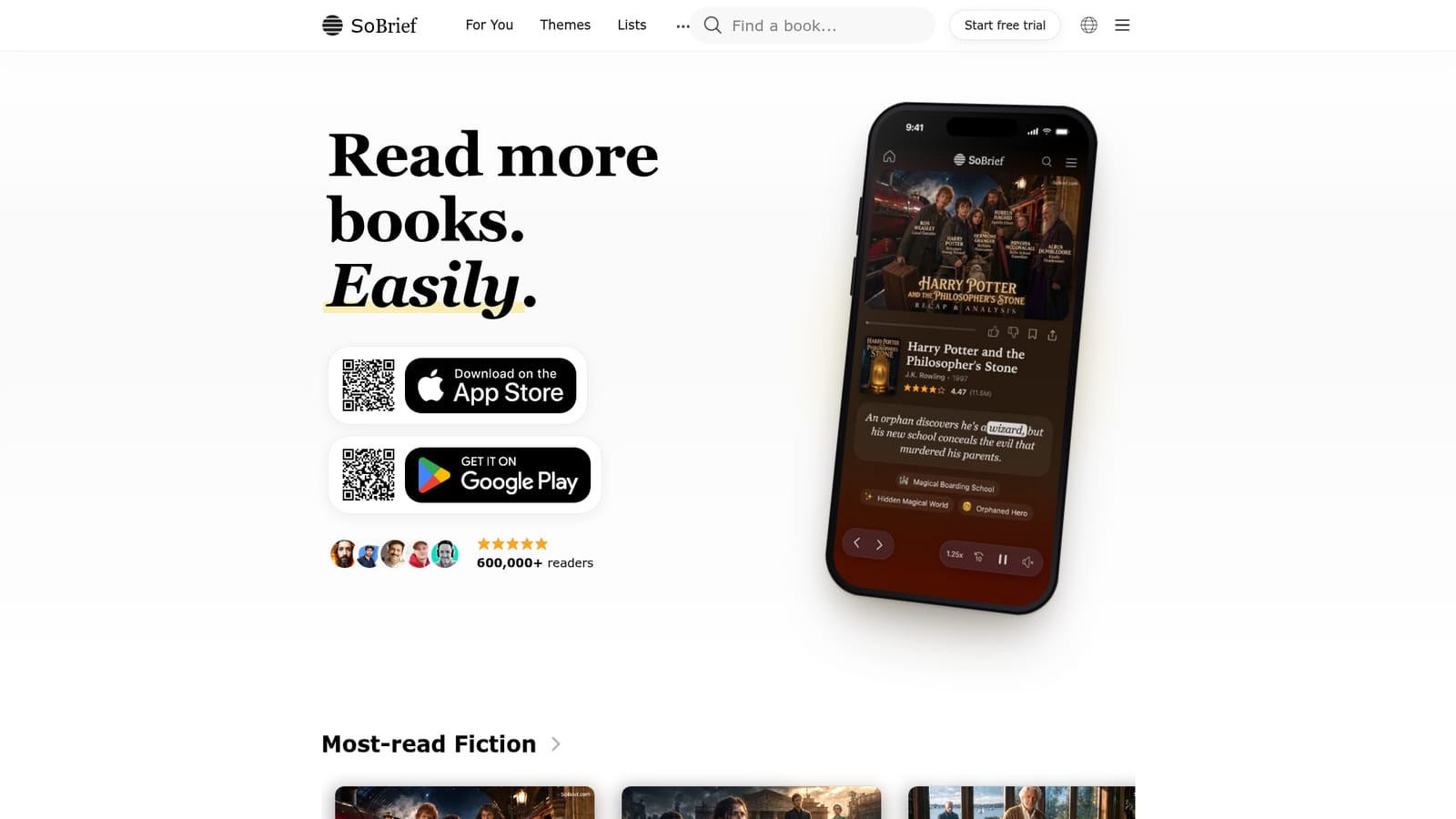
SoBrief is a book summarizer tool. SoBrief hosts 26,000+ free book summaries across fiction and nonfiction, each readable in about 10 minutes, with audio narration in roughly 40 languages plus PDF and EPUB downloads. A recommendation feed, genre and author browsing, curated lists and a personal library organize the catalogue.
SoBrief is a reading platform built around condensed book summaries: more than 26,000 titles spanning fiction and nonfiction, free to read on the web and in mobile apps. Each entry distills a full book into a short read that can be finished in about 10 minutes, so a reader can move through a title that would otherwise take days. The catalogue reaches well beyond business and self-help staples, covering romance, fantasy, thrillers and literary fiction alongside classics and popular science. The product is organized less like a searchable encyclopedia and more like a reading feed. A For You page surfaces personalized recommendations, while Trending, New, Genres and Authors give alternate entry points. Lists group titles into curated collections, and a Library keeps track of what a reader has saved. Summaries are also available as PDF and EPUB downloads, and each can be played as audio in any of roughly 40 supported languages, which makes the service workable for commuters or for readers working outside their first language. The site is aimed at busy readers, students and language learners rather than researchers who need exhaustive detail. Individual summary pages pair a one-line premise with a rating and a readership count, which helps a reader judge a title before committing. The interface is available in dozens of languages, and the reading experience uses an immersive layout with visual section infographics for nonfiction titles. The main caveats are structural. SoBrief competes with Blinkist, Shortform and getAbstract, and its summaries are necessarily compressed: the depth of analysis on offer is well below a full read, so the tool works best as a screening layer or a refresher, not a replacement for the source text. Pro and lifetime plans exist for heavier use, but the free tier is the core of the offer, and there is no stated API for developers or integrations with other reading tools.
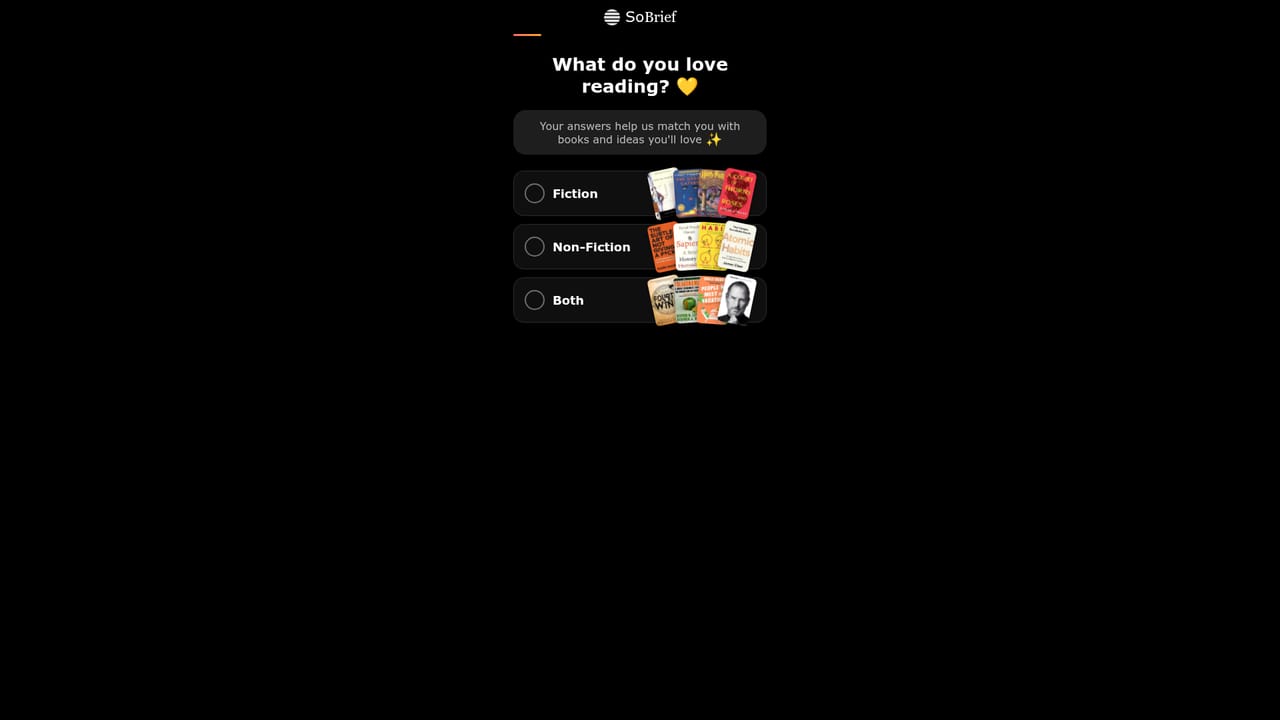
A start free trial option appears in the site navigation, but the homepage does not specify its length or which paid features it covers.
Learn moreReading is free at the core, and the site advertises 26,000+ free summaries with no charge to read. Paid tiers are present in the interface, including a Pro upgrade and a lifetime access option, but the homepage does not publish prices or state exactly what each plan unlocks.
Learn moreA Support entry appears in the account menu alongside Feedback and an Affiliate program page, but no help centre content, channels or response times are described on the homepage.
26,000+ summaries across fiction and nonfiction, each readable in about 10 minutes. Audio narration in roughly 40 languages, plus PDF and EPUB downloads. Personalized For You feed, Trending and New pages, genre and author browsing, curated Lists, a personal Library, and a streak counter. Interface localized into dozens of languages.
 AI Angels400+ customizable AI girlfriends for NSFW chat, voice calls, and roleplay
 Candy AIExperience the future of companionship with AI friends who chat, role-play, and connect with you on a human level.
 ourdream.aiA vast AI roleplay platform with millions of characters for chat, images, video and voiceAI Angels400+ customizable AI girlfriends for NSFW chat, voice calls, and roleplayCandy AIExperience the future of companionship with AI friends who chat, role-play, and connect with you on a human level.ourdream.aiA vast AI roleplay platform with millions of characters for chat, images, video and voice