Sona

An AI reading assistant that turns a mood into a book shortlist

Beginner
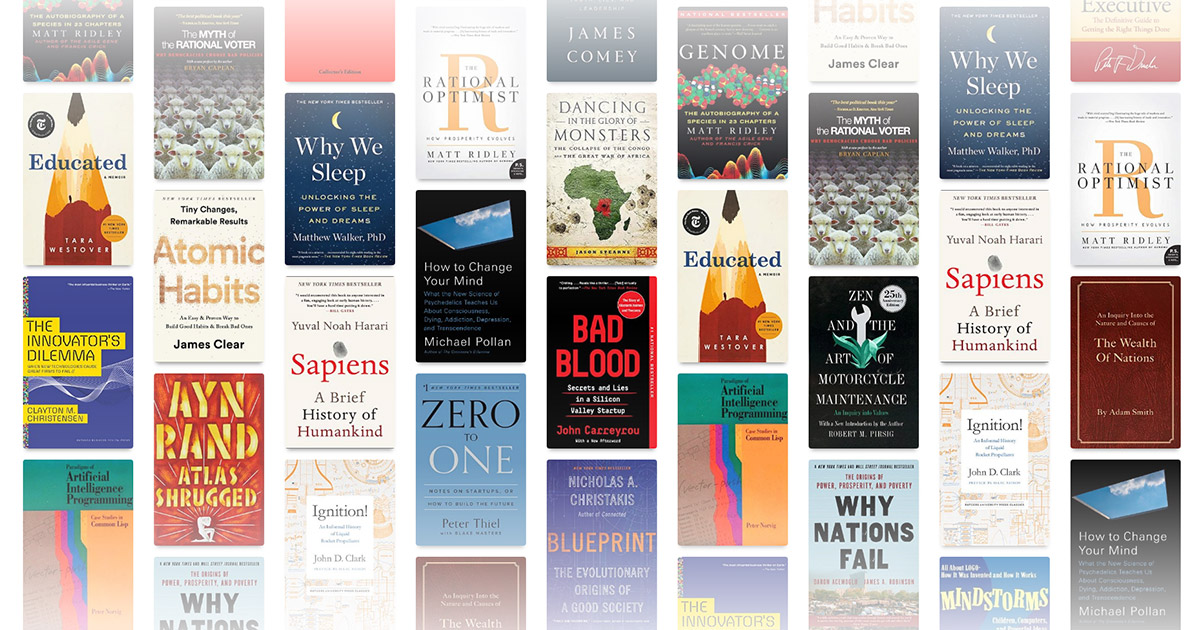
Screenshot of Sona, An AI reading assistant that turns a mood into a book shortlist

What is Sona?

Sona is a conversational book recommender on the Read This Twice site. Readers describe a mood, setting or theme in plain language and get tailored reading suggestions, with example prompts covering fiction genres and non-fiction topics.

Sona is an AI reading assistant built into the Read This Twice book discovery site. Instead of browsing genre shelves or keyword search results, a reader describes the kind of book they want in plain language, and Sona answers with recommendations drawn from what the site calls its book smarts. The premise is mood driven: the assistant is positioned around the question of what someone feels like reading next, not around rankings or bestseller lists. The prompts the site suggests show the intended level of detail. Visitors are invited to describe a setting, a character type and a conflict in the same request, for example dystopian novels about scarce resources and an oppressive government, or mystery novels set in small towns with a quirky sleuth. Requests can also be thematic rather than plot based, such as books on the science of happiness, the history of yoga, or the psychology of persuasion. The specificity of the request is what shapes the answer, so Sona rewards readers who can articulate what they are after rather than those who want a single generic best-of list. It is aimed at individual readers who finish one book and stall on the next one, plus book club members hunting for a title that fits an agreed theme. Because it sits inside Read This Twice, the assistant is one entry in a wider set of browsing tools on the same site, alongside author pages, book series, books-like-this pages, quotes and a personality based character matcher. That placement matters: Sona is a conversational entry point into a book catalogue, not a standalone reading app, so anyone who prefers to read plot summaries and reviews before committing can move from the conversation into the site's other pages. The tool is available in the browser, and the Sona page exists in English, Spanish and Russian versions. There is no indication on the page of a price, a mobile app, or an API for developers.

How do you use Sona?

  1. 1Open the Sona page
    Go to the Sona section of Read This Twice from the site navigation or the direct URL. The assistant loads in the browser with no install.
  2. 2Read the example prompts
    Scan the sample requests before typing. They show how much detail helps, from genre plus setting to non-fiction topics like positive psychology.
  3. 3Describe what you are in the mood for
    Type a request in your own words into the Ask Sona box. Combine genre, setting, character type and tone for a tighter result.
  4. 4Review the recommendations
    Work through the suggested titles and judge which ones match the brief. Refine the request with more detail if the first answer drifts.
  5. 5Follow up elsewhere on the site
    Look up an author, a series or a books-like-this page to compare a suggestion against similar titles before committing.

Pros and cons

Pros

  • Turns a mood or a half formed idea into a reading shortlist without keyword guessingAI
  • Handles detailed prompts that combine setting, character type and conflict in one requestAI
  • Useful for thematic non-fiction requests such as happiness research or the history of yogaAI
  • Sits alongside author, series and books-like-this pages for follow up browsingAI
  • Example prompts make it clear what level of detail produces good resultsAI

Cons

  • The page gives no information on how recommendations are sourced or ranked, so there is no way to judge the basis of a suggestionAI
  • No price, plan or usage limit is stated, which makes it hard to plan around the toolAI
  • It only recommends; there is no stated way to save a shortlist, track reading or export resultsAI
  • Locked to the Read This Twice website, with no app or extension mentionedAI
  • Sona page copy is only offered in English, Spanish and RussianAI

How much does Sona cost?

Features

Sona takes free text requests describing mood, genre, setting or theme and returns book recommendations. It handles both fiction prompts (post-apocalyptic dystopia, fantasy quests, parallel universes, small town mystery, romance) and non-fiction topics (yoga history, happiness research, persuasion, technology and society, relationships, the US Civil Rights movement). The page is available in English, Spanish and Russian.

Frequently asked questions about Sona

  • How do you use Sona?
    The walkthrough on this page covers 5 steps: 1. Open the Sona page 2. Read the example prompts 3. Describe what you are in the mood for 4. Review the recommendations 5. Follow up elsewhere on the site.
  • What platforms does Sona support?
    Sona is available on Web App.
  • What are the limitations of Sona?
    The page gives no information on how recommendations are sourced or ranked, so there is no way to judge the basis of a suggestion. No price, plan or usage limit is stated, which makes it hard to plan around the tool. It only recommends; there is no stated way to save a shortlist, track reading or export results.

Status

StatusActive
Views0
Outbound clicks0
Added10/21/2026

Platforms

Web App

Pricing

Free