Speechelo

Turn pasted text into downloadable voiceovers in three clicks.

Beginner
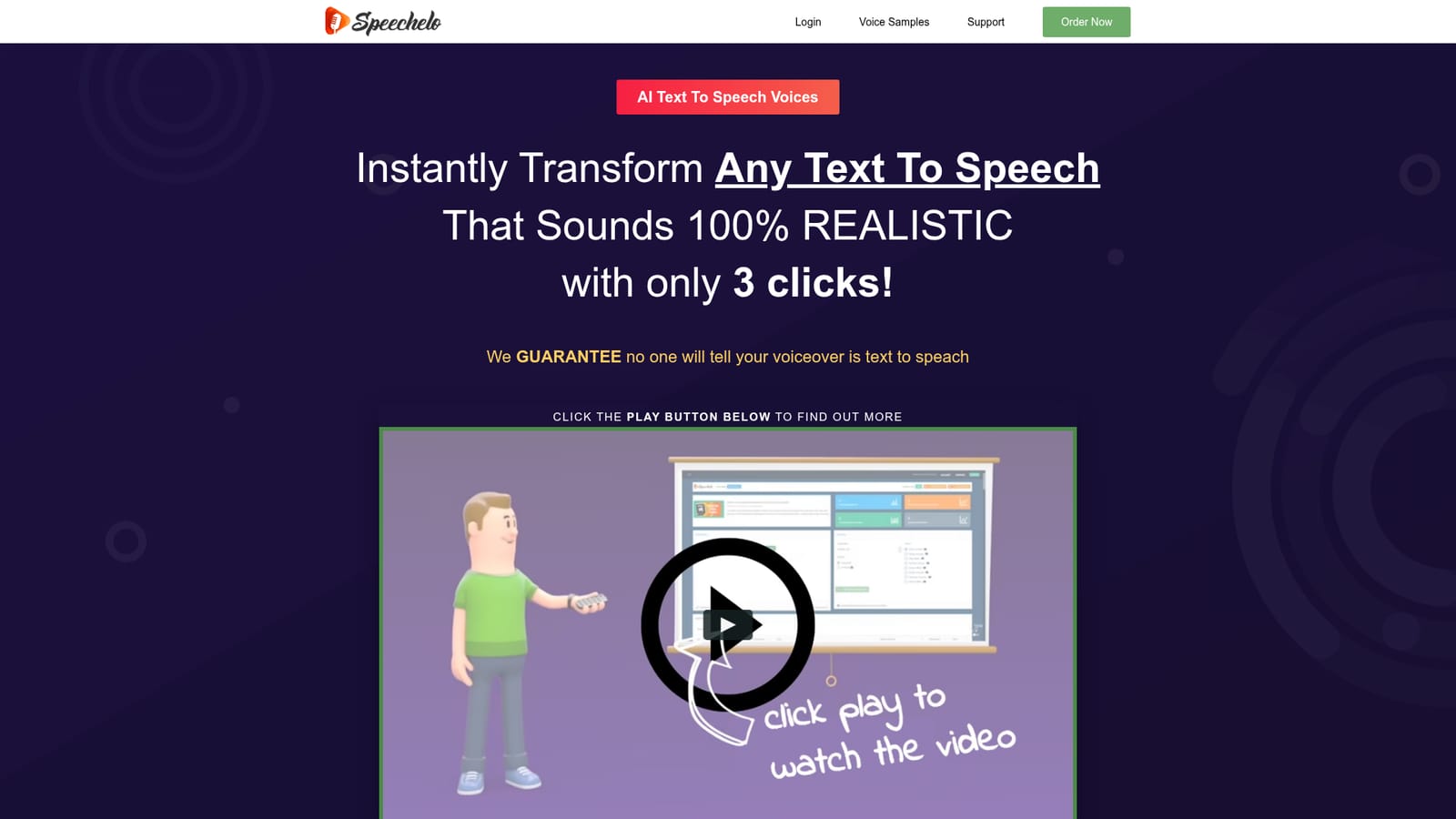
Screenshot of Speechelo, Turn pasted text into downloadable voiceovers in three clicks

What is Speechelo?

Speechelo is an AI narration tool that turns pasted text into downloadable voiceovers in three clicks. Speechelo is a browser based text to speech tool aimed at video creators. Paste text, pick from 30+ voices across English and 23 other languages, adjust tone, breathing and pauses, then download an MP3 in seconds.

Speechelo is a browser based text to speech converter built around one promise: voiceovers that listeners will not immediately peg as synthetic. The workflow is deliberately narrow. Text is pasted into the tool, a language and voice are selected from a library of more than 30 male and female options, and an MP3 is generated and downloaded. The site says generation takes under 10 seconds, and the output can be played back inside the app before committing to a download. The differentiator the product leans on is expression control. Users can pick one of three reading tones (normal, joyful or serious), insert breathing sounds, and add longer pauses to the delivery. The engine also pre-processes the pasted text and inserts punctuation it judges necessary for natural pacing. Coverage spans English plus 23 other languages, including Arabic, Mandarin, Danish, Dutch, French, German, Italian, Japanese, Korean, Norwegian, Polish, Portuguese, Romanian, Russian, Spanish, Swedish, Turkish and Welsh. Accent variants such as British, Australian and Indian English are also offered. Speechelo is aimed squarely at video producers rather than telephony or accessibility teams. Sales videos, training modules and educational clips are the stated use cases, and the tool ships nothing more than an MP3, so it slots into Camtasia, Adobe Premiere, Animaker, Powtoon, InVideo or any other editor that accepts audio files. That file-based handoff is the main structural difference from integrated voice features inside video platforms: more manual, but not tied to one editor. The pricing model departs from most rivals. Access is sold as a one time payment (currently advertised at $27 against a stated $97 list price) with no recurring subscription, which suits occasional creators who would rather not rent credits. Buyers should weigh that against the absence of any usage or licensing clarity on the page, and against the fact that voice libraries in subscription tools are refreshed far more often.

How do you use Speechelo?

  1. 1Paste your script
    Open the text to speech tool and paste the copy you want voiced. The engine scans the text and inserts punctuation to improve pacing before synthesis.
    Speechelo — Paste your script
  2. 2Pick a language and voice
    Choose from the supported languages and browse the male and female voices. Preview each one to find the fit for your video.
    Speechelo — Pick a language and voice
  3. 3Set the delivery
    Select a normal, joyful or serious tone, then add breathing sounds or longer pauses where the read should breathe or slow down.
    Speechelo — Set the delivery
  4. 4Generate and listen back
    Render the voiceover (the site quotes under 10 seconds), play it inside Speechelo, and switch voices if the first pass does not land.
  5. 5Download and import into your editor
    Download the MP3 and place it on the timeline in Camtasia, Premiere, Animaker, Powtoon or whichever video tool you use.
  6. 6Read the success stories for context
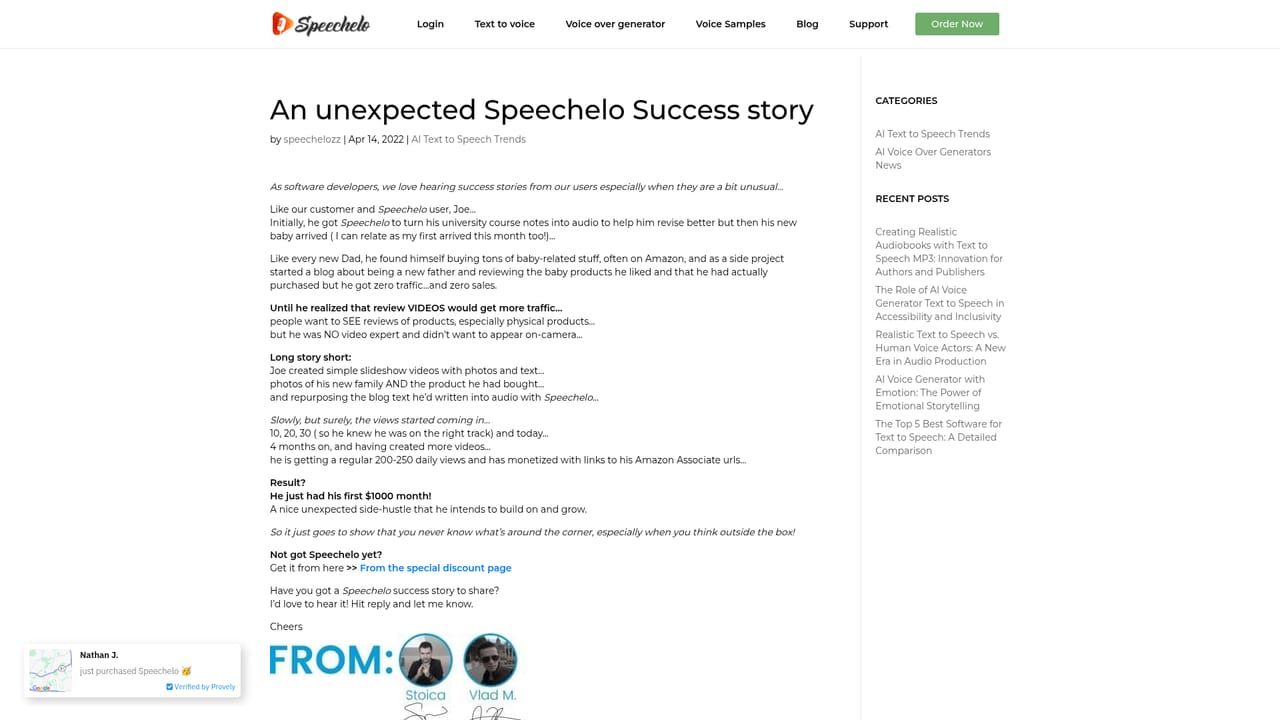
    Published case studies show how other creators applied the tool to music and narration projects before you commit.
    Speechelo — Read the success stories for context

Pros and cons

Pros

  • Thirty plus male and female voices cover English plus 23 other languages and several accent variantsAI
  • Tone control (normal, joyful, serious) plus breathing sounds and inserted pauses give more delivery control than plain TTS readersAI
  • One time payment model with no monthly fees suits creators who only need voiceovers occasionallyAI
  • Output is a plain MP3 that drops into Camtasia, Premiere, Animaker, Powtoon or any other editorAI
  • Three step workflow is quick to learn: paste, choose voice, downloadAI

Cons

  • No free trial or sample-free way to test the full engine before paying, so buyers rely on demo clipsAI
  • Page makes strong claims (98 percent cannot tell it is synthetic) without publishing any verification methodAI
  • Language list is inconsistent: the page names 23 languages but some listed voices, such as Finnish and Thai, do not appear in the language listAI
  • Nothing is stated about commercial licensing, usage limits or refund terms at the point of purchaseAI
  • One time purchase means the voice library may not be refreshed the way subscription competitors update theirsAI

How much does Speechelo cost?

Pricing

One time payment rather than a subscription. The page lists a normal price of $97 discounted 73 percent to $27 under a Founders Special Offer, with no monthly fees. Nothing on the page details licence terms, refunds or what future updates cost.

Learn more

Support

A dedicated support page exists on the site, but the homepage itself gives no detail on response times, channels or documentation depth.

Learn more

Integrations

No native integrations. Speechelo exports MP3 files that are then imported into any video editor, with Camtasia, Adobe Premiere, Animaker, Powtoon, InVideo, Biteable, Animoto and Doodle Maker named as compatible.

Learn more

Features

Over 30 male and female voices in English plus 23 other languages, with accent variants such as British, Australian and Indian English. Three reading tones (normal, joyful, serious), optional breathing sounds and longer pauses, automatic punctuation insertion, in-app preview, and MP3 download in around 10 seconds.

Learn more

Frequently asked questions about Speechelo

  • How much does Speechelo cost?
    One time payment rather than a subscription. The page lists a normal price of $97 discounted 73 percent to $27 under a Founders Special Offer, with no monthly fees. Nothing on the page details licence terms, refunds or what future updates cost.
  • How do you use Speechelo?
    The walkthrough on this page covers 6 steps: 1. Paste your script 2. Pick a language and voice 3. Set the delivery 4. Generate and listen back 5. Download and import into your editor 6. Read the success stories for context.
  • What platforms does Speechelo support?
    Speechelo is available on Web App.
  • What does Speechelo integrate with?
    No native integrations. Speechelo exports MP3 files that are then imported into any video editor, with Camtasia, Adobe Premiere, Animaker, Powtoon, InVideo, Biteable, Animoto and Doodle Maker named as compatible.
  • What are the limitations of Speechelo?
    No free trial or sample-free way to test the full engine before paying, so buyers rely on demo clips. Page makes strong claims (98 percent cannot tell it is synthetic) without publishing any verification method. Language list is inconsistent: the page names 23 languages but some listed voices, such as Finnish and Thai, do not appear in the language list.

Status

StatusActive
Views0
Outbound clicks0
Added10/21/2026

Platforms

Web App

Pricing

Paid


