Integrations
The built-in MCP server connects AI agents such as Claude and Cursor to a Strapi project, letting them read, write and publish content under permissions configured in Strapi.
Learn moreAI automations built natively into the open source Strapi headless CMS

Strapi is a content tool. Strapi AI adds native AI features to the open source Strapi headless CMS: a built-in MCP server for agent-driven content operations, chat-based content type generation, automatic media metadata and automated translations across locales.
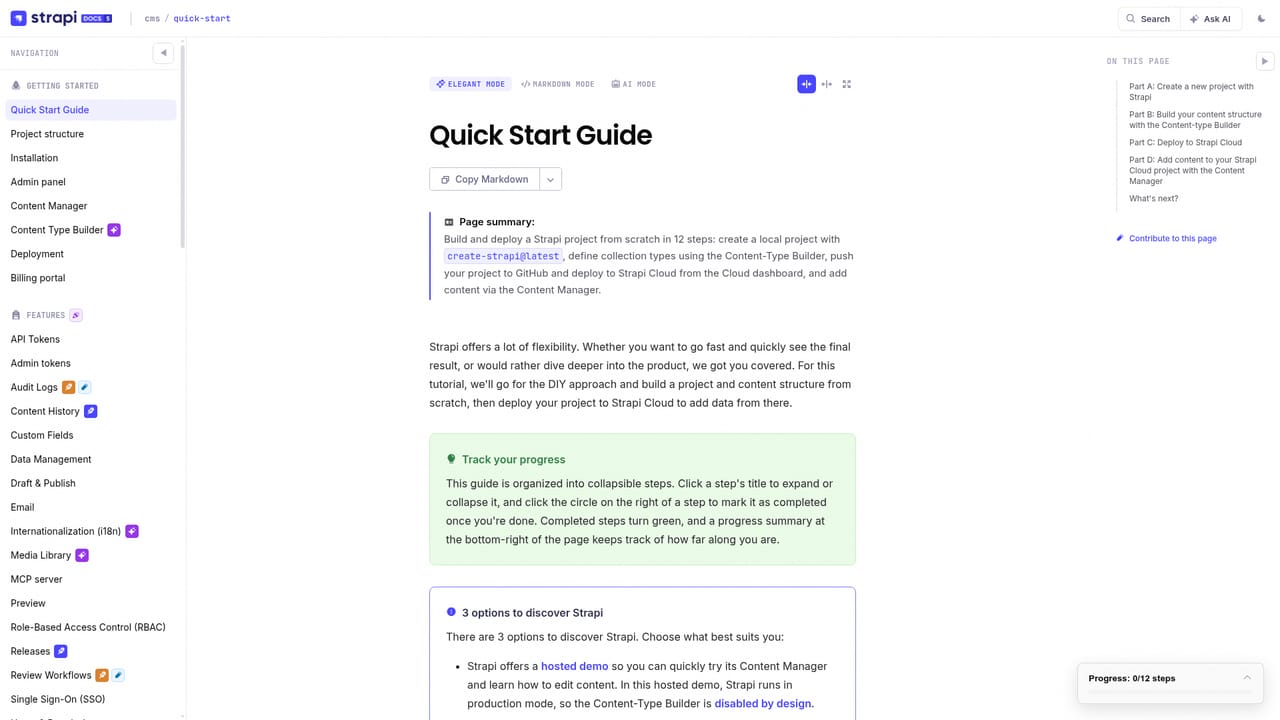
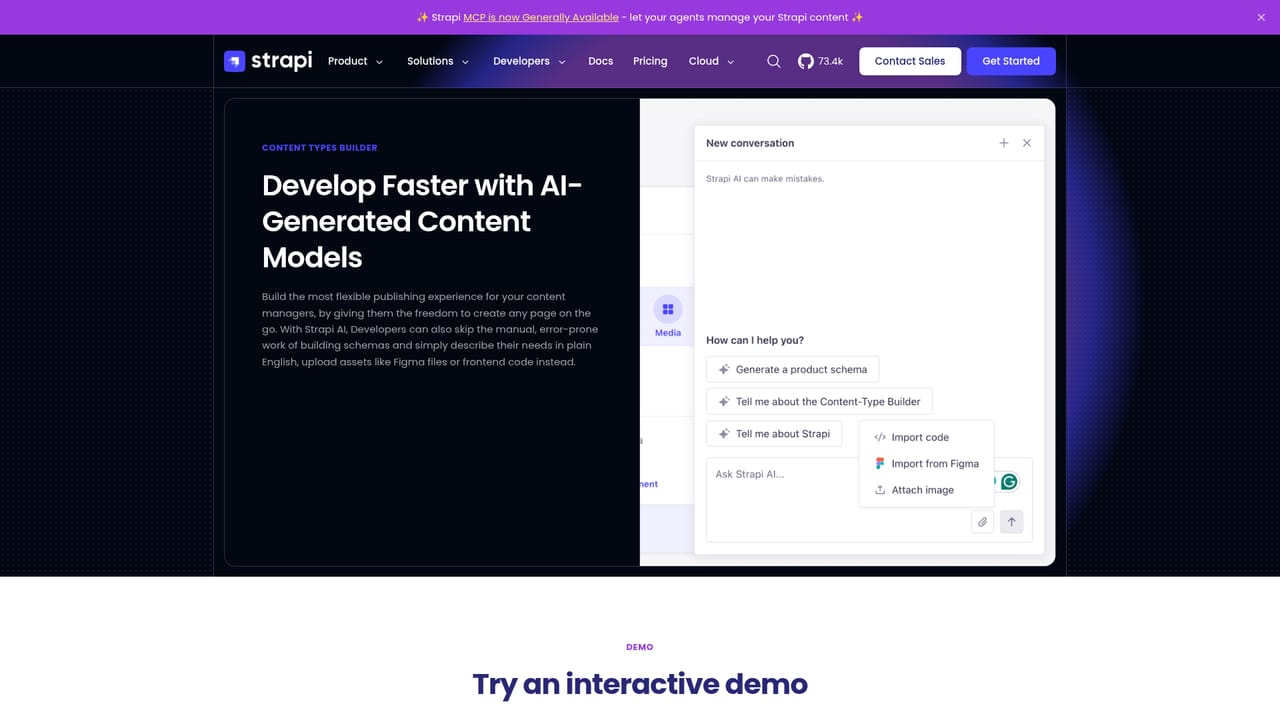
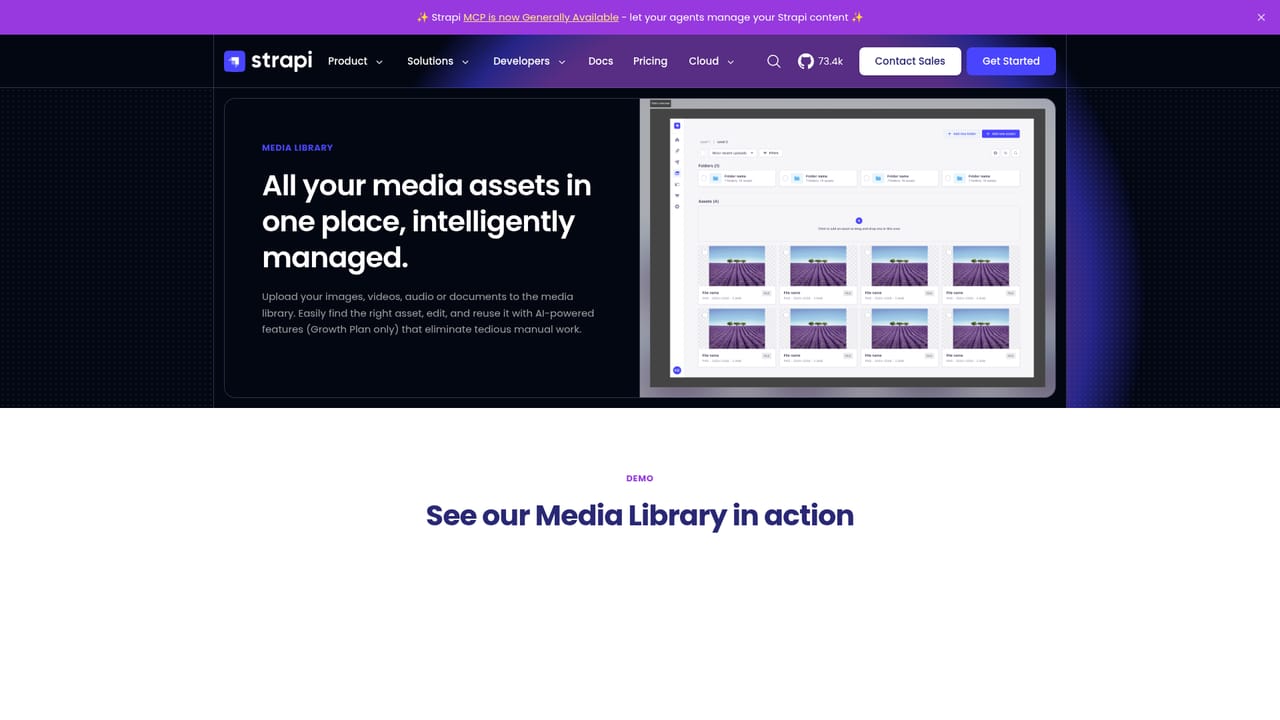
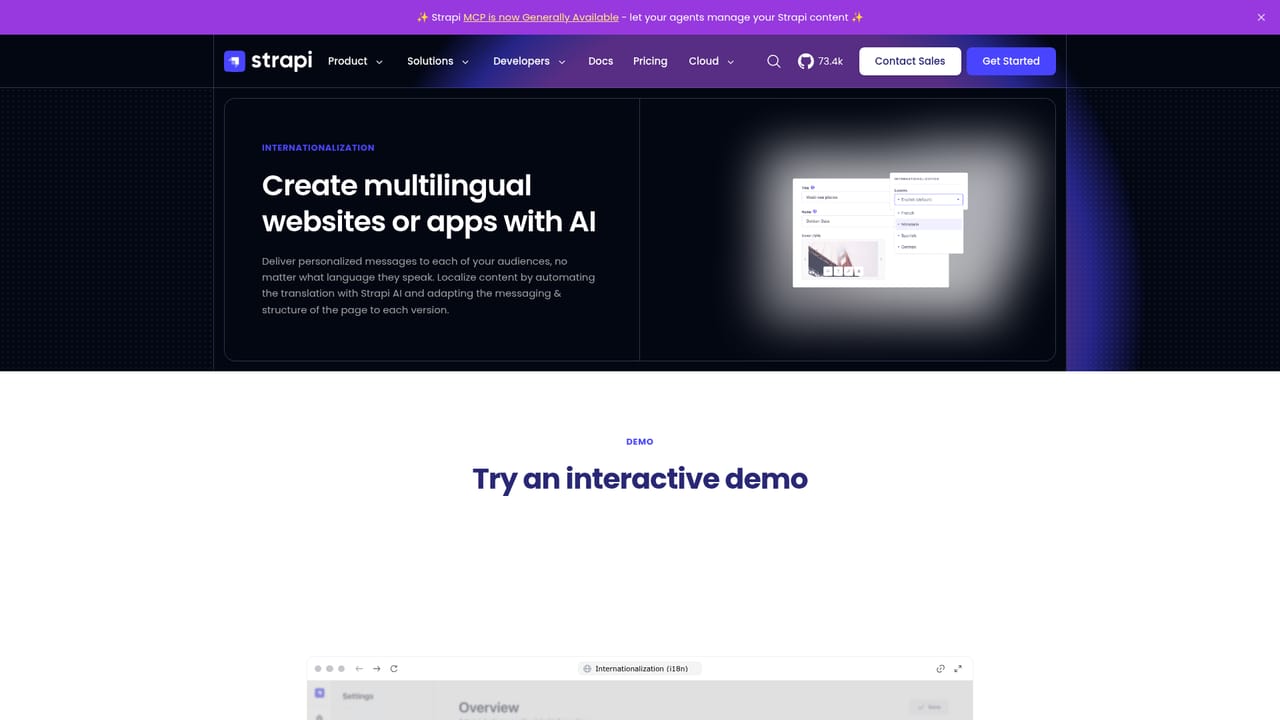
Strapi AI is the artificial intelligence layer built directly into Strapi, the open source headless content management system. Rather than bolting AI onto an existing editorial workflow through external plugins, Strapi ships these capabilities inside the CMS itself, covering the work that usually consumes the most time in a content operation: structuring data, annotating media and keeping multiple language versions in sync. The most distinctive piece is a built-in MCP server, now generally available. It lets AI agents such as Claude and Cursor connect to a Strapi project and read, write and publish content directly, operating under permissions the project owner defines. Alongside that, a chat interface drafts content types, components and dynamic zones, so developers can describe a schema in conversation and then refine the generated structure rather than assembling every field by hand. The media library uses AI to generate alt text, captions and tags automatically, which helps accessibility and image SEO while leaving editorial control with the team. Translation automation keeps every locale current whenever source content changes. The tool is aimed at two audiences that share one codebase. Developers get schema scaffolding and agent-driven content operations, while content managers get faster media handling and multilingual upkeep. It runs for both Strapi Cloud and self-hosted deployments, though the FAQ section on the site addresses version support and credit consumption for the AI features in more detail. Because it is native, teams avoid the maintenance overhead and inconsistent behavior of third-party integrations. The trade-off is fit. Strapi AI only makes sense if Strapi is already the content backbone; it is not a standalone writing assistant and cannot be pointed at another CMS. AI usage draws on a credit system, so heavy media libraries or frequent translations will consume more. Organizations that only need occasional copy help will find lighter tools simpler, but teams running a structured, multi-locale content model will get more value here.
The built-in MCP server connects AI agents such as Claude and Cursor to a Strapi project, letting them read, write and publish content under permissions configured in Strapi.
Learn moreStrapi AI bundles four capabilities into the CMS: a built-in MCP server that connects AI agents to read, write and publish content with controlled permissions, a chat interface that drafts content types, components and dynamic zones, a media library that auto-generates alt text, captions and tags, and automated translations that keep every locale current when source content is updated.
Learn more AI Angels400+ customizable AI girlfriends for NSFW chat, voice calls, and roleplay
 Candy AIExperience the future of companionship with AI friends who chat, role-play, and connect with you on a human level.
 ourdream.aiA vast AI roleplay platform with millions of characters for chat, images, video and voiceAI Angels400+ customizable AI girlfriends for NSFW chat, voice calls, and roleplayCandy AIExperience the future of companionship with AI friends who chat, role-play, and connect with you on a human level.ourdream.aiA vast AI roleplay platform with millions of characters for chat, images, video and voice








