Free trial
New accounts receive 150 free credits to test the platform. After 30 days, unpaid accounts at zero credits may receive a 50-credit refill once per month, but no refill is guaranteed.
Learn moreAI agents that run the business side of a music career.

SymphonyOS is a harmony separate tool. SymphonyOS provides a roster of AI agents that handle the marketing, release strategy, and business operations of a music career. Agents like Maestro, Simmy, and Maude plan campaigns, run ads, manage fan data, and review royalties, available on a credit-based subscription starting at $49 per month per artist.
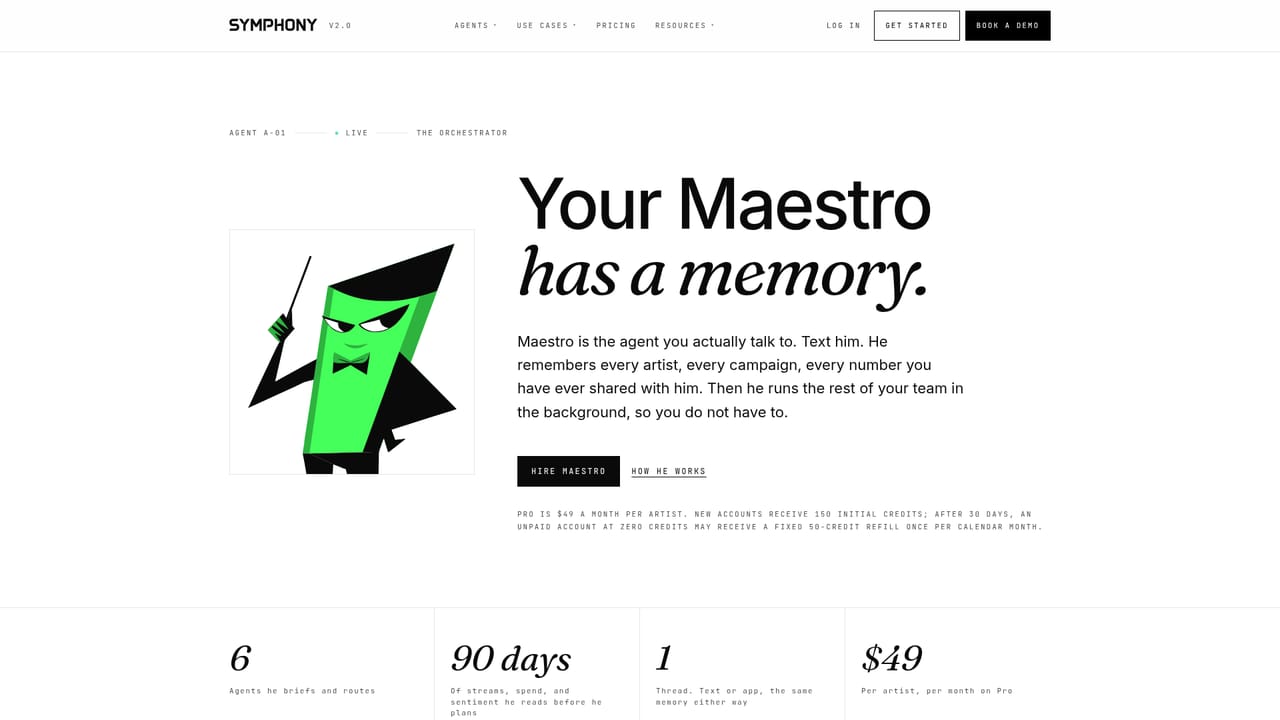
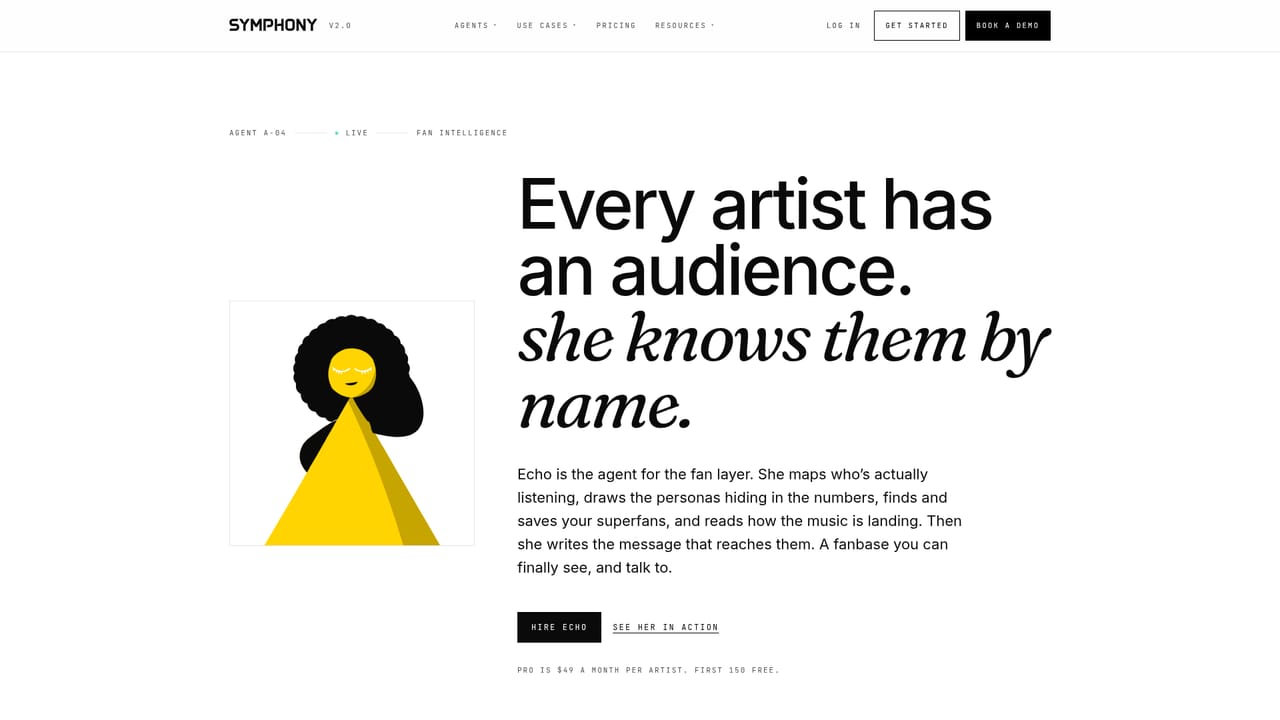
SymphonyOS is a platform of named AI agents built for the operations and promotion of a music career. Rather than generating songs, it focuses on what happens after the music is made: planning releases, running paid ads, tracking fan data, managing royalty statements, and coordinating creator campaigns. The homepage frames the product as a virtual record label staff, where each agent has a defined role and can be hired individually or as a team. Six agents are live: Maestro (team conductor), Simmy (advertising), Cue (release manager), Echo (fan intelligence), Maude (business affairs), and Sage (creator campaigns). Maestro acts as the central strategist, taking a brief (release date, sound, references, audience) and delegating tasks across the roster. Simmy manages paid campaigns on TikTok, YouTube, Instagram, and Facebook, handling pacing, creative rotation, and daily recaps. Cue keeps releases on schedule, Echo organizes fan data and messaging, Maude reviews statements and forecasts, and Sage turns fans and creators into campaign participants. Each agent maintains a memory file that stores roster details, splits, brand voice, and fan data, so users do not have to repeat context. Every action is logged for accountability. The platform is aimed at independent artists, managers, and labels who need marketing and business operations support but may not have a full team. It is especially relevant for those releasing music regularly and looking to grow audiences through paid acquisition, fan engagement, and systematic release planning. The service is accessed via a web app and operates on a credit system. New accounts receive 150 free credits to start, and paid plans begin at $49 per month per artist for the Pro tier, which includes 500 credits per artist and covers ads, websites, presales, and fan messaging. An Advanced tier at $250 per month per artist adds catalog management, social media scheduling, and creator tools. Enterprise pricing is custom for larger rosters. Compared to AI song generators, SymphonyOS occupies a different space: it is a marketing and management layer that works with music created anywhere. It competes with traditional marketing agencies and label services but offers a more accessible, self-serve model with transparent credit-based pricing and the ability to hire only the agents you need.
New accounts receive 150 free credits to test the platform. After 30 days, unpaid accounts at zero credits may receive a 50-credit refill once per month, but no refill is guaranteed.
Learn morePro: $49/month per artist (500 credits, 2 seats, up to 10 artists). Advanced: $250/month per artist (adds Catalog, Socials, Creators, 10 seats). Enterprise: custom pricing for more than 10 artists or custom needs. All plans include 150 free credits to start.
Learn moreSupport is available via a contact form for sales inquiries and demos. The homepage does not detail other support channels.
Agents connect to ad platforms like Meta, TikTok, and YouTube to run real campaigns. Enterprise plans offer custom integrations.
SymphonyOS offers six AI agents: Maestro for strategy, Simmy for advertising, Cue for release management, Echo for fan intelligence, Maude for business affairs, and Sage for creator campaigns. Each agent has a memory file for context, logs actions, and can be hired individually or as a team. The platform supports ads, websites, presales, fan messaging, catalog management, and social media scheduling.
 AI Angels400+ customizable AI girlfriends for NSFW chat, voice calls, and roleplay
 Candy AIExperience the future of companionship with AI friends who chat, role-play, and connect with you on a human level.
 ourdream.aiA vast AI roleplay platform with millions of characters for chat, images, video and voiceAI Angels400+ customizable AI girlfriends for NSFW chat, voice calls, and roleplayCandy AIExperience the future of companionship with AI friends who chat, role-play, and connect with you on a human level.ourdream.aiA vast AI roleplay platform with millions of characters for chat, images, video and voice