Support
The site links to an About and Help page alongside a privacy policy and terms of service, which is where basic questions about the app are directed.
Learn moreA festive AI cat that takes your holiday phone calls.
Own Talk to Santa Cat? Verify ownership to get a dofollow link
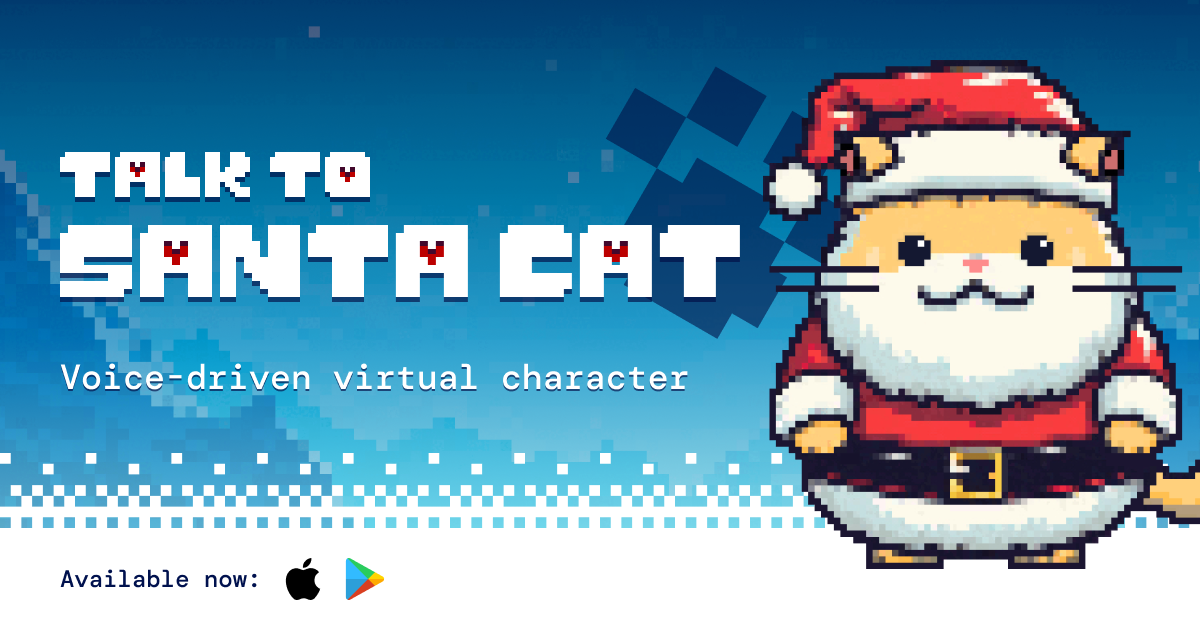
Talk to Santa Cat is a seasonal AI voice app from Daily. Callers speak with a holiday themed cat character by phone, making it a light novelty experience rather than a general purpose chatbot.
Talk to Santa Cat is a seasonal voice chat app from Daily that puts a holiday themed feline on the other end of the line. Instead of typing into a chat box, you place a call to Santa Cat and hold a spoken conversation. The character arrives with a ready supply of holiday enthusiasm, greeting every caller regardless of whether they have been naughty or nice, and the pitch is deliberately light: a phone call with a cheerful cat is the whole product. The format suits families, holiday parties and anyone who wants a short, playful voice interaction rather than a productivity tool. Because the conversation is spoken, it works well for children and for hands free moments where typing is awkward. The cat has an obvious holiday shelf life, which is part of the appeal for people looking for something themed for December. In practice the flow is simple. You install the app on a phone, open it, and start a call with Santa Cat, then talk naturally and the character responds in voice. There are no accounts to configure, no prompt libraries and no production pipeline to learn. The website points visitors to the App Store and Google Play listings, and Daily, the company behind the app, names itself as the maker. Among AI companion and voice assistant tools, Santa Cat is narrow on purpose. It is not a general chatbot and it does not try to be a companion for year round use. Think of it as a novelty voice experience, closer to a festive hotline than to a productivity assistant. Buyers should treat it as seasonal entertainment for phones, not as a platform for building their own characters.
The site links to an About and Help page alongside a privacy policy and terms of service, which is where basic questions about the app are directed.
Learn moreTalk to Santa Cat centers on a spoken phone call with a holiday themed cat character. The app is distributed through the Apple App Store and Google Play, and the site presents it as a festive voice experience for casual conversation rather than a text chatbot or a general assistant.
 AI Angels400+ customizable AI girlfriends for NSFW chat, voice calls, and roleplay
 Candy AIExperience the future of companionship with AI friends who chat, role-play, and connect with you on a human level.
 ourdream.aiA vast AI roleplay platform with millions of characters for chat, images, video and voiceAI Angels400+ customizable AI girlfriends for NSFW chat, voice calls, and roleplayCandy AIExperience the future of companionship with AI friends who chat, role-play, and connect with you on a human level.ourdream.aiA vast AI roleplay platform with millions of characters for chat, images, video and voice


