Free trial
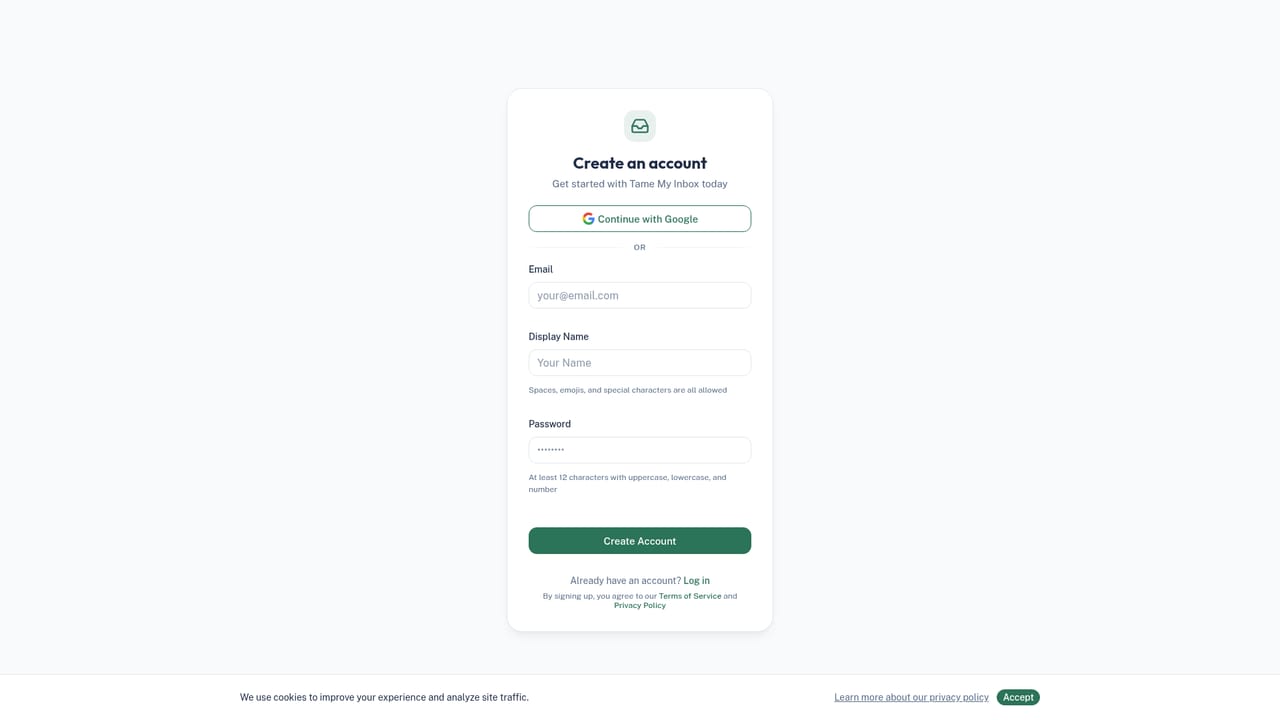
A free forever tier requires no credit card and covers 50 emails per day plus 5 AI replies. Paid plans are backed by a 7-day money-back guarantee rather than a separate trial period.
Learn moreIRIS triages, drafts and tracks your Gmail so email stops eating your day
Own Tame My Inbox? Verify ownership to get a dofollow link

Tame My Inbox is an email polishing tool. An IRIS-powered assistant for Gmail and Google Workspace that categorizes incoming mail, drafts replies in your voice, tracks commitments and adds a chat, voice and meeting-prep layer over your existing inbox. Free tier, Pro at $12 per month, Business at $29 per month.
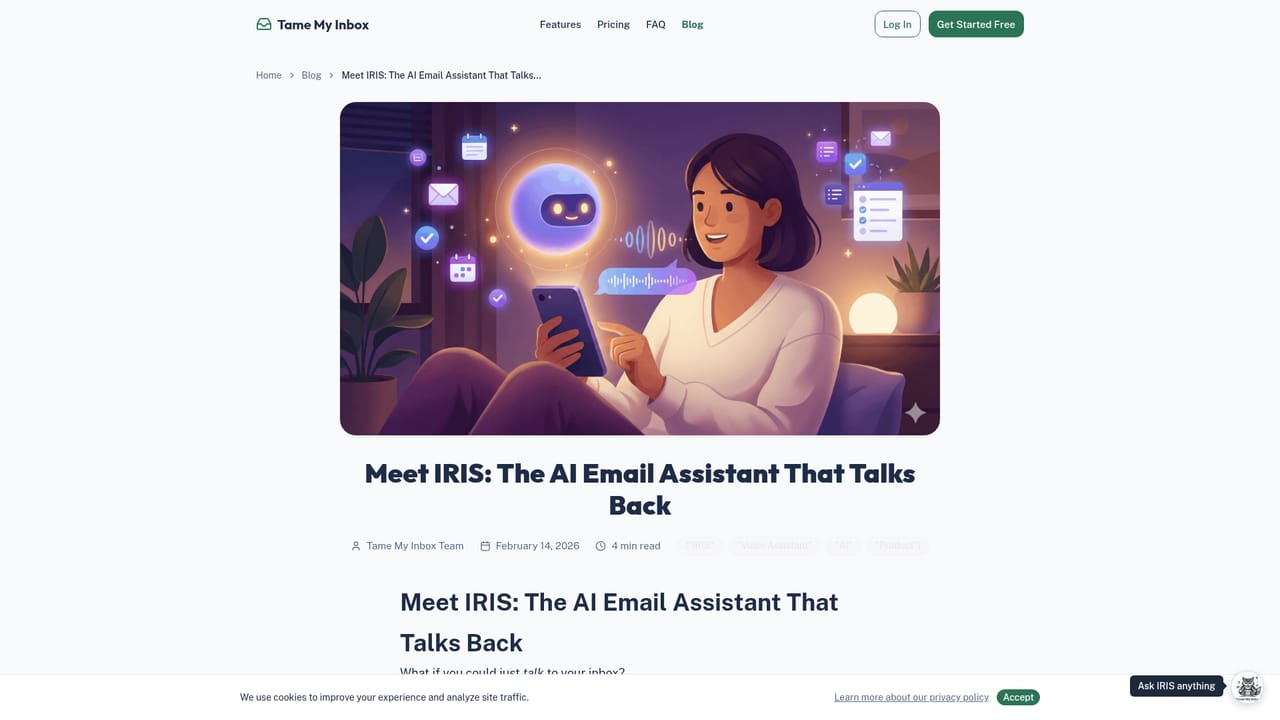
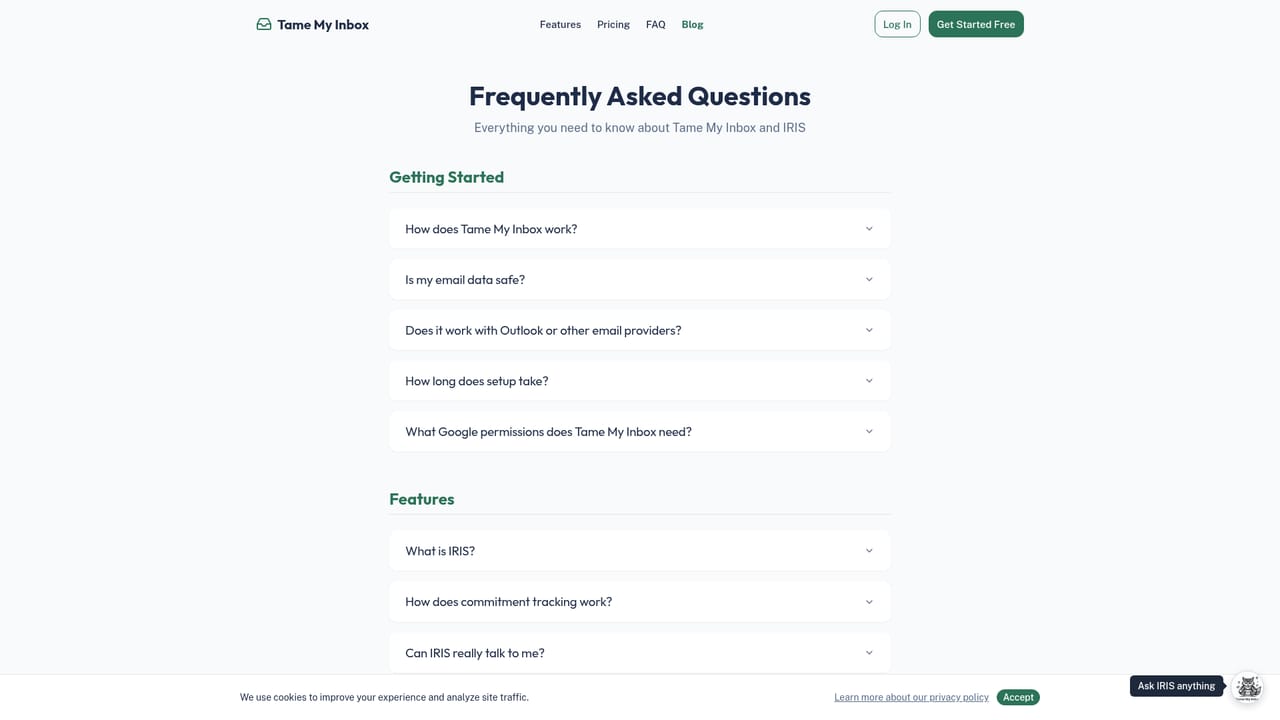
Tame My Inbox is an AI email assistant built around IRIS, an agent that sits on top of an existing Gmail or Google Workspace account rather than replacing the email client. After a secure OAuth connection, IRIS reads incoming mail, sorts it into categories such as Action Required, Quick Reply, FYI and Newsletters, and surfaces what needs a human decision. The product's pitch is narrow and deliberate: it targets the triage layer, the sorting and skimming that consumes most of the 2.5 hours the average knowledge worker reportedly spends on email each day. The practical workflow is a morning review. IRIS drafts replies based on the full thread in the user's own writing style, extracts promises and deadlines into a commitment tracker, and lets the user approve, edit or archive in a few clicks. A floating assistant on every page answers questions about the inbox, searches the web, preps for meetings, drafts and sends messages, and can be spoken to directly on the Business tier. Newer modules add contact auto-classification with confidence scores, a subscription scanner with bulk unsubscribe, and calendar context that shows relevant email history before a call. The fit is professionals, founders and small teams who receive more mail than they can process and want the existing inbox handled, not a new app to learn. Compared with AI writers that generate one-off copy, Tame My Inbox is opinionated about workflow: triage first, drafts second, follow-ups third. Pricing starts at a free tier capped at 50 tamed emails and 5 AI replies per day, Pro at $12 per month for unlimited taming and the full IRIS assistant, and Business at $29 per month adding voice, research and meeting intelligence. Data handling is stated plainly: OAuth access, encryption in transit and at rest, no permanent storage of email content and a zero training policy on user mail. The FAQ is explicit that IRIS does not replace Gmail or make reply decisions on its own. Gmail and Google Workspace are the only documented integration, so users on Outlook or other providers have no path in yet.
A free forever tier requires no credit card and covers 50 emails per day plus 5 AI replies. Paid plans are backed by a 7-day money-back guarantee rather than a separate trial period.
Learn moreFree tier at $0 with 50 tamed emails and 5 AI replies per day. Pro is $12 per month with unlimited taming and replies, VIP detection, analytics, calendar integration, Drive filing and smart unsubscribe. Business is $29 per month adding voice, web research, meeting prep and priority support. Annual billing saves 20 percent, and all plans include a 7-day money-back guarantee.
Learn moreBusiness plans include priority support. The site publishes a FAQ covering security, data handling, pricing and product behavior, plus a blog for background reading. No live chat or phone support channel is stated.
Learn moreGmail and Google Workspace connect through secure OAuth. Pro adds Google Drive filing and calendar integration. No other providers or third-party integrations are documented on the homepage.
Core features are automatic inbox categorization, AI reply drafts in the user's tone, commitment and deadline tracking, and email analytics on volume, response times and time saved. Newer modules add contact auto-classification, smart unsubscribe with bulk cleanup, calendar intelligence and a floating IRIS assistant that handles web research, meeting prep and sending mail.
Learn more AI Angels400+ customizable AI girlfriends for NSFW chat, voice calls, and roleplay
 Candy AIExperience the future of companionship with AI friends who chat, role-play, and connect with you on a human level.
 ourdream.aiA vast AI roleplay platform with millions of characters for chat, images, video and voiceAI Angels400+ customizable AI girlfriends for NSFW chat, voice calls, and roleplayCandy AIExperience the future of companionship with AI friends who chat, role-play, and connect with you on a human level.ourdream.aiA vast AI roleplay platform with millions of characters for chat, images, video and voice