Integrations
Connects to shared inboxes, CRM, ERP and workflow tools, with SAP, Salesforce, Microsoft, Oracle, HubSpot and Outlook named specifically, plus roughly 25 additional integrations.
Learn moreMap how work really flows, then automate it with AI agents
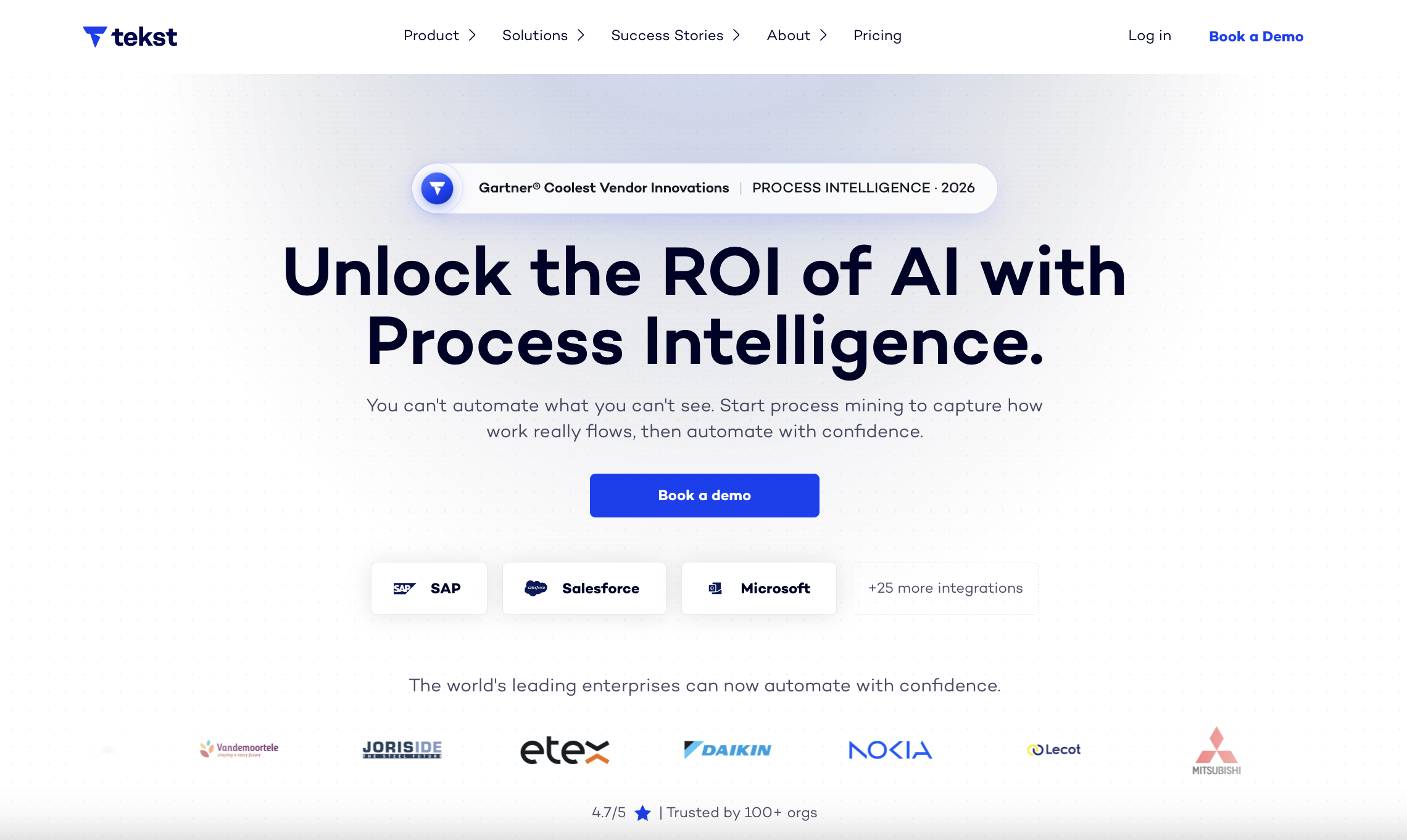
Tekst is an AI tool. Process intelligence and agentic automation for enterprises: Tekst mines inboxes, CRM and ERP to show how workflows really run, then deploys AI agents to execute them across systems including SAP, Salesforce and Outlook, with shared inbox and support triage among its core use cases.
Tekst is a process intelligence platform that inverts the usual automation order. Instead of starting with a workflow diagram and hiring consultants to refine it, Tekst mines the unstructured communication already flowing through inboxes, documents and enterprise systems to show how a process actually runs, exceptions included. The mapping phase that typically consumes months of analyst time is compressed into hours on the vendor's own account, and the resulting picture becomes the foundation for automation rather than an afterthought. Practically, the platform connects to shared inboxes, CRM and ERP systems such as SAP, Salesforce, Oracle, Outlook and HubSpot, plus roughly 25 further integrations. From those connections it discovers topics, reveals bottlenecks and handoffs, and builds a context graph mapping decisions, dependencies and end-to-end workflow logic. AI agents then execute against that graph, updating records and handling real-world exceptions. The vendor frames this as turning systems of record into systems of action, with the promise that no system overhaul or change management programme is required. The use case library is heavily operational: quote to cash, order intake, accounts payable, document and EDI processing, dispute and credit handling, and shared inbox triage such as AI-driven email labeling and routing or automated product incident reporting. That makes it a fit for operations, shared services and customer support leaders inside mid-sized and large enterprises, particularly those running SAP or Salesforce landscapes where work spans multiple teams and regions. Named customers include Daikin Europe, FrieslandCampina, Ethias, Nokia and Mitsubishi, and the company cites a Gartner Cool Vendor recognition. Against pure play inbox automation tools, Tekst leans on the mining layer and a custom-trained model built on the customer's own data as the differentiator. It is heavier than a standalone email classifier and will not appeal to a solo operator or a small team without an ERP to speak of. Pricing, packaging and whether a self-serve trial exists are not published on the homepage, so commercial terms require a conversation with sales.
Connects to shared inboxes, CRM, ERP and workflow tools, with SAP, Salesforce, Microsoft, Oracle, HubSpot and Outlook named specifically, plus roughly 25 additional integrations.
Learn moreProcess mining across inboxes, documents and enterprise systems; topic discovery and bottleneck detection; a context graph mapping decisions, dependencies and workflow logic; AI agents that update CRM and ERP records and handle exceptions; continuous optimization from every interaction; a custom-trained model built on company data; shared inbox, labeling and routing automations; and enterprise security with customer data ownership.
Learn more AI Angels400+ customizable AI girlfriends for NSFW chat, voice calls, and roleplay
 Candy AIExperience the future of companionship with AI friends who chat, role-play, and connect with you on a human level.
 ourdream.aiA vast AI roleplay platform with millions of characters for chat, images, video and voiceAI Angels400+ customizable AI girlfriends for NSFW chat, voice calls, and roleplayCandy AIExperience the future of companionship with AI friends who chat, role-play, and connect with you on a human level.ourdream.aiA vast AI roleplay platform with millions of characters for chat, images, video and voice


