Free trial
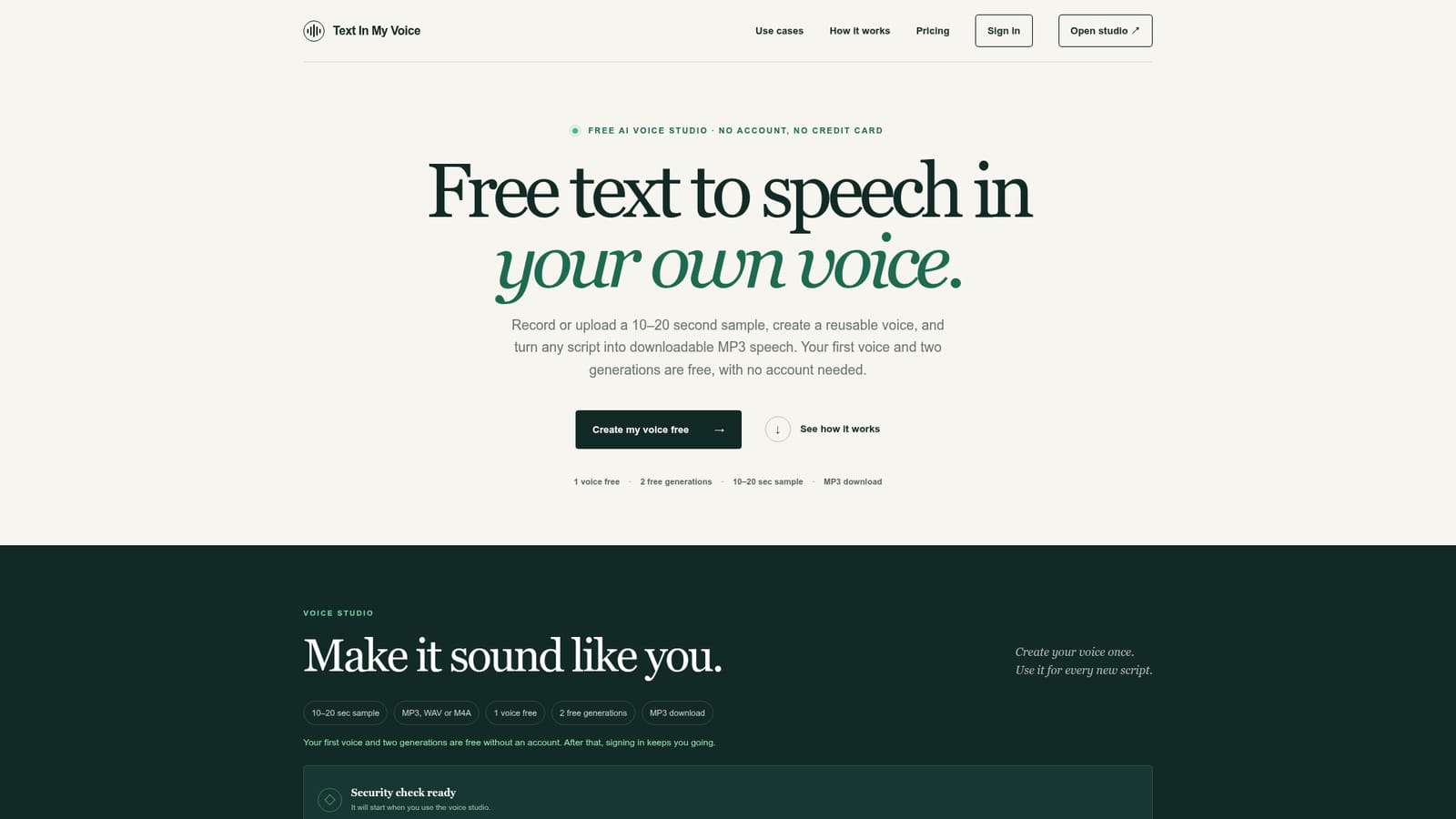
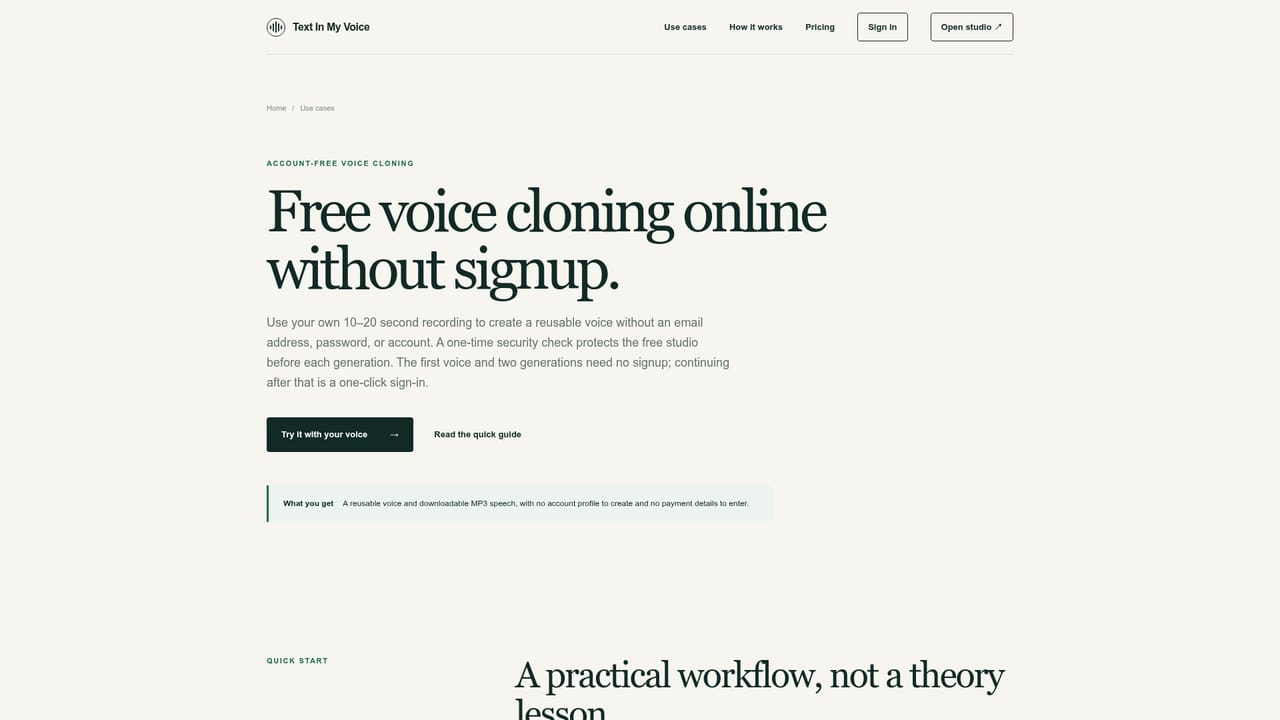
The first voice and two generations are free without an account. A one-click sign-in then gives a free account with 5,000 characters every month.
Learn moreClone your voice from a short sample and turn text into MP3 speech
Own TextInMyVoice? Verify ownership to get a dofollow link

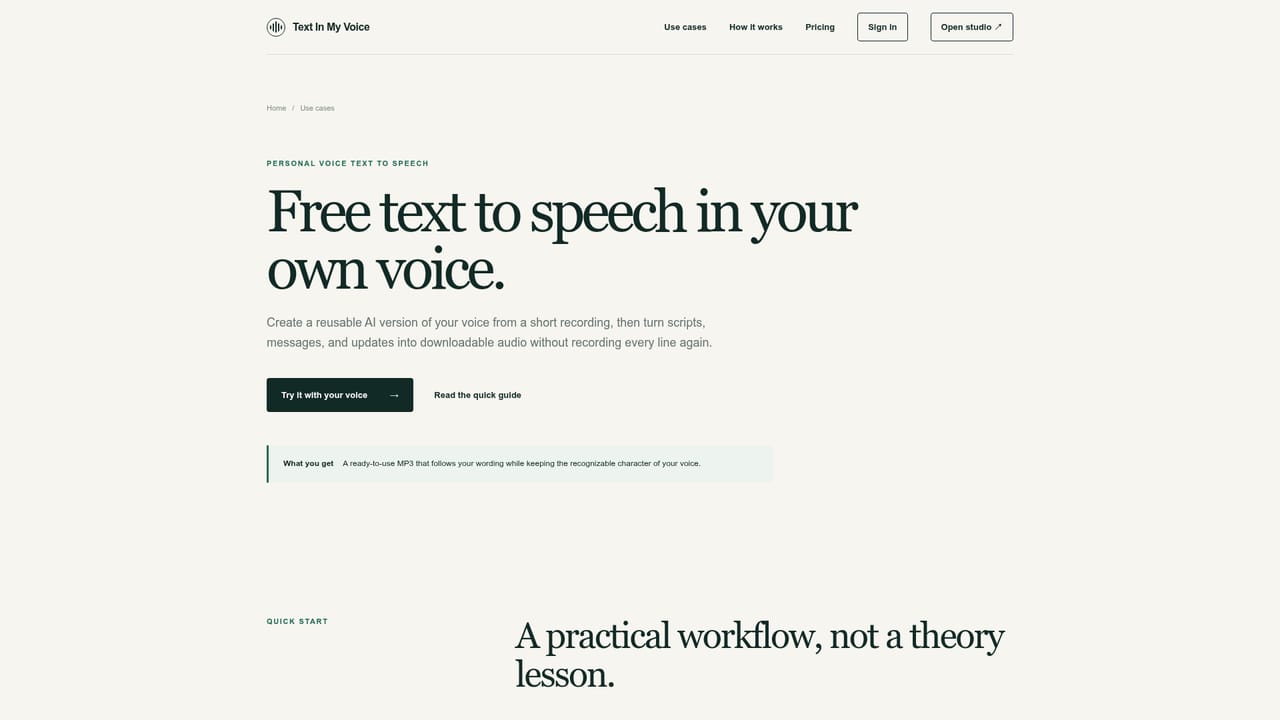
TextInMyVoice is a text-to-speech tool that clones your voice from a short sample and turn text into MP3 speech. TextInMyVoice clones your voice from a 10 to 20 second sample and reads any typed script back in it, with MP3 download.
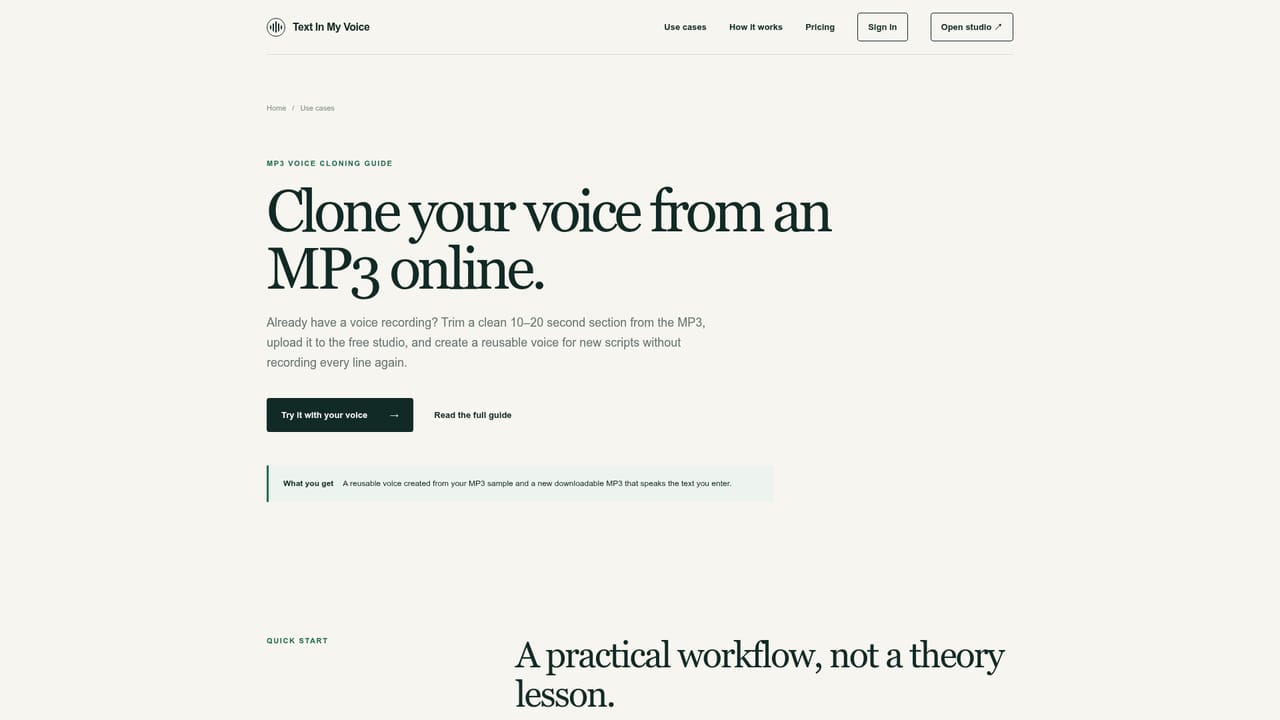
TextInMyVoice is a browser-based voice studio that creates a reusable synthetic copy of a person's voice from a short recording, then reads any typed script aloud in that voice. The sample can be recorded in the page or uploaded as an MP3, WAV or M4A file, and the site says 10 to 20 seconds of clean audio is enough. Once the voice exists, it stays available for later scripts until the user deletes it. The workflow has three stages. First, the user names the voice, supplies the sample, picks a sample language (auto detect, English, Chinese, Japanese, Korean, French, German, Portuguese or Russian) and confirms they own the voice or have explicit permission to use it. Second, they paste or type text, up to 1,000 characters per entry in the studio, with simple pacing controls: commas give short pauses, paragraph breaks give longer ones, and phonetic spelling helps with unusual names. Third, the result plays back immediately and can be downloaded as an MP3. A security check runs before the studio is used. The free tier is unusually open for this category. The first voice and two generations work without an account or credit card. After that, a one-click sign-in unlocks a free account with 5,000 characters per month, and the site says limits are visible before each generation. Signing in also keeps the saved voice available across devices. On privacy, the uploaded sample is held behind a short-lived random URL for processing and removed once cloning finishes, while the finished voice persists until deleted. The audience is individuals who want narration, voice messages or scripts in their own voice without recording each take: creators, presenters, and anyone testing voice cloning before committing to a paid platform. Dedicated guides cover text to speech in your own voice, cloning from an existing MP3, and cloning without signup. Compared with larger voice platforms that bundle studios, dubbing and APIs, TextInMyVoice is narrow by design, trading breadth for a short path from sample to downloadable audio. Consent is enforced at every new voice, and cloning someone else's voice without permission is prohibited.
The first voice and two generations are free without an account. A one-click sign-in then gives a free account with 5,000 characters every month.
Learn moreFree to start with no account or credit card: one voice and two generations. A free account then adds 5,000 characters per month. Paid plan details are not stated on the homepage.
Learn moreVoice cloning from a 10 to 20 second recording or MP3, WAV or M4A upload, reusable saved voices, text to speech up to 1,000 characters in the studio, multiple sample languages, instant playback and MP3 download, plus a consent check.
Learn more


