Support
A troubleshooting page on the site handles problems with signing in or signing up. No other support channels, such as email, live chat or documentation, are listed on the homepage.
Learn moreAn AI companion for conversations about stress, mood and daily wellbeing

TheraMe is an anonymous, always available AI chat companion for mental wellness, paired with journaling, goal setting, self check-ins and guided meditation. It is aimed at people who want to talk things through without an appointment, and it redirects users toward outside resources when a conversation signals critical need.
TheraMe is a web based AI mental wellness companion built around open ended conversation. The premise is simple: many people feel lighter after talking something through, and a chatbot removes the waiting list. Users open a chat and describe what is going on, and the assistant responds with reflective questions and prompts that keep the conversation moving. The homepage presents this as a supplement to professional care, not a replacement, and notes that the system includes AI detection of critical needs that redirects users toward appropriate resources when a conversation suggests more support is required. The strongest design choice is availability. TheraMe runs around the clock with no appointments, so someone who cannot sleep at 2am can start a session immediately. The company reports that a large share of sessions happen after midnight, which fits the product's stated audience: students, shift workers and anyone who wants to talk before reaching out to a human. Conversations are anonymous by design, which lowers the barrier for people who avoid formal services because of stigma or fear of being judged. The chat itself is tuned to feel natural, and the sample exchange on the homepage shows a short, patient back and forth rather than a scripted intake form. Beyond chat, the dashboard bundles a small set of self management tools. A journal and a goal setting area both refresh after seven days, which nudges regular reflection instead of one time entry. A to-do list targets everyday productivity, a self check-in asks users to record how they are doing, and a guided meditation library offers breathing and calm focused sessions. TheraMe also ships a cat image generator, an odd addition for a wellness product, framed on the homepage as a mood lifting distraction. Compared with teletherapy platforms, TheraMe is cheaper in spirit and far more private, but it cannot diagnose, prescribe or hold anyone accountable. Compared with general purpose chatbots, it has a narrower purpose and a resource redirect layer. It suits people who want a low stakes place to vent between sessions, and it is a poor fit for anyone in acute crisis who needs a licensed clinician or emergency services.
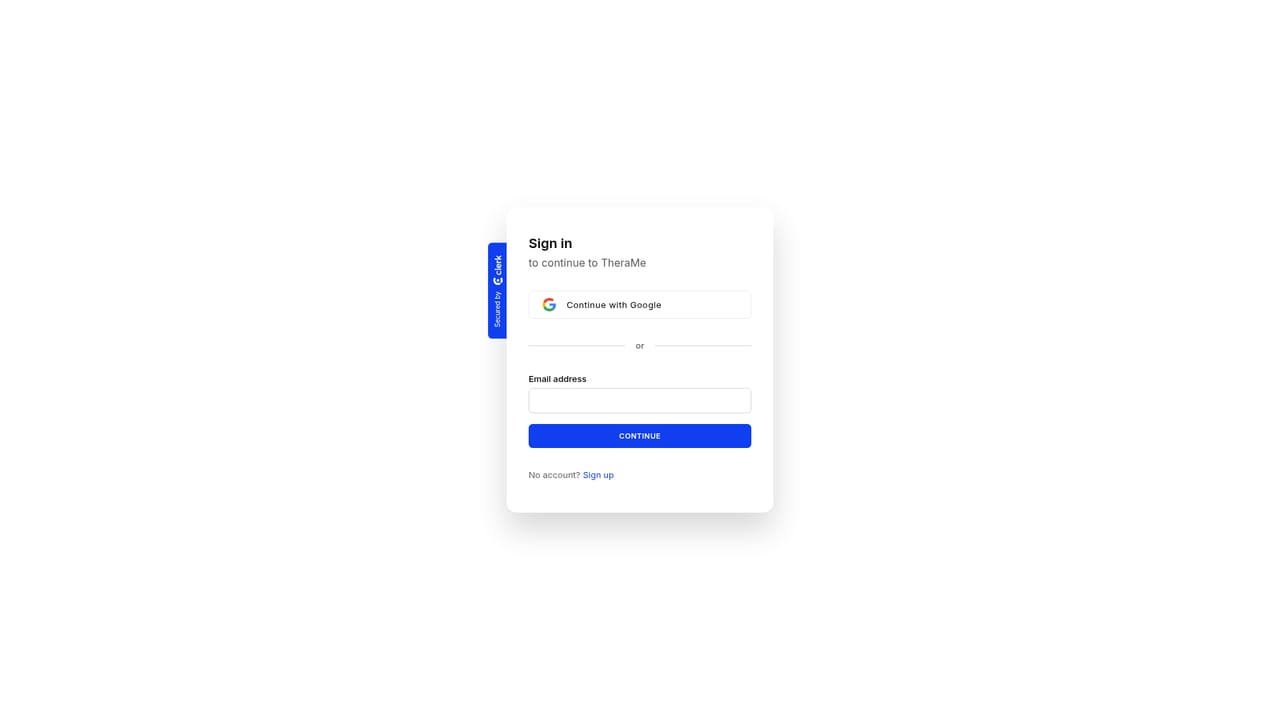
A troubleshooting page on the site handles problems with signing in or signing up. No other support channels, such as email, live chat or documentation, are listed on the homepage.
Learn moreCore features are a natural sounding chat companion that runs 24/7, anonymity for every session, and AI detection of critical needs that redirects users to further resources. The dashboard adds a journal and goal tracker that refresh weekly, a to-do list, a self check-in for reflecting on wellbeing, and a guided meditation library with breathing and calm focused sessions.
 AI Angels400+ customizable AI girlfriends for NSFW chat, voice calls, and roleplay
 Candy AIExperience the future of companionship with AI friends who chat, role-play, and connect with you on a human level.
 ourdream.aiA vast AI roleplay platform with millions of characters for chat, images, video and voiceAI Angels400+ customizable AI girlfriends for NSFW chat, voice calls, and roleplayCandy AIExperience the future of companionship with AI friends who chat, role-play, and connect with you on a human level.ourdream.aiA vast AI roleplay platform with millions of characters for chat, images, video and voice


