Tinta Piel

Preview a lion or lioness tattoo rendered on your own skin before the appointment

Beginner
Screenshot of Tinta Piel, Preview a lion or lioness tattoo rendered on your own skin before the appointment

What is Tinta Piel?

Tinta Piel is an image to image tool. Tinta Piel combines three detailed guides on lion and lioness leg tattoos with a browser-based AI simulator that places a chosen design onto a photo of the user's own skin for a realistic preview before booking.

Tinta Piel is a niche editorial and tooling site built around one decision: whether to get a lion or lioness tattoo on the leg. It pairs three in-depth guides (meaning, styles that age well, pain by zone, realistic pricing and healing) with a browser-based simulator that overlays a chosen design onto a photo of the user's own skin and refines it with AI so the proportions, curvature and texture look close to real ink rather than a flat sticker mockup. The audience is clearly first-time or undecided tattoo clients, in particular women researching a lion tattoo for the leg, people drawn to lioness-and-cub imagery, or anyone weighing a larger lion family or pride composition. It is less useful for buyers looking for general tattoo design generation across arbitrary subjects or body parts, since the entire catalog and advice is scoped to lions and leonas on the leg. In practice, a visitor reads the relevant guide to settle on a style and size, then opens the simulator, uploads a photo of the area, places a design from the site's curated galleries or their own reference, and adjusts size, angle and lighting. Requesting the AI pass fuses the ink into the skin in the photo. The canvas itself requires no account, and signup grants one free AI render; further renders draw down purchased credits. The guides also push practical pre-tattoo habits: asking a studio for a stencil test and getting a closed quote before sitting in the chair. Against broader tattoo-preview apps that let users test any design anywhere on the body, Tinta Piel trades breadth for depth: narrower scope, but more editorial rigor on pain, pricing and style longevity for its one chosen subject. It functions as a decision aid that sits before, not instead of, an actual tattoo artist.
How do you use Tinta Piel?

  1. 1Pick a guide that matches your idea
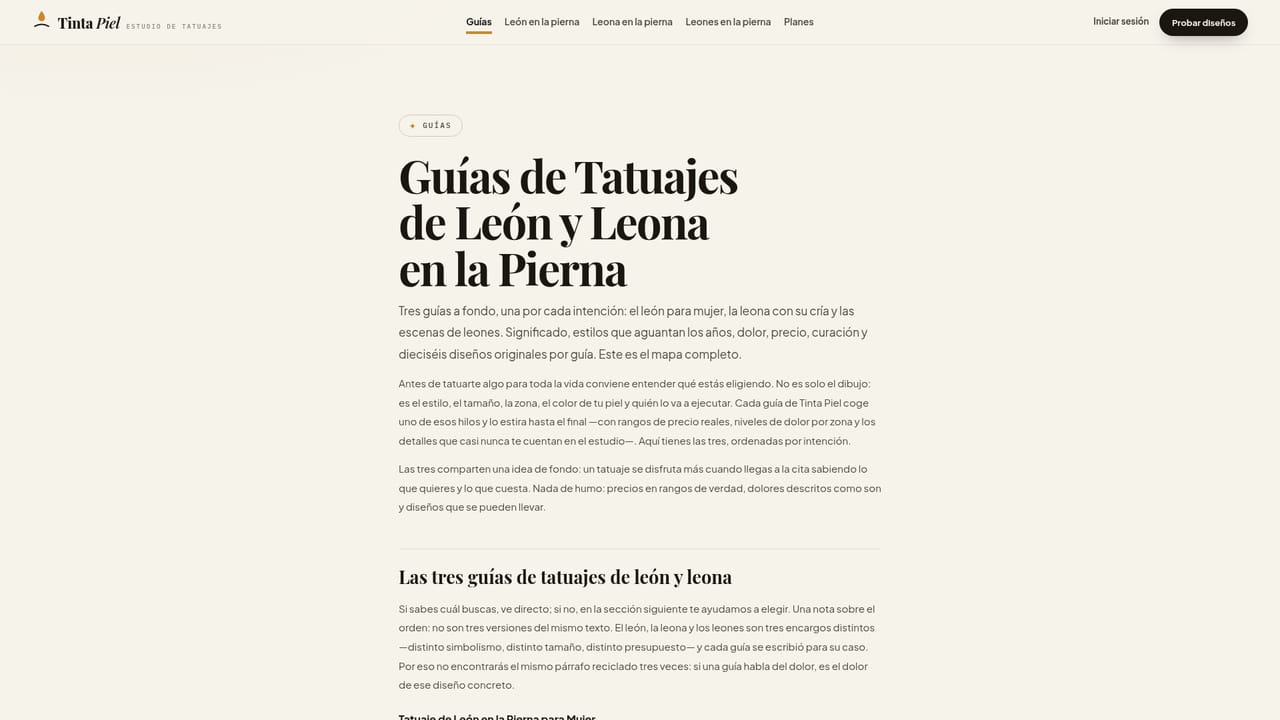
    Read the guide for a solo lion, a protective lioness with cubs, or a pride or couple composition to settle on meaning, style and placement before testing anything.
    Tinta Piel — Pick a guide that matches your idea
  2. 2Open the simulator
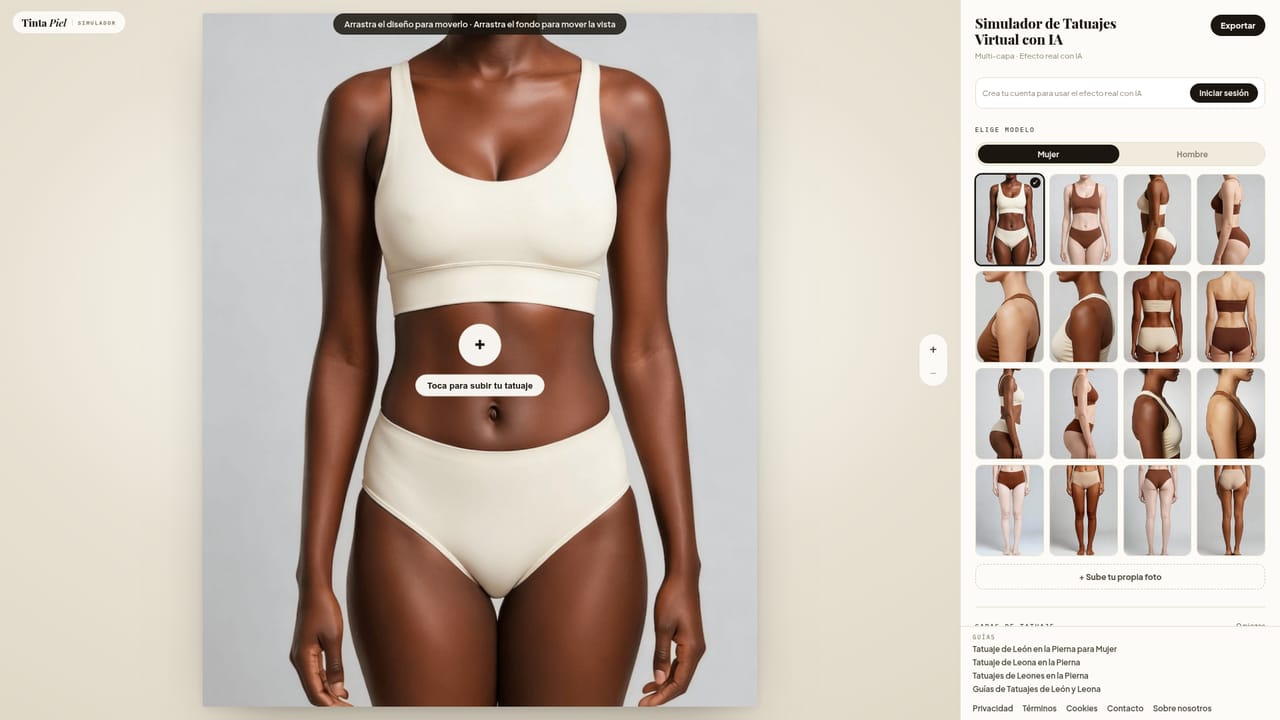
    Go to the simulator tool; no account is needed to start placing a design on a photo.
    Tinta Piel — Open the simulator
  3. 3Upload a photo of the area
    Upload a clear photo of the leg, thigh, calf or ankle where the tattoo would sit so the design can be matched to real skin.
  4. 4Place and adjust the design
    Choose a design from the gallery or your own reference, then adjust its size, angle and lighting on the uploaded photo.
  5. 5Generate the AI skin preview
    Request the AI pass to see the ink rendered with the curvature and texture of the actual photo; the first render is free after signup.
  6. 6Check credits and plans for more previews
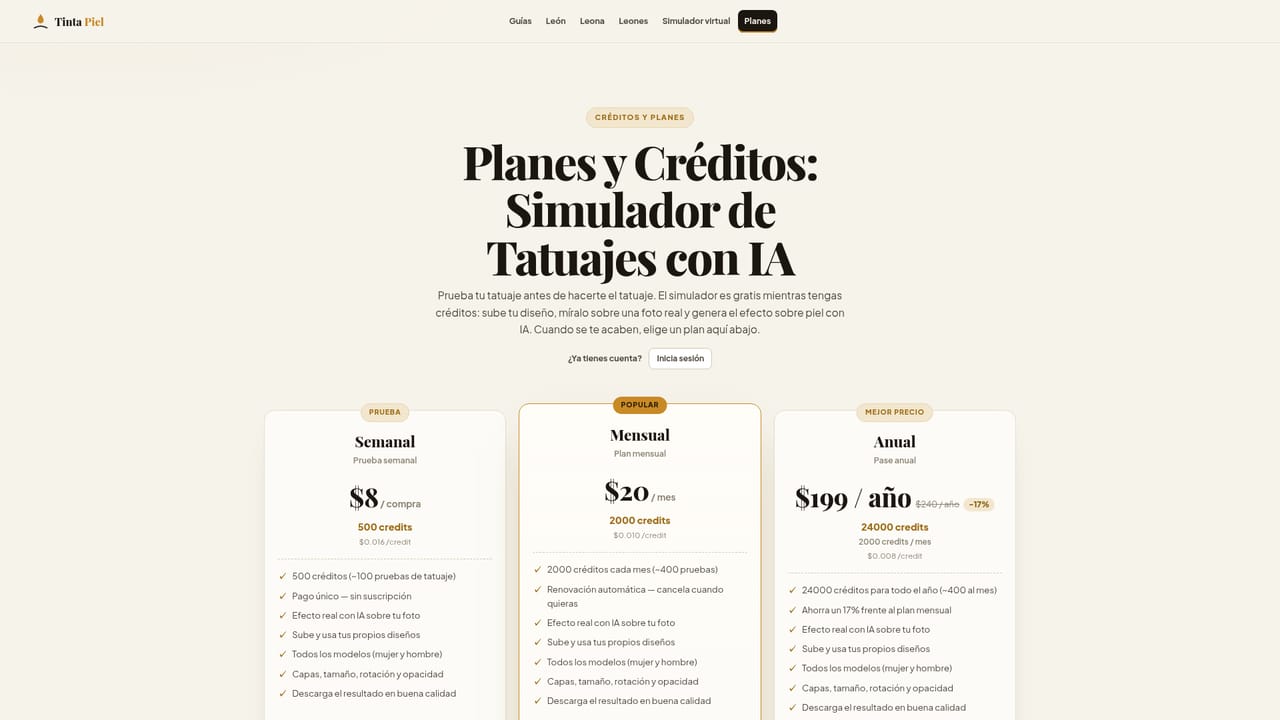
    Review how credits work and recharge them if more AI renders are needed beyond the free first one.
    Tinta Piel — Check credits and plans for more previews

Pros and cons

Pros

  • In-depth guides give concrete pain, pricing and healing detail specific to lion and lioness leg tattoosAI
  • AI render fuses the design with the user's actual skin texture and curvature instead of a generic flat overlayAI
  • Canvas and first AI generation are free with no account required to startAI
  • Each guide ships a curated 16-design gallery rather than a bulk auto-generated catalogAI
  • Works the same from a phone browser as from a desktop, no install neededAI

Cons

  • Scope is limited to lion and lioness tattoos on the leg, so it does not serve other subjects or body areasAI
  • Site explicitly states the preview is not a photorealistic guarantee, so the final tattoo can differAI
  • Every AI generation past the free first one consumes paid creditsAI
  • No stated integrations with booking platforms or tattoo studio softwareAI
  • Content and interface are built around a Spanish-speaking audience, which may limit use elsewhereAI

How much does Tinta Piel cost?

Free trial

No account is required to use the placement canvas, and the first AI-rendered skin preview is given free on signup before any credits are needed.

Learn more

Pricing

Starting is free: the canvas needs no account and signing up includes one free AI-rendered preview. Further AI generations consume credits, which are purchased and recharged through the plans described on the pricing page.

Learn more

Support

A contact page is available for direct questions, and the homepage FAQ section answers common questions about the galleries, credits and data use.

Learn more

Features

Three in-depth guides on lion and lioness leg tattoos covering meaning, style longevity, pain by zone, pricing and healing, each with a 16-design original gallery, plus an AI simulator that overlays a chosen design on a user photo with adjustable size, angle and light.

Learn more

Frequently asked questions about Tinta Piel

  • How much does Tinta Piel cost?
    Starting is free: the canvas needs no account and signing up includes one free AI-rendered preview. Further AI generations consume credits, which are purchased and recharged through the plans described on the pricing page.
  • Does Tinta Piel offer a free trial?
    No account is required to use the placement canvas, and the first AI-rendered skin preview is given free on signup before any credits are needed.
  • How do you use Tinta Piel?
    The walkthrough on this page covers 6 steps: 1. Pick a guide that matches your idea 2. Open the simulator 3. Upload a photo of the area 4. Place and adjust the design 5. Generate the AI skin preview 6. Check credits and plans for more previews.
  • What platforms does Tinta Piel support?
    Tinta Piel is available on Web App.
  • What are the limitations of Tinta Piel?
    Scope is limited to lion and lioness tattoos on the leg, so it does not serve other subjects or body areas. Site explicitly states the preview is not a photorealistic guarantee, so the final tattoo can differ. Every AI generation past the free first one consumes paid credits.

Status

StatusActive
Views0
Outbound clicks0
Added10/14/2026

Platforms

Web App

Pricing

FreemiumPaid