Free trial
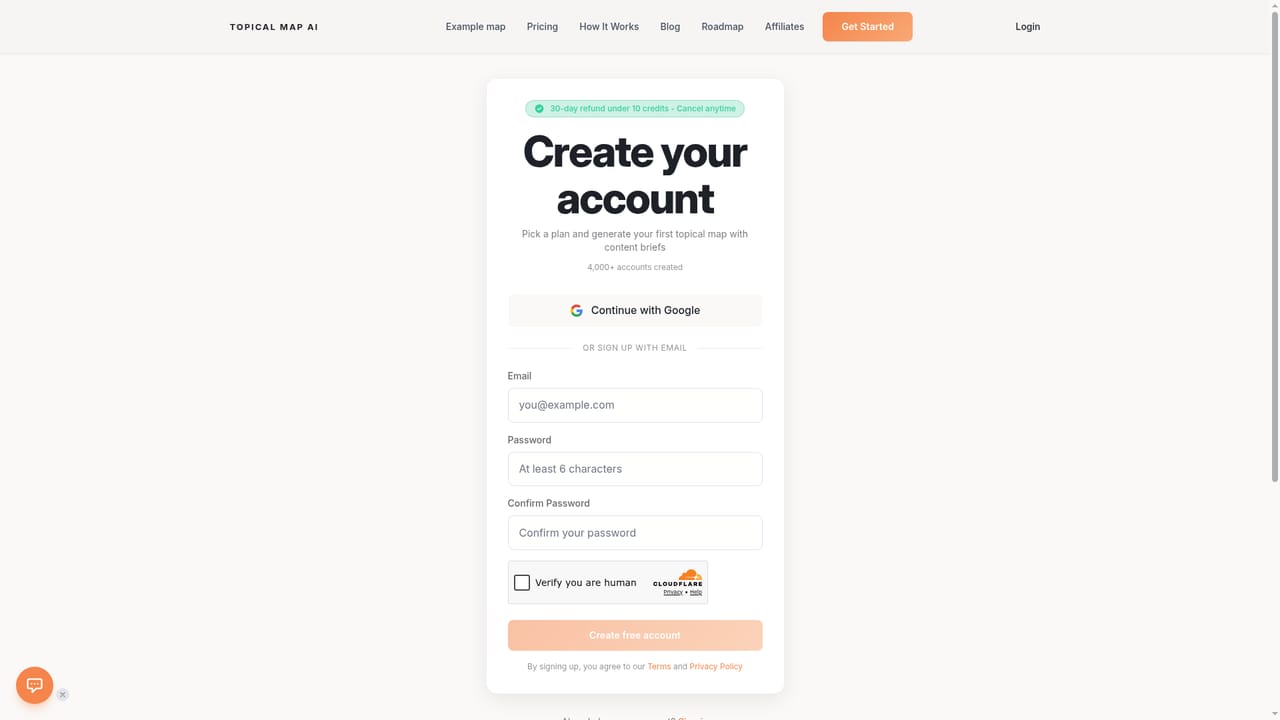
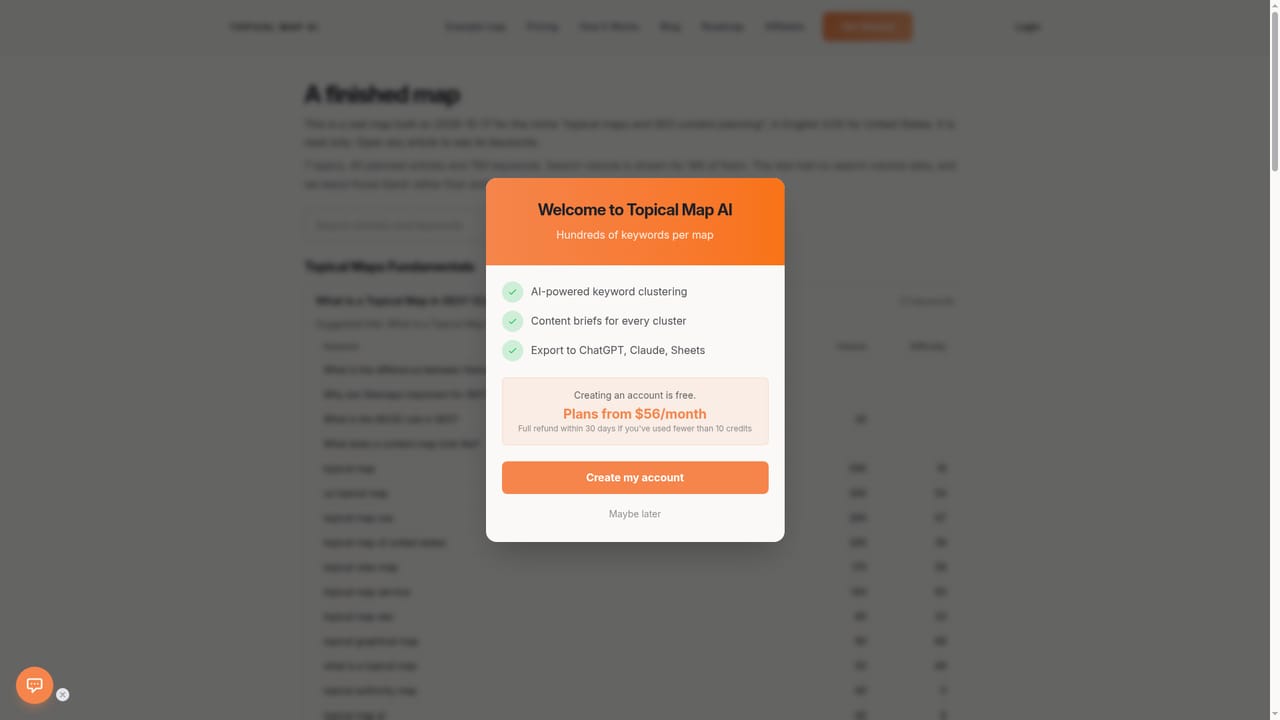
No time-limited trial is described. Creating an account is free, and plans carry a 30-day refund if you have used fewer than 10 credits, which functions as a money-back window.
Learn moreA content planner that turns one niche into a clustered, briefed topical map.
Own TopicalMap.ai? Verify ownership to get a dofollow link

TopicalMap.ai is a content tool. AI topical map generator that clusters hundreds of keywords for a niche, adds DataForSEO volume where available, and produces editable maps with content briefs and CSV, Excel, PDF or Google Docs export. Built for solo SEOs, bloggers, freelancers and small agencies planning topical authority.
Topical Map AI is a focused planning tool for SEO content. You enter a niche or a seed topic, and the platform uses AI to generate hundreds of keywords, then groups them into topical clusters sorted by meaning and search intent. The result is a structure you can hand to writers: main clusters, subtopics under each, and content ideas rather than a flat keyword list. Search volume and difficulty are pulled from DataForSEO where the data exists, and the team is upfront that most long-tail and question keywords carry no reported volume. In practice the workflow runs in three moves. Generate the map, edit the subtopics you want to keep or drop, then export. Paid tiers export to CSV, Google Docs, Excel or PDF depending on the plan, and each cluster can be expanded into a content brief without leaving the map. That brief step is the practical difference from raw keyword research: the output is a writing assignment, not a spreadsheet row. Maps can be produced in more than 20 languages and targeted at 25+ countries, which suits international sites and freelancers running several client projects. Positioning is deliberately narrow. Topical Map AI does not do backlink analysis, rank tracking or site audits, and it does not pretend to replace Ahrefs or Semrush as a full suite. It competes on the one job of building topical authority structure, priced well under enterprise SEO platforms and aimed at solo bloggers, freelancers and small agencies rather than in-house SEO departments. Higher tiers add batch generation, a REST API, white-label PDF exports and multi-seat workspaces for client-facing work. The product is bootstrapped and currently run by Megan Ragab, who took it over in 2025 and ships fixes most weeks. Accounts created and maps generated are reported in the thousands on the homepage. Buyers should read the keyword output with editorial judgement: the vendor itself notes that subtopics are not always a perfect fit for every audience.
No time-limited trial is described. Creating an account is free, and plans carry a 30-day refund if you have used fewer than 10 credits, which functions as a money-back window.
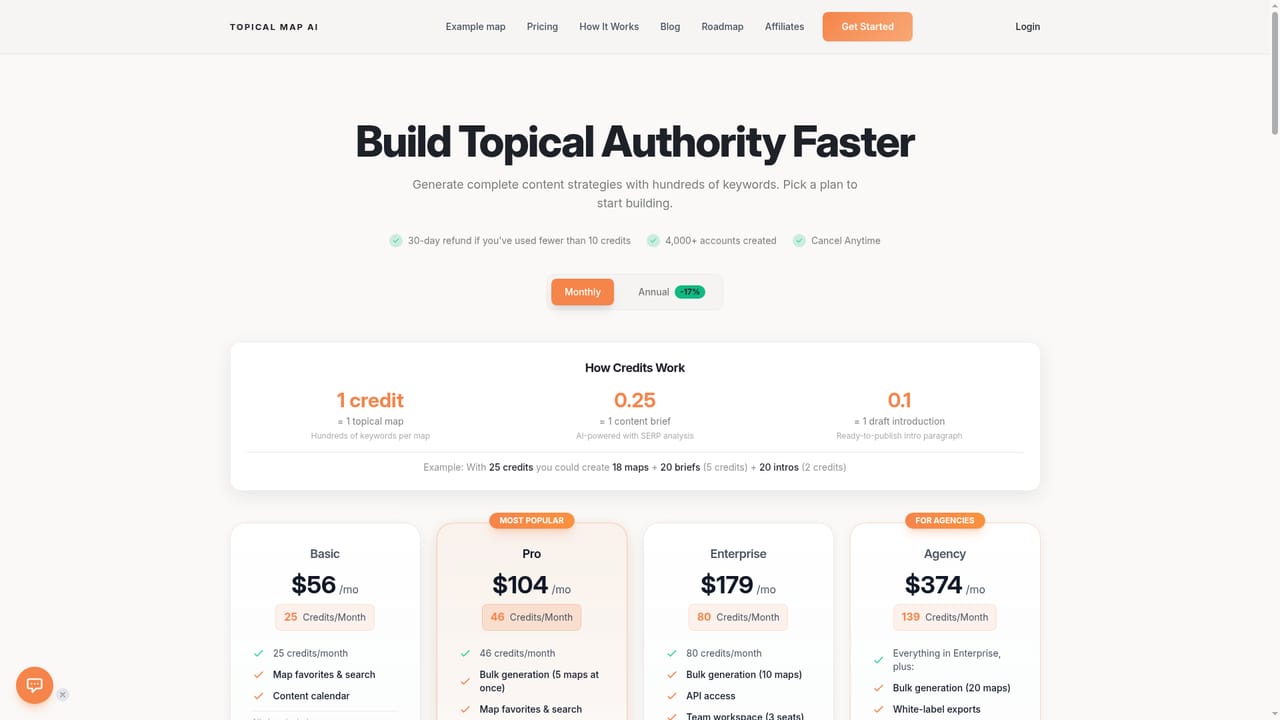
Learn moreFour tiers billed monthly or annually (annual saves 17 percent): Basic $56/mo for 25 maps, Pro $104/mo for 46 maps with batch generation, Enterprise $179/mo for 80 maps with REST API and 3 seats, Agency $374/mo for 139 maps with white-label exports and 5 seats. Refund within 30 days if under 10 credits are used.
Learn moreEmail support is listed on all plans, with a published contact address for questions. No live chat or phone channel is described on the homepage.
Exports to CSV, Google Docs, Excel and PDF, with output formatted for use in ChatGPT, Claude and Sheets, and a REST API on Enterprise and Agency plans for 100 or 200 requests per day.
AI keyword generation and clustering from a niche, four map types, content briefs per cluster, DataForSEO search volume and difficulty where available, 20+ languages and 25+ countries, CSV and Google Docs export, plus Excel, PDF and white-label PDF on higher tiers, batch and bulk generation, REST API access, team seats and map favorites.
 AI Angels400+ customizable AI girlfriends for NSFW chat, voice calls, and roleplay
 Candy AIExperience the future of companionship with AI friends who chat, role-play, and connect with you on a human level.
 ourdream.aiA vast AI roleplay platform with millions of characters for chat, images, video and voiceAI Angels400+ customizable AI girlfriends for NSFW chat, voice calls, and roleplayCandy AIExperience the future of companionship with AI friends who chat, role-play, and connect with you on a human level.ourdream.aiA vast AI roleplay platform with millions of characters for chat, images, video and voice








