Free trial
A free version of the tool is described in the FAQ, so image to 3D conversion can be tried at no cost. The site lists no separate time limited trial.
Learn moreTurn a single photo into a downloadable 3D model in six formats
Own TRELLIS 3D AI? Verify ownership to get a dofollow link
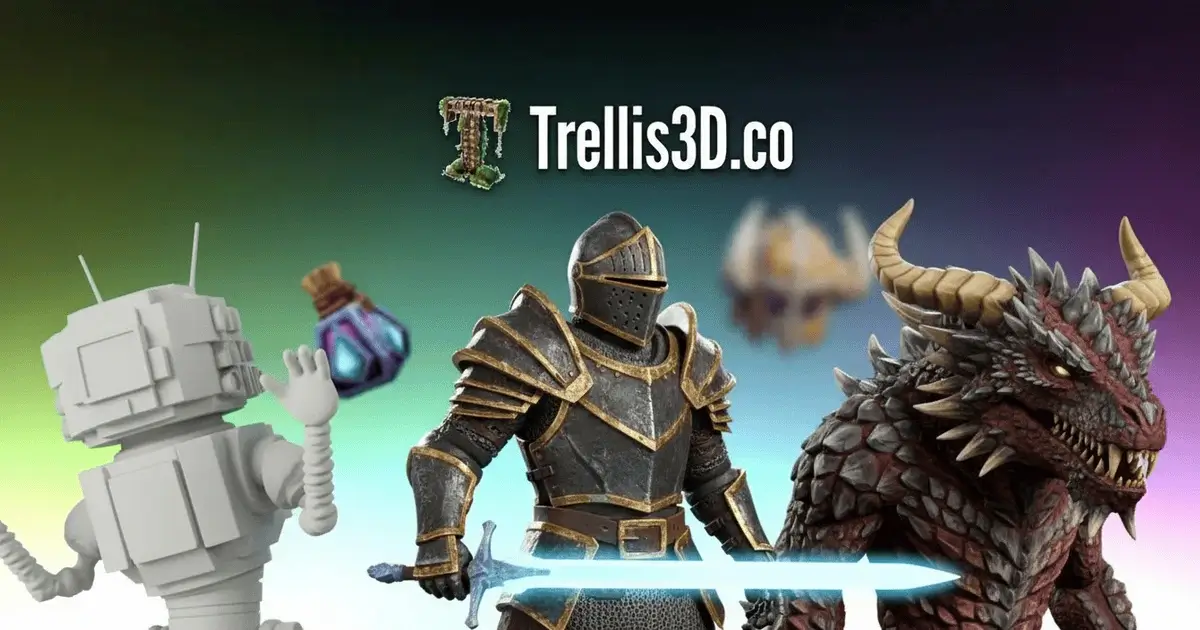
TRELLIS 3D AI is an AI tool that turns a single photo into a downloadable 3D model in six formats. TRELLIS 3D AI converts a single uploaded image into a textured 3D asset, previewable in the browser and downloadable as GLB, OBJ, STL, GLTF, USDZ or PLY.
TRELLIS 3D AI is a web tool that converts a single 2D image into a textured 3D asset. The workflow is deliberately short: upload a picture, let the model reconstruct the object, inspect the result in a browser-based viewer, then export the mesh. The site states that assets can be downloaded in GLB, OBJ, STL, GLTF, USDZ and PLY, which covers the common needs of game engines, 3D printing slicers and AR pipelines. According to the homepage, processing is fast enough that results arrive in seconds, and the viewer requires no software installation. The underlying approach is built around what the site calls Structured LATents (SLAT) paired with pretrained vision encoders and rectified flow transformers. In plain terms, the system is designed to keep both the geometry and the surface appearance of the source object reasonably intact rather than producing a generic approximation. Local editing is also mentioned, meaning defined regions of an asset can be adjusted after generation instead of starting over. A gallery of sample conversions is shown on the homepage for anyone who wants to judge output quality before uploading their own material. The tool suits people who need a rough 3D model quickly and do not model by hand: indie game developers blocking out props, 3D printing hobbyists converting a reference photo, AR and ecommerce teams producing a visual placeholder, and students learning how meshes are structured. It is not a replacement for a full modeling suite, since the site describes no rigging, retopology or poly budget controls. Output quality depends on the input, with clear, well-lit images showing distinct objects performing best. Sources that are cluttered, shadowed or low contrast are the obvious weak point. One practical caveat before signing up: the site now carries a notice that it has been upgraded to Morfx 3D, and the primary call to action points visitors to that newer product. TRELLIS 3D AI still presents itself as available to use, and its FAQ says generated assets may be used commercially subject to the terms of service, but anyone planning a long workflow should confirm which product is actively maintained. For quick image to mesh conversion it remains a low-friction option worth testing against general-purpose 3D generators.
A free version of the tool is described in the FAQ, so image to 3D conversion can be tried at no cost. The site lists no separate time limited trial.
Learn moreThe site states that a free online version of TRELLIS 3D AI exists for image to 3D conversion, and that additional professional features are offered to users who need more capability. No prices, tiers or billing terms appear on the homepage, so paid plan costs are not published there.
Learn moreConversion of a single image into a textured 3D asset, built on Structured LATents with pretrained vision encoders and rectified flow transformers. Exports cover GLB, OBJ, STL, GLTF, USDZ and PLY. Assets can be previewed in a browser viewer with no installation, and local regions can be edited after generation. Processing is described as near instant.
 AI Angels400+ customizable AI girlfriends for NSFW chat, voice calls, and roleplay
 Candy AIExperience the future of companionship with AI friends who chat, role-play, and connect with you on a human level.
 ourdream.aiA vast AI roleplay platform with millions of characters for chat, images, video and voiceAI Angels400+ customizable AI girlfriends for NSFW chat, voice calls, and roleplayCandy AIExperience the future of companionship with AI friends who chat, role-play, and connect with you on a human level.ourdream.aiA vast AI roleplay platform with millions of characters for chat, images, video and voice


