Free trial
You can download the TubeBuddy browser extension for free.
Learn moreUnearth the gems in your videos and turn them into viral YouTube Shorts with a dash of AI magic!

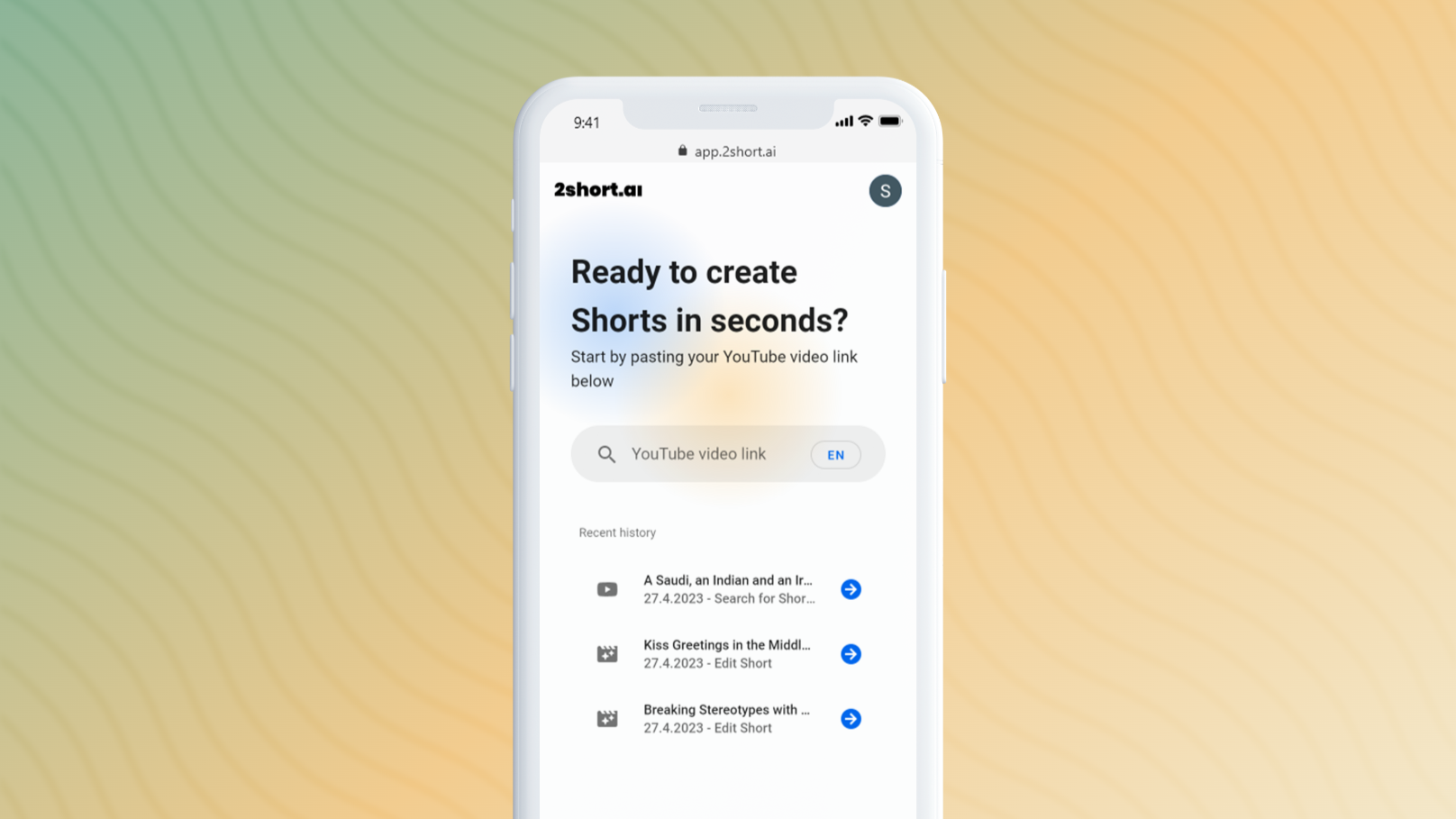
TubeBuddy is a social media tool. In today’s digital age, growing on YouTube is both an art and a science. But guess what? You don’t need to be an expert in either. With our tool's ability to spotlight the most engaging parts of your videos, making viral YouTube Shorts becomes a breeze.
Think of this AI tool as your trusty YouTube sidekick. It's designed for YouTube creators, especially those eager to jump into the YouTube Shorts game but unsure where to start. This nifty tool dives deep into your video content, finds those special moments that viewers love, and suggests them as potential Shorts. So instead of scratching your head and wondering what might work, you get a buddy to give you a hand. It’s like having a magic wand that gives your content the best shot at going viral.
You can download the TubeBuddy browser extension for free.
Learn moreThe Pro Plan at $3.99/month (or a yearly save of $12 at $47.88) is tailored for those just starting their YouTube voyage, offering search optimization, a taste of video engagement tools, and a slew of insider tips. And if you're among those with fewer than 1,000 subscribers, there's a cool 50% discount awaiting with the 'RisingStarBuddy' coupon. On the other hand, the Legend Plan at $25.20/month (or an annual cutback of $75.60 at $302.40) is the ultimate choice for creators seeking a full arsenal. It packs everything in Pro but also throws in comprehensive access to over 50 tools, unlimited search rank goodies, video tests, deep analytics, and the crown jewel - full access to AI features.
Learn moreTubeBuddy offers full refunds of any purchased license within 30 days of purchasing. Please contact support@tubebuddy.com with your license details to make a refund request.
Learn moreYou can contact the TubeBuddy support team by emailing them at support@tubebuddy.com.
Learn moreYou can integrate your Twitter, Facebook, and Patreon in the link below.
Learn moreTubebuddy doesn't just skim your videos; it digs deep, scanning every second to spot those high-engagement moments that scream "Perfect for Shorts!" But wait, there's more! It then serves up those juicy segments on a silver platter, recommending them for your next viral sensation. And the cherry on top? This all integrates buttery smooth into your YouTube workflow, slashing the guesswork and freeing up loads of your precious time and energy.
Learn moreTwitter / X