Free trial
The homepage offers a Get Started Free button, but it does not state trial length, usage limits, or whether a card is required.
Learn moreAI receptionist and unified inbox that answers every lead instantly
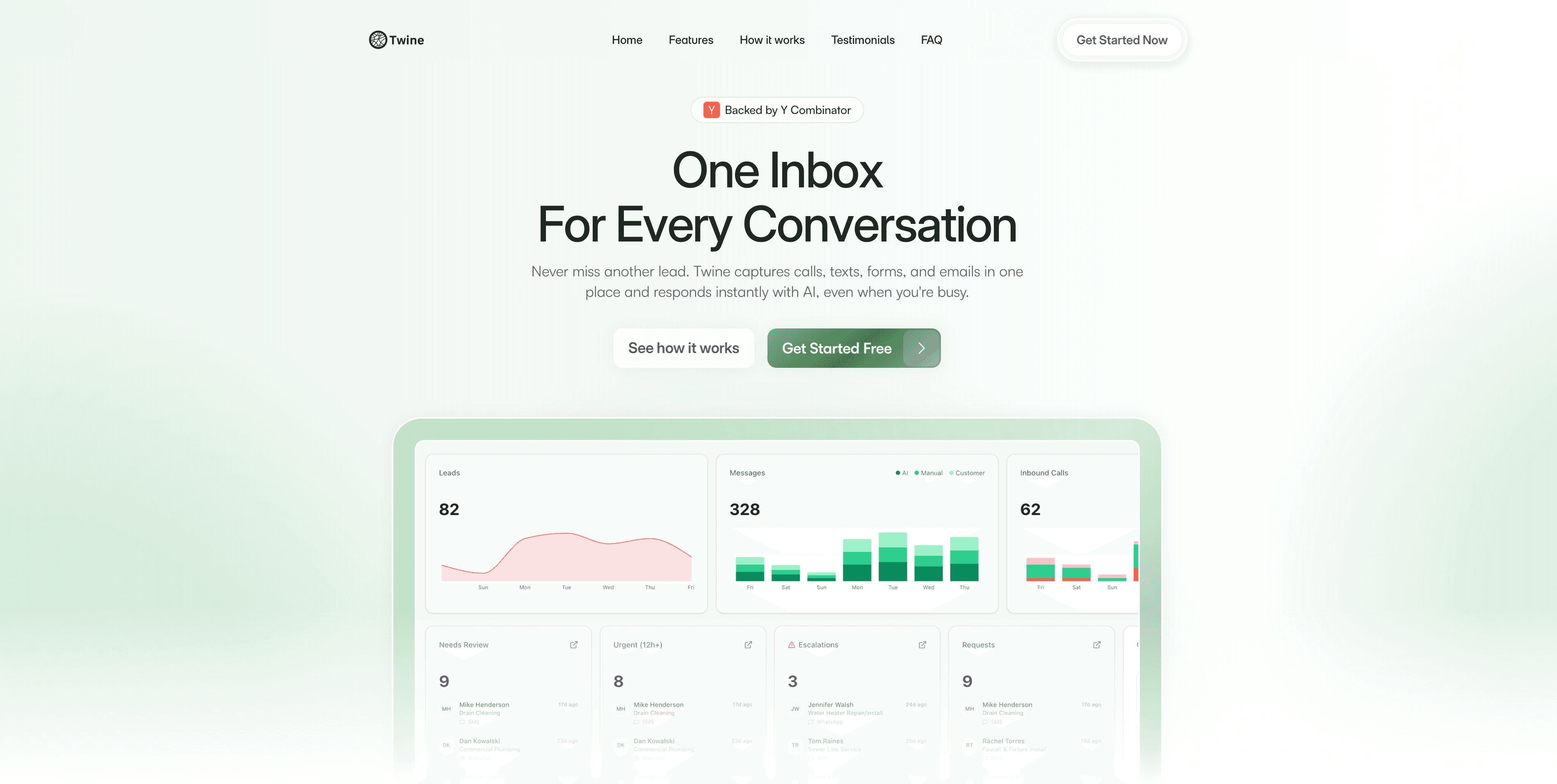
Twine is an AI receptionist and unified inbox for small service businesses. It captures calls, texts, emails, forms, and web chat in one place, replies instantly with AI, automates follow-up, and keeps every conversation visible to the owner.
Twine is an AI receptionist and unified inbox built for small service businesses: home contractors, cleaning crews, installers, and similar operators whose leads arrive by phone, text, email, web form, or site chat while they are busy on a job. Instead of routing every inquiry to a personal phone or a voicemail box, Twine captures each one in a single conversation inbox and replies through AI within seconds. The company is backed by Y Combinator. The product rests on three pieces that work together. A unified inbox aggregates calls, SMS, email, form fills, web chat, and iMessage into one thread per customer, so the owner can read a full history and step in at any point. An AI receptionist answers automatically, collecting name, phone, and message details and handling common questions after being briefed on the business. An automation layer triggers instant replies, scheduled follow-ups, data aggregation, and notifications so nothing sits unanswered overnight. Twine also supports voice AI and phone trees for businesses that want calls answered rather than diverted to voicemail. The tone of the product is deliberately text-first. Twine's own FAQ explains that the AI often texts leads rather than calling them so the owner stays the recognizable point of contact and the existing client relationship is preserved. Setup is framed as a short process: connect your phone, SMS, website forms, and chat widgets, then describe the business so replies sound like the owner. From there the system runs continuously, including after hours, and the owner is notified of new leads. Twine competes with generic answering services and standalone CRMs, and its pitch is consolidation: one inbox and one AI rather than separate tools for calls, texts, and forms. It is a reasonable fit for owner-operators who lose jobs to slow response times. Buyers should weigh it against full voice answering services if phone conversations, not texts, are the core of their intake.
The homepage offers a Get Started Free button, but it does not state trial length, usage limits, or whether a card is required.
Learn moreTwine says it connects to CRM, calendar, and scheduling tools so records stay organized, but the homepage names no specific partners.
Core features include a unified inbox for calls, SMS, email, forms, web chat, and iMessage; an AI receptionist that answers and captures lead details automatically; voice AI with phone trees; instant replies, scheduled follow-up, notification automation, and intake analytics.
 AI Angels400+ customizable AI girlfriends for NSFW chat, voice calls, and roleplay
 Candy AIExperience the future of companionship with AI friends who chat, role-play, and connect with you on a human level.
 ourdream.aiA vast AI roleplay platform with millions of characters for chat, images, video and voiceAI Angels400+ customizable AI girlfriends for NSFW chat, voice calls, and roleplayCandy AIExperience the future of companionship with AI friends who chat, role-play, and connect with you on a human level.ourdream.aiA vast AI roleplay platform with millions of characters for chat, images, video and voice









