Free trial
The homepage advertises a free trial with cancel anytime and a Start Creating Free signup. No trial length or usage caps are stated on the page.
Learn moreAI voice studio for training videos, narration, and multilingual dubbing

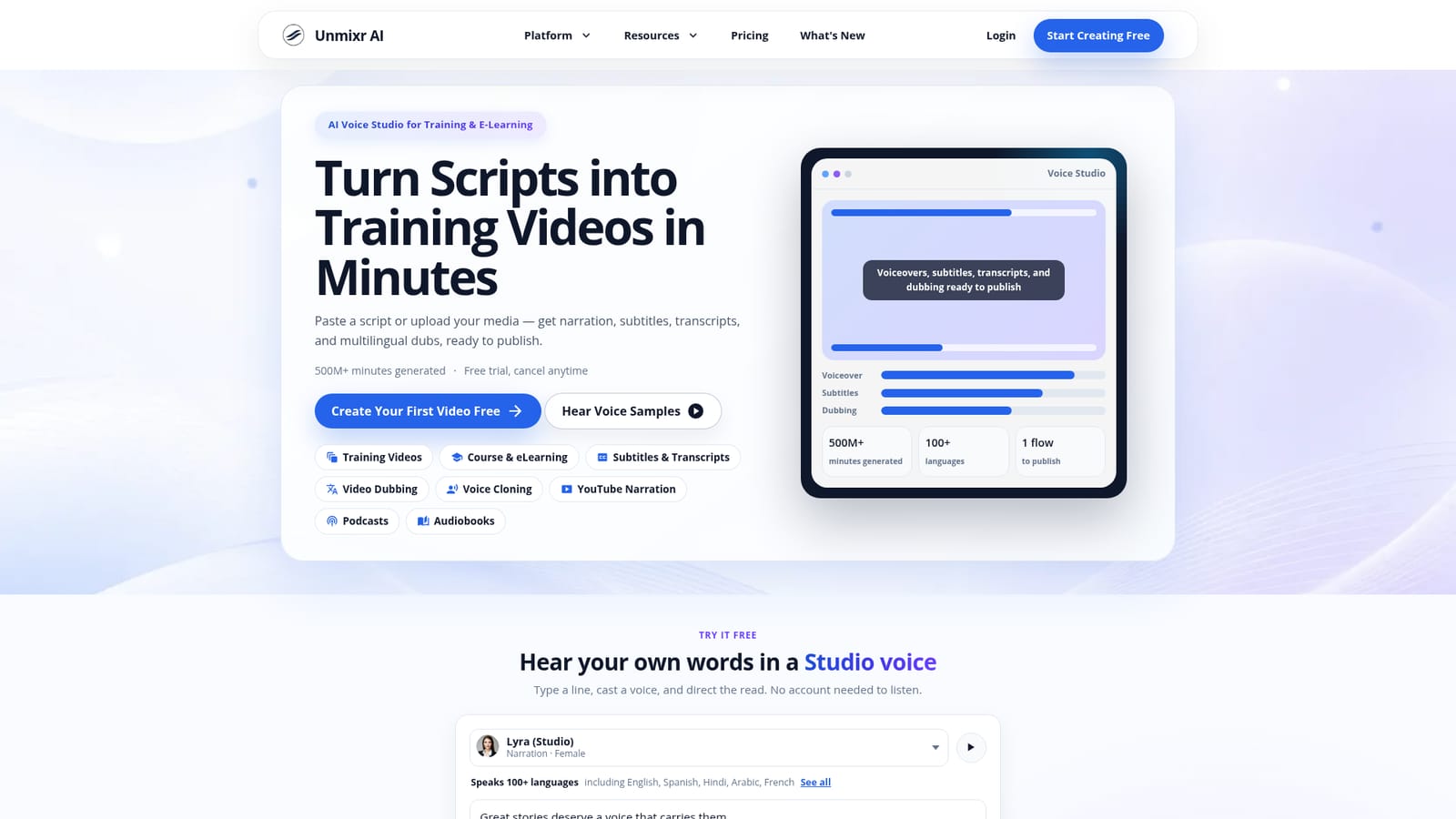
Unmixr is an AI voice studio that turns scripts, slide decks, and documents into narrated videos with subtitles, transcripts, and dubs in more than 100 languages. It combines text to speech, consent-first voice cloning, voice design, dubbing, and transcription in a single project flow, with an API for production workflows.
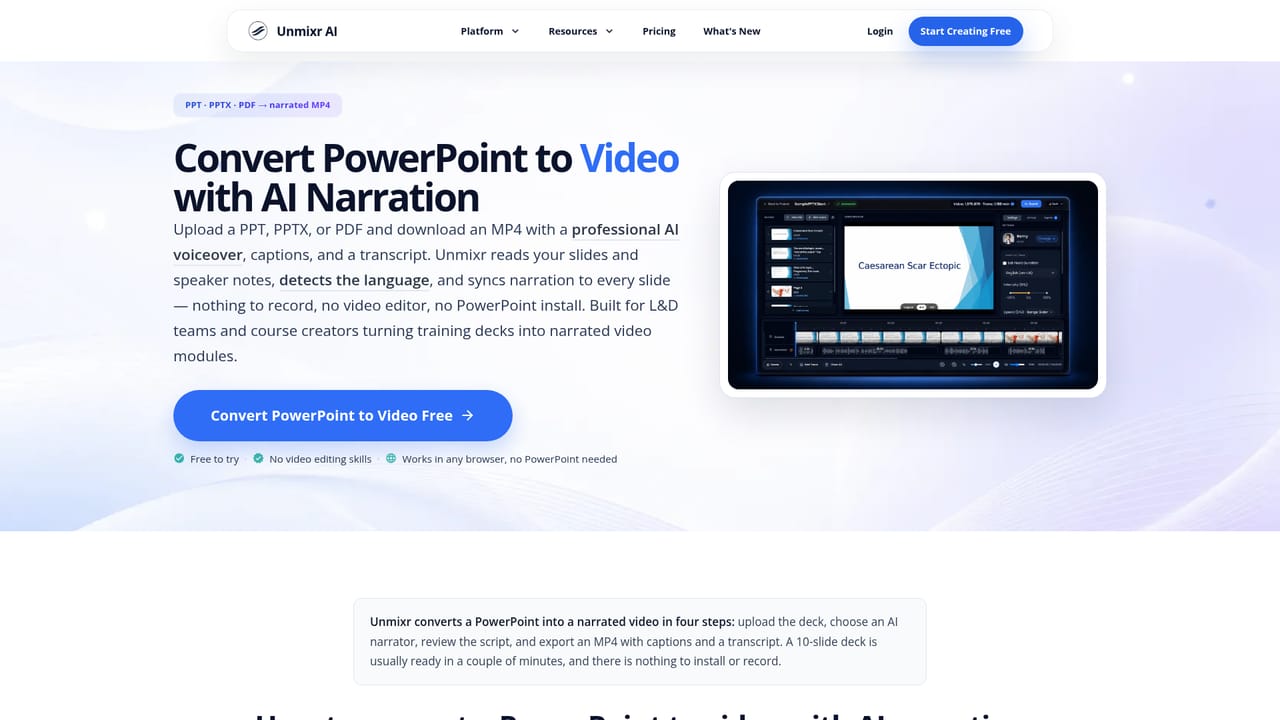
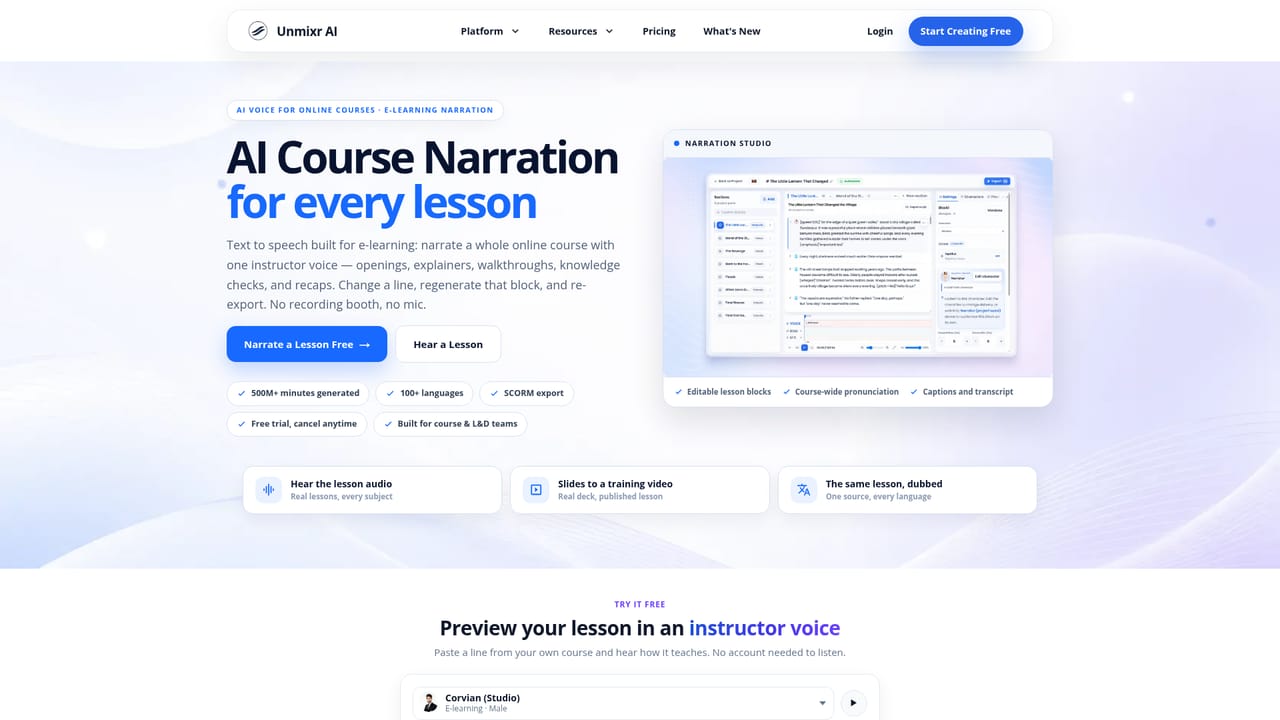
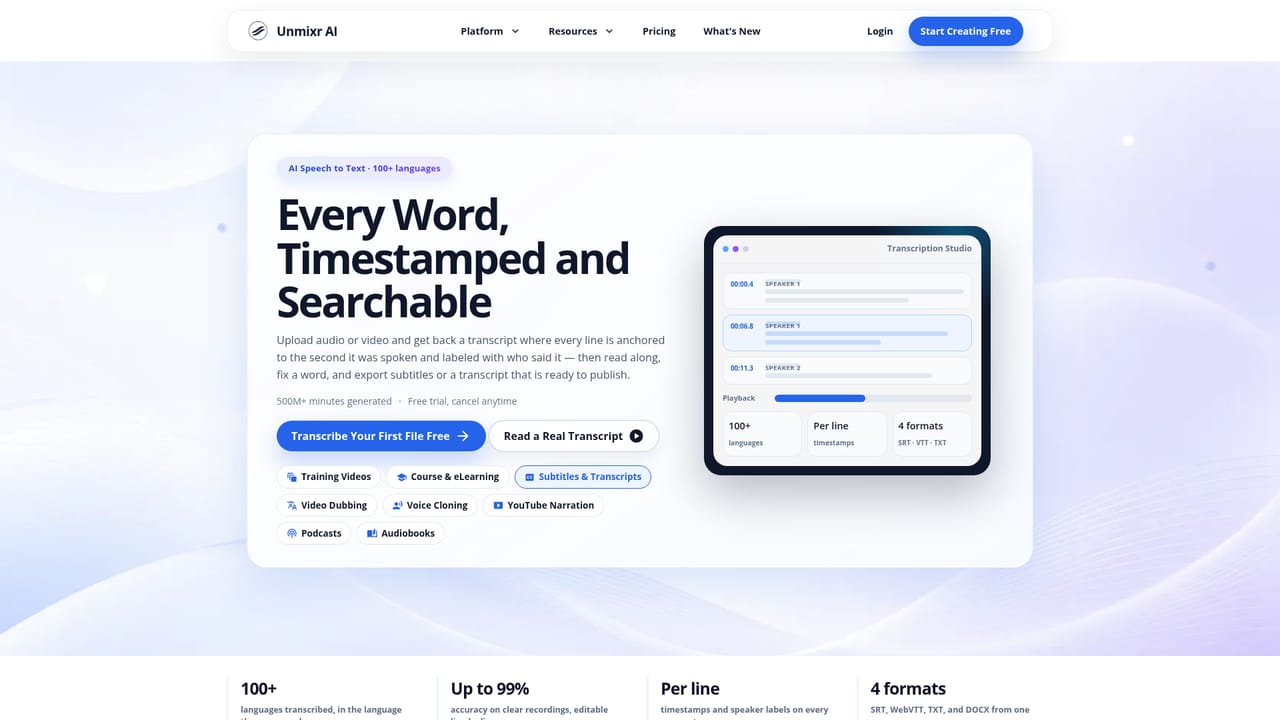
Unmixr is a voice content studio aimed at people who need finished narration rather than raw audio clips. The core product is text to speech across more than 100 languages, delivered through a large roster of studio voices that carry role labels such as narration, ads and promos, explainer, training, audiobook, kids and characters, and documentary. Each voice can be directed with style presets and adjusted for speed and volume, so a single script can be read in very different registers without switching tools. The strongest use case is training and e-learning. A PPTX, PPT, PDF, DOCX, EPUB, TXT, Markdown, or HTML file is uploaded and Unmixr drafts narration section by section. Lines remain editable before anything is voiced, and a slide can be changed later with only that section regenerated, which matters for compliance and onboarding decks that go through review cycles. Captions in SRT and VTT format plus a full transcript come out of the same project. Finished lessons can then be dubbed into other languages without rebuilding slides, and a consent-first voice cloning flow, a voice design tool that builds a new voice from a description, and speech to text transcription round out the studio. It suits instructional designers, L&D teams, course creators, podcasters, audiobook producers, and YouTube channels that publish the same content in several languages. Production teams that already have a recording pipeline will find the value in localisation and subtitle generation more than in scratch narration. Unmixr competes with dedicated AI voice services on one side and slide based video makers on the other. Its differentiator is the combined flow: script, narration, captions, video, and dubbed versions in one project, backed by an API and integrations for teams that want to automate it.
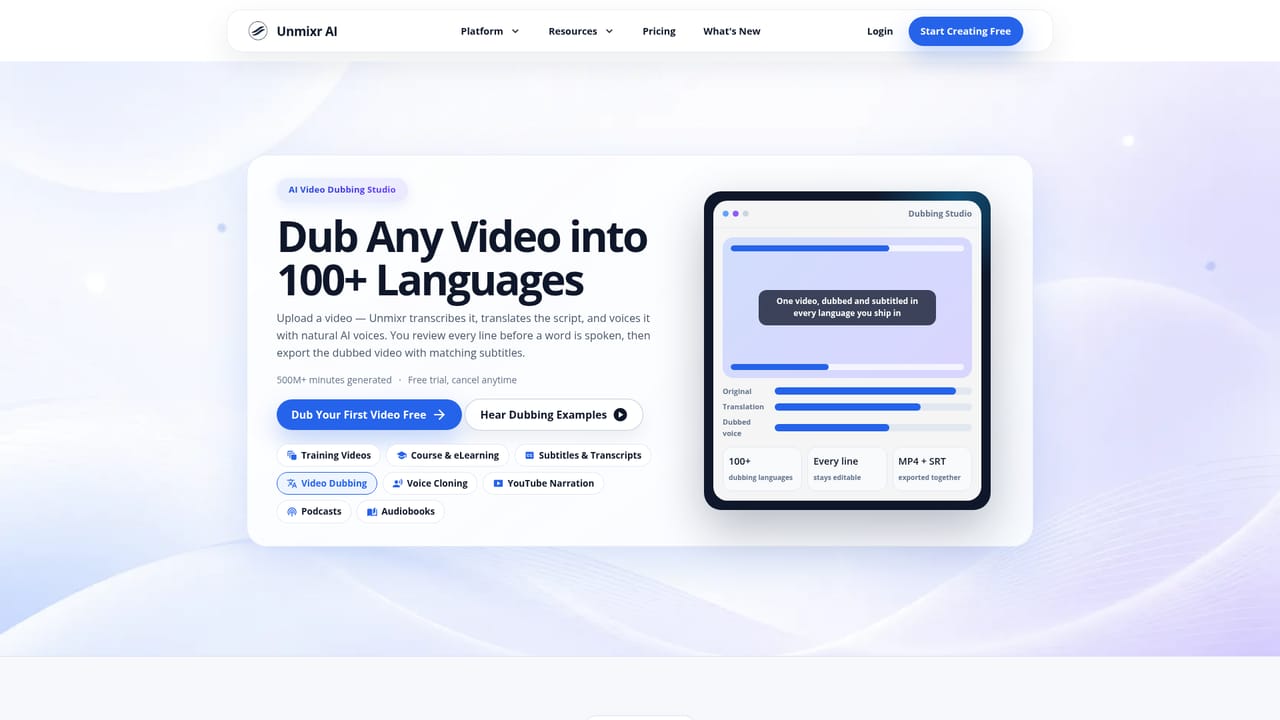
The homepage advertises a free trial with cancel anytime and a Start Creating Free signup. No trial length or usage caps are stated on the page.
Learn moreSupport resources include a FAQ, a blog with tutorials and workflows, release notes, and API documentation. The homepage does not state support channels or response times.
Learn moreThe site lists an integrations page and API documentation for voice, transcription, and dubbing endpoints, presented as a way to connect Unmixr to production workflows. Named third party integrations are not listed on the homepage.
Learn moreStudio voices with role labels and style presets, text to speech in more than 100 languages, slide and document to narrated video, SRT and VTT captions with transcripts, consent-first voice cloning, voice design from a description, video dubbing and course localisation, read aloud for PDFs and EPUBs, speech to text transcription, and an API.
Learn more AI Angels400+ customizable AI girlfriends for NSFW chat, voice calls, and roleplay
 Candy AIExperience the future of companionship with AI friends who chat, role-play, and connect with you on a human level.
 ourdream.aiA vast AI roleplay platform with millions of characters for chat, images, video and voiceAI Angels400+ customizable AI girlfriends for NSFW chat, voice calls, and roleplayCandy AIExperience the future of companionship with AI friends who chat, role-play, and connect with you on a human level.ourdream.aiA vast AI roleplay platform with millions of characters for chat, images, video and voice





