Free trial
A free trial is offered and starts through a checkout link on the homepage. Length and included features are not stated on the homepage.
Learn moreFind winning e-commerce products and run your whole store from one AI platform.

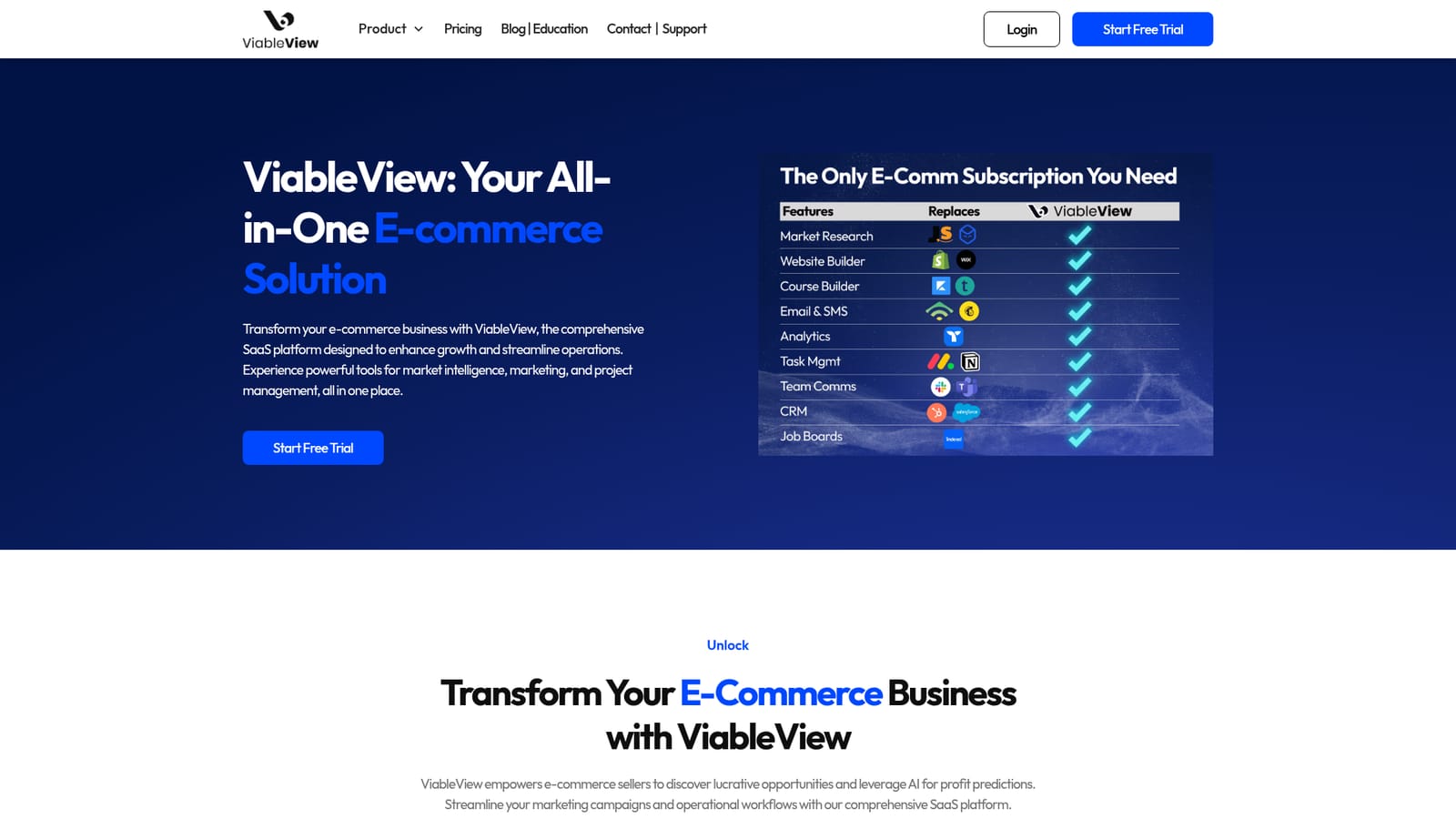
ViableView is a product finder tool that finds winning e-commerce products and run your whole store from one AI platform. ViableView bundles AI product research (over 10 million products tracked), a Shopify and ads analytics dashboard, a website builder, email and SMS campaigns, and project management into one e-commerce platform.
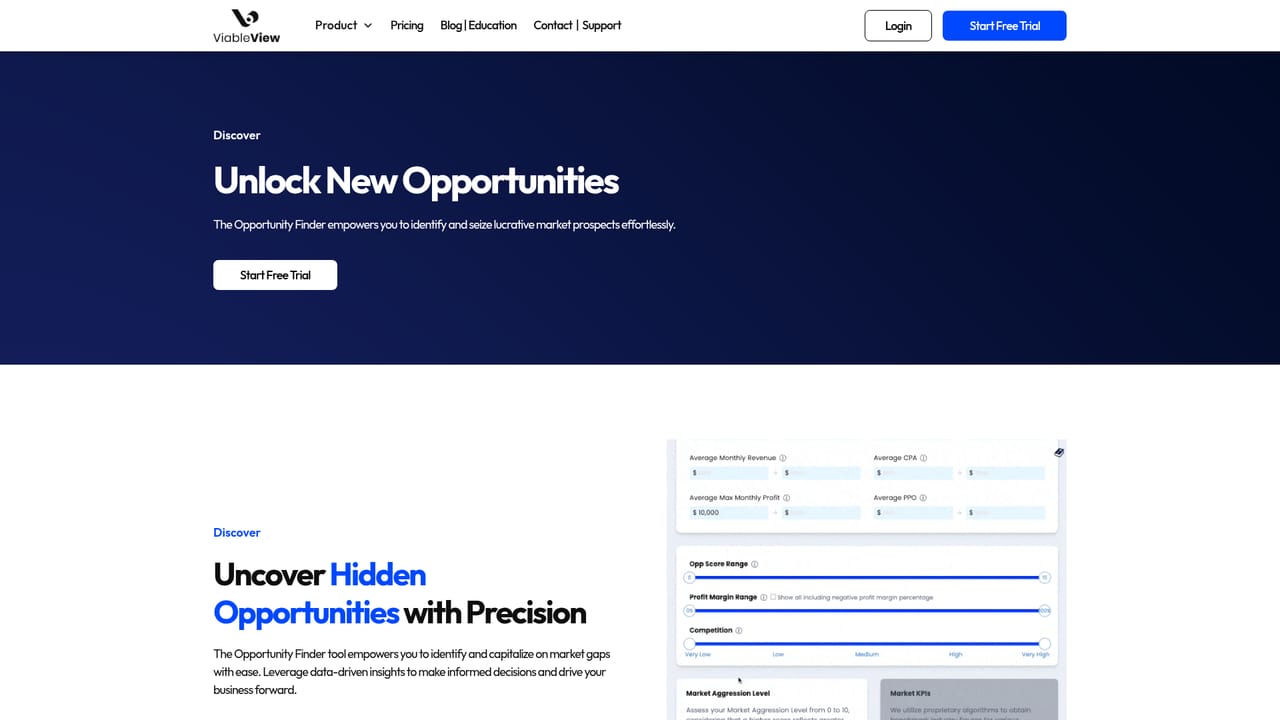
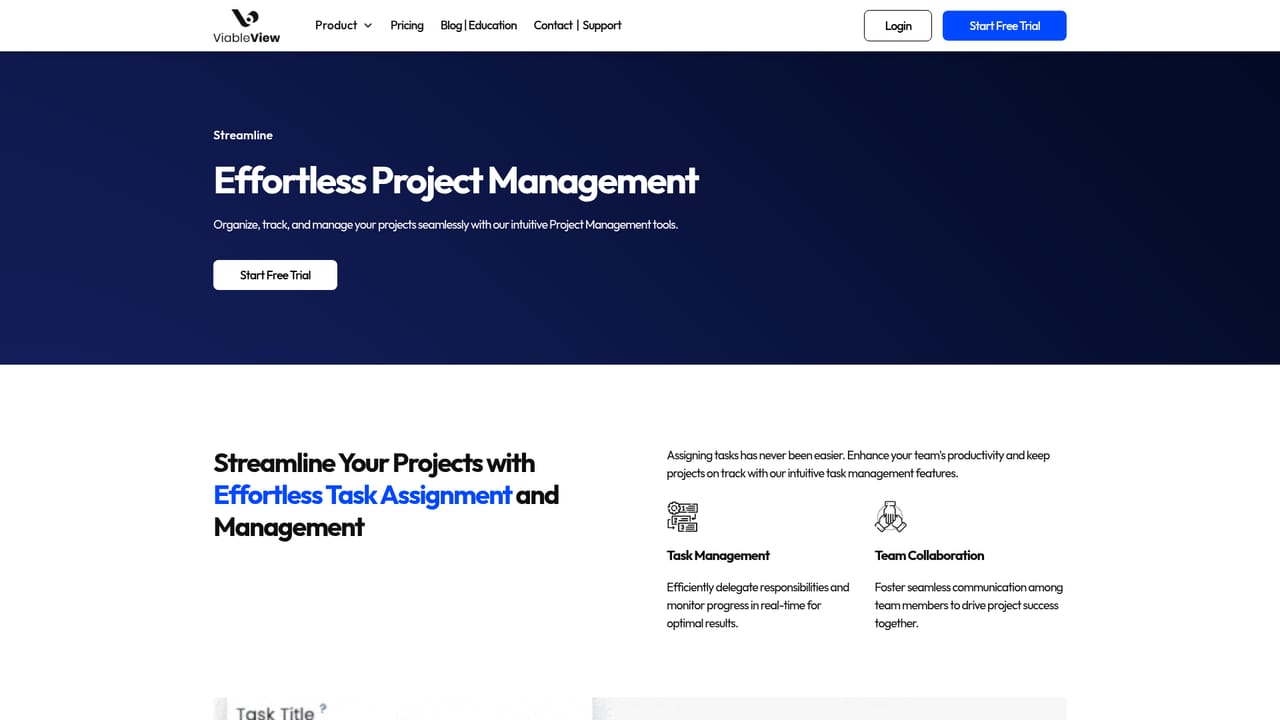
ViableView is an all-in-one business platform aimed at e-commerce sellers, combining market research, marketing automation, and operational tools under a single login. The market intelligence layer is the headline feature: an Opportunity Finder scans a database of more than 10 million products across markets that collectively represent over $25 billion in tracked revenue, and an AI profit predictor estimates whether a candidate product is likely to sell before you commit ad budget to it. The marketing side bundles an analytics dashboard that pulls data from Shopify and paid advertising channels into one live view, a drag-and-drop website builder for stores, digital courses, and membership sites, and an email and SMS campaign manager. The stated goal is to replace a stack of separate subscriptions with one workspace, and the site explicitly positions itself against analytics tools it calls overpriced and overly complex, as well as against hosted storefront builders. On the operations side there are project management, task tracking, and team communication features, so a small team can coordinate launches without buying a separate project tool. In practice, the workflow runs from research to launch: search for product opportunities, review the market overview for category trends, validate with the profit predictor, then build the storefront and schedule the campaign inside the same platform. It is aimed at solo sellers and small e-commerce teams rather than enterprise retailers. That breadth is both the appeal and the risk: each module has to compete with specialist tools, and teams already invested in a mature stack will mainly be attracted by the research layer.
A free trial is offered and starts through a checkout link on the homepage. Length and included features are not stated on the homepage.
Learn moreThe homepage does not publish plan names or prices; a free trial is offered and current plans are listed on the separate pricing page.
Learn moreThe homepage names Shopify and paid advertising channels as data sources for the analytics dashboard. A wider integration list is not published on the homepage.
Opportunity Finder across over 10 million products, market overview with more than $25 billion in tracked revenue, AI profit predictions, an analytics dashboard combining Shopify and paid ad data, a drag and drop website builder, email and SMS campaign management, and project, task and team communication tools.
Learn more AI Angels400+ customizable AI girlfriends for NSFW chat, voice calls, and roleplay
 Candy AIExperience the future of companionship with AI friends who chat, role-play, and connect with you on a human level.
 ourdream.aiA vast AI roleplay platform with millions of characters for chat, images, video and voiceAI Angels400+ customizable AI girlfriends for NSFW chat, voice calls, and roleplayCandy AIExperience the future of companionship with AI friends who chat, role-play, and connect with you on a human level.ourdream.aiA vast AI roleplay platform with millions of characters for chat, images, video and voice


