Free trial
The homepage invites visitors to get started for free, indicating a no-cost entry point, but it does not state the length or limits of any trial.
Learn moreAn AI assistant that reads pages, drafts emails and writes content where you work
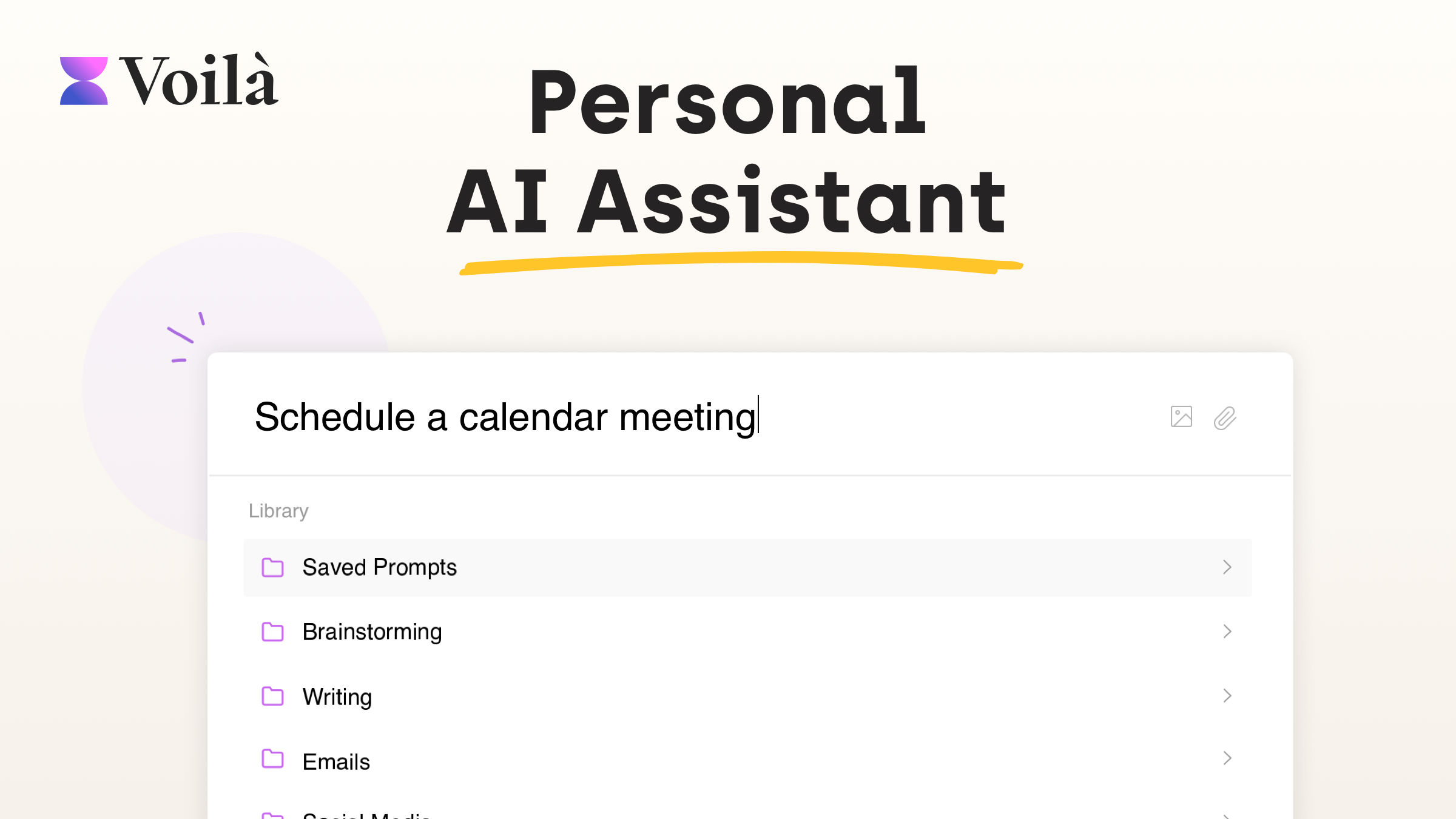
Voila is an AI chat bot tool. Voilà is an AI assistant for writing, research and email that works as a browser extension plus desktop and mobile apps. It reads webpages, documents and images, drafts replies, and provides an expert prompt library with saved prompts and shared team templates.
Voilà is an AI assistant and writing companion built around a simple premise: the assistant should follow the user across the web rather than sit behind a separate chat window. It ships as a browser extension, a desktop app for Windows and Mac, and mobile apps for iOS and Android, so the same set of writing, research and summarization tools is available on whatever screen is at hand. The core workflow leans on context. Voilà can read a webpage, article, URL or email thread and then summarize, rewrite, translate, reply to or expand on that material. Documents, PDFs, spreadsheets and images can be uploaded for the same treatment, and the tool can turn one format into another, for example converting a product page into a blog post or a long article into a quiz. An instant reply feature drafts responses to incoming email, leaving the user to review edits before sending. Writing help is the product's center of gravity. A prompt library covers a long list of business formats: ad campaigns, landing page copy, blog posts, SEO content, case studies, product descriptions, video scripts, job descriptions, release notes, cover letters and resumes. Users can save and organize their own prompts for reuse, and teams can share workflows and templates so colleagues produce consistent output. Research and question answering round things out, pulling from live web sources and summarizing YouTube transcripts. Voilà competes less with a single writing tool and more with the habit of switching tabs between a chatbot, a grammar checker and a research engine. It is aimed at marketers, sales teams, recruiters, founders and knowledge workers who write in many formats daily and want one assistant with shared team settings. People who only need occasional short-form help may find a lighter, single-purpose writer easier to justify, and anyone who prefers full control over model configuration should check how much the tool exposes before committing.
The homepage invites visitors to get started for free, indicating a no-cost entry point, but it does not state the length or limits of any trial.
Learn moreVoilà combines writing assistance, email drafting and instant replies, research with web sources, and content creation. It reads webpages, URLs, documents, PDFs, spreadsheets and images, summarizes YouTube transcripts, generates images, and offers an expert prompt library with saved prompts and shared team workflows across browser, desktop and mobile apps.
Learn more AI Angels400+ customizable AI girlfriends for NSFW chat, voice calls, and roleplay
 Candy AIExperience the future of companionship with AI friends who chat, role-play, and connect with you on a human level.
 ourdream.aiA vast AI roleplay platform with millions of characters for chat, images, video and voiceAI Angels400+ customizable AI girlfriends for NSFW chat, voice calls, and roleplayCandy AIExperience the future of companionship with AI friends who chat, role-play, and connect with you on a human level.ourdream.aiA vast AI roleplay platform with millions of characters for chat, images, video and voice










