Free trial
A regularly updated Free section carries full briefs at no cost, and the first module of every paid book is free in both audio and text. There is no separate time limited trial.
Learn moreDeep, structured audiobook summaries with synced text and an on-demand wishlist.

VoxBrief is an AI narration tool. VoxBrief delivers structured audio summaries of nonfiction books in about fifteen minutes, with intro, key ideas, takeaways and a closing question.
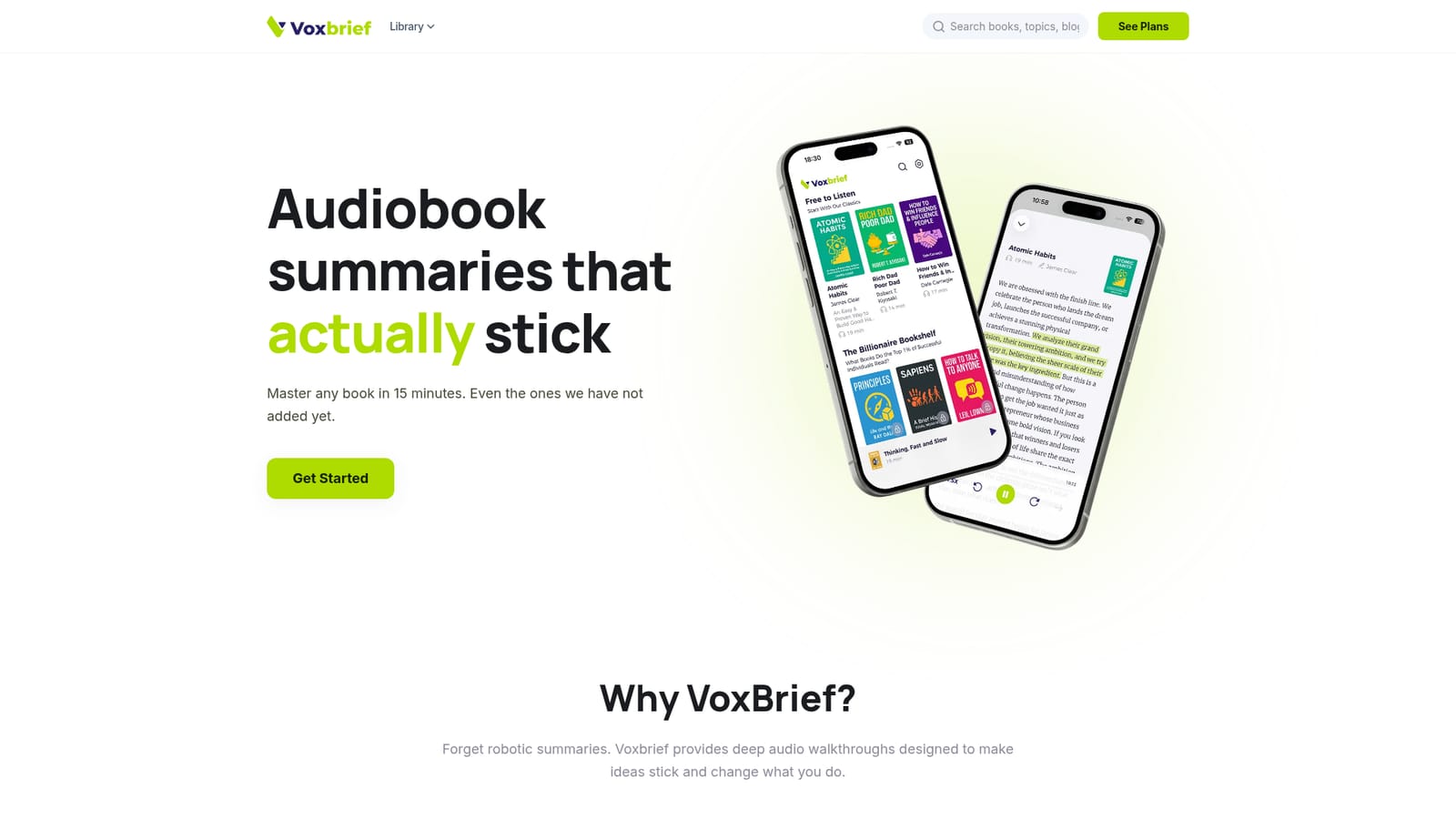
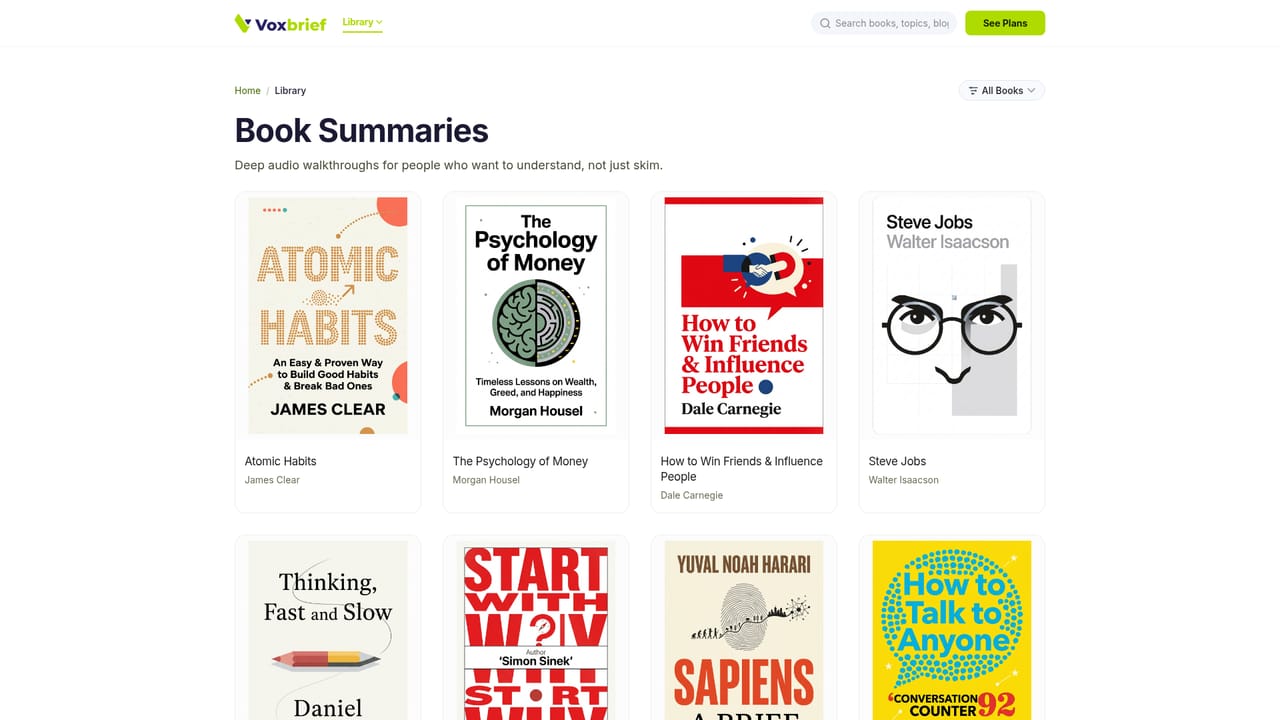
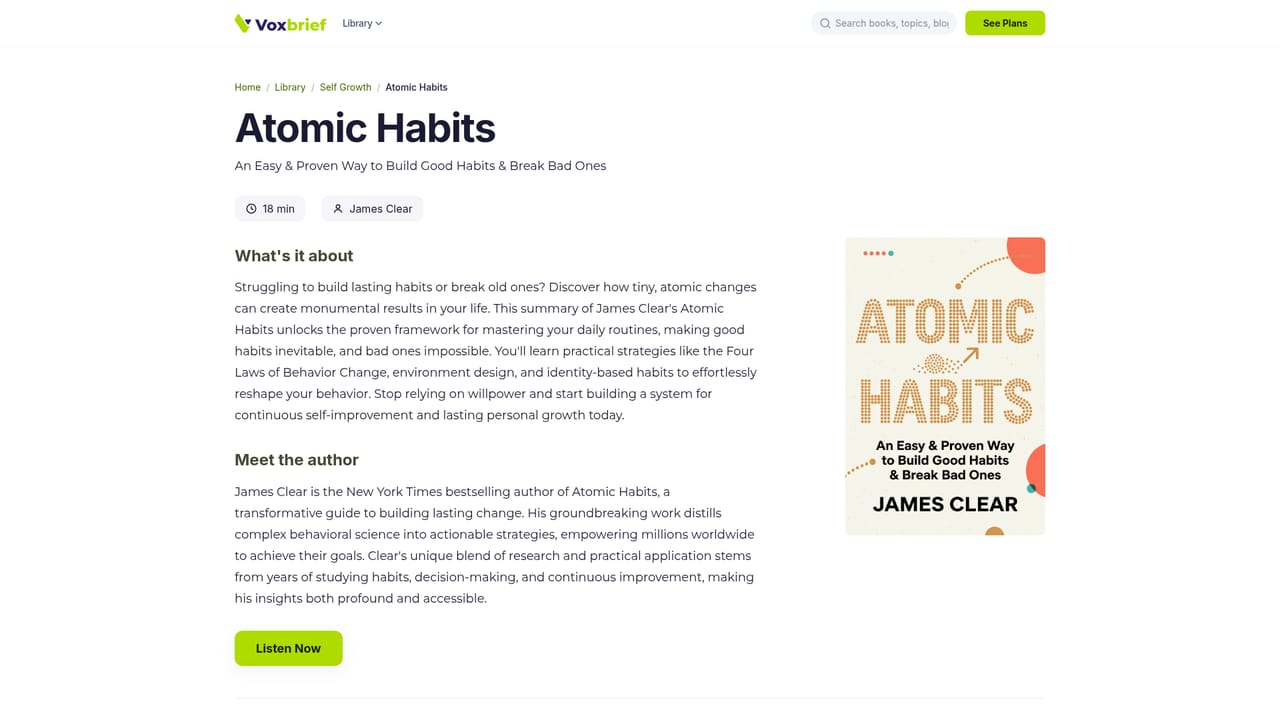
VoxBrief is an iOS and Android app that turns nonfiction books into structured audio walkthroughs meant to be finished in about fifteen minutes. Rather than a compressed skim, each brief follows a fixed architecture: an introduction, three to five progressive key ideas, a conclusion, actionable takeaways, and a closing question designed to prompt reflection. The audio plays alongside text that highlights in real time, so a listener can follow with their eyes, skim ahead, or jump to a specific key idea and reread it without losing their place. The format suits three broad groups. Busy professionals use commutes and breaks for focused learning with ideas they can apply the same day. Curious readers who know what they want to study can shape the library themselves through a wishlist: request a title and VoxBrief prioritizes generating it, with many requests going live within roughly a day. Serious learners treat each brief as a deep preview before committing to the full book. In practice the product is opinionated about retention. The company argues that most summary apps offer a fixed catalog and shallow coverage, and positions its own approach around active learning through synced highlights and outlined structure. That claim is worth testing against your own habits, since the value depends on whether the format actually holds your attention. Short samples are readable on the website, where titles like Atomic Habits and Man's Search for Meaning show the depth of a single module before you install anything. Against alternatives such as Blinkist, the differentiator is scope rather than polish: a smaller core catalog plus a request pipeline, instead of a large static library. Pricing is deliberately simple, with a yearly plan or a single month, and auto-renewal is optional rather than forced. The app is mobile only at present, so desktop listeners will need to look elsewhere.
A regularly updated Free section carries full briefs at no cost, and the first module of every paid book is free in both audio and text. There is no separate time limited trial.
Learn moreTwo options: $59.99 for a full year of unlimited access, or $8.99 for a single month. Auto-renewal is optional, and a one-time purchase is available for buyers who prefer no recurring charge. The site frames the annual plan as roughly $0.16 per day.
Learn moreStructured audio briefs with an intro, three to five key ideas, a conclusion, takeaways and a closing question. Text highlights sync to the audio, and listeners can jump between sections. A wishlist lets users request books, with many produced within about a day. The catalog is organized by books, topics and curated collections, and no account is required to begin.
 AI Angels400+ customizable AI girlfriends for NSFW chat, voice calls, and roleplay
 Candy AIExperience the future of companionship with AI friends who chat, role-play, and connect with you on a human level.
 ourdream.aiA vast AI roleplay platform with millions of characters for chat, images, video and voiceAI Angels400+ customizable AI girlfriends for NSFW chat, voice calls, and roleplayCandy AIExperience the future of companionship with AI friends who chat, role-play, and connect with you on a human level.ourdream.aiA vast AI roleplay platform with millions of characters for chat, images, video and voice





