Support
Self-service documentation is published on the Web2Chat help site, and the public messenger can be used to send a message directly.
Learn moreAI-powered live chat, help center and ticketing built for startups

Web2Chat is an AI chat bot tool. Web2Chat bundles a customizable live chat widget, shared inbox, ticketing, knowledge base, news center, CRM and a ChatGPT-based assistant named Aura, aimed at startups and small businesses that want support software in one affordable place.
Web2Chat is a customer support platform aimed at startups and small businesses that want live chat, self-service documentation and AI answers in one system. It combines a customizable chat widget, a searchable knowledge base, a ticketing layer and an AI assistant called Aura into a single workspace, with the stated goal of delivering premium support features without a premium price. The product has five visible pillars. A shared inbox unifies live chat, email and other channels so agents work from one queue, with tickets that can be assigned, prioritized and monitored for response times. The Messenger widget handles real-time conversations, can be branded to match the site, and supports automated replies before handing the thread to a person. A Knowledge Base and News Center let teams publish articles, FAQs and changelogs on a custom domain. Aura is the ChatGPT-based assistant: it answers from your own content, and can be trained on text snippets, uploaded files such as PDFs, scraped web pages or plain typed content. A built-in CRM collects customer records, custom fields, interaction history and segments. Around these sit smaller options like lead capture, consent forms, multilingual support across 45+ languages, sentiment tracking, geo IP data, agent alerts, file transfer in chat, a JavaScript API and SEO settings for published content. The natural audience is a lean support or founder-led team that currently bolts together a chat tool, a help desk and a docs site. The setup work is mostly content preparation: training Aura well depends on having decent source material, and the FAQ notes that training can take from a few minutes up to a couple of hours depending on volume and complexity. Teams comparing it should weigh it against standalone live chat widgets and larger helpdesk suites. Web2Chat trades some depth for consolidation and price, which suits early-stage companies more than enterprises with complex routing or compliance needs.

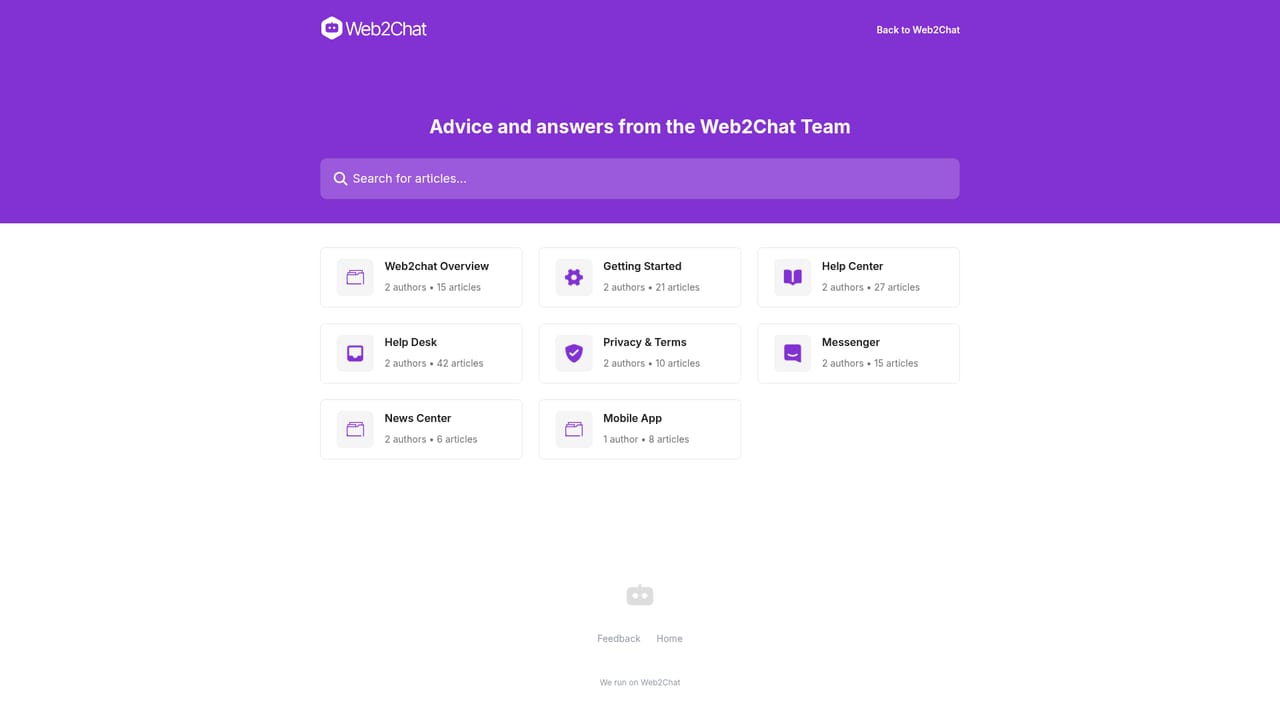
Self-service documentation is published on the Web2Chat help site, and the public messenger can be used to send a message directly.
Learn moreEmail is the only named connection, used for support messages and notifications. The JavaScript API and custom objects allow further extension, but no directory of third-party apps is described.
Shared omni-channel inbox with ticketing and team assignment, a brandable live chat widget, knowledge base and news center on a custom domain, Aura AI assistant trained on snippets, files and web content, built-in CRM with custom fields and segments, lead generation, consent forms, 45+ languages, sentiment and engagement tracking, JavaScript API and SEO settings.
 AI Angels400+ customizable AI girlfriends for NSFW chat, voice calls, and roleplay
 Candy AIExperience the future of companionship with AI friends who chat, role-play, and connect with you on a human level.
 ourdream.aiA vast AI roleplay platform with millions of characters for chat, images, video and voiceAI Angels400+ customizable AI girlfriends for NSFW chat, voice calls, and roleplayCandy AIExperience the future of companionship with AI friends who chat, role-play, and connect with you on a human level.ourdream.aiA vast AI roleplay platform with millions of characters for chat, images, video and voice









