Free trial
The homepage invites users to start for free with no card required, and labels the entry offer as free. Duration limits and feature caps for the free tier are not stated.
Learn moreTurn documents and screen recordings into translated, interactive training videos

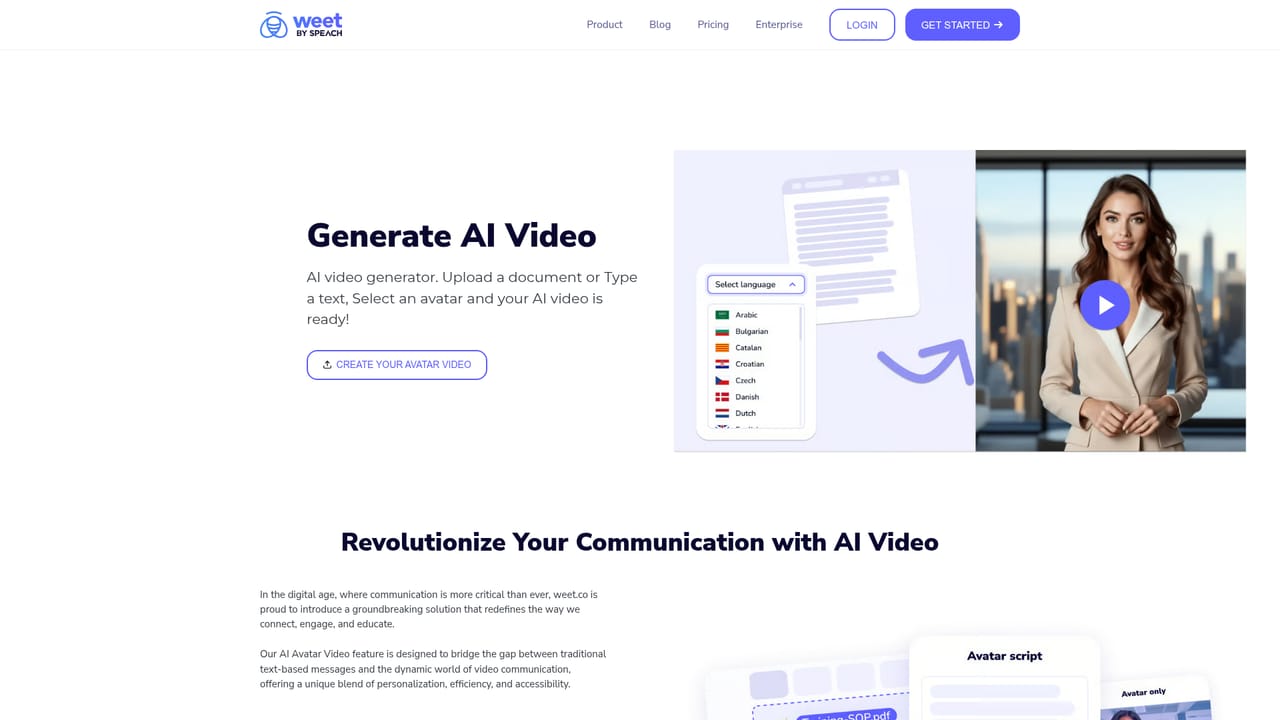
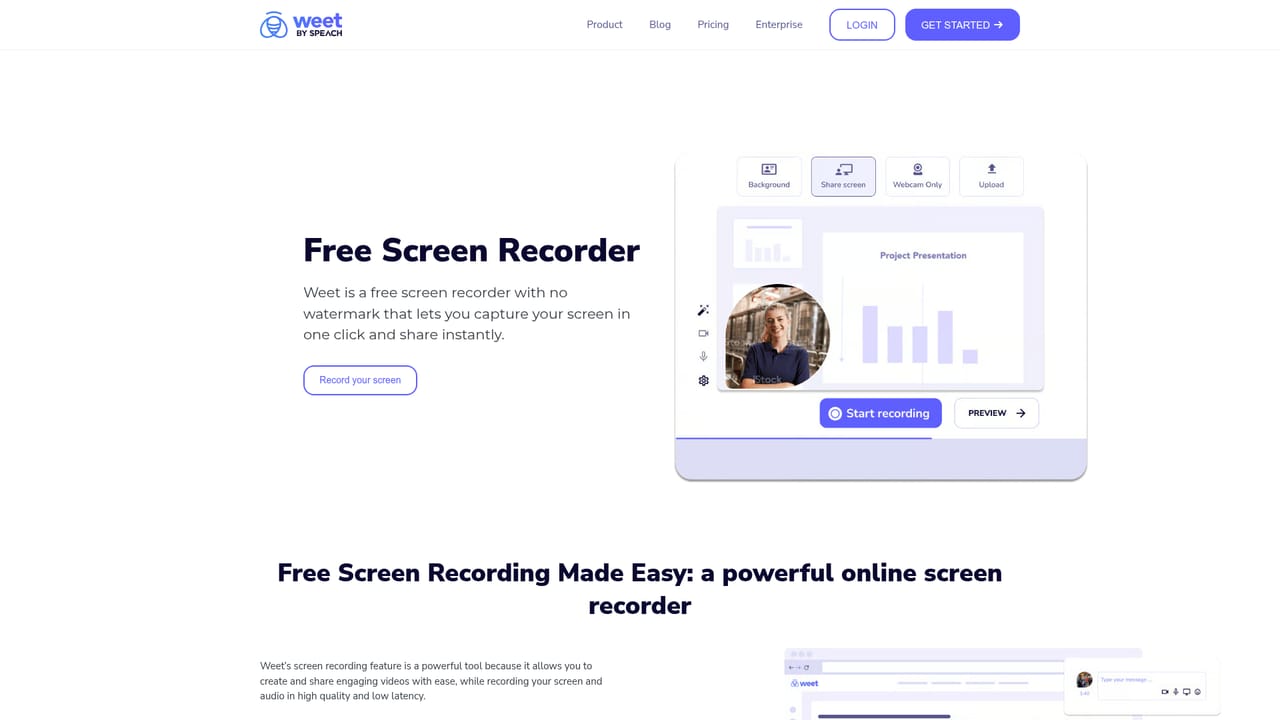
Weet is a courses tool that turns documents and screen recordings into translated, interactive training videos. Weet converts documents into narrated avatar videos, generates and translates subtitles in 100+ languages, records screens, removes background noise in one click, and tracks viewer engagement, positioning it as an all-in-one training video platform rather than a pure avatar generator.
Weet is a video creation platform built around a specific job: converting static training material into watchable, trackable video lessons. A document, slide deck or plain text is uploaded, an avatar and a voice are chosen, and the platform assembles a narrated video with slides. The same account also handles the opposite workflow, recording a screen and webcam and then cleaning up the result. It is aimed at trainers, continuous improvement managers, HR teams and technical writers who produce standard operating procedures and onboarding material rather than marketing content. In practice the toolset spans the full production chain. AI avatars (realistic or cartoon) deliver narration generated from typed text or an uploaded document, with voiceover output offered in more than 100 languages. Subtitles can be generated automatically in seconds, edited by hand with timing adjustments, and translated into over 100 languages along with the audio. On the editing side, background noise can be stripped from a video's audio in one click, which matters for anyone recording in a factory, office or home room without a treated space. A screen recorder captures the desktop and webcam or accepts existing footage. Published videos are not passive files. Links, buttons, images, text callouts, spotlights and chapters can be layered onto the timeline, turning a walkthrough into something a viewer clicks through. Analytics report on who watched and how far they got, and workspaces, channels and in-video comments keep a team's library searchable and collaborative. Existing training videos can be updated in part instead of being re-recorded from scratch, a point customers raise repeatedly. Weet sits between dedicated avatar video generators and heavy e-learning authoring suites. It competes with tools that stop at avatar narration by adding recording, noise cleanup, interactivity and engagement tracking, and it competes with authoring suites by being faster to use for short procedure videos. Enterprises needing deeper governance are pointed toward Speach, the vendor's enterprise product. Teams that only need a polished marketing clip may find the training orientation beside the point; L&D and operations teams are the natural fit.
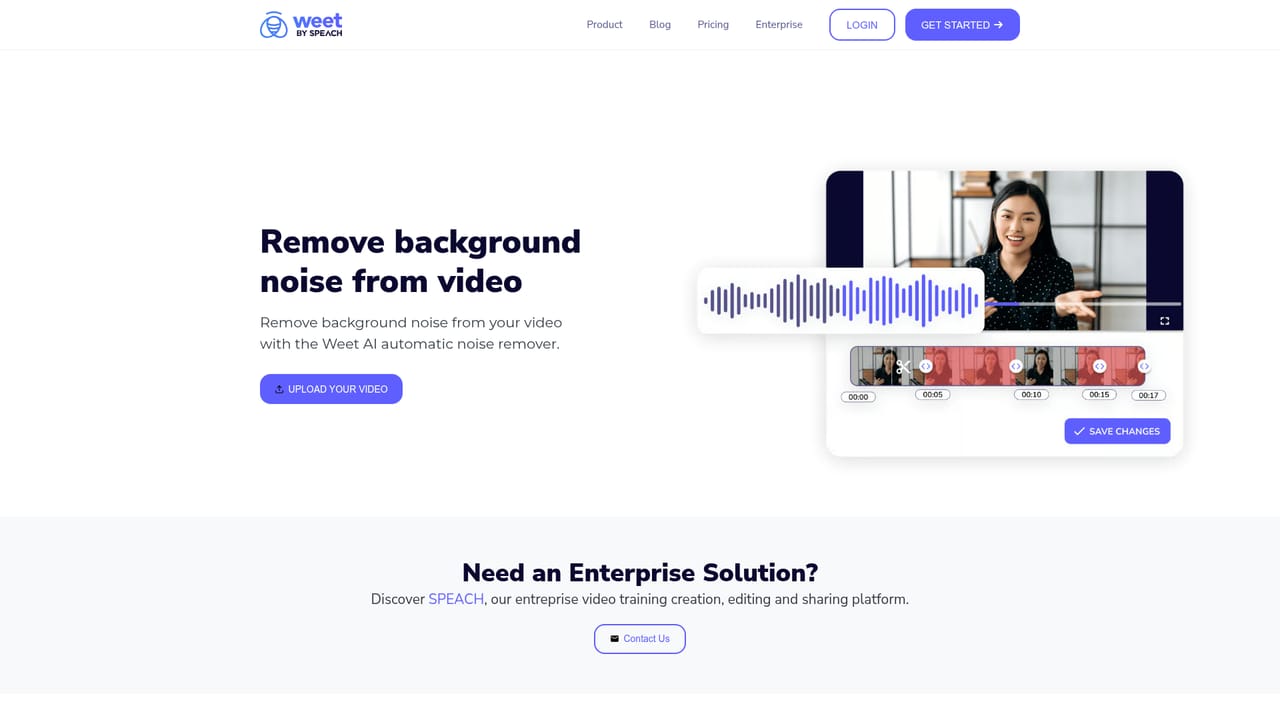
The homepage invites users to start for free with no card required, and labels the entry offer as free. Duration limits and feature caps for the free tier are not stated.
Learn moreAI avatars (realistic and cartoon) with generated narration from text or documents, AI voiceover in more than 100 languages, automatic subtitle generation with manual timing edits, subtitle and audio translation into 100+ languages, screen and webcam recording, one-click background noise removal, trimming and editing, interactive elements such as links, buttons, chapters, spotlights and text, viewer engagement analytics, plus workspaces, channels and in-video comments for team collaboration.
Learn more AI Angels400+ customizable AI girlfriends for NSFW chat, voice calls, and roleplay
 Candy AIExperience the future of companionship with AI friends who chat, role-play, and connect with you on a human level.
 ourdream.aiA vast AI roleplay platform with millions of characters for chat, images, video and voiceAI Angels400+ customizable AI girlfriends for NSFW chat, voice calls, and roleplayCandy AIExperience the future of companionship with AI friends who chat, role-play, and connect with you on a human level.ourdream.aiA vast AI roleplay platform with millions of characters for chat, images, video and voice