Pricing
Free plan includes 5 occasions and 8 AI-generated greetings per month. WishDay Pro unlocks unlimited occasions and greetings and is bought as an in-app upgrade; the homepage does not state the Pro price.
Learn moreBirthday reminders that arrive on time and come with a wish already written

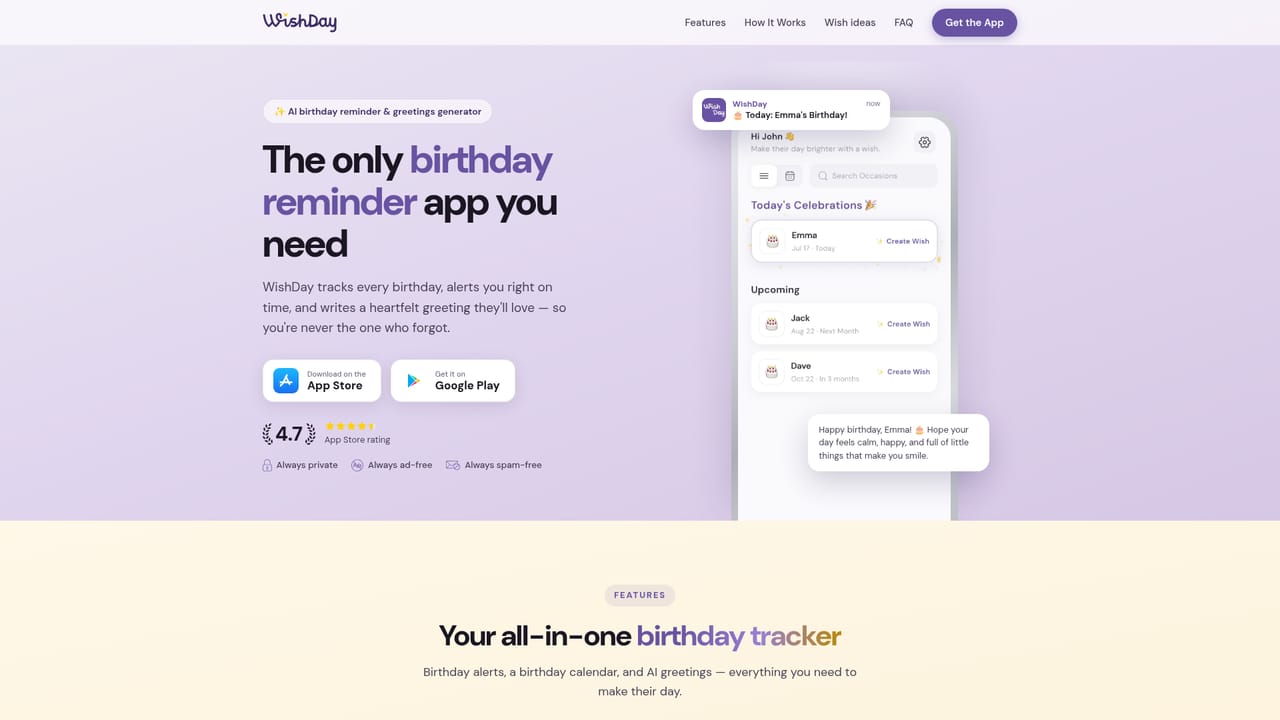
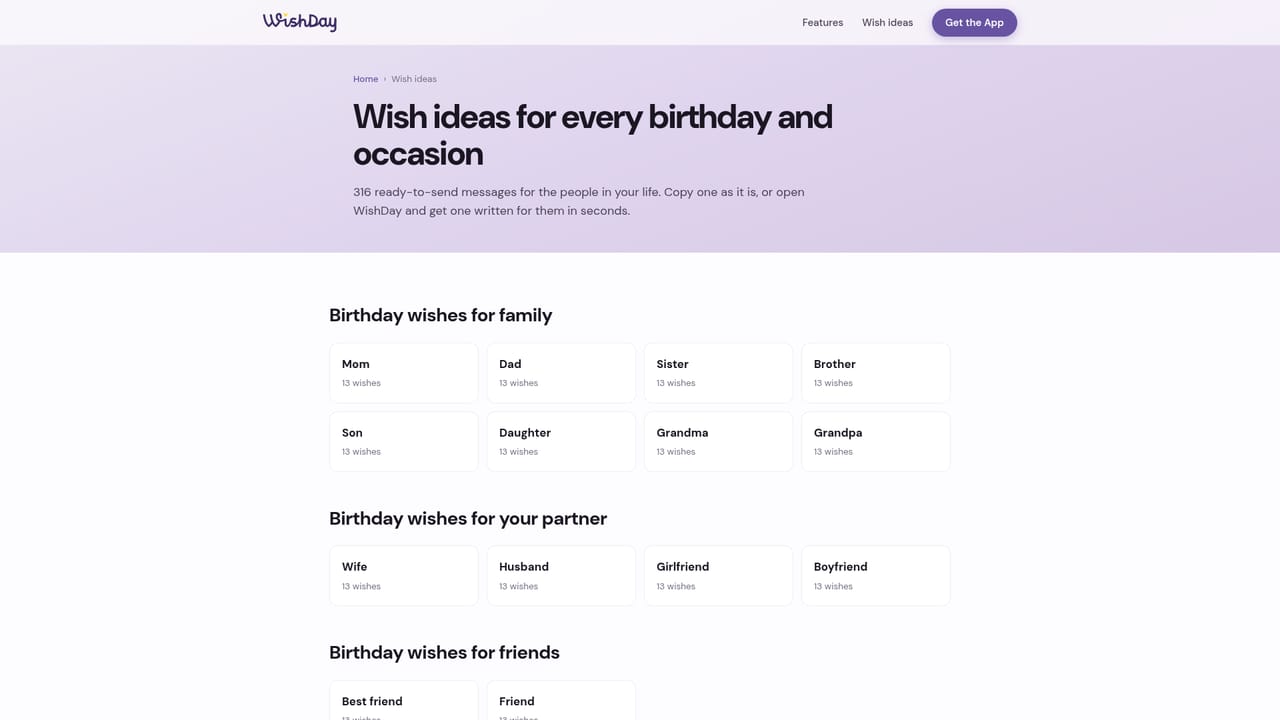
WishDay is a love message tool. A birthday reminder and greetings app for iOS and Android. WishDay sends alerts at a time you choose (same day, day before, or a week ahead) and drafts a personalized birthday message based on the person and the tone you pick, which you can edit, regenerate, and share to any messaging app.
WishDay is a mobile birthday tracker built around a simple observation: a calendar shows you the date, but it does not act on it. The app combines three things that usually live in separate places, a reminder system, an occasion calendar, and a greeting writer. You add the people you care about, choose when you want to be nudged, and when the day arrives you get both an alert and a draft message ready to review and send. The reminder side is unusually granular for a consumer app. For each person you can pick a same-day, day-before, or week-ahead alert, then set the delivery time down to 15-minute intervals. Alerts respect your timezone, which matters if you travel or keep family in another country. The calendar view flips between a list and a yearly grid so you can see who is today, who is next month, and which dates you have left blank. Anniversaries and other occasions sit alongside birthdays rather than in a second app. The greetings generator is where the AI sits. Each person carries a relationship and a preferred tone, and the generator produces a wish shaped by those settings plus a length and emoji level you control. Output can be regenerated, made warmer, made funnier, or shortened with taps, and nothing is sent automatically: you always read the draft first, then copy it or push it to WhatsApp, iMessage, SMS, or any other app through the share sheet. It is aimed at people with large families, wide friend groups, or client lists where a missed date is awkward. Contacts can be imported, and the app states that the address book stays on the device, with only confirmed name, birthday, and phone number saved. Everything is iOS and Android only, the app is ad-free, and free accounts are capped at 5 occasions and 8 greetings a month. Against a plain phone calendar or a contacts app with birthday fields, WishDay trades setup time for the writing and timing work you would otherwise do yourself.
Free plan includes 5 occasions and 8 AI-generated greetings per month. WishDay Pro unlocks unlimited occasions and greetings and is bought as an in-app upgrade; the homepage does not state the Pro price.
Learn moreHelp is limited to in-app settings, including a self-serve Delete Account option, and an account deletion information page on the website. No email or chat support channel is described on the homepage.
Learn moreSharing works through the system share sheet to WhatsApp, iMessage, SMS, and other apps. Contacts can be imported from the device address book, which the app says never leaves the phone.
Birthday alerts with same-day, day-before, or week-ahead timing set to 15-minute precision and matched to your timezone. AI greetings generator driven by relationship, tone, length, and emoji level, with one-tap rewrites and regeneration. List and calendar views for the full year, plus anniversaries and other occasions, search and filtering, contacts import, and one-tap sharing to any messaging app.
 AI Angels400+ customizable AI girlfriends for NSFW chat, voice calls, and roleplay
 Candy AIExperience the future of companionship with AI friends who chat, role-play, and connect with you on a human level.
 ourdream.aiA vast AI roleplay platform with millions of characters for chat, images, video and voiceAI Angels400+ customizable AI girlfriends for NSFW chat, voice calls, and roleplayCandy AIExperience the future of companionship with AI friends who chat, role-play, and connect with you on a human level.ourdream.aiA vast AI roleplay platform with millions of characters for chat, images, video and voice